
ZeldaCraft Paczka zasobów do Minecraft 1.11.2
Ten pack jest oparty na "The Legend of Zelda".
About
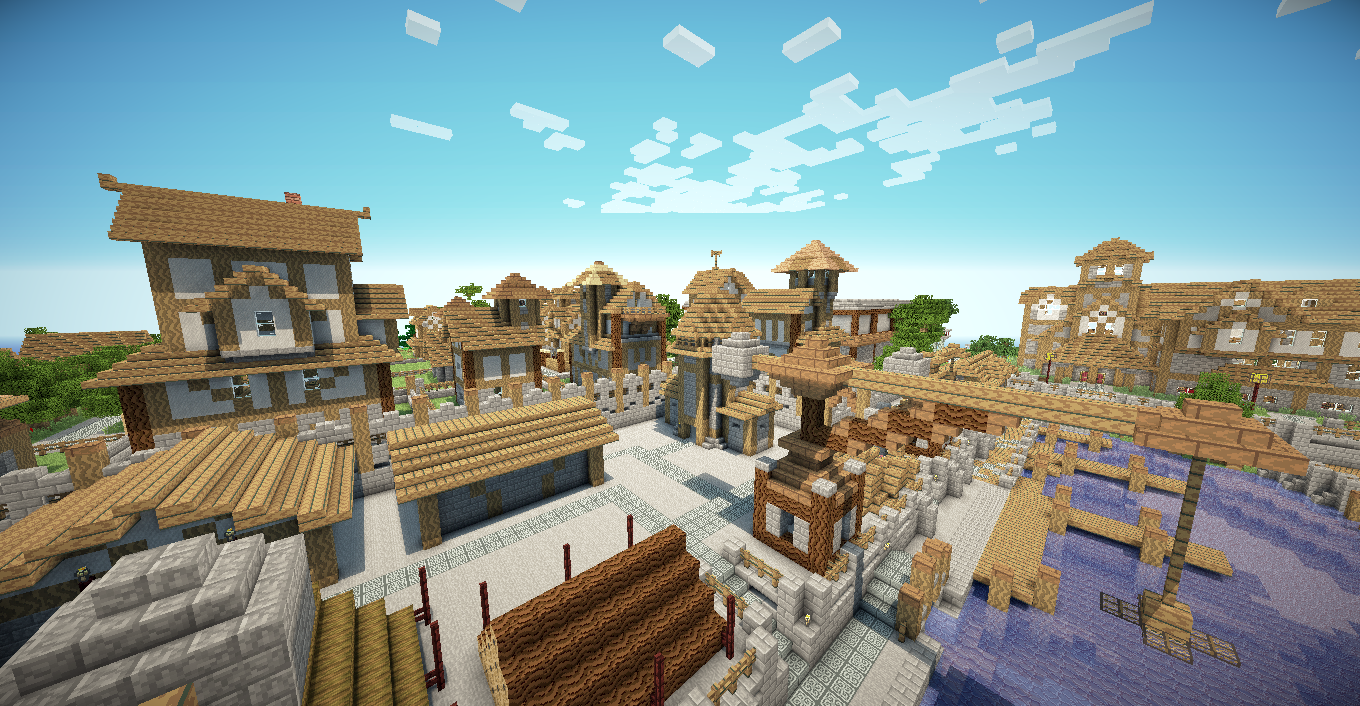
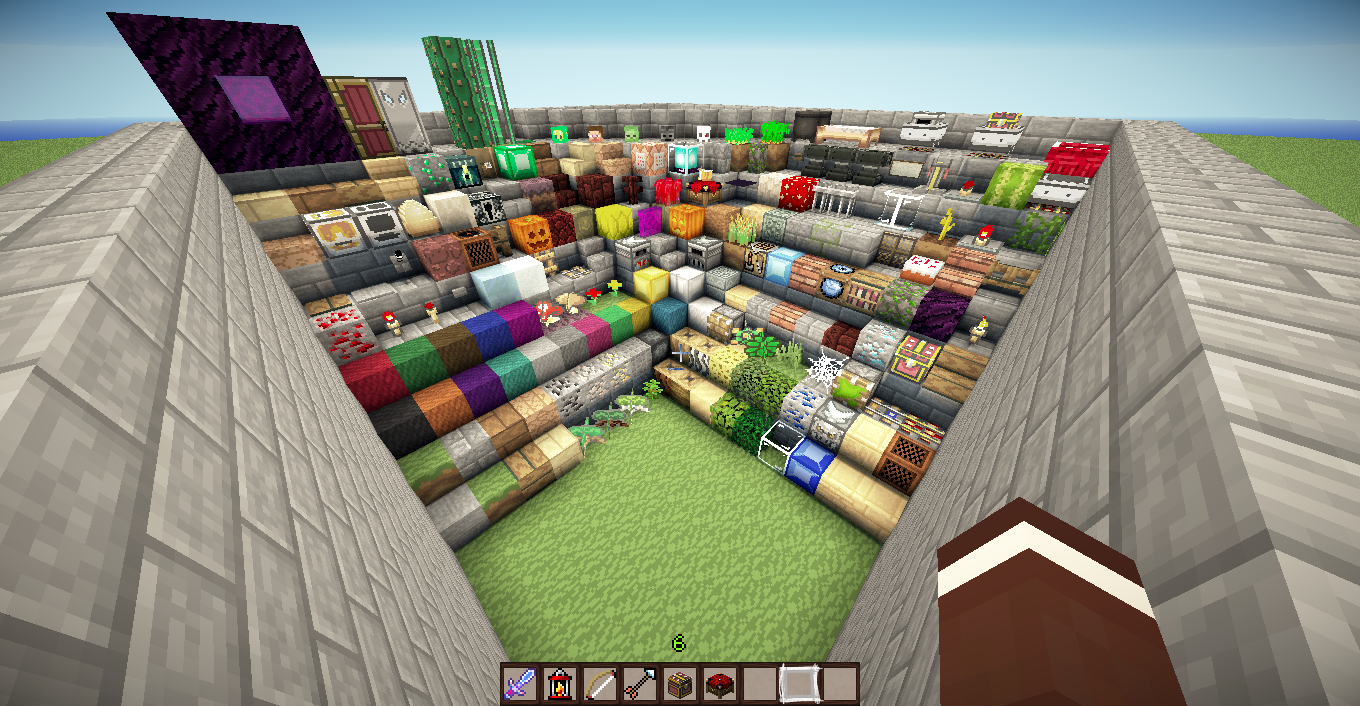
This pack is based on "The Legend of Zelda". It focuses on being usable on any server or single player. This texture pack is not modified to the extreme that you can not recognize any object of the game instead tries to maintain a balance between the two games in order to play Zelda-style adventure, or just play in minecraft survival.
Features
- Resource pack
- Reskined UI
- Many Reskined Mobs
- Sounds
- Music from Zelda.
- Animated textures
Video
Download & Installation
- Click the downloadbutton above to start your download.
- There is no difference compared to the installations of other texturepacks.
Jak zainstalować ZeldaCraft
With Millida Launcher
Install Millida Launcher
The launcher is free: download it at millida.net/launcher and sign in with any nickname.
Click “Install” on this page
The launcher opens and installs the resource pack for Minecraft 1.11.2 automatically.
Launch the game
A profile with it appears in the launcher: click “Play”.
Manually
Download the archive
Pick the file ZeldaCraft-v2.4.zip (20 MB) for your game version. No need to unpack it.
Put it in the resourcepacks folder
The easiest way: “Options”, then “Resource Packs”, then “Open Pack Folder”, and drag the archive there.
Enable the pack
In the same window, move the pack to the right-hand “Selected” column and click “Done”.
Wersje
Z zależnościami
| Minecraft | Loader | Plik | Data | Akcje |
|---|---|---|---|---|
| 1.11.2 | — | ZeldaCraft-v2.4.zip19.7 MB |
FAQ
Which Minecraft versions does ZeldaCraft work on?
Only Minecraft 1.11.2: there are no files for other versions.
Where can I download ZeldaCraft safely?
On this page: the file ZeldaCraft-v2.4.zip (20 MB) is stored on Millida’s server, with no link shorteners. SHA-1 checksum: ef6c695398fba29cc14338d9ab8ea8ce31940bbd.
Opinie
Oceń ZeldaCraft jako pierwszy


