
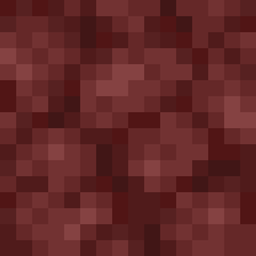
Vanilla Future Texture TXF do Minecraft 1.12.2
Tekstura vanilla future dla Minecraft 1.12.2
Vanilla Future Texture TXF
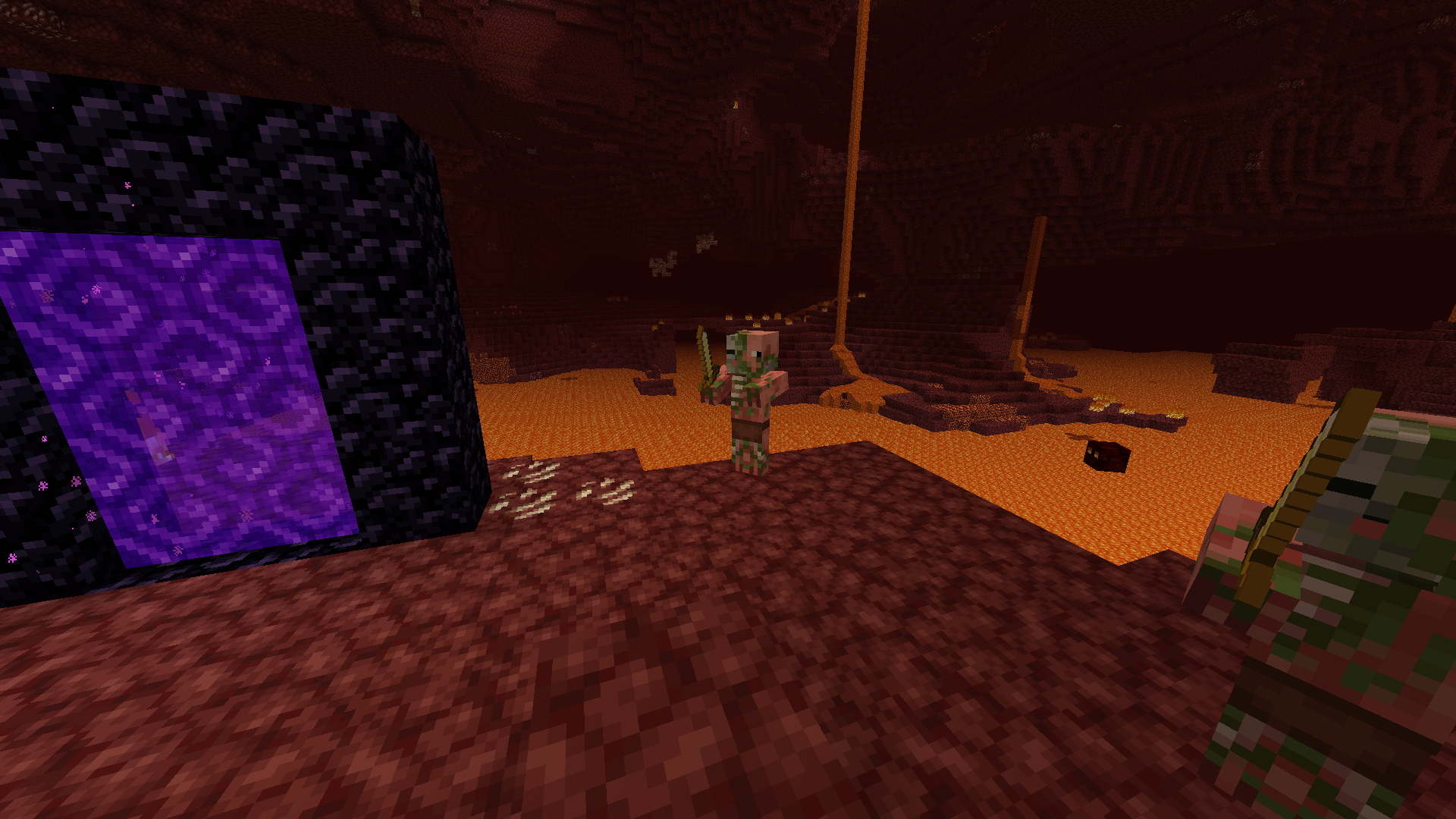
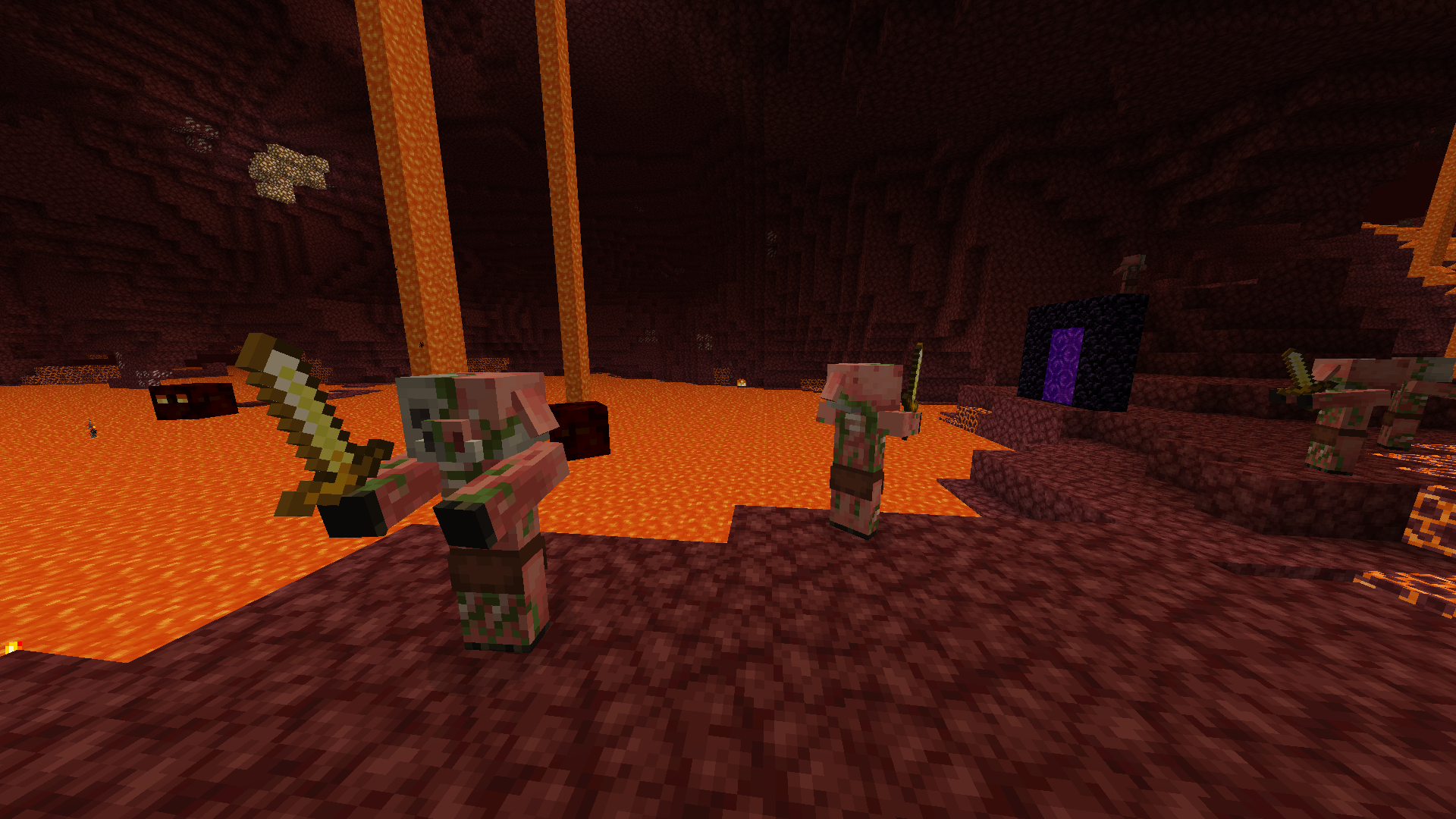
- Change Minecraft textures to new versions (mobs, blocks, items, armor...)
- OptiFine compatibility
Addons:
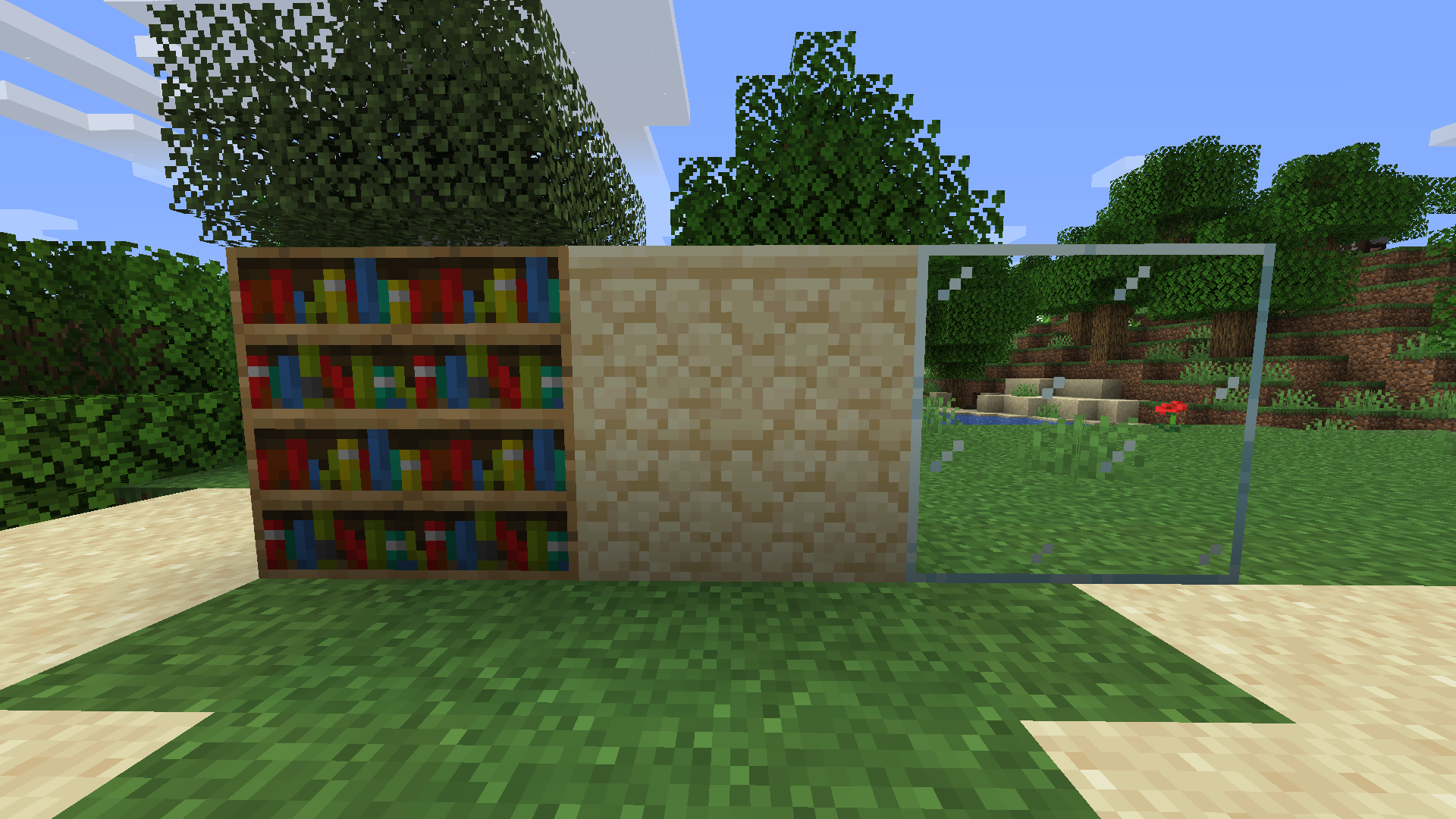
- All villager textures: All Villager Professions TXF
- Emissive textures: Emissive TXF
- Better grass: Better Grass (OptiFine)
- Better leaves: Better Leaves TXF
Compatible with:
- OptiFine mod
- Aether: Lost Content Addon mod
- Apple Trees Revived mod
- Aquaculture 2 mod
- Artifacts mod
- Astral Additions mod
- Astral Sorcery mod
- Backpacked mod
- BackStab mod
- Better Furnaces Reforged mod
- Better Shears 3 mod
- Better Storage Too mod
- BetterNether mod
- Bewitchment (Legacy) mod
- Biomes O' Plenty mod
- Blue Skies mod
- Bottled Milk mod
- Bundled Items mod
- Capsule mod
- Ceramics mod
- Charm mod
- Chisel & Bits - For Forge mod
- Chococraft 3 mod
- Clay Bucket mod
- CoFH Core mod
- Combustive Fishing mod
- Comforts (Forge) mod
- Construct's Armory mod
- Culinary Construct mod
- Disenchantment Edit Table mod
- Dynamic Trees mod
- Dynamic Trees - Quark mod
- Dynamic Trees - Traverse mod
- Enchanting Plus mod
- End: Reborn mod
- Ender Storage 1.8.+ mod
- Essentials mod
- Extra Anvils mod
- Extra Golems mod
- Extra Utilities mod
- Farming for Blockheads mod
- Food Expansion: Reimagined mod
- Forbidden and Arcanus mod
- Furnus mod
- Future MC mod
- Glassential mod
- Gobber [FORGE] mod
- Grim Pack mod
- Hunter illager mod
- Ice and Fire: Dragons mod
- Useless Sword mod
- Wolf Armor and Storage Legacy mod
- XercaMod
- Zoo & Wild Animals Rebuilt: ZAWA mod
Jak zainstalować Vanilla Future Texture TXF
With Millida Launcher
Install Millida Launcher
The launcher is free: download it at millida.net/launcher and sign in with any nickname.
Click “Install” on this page
The launcher opens and installs the resource pack for Minecraft 1.12.2 automatically.
Launch the game
A profile with it appears in the launcher: click “Play”.
Manually
Download the archive
Pick the file Vanilla_Future_Texture_optifine.zip (6.6 MB) for your game version. No need to unpack it.
Put it in the resourcepacks folder
The easiest way: “Options”, then “Resource Packs”, then “Open Pack Folder”, and drag the archive there.
Enable the pack
In the same window, move the pack to the right-hand “Selected” column and click “Done”.
Wersje
Z zależnościami
| Minecraft | Loader | Plik | Data | Akcje |
|---|---|---|---|---|
| 1.12.2 | — | Vanilla_Future_Texture_optifine_11.36.6 MB 1 |
Opinie
Oceń Vanilla Future Texture TXF jako pierwszy


