

Transparency Fix Paczka zasobów do Minecraft 1.21.1, 1.21
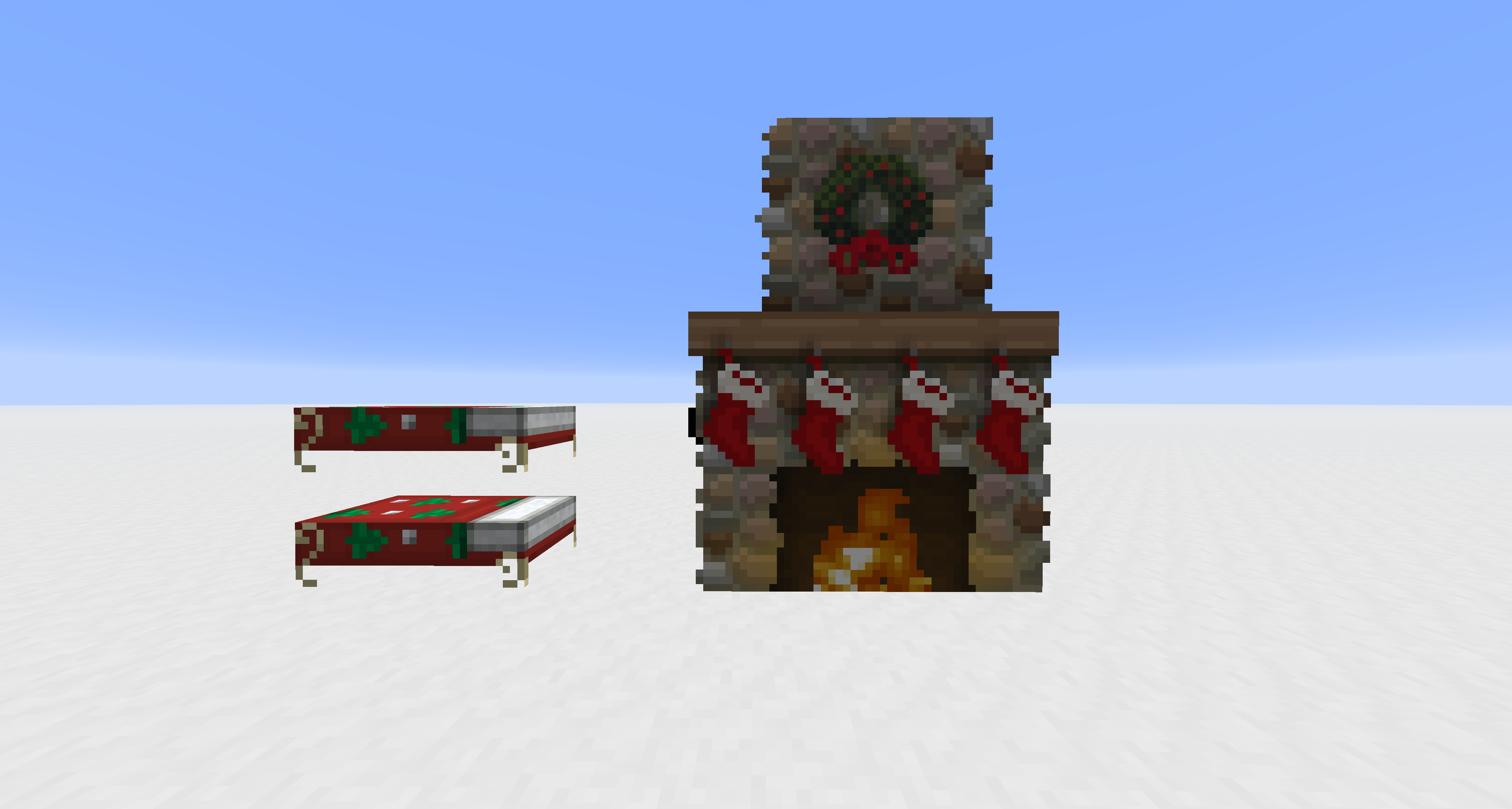
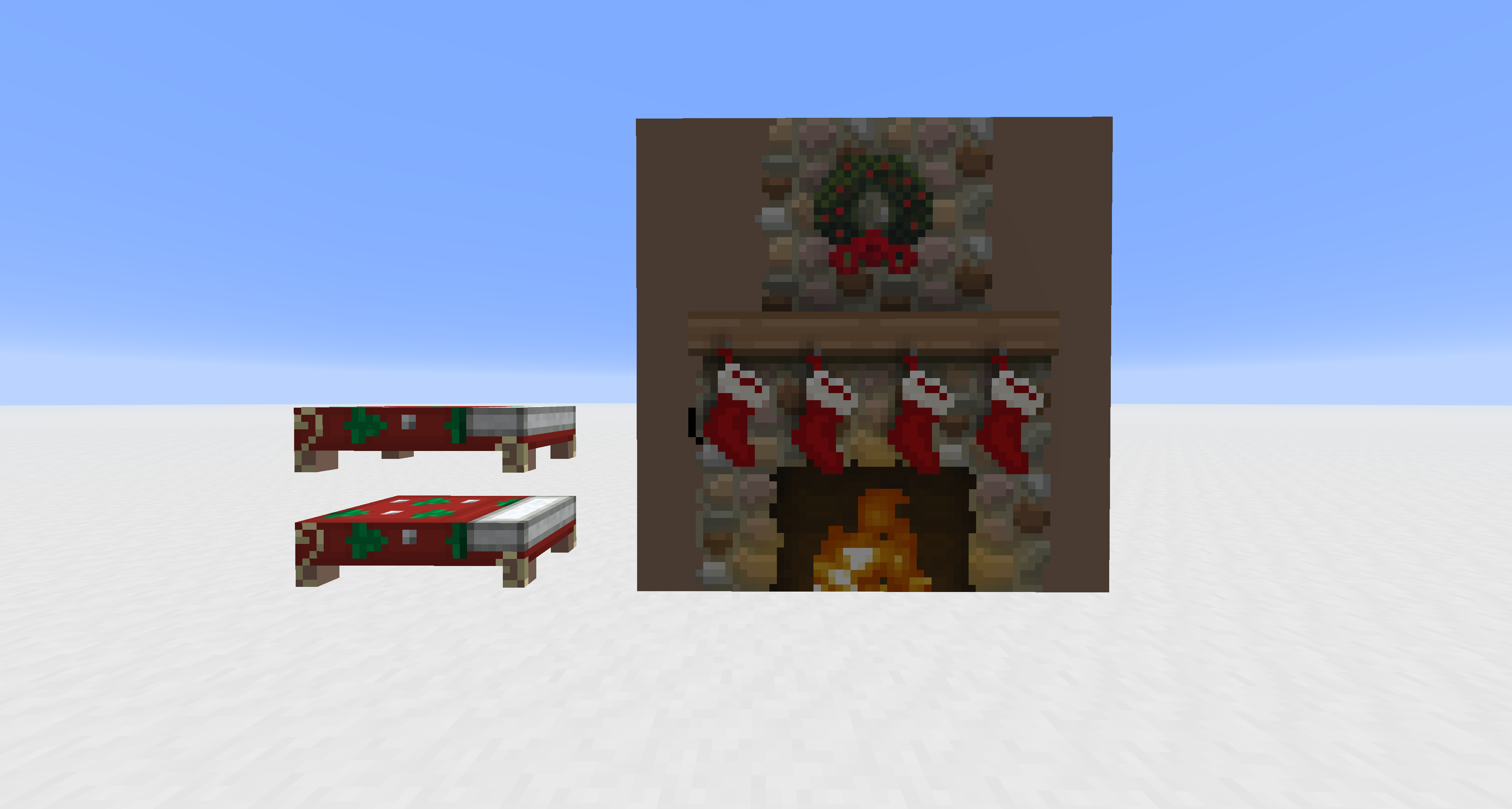
Pozwala na użycie przezroczystości w teksturach bytów, które normalnie są nieprzezroczyste.
- pobrań
- 27 pobrań
- wyświetleń
- 114 wyświetleń
- Zaktualizowano
- Zaktualizowano 04.05.2026
- 1.20.2 — 26.1.2
 Gra vanilla
- Klient
Transparency Fix
This pack modifies vanilla core shaders to unlock alpha channel rendering for entities that are normally hard-coded to be opaque. It is designed to work alongside other resource packs; you must apply textures with transparency to see the effect.
Supported Entities: Beds, Paintings, Shields, Tridents, Books (Lectern/Enchanting), and Banners.
Jak zainstalować Transparency Fix
With Millida Launcher
Install Millida Launcher
The launcher is free: download it at millida.net/launcher and sign in with any nickname.
Click “Install” on this page
The launcher opens and installs the resource pack for Minecraft 1.20.2–26.1.2 automatically.
Launch the game
A profile with it appears in the launcher: click “Play”.
Manually
Download the archive
Pick the file Transparency Fix.zip (7 KB) for your game version. No need to unpack it.
Put it in the resourcepacks folder
The easiest way: “Options”, then “Resource Packs”, then “Open Pack Folder”, and drag the archive there.
Enable the pack
In the same window, move the pack to the right-hand “Selected” column and click “Done”.
Wersje
Z zależnościami
| Minecraft | Loader | Plik | Data | Akcje |
|---|---|---|---|---|
| 26.1 | — | 26.17.4 KB 26 | ||
| 1.21.11 | — | 1.21.117.4 KB |
Materiały, które tego wymagają
Opinie
Oceń Transparency Fix jako pierwszy



