
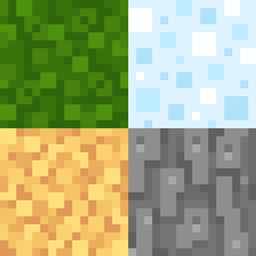
O pakiecie zasobów Radiant Pixels
★ Radiant Pixels ★

Graphical Tips
NOTE: If you don't want better leaves, download this module and place it above the main pack in the resource pack selection screen.
Recommended settings in Video Settings and Quality Settings for best visuals:
Graphics: Fancy
- Clear Water: ON
- Better Grass: Fancy
- Custom Fonts: ON
- Swamp Colors: ON
- Connected Textures: Fancy
- Custom Sky: ON
- Better Snow: ON
- Custom Colors: ON
- Smooth Biomes: ON
- Custom Items: ON
Features
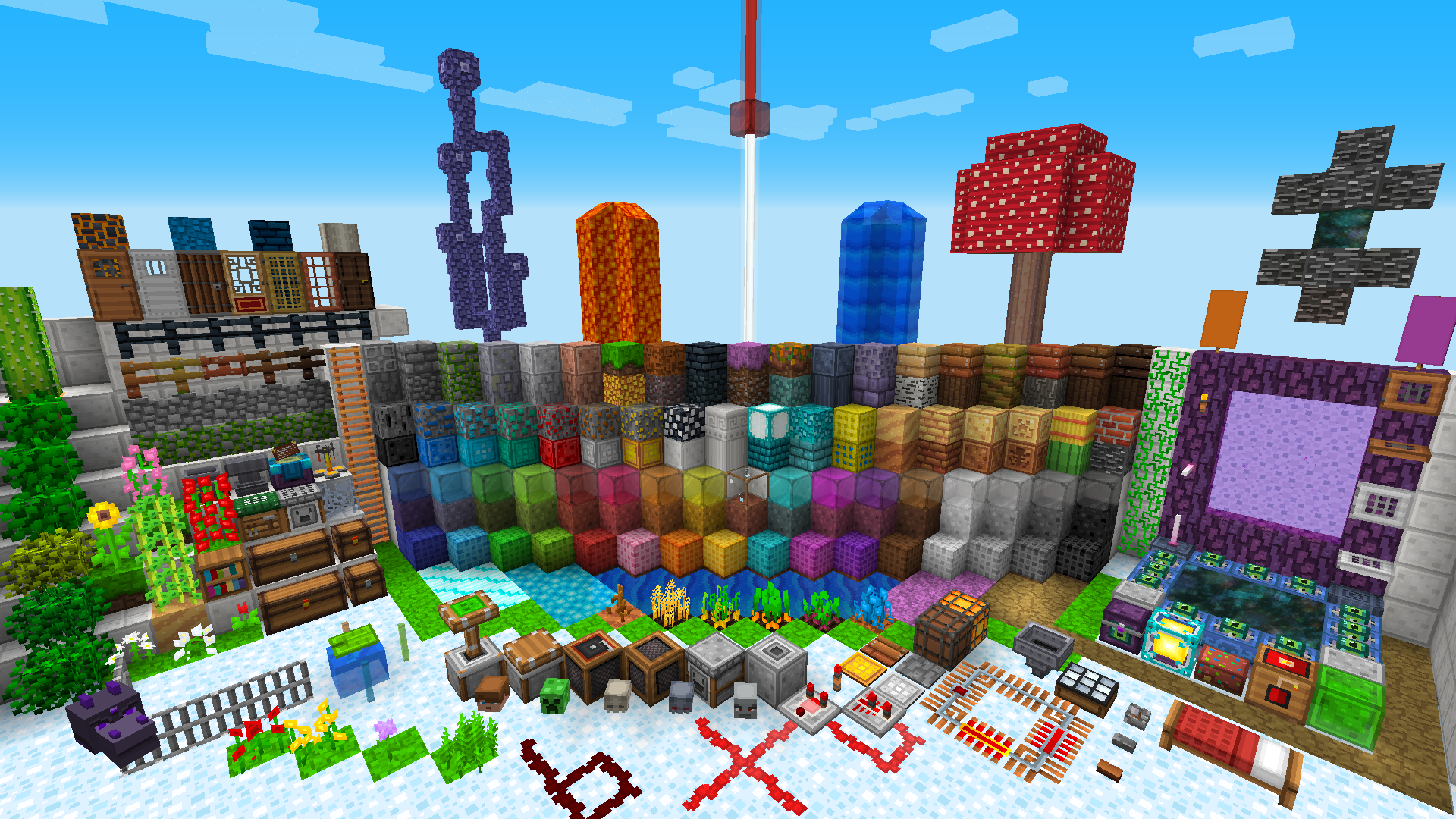
- All vanilla textures replaced (textures of new MC versions may take some time)
- Vibrant, simple and eye-pleasing designs
- Vanilla-like HD items (easily recognizable)
- Minimalist, easy to use and consistent GUI
- 3D models (featuring an awesome better leaves effect)
- CTM overlays (some blocks overlap other blocks so borders between them are not a straight line)
- Random textures
- HD Font (for readability)
- Tons of OptiFine features (custom colors, CIT, CTM, custom sky, etc.)
- Feel free to contact me with doubts, suggestions, tips, bugs or critics.
Terms of Use
You may:
- Make reviews/showcases of this pack, providing proper credit and a link to this thread.
- Use this pack in YouTube/Twitch videos (even monetized), providing proper credit and a link to this thread.
- Use my pack in your maps, providing proper credit and a link to this thread.
- Use some textures as placeholders, providing proper credit and a link to this thread.
- Edit any texture or make a new resource pack for your own private use.
You may NOT:
- Re-upload this pack anywhere and make it available to download.
- Use this pack for commercial purposes (no AdFly or similar ones).
- Use any edit of this pack for commercial purposes (no AdFly or similar ones).
- Use this pack for SPAM.
Credits
- Ventura, for inspiration and ideas for the new style.
- Quadral, for inspiration and basic ideas.
- Frenden's Meringued, another great pack and source of inspiration.
- Vattic's Faithful, for some items.
- Lots of people I don’t remember. If you feel you have been unfairly left out, please - let me know.
Jak zainstalować Radiant Pixels
With Millida Launcher
Install Millida Launcher
The launcher is free: download it at millida.net/launcher and sign in with any nickname.
Click “Install” on this page
The launcher opens and installs the resource pack for Minecraft 1.16–1.17.1 automatically.
Launch the game
A profile with it appears in the launcher: click “Play”.
Manually
Download the archive
Pick the file Radiant_Pixels_v3.0_Phase_1.2_[1.17.1].zip (4.6 MB) for your game version. No need to unpack it.
Put it in the resourcepacks folder
The easiest way: “Options”, then “Resource Packs”, then “Open Pack Folder”, and drag the archive there.
Enable the pack
In the same window, move the pack to the right-hand “Selected” column and click “Done”.
Wersje
Z zależnościami
| Minecraft | Loader | Plik | Data | Akcje |
|---|---|---|---|---|
| 1.17.1 | — | Radiant Pixels v3.0 Phase 1.24.6 MB |
FAQ
Which Minecraft versions does Radiant Pixels work on?
There are files for 1.16–1.17.1, 8 versions in total. The newest is 1.17.1.
Where can I download Radiant Pixels safely?
On this page: the file Radiant_Pixels_v3.0_Phase_1.2_[1.17.1].zip (4.6 MB) is stored on Millida’s server, with no link shorteners. SHA-1 checksum: ec0967cba6c93f4c92989170a63088341c6bd6be.
Opinie
Oceń Radiant Pixels jako pierwszy


