

Quick move : loot & drop Paczka zasobów do Minecraft 1.20.1, 1.21
Ten texture pack pomaga ci lootować skrzynie i wypadające przedmioty oraz zarządzać ekwipunkiem
🚀 Quick Move & Loot Utility [1.21+]
Created by Arrow Studios Official
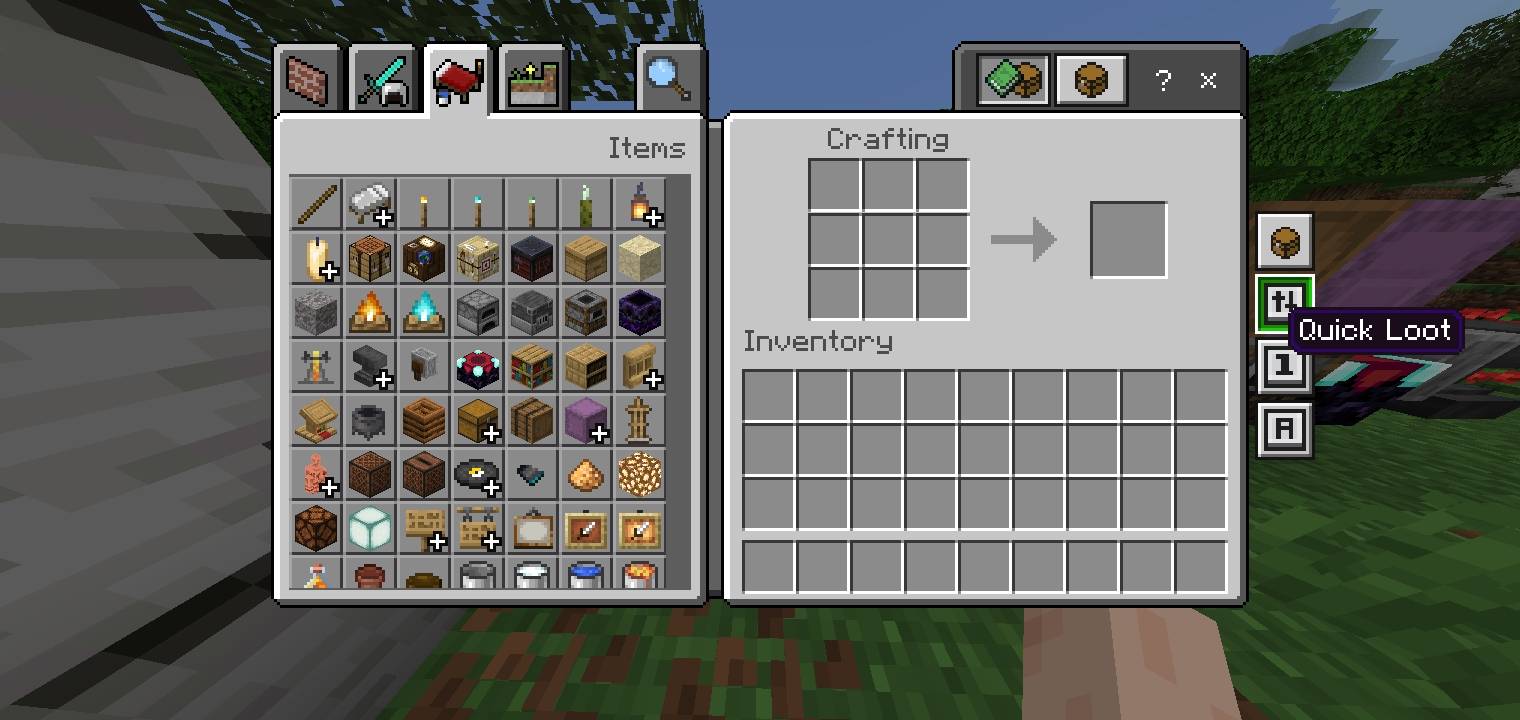
Tired of slow inventory management in Minecraft Bedrock? Quick Move & Loot is a lightweight utility designed to make looting, moving, and dropping items instantaneous. Perfect for PVP, Skywars, and Survival players who need speed!
🔥 Key Features:
• One-Tap Looting: Move items from chests to your inventory in a flash.
• Instant Drop: Clear your inventory or drop items to teammates without the lag.
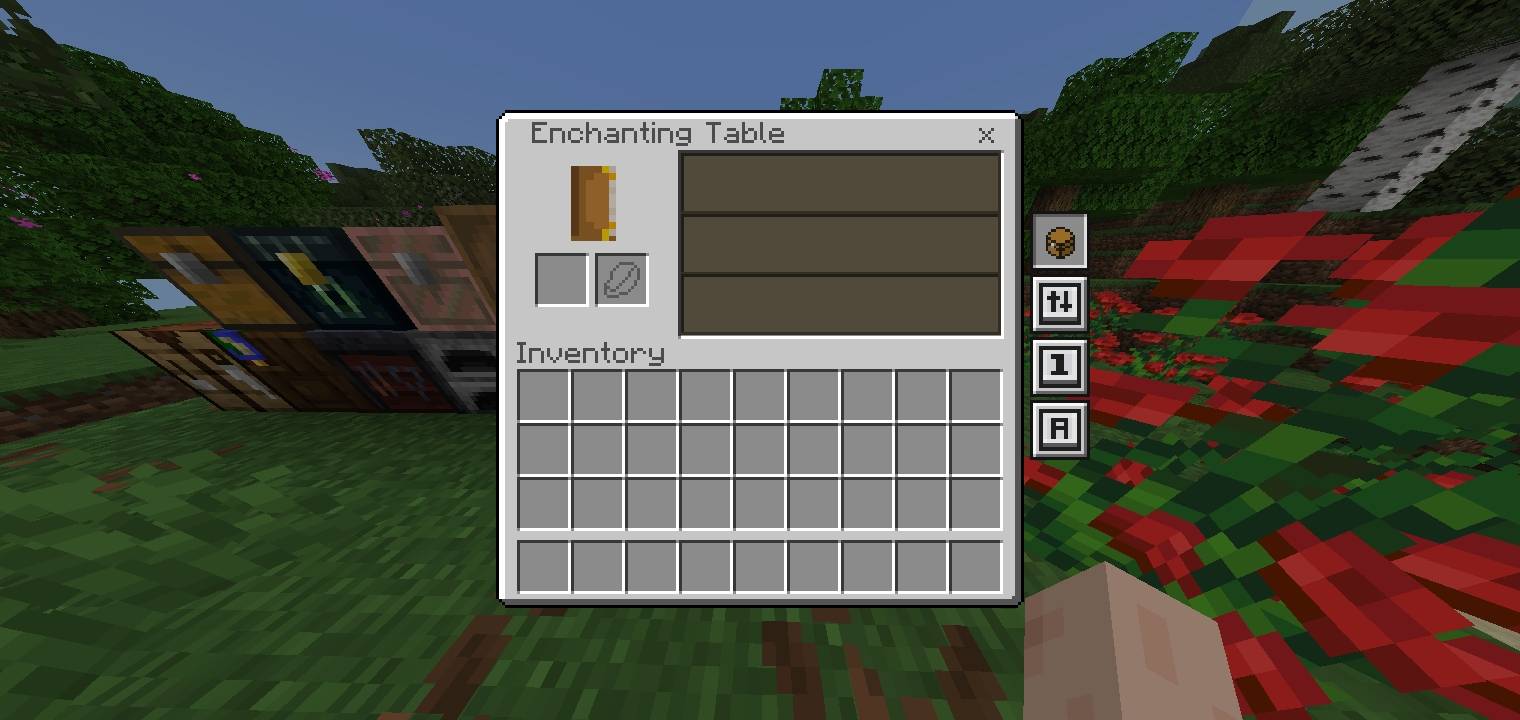
• Better Inventory Layout: Enjoy a cleaner, more organized grid for faster navigation and better visibility.
• Zero Particles: Optimized code to ensure your FPS stays at the maximum.
• Clean UI: Simple, intuitive buttons that don't clutter your screen.
• 1.21+ Ready: Fully compatible with the latest Minecraft Bedrock/Pocket Edition versions.
Follow me for More new update!
Jak zainstalować Quick move : loot & drop
With Millida Launcher
Install Millida Launcher
The launcher is free: download it at millida.net/launcher and sign in with any nickname.
Click “Install” on this page
The launcher opens and installs the resource pack for Minecraft 1.20–26.30 automatically.
Launch the game
A profile with it appears in the launcher: click “Play”.
Manually
Download the archive
Pick the file Quick Move v1.1.mcpack (185 KB) for your game version. No need to unpack it.
Put it in the resourcepacks folder
The easiest way: “Options”, then “Resource Packs”, then “Open Pack Folder”, and drag the archive there.
Enable the pack
In the same window, move the pack to the right-hand “Selected” column and click “Done”.
Wersje
Z zależnościami
| Minecraft | Loader | Plik | Data | Akcje |
|---|---|---|---|---|
| 1.21.30 | — | Quick Move v1.1.mcpack185 KB |
Opinie
Oceń Quick move : loot & drop jako pierwszy



