
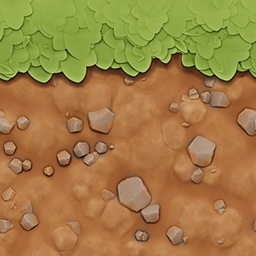
Pastello Paczka zasobów do Minecraft 1.19
Najsłodszy stylizowany texture pack z pełnym wsparciem shaderów!
O pakiecie zasobów Pastello
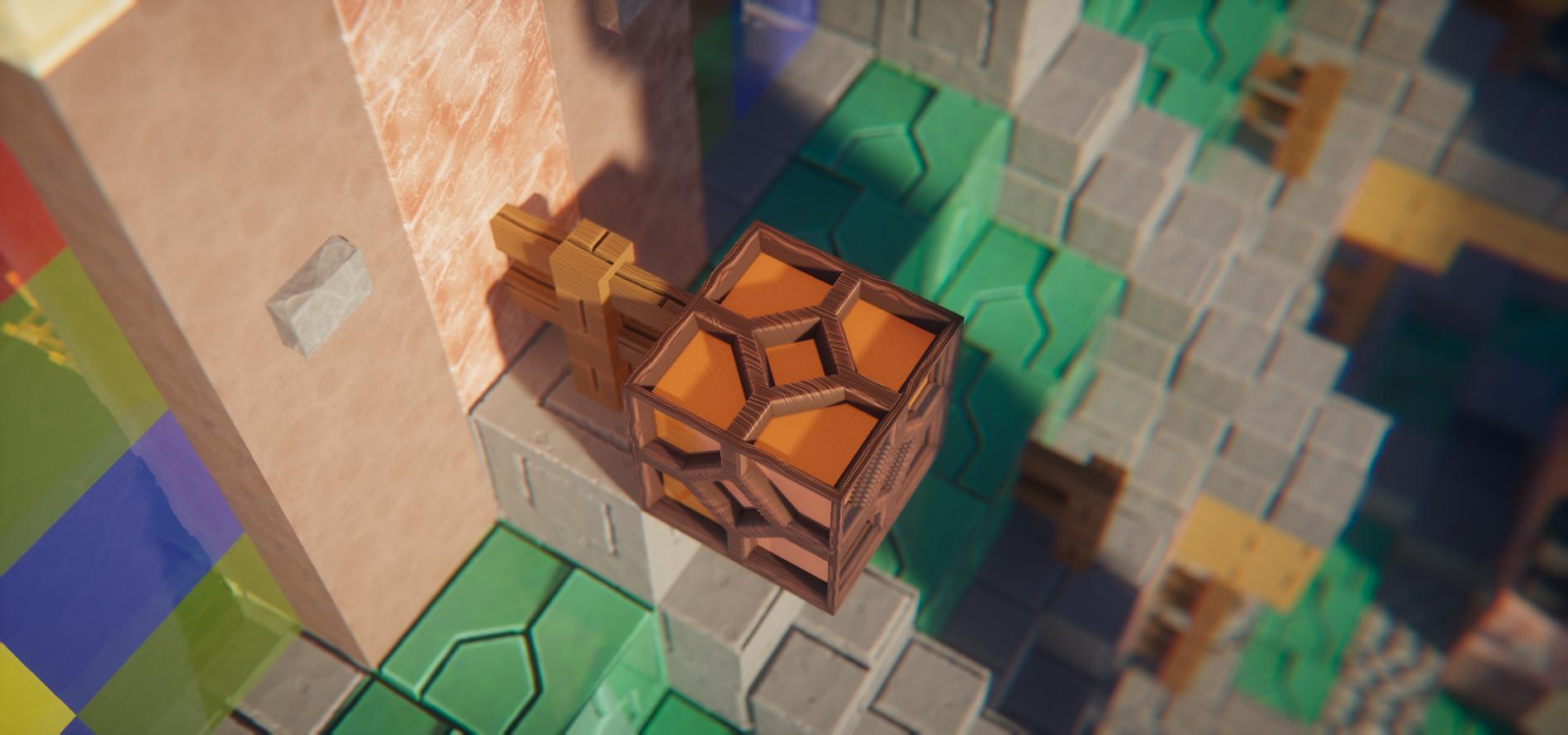
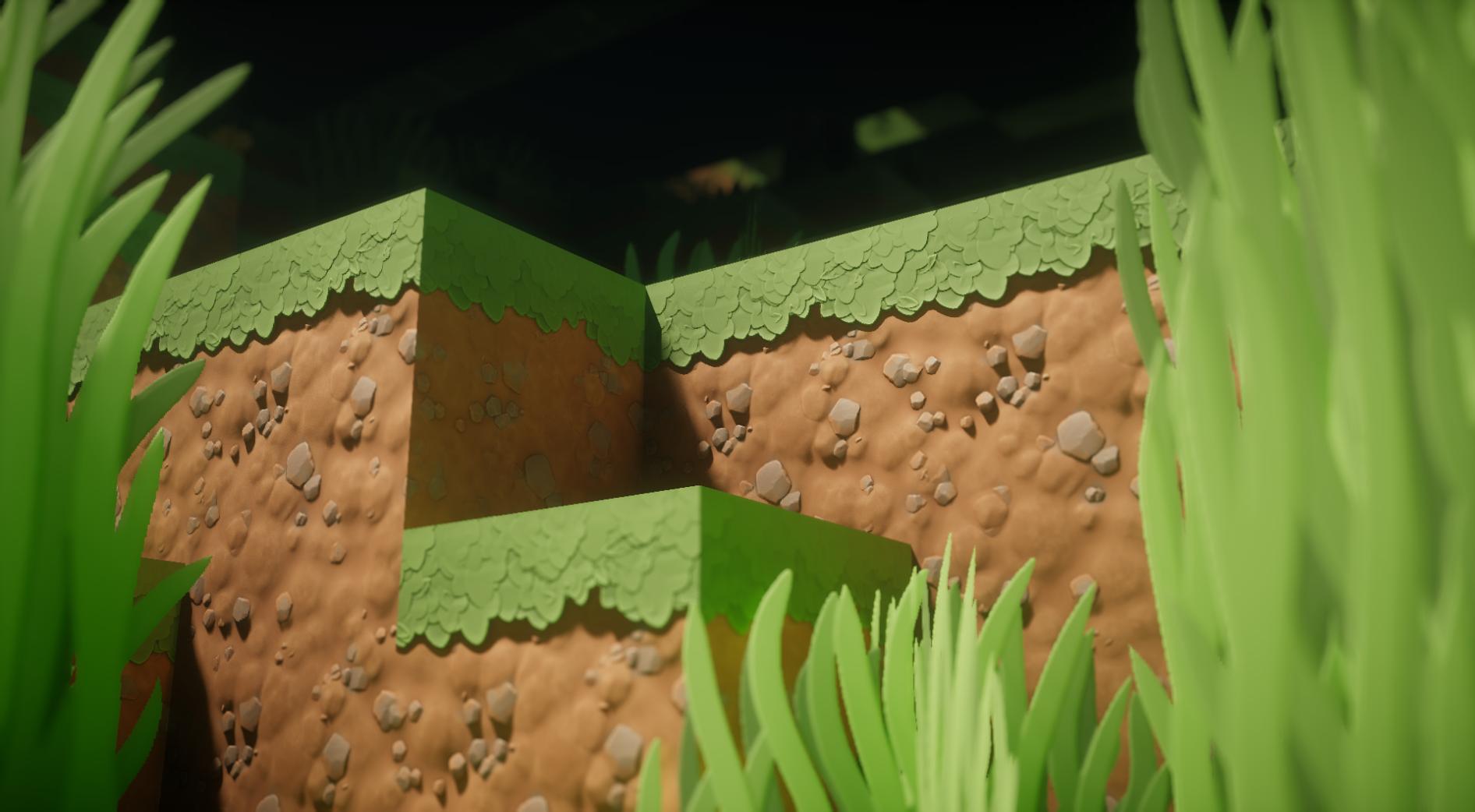
The Pastello resource pack transforms the look of Minecraft into a style that combines soft, stylized textures with elements of photographic realism. All blocks, items, and mobs have been reworked with an emphasis on smooth colors, soft detailing, and natural shades, creating a cozy atmosphere without overly aggressive visual information. Special attention is paid to the textures of grass, stone, wood, and soil — they have become more expressive but remain recognizable. The pack is fully compatible with shaders, allowing you to use deep lighting, shadow, and transparency effects without conflicts. Installation works in the standard resourcepacks folder, after which the pack is activated in the game settings.
Suitable for those who want to go beyond a purely vanilla look but are not ready for a sharp transition to full photorealism. It will suit players who value a warm, slightly "cartoonish" perception of the world while preserving familiar shapes and structure. It does not require additional mods and works on version 1.19. The pack comes in 128x format, which provides a balance between quality and performance, especially on mid-range hardware. It works well alongside shaders such as SEUS Renewed, Continuum, or BSL, enhancing their effects without overloading the graphics.
Frequently asked questions
How do I install Pastello?
The archive is placed in the resourcepacks folder, after which it is selected in the game settings.
Is the pack compatible with shaders?
Yes, the pack is designed with full shader support and works with any compatible shaders.
Which Minecraft versions does it work on?
It works only on version 1.19, as the pack is built for this resource format.
Jak zainstalować Pastello
Install Millida Launcher
The launcher is free: download it at millida.net/launcher and sign in with any nickname.
Click “Install” on this page
The launcher opens and installs the resource pack for Minecraft 1.19 automatically.
Launch the game
A profile with it appears in the launcher: click “Play”.
Wersje
Z zależnościami
| Minecraft | Loader | Plik | Data | Akcje |
|---|---|---|---|---|
| 1.19 | — | Pastello Lite, release 04 128x22.8 MB |
FAQ
How do I download Pastello?
With Millida Launcher: it installs Pastello into a modpack by itself, for the right game version and loader. The launcher is free.
Opinie
Oceń Pastello jako pierwszy



