
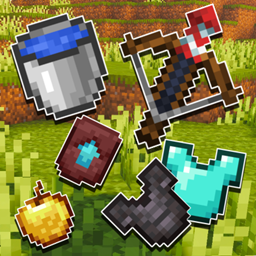
Outlined Items Paczka zasobów do Minecraft 26.40
Ten pack dodaje czyste białe obrysy do wszystkich przedmiotów w Minecraft, nadając narzędziom i obiektom ostrzejszy i bardziej wyraźny wygląd. Subtelne obrysowanie sprawia, że przedmioty wyróżniają się wizualnie i dodaje czystszy, bardziej dopracowany wygląd całej rozgrywce.
Outlined Items
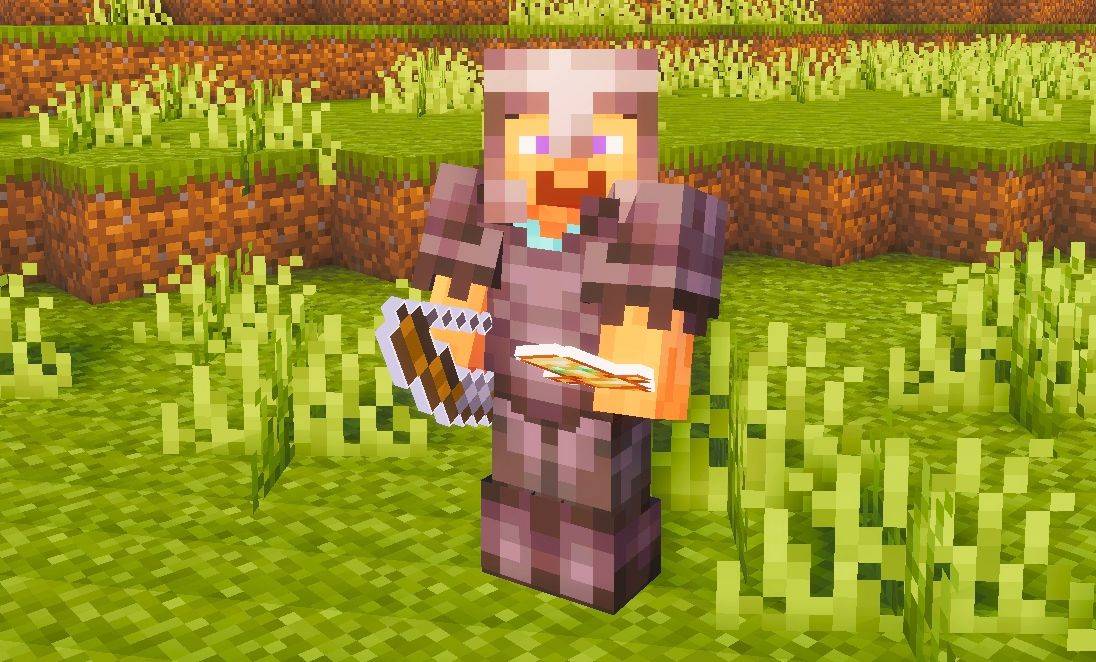
This pack adds clean white outlines to all items, giving tools and objects a sharper and more defined look. The outlining makes items stand out on-screen and gives them a cleaner, more polished appearance overall.
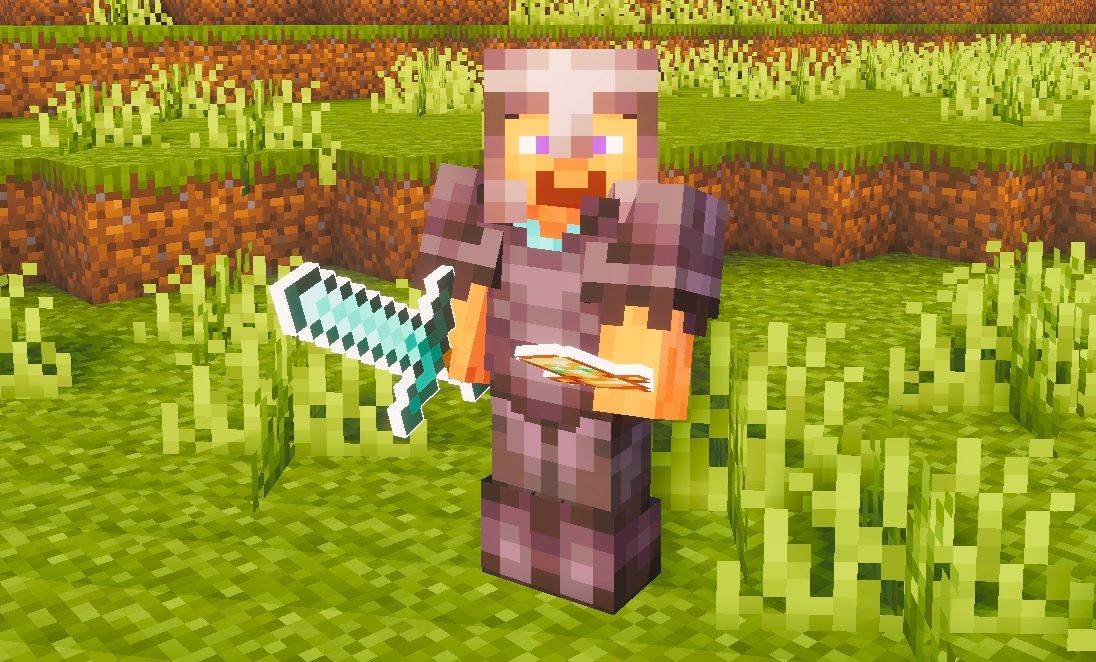
Suggestion:
Use this pack with a shader to make the outline effect look even better - shaders enhance the overall appearance and make the outlined items look more appealing in-game.
Jak zainstalować Outlined Items
With Millida Launcher
Install Millida Launcher
The launcher is free: download it at millida.net/launcher and sign in with any nickname.
Click “Install” on this page
The launcher opens and installs the resource pack for Minecraft 26.40 automatically.
Launch the game
A profile with it appears in the launcher: click “Play”.
Manually
Download the archive
Pick the file Outlined-Items.mcpack (2.1 MB) for your game version. No need to unpack it.
Put it in the resourcepacks folder
The easiest way: “Options”, then “Resource Packs”, then “Open Pack Folder”, and drag the archive there.
Enable the pack
In the same window, move the pack to the right-hand “Selected” column and click “Done”.
Wersje
Z zależnościami
| Minecraft | Loader | Plik | Data | Akcje |
|---|---|---|---|---|
| 26.40 | — | Outlined-Items.mcpack2.1 MB |
Opinie
Oceń Outlined Items jako pierwszy



