
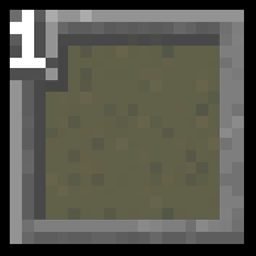
Numbered Hotbar Paczka zasobów do Minecraft 1.17.1
Dodaje cyfry do paska szybkiego dostępu dla wygody.
O pakiecie zasobów Numbered Hotbar
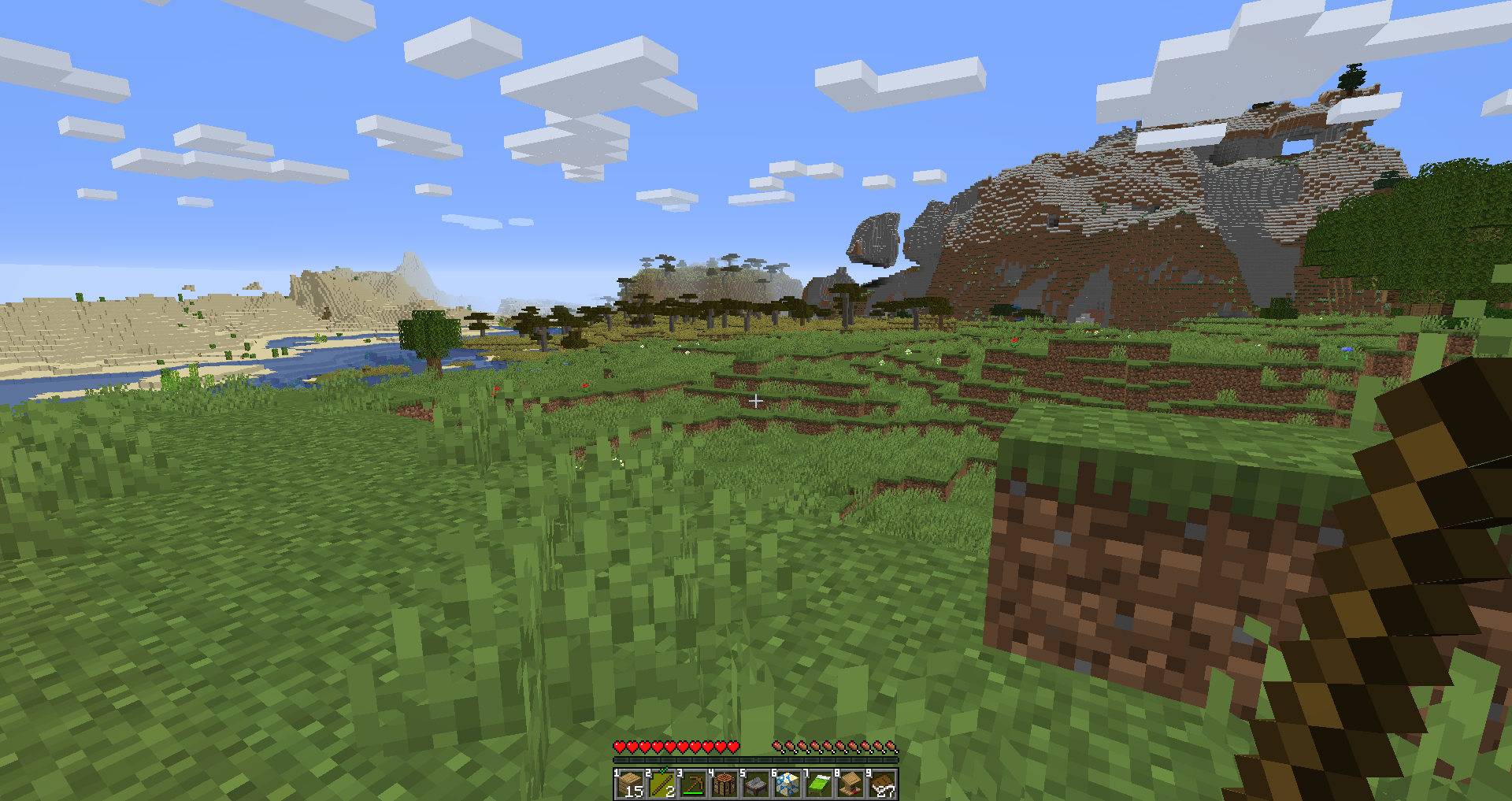
Literally just adds numbers to your hotbar. That's it. That's all it does.
Helps if you use the number keys to swap between hotbar slots but can't count good.
(It also slightly modifies how the currently selected hotbar slot is displayed, but that was really just a consequence of the previous change :V)
Jak zainstalować Numbered Hotbar
With Millida Launcher
Install Millida Launcher
The launcher is free: download it at millida.net/launcher and sign in with any nickname.
Click “Install” on this page
The launcher opens and installs the resource pack for Minecraft 1.17–1.17.1 automatically.
Launch the game
A profile with it appears in the launcher: click “Play”.
Manually
Download the archive
Pick the file NumberedHotbar.zip (20 KB) for your game version. No need to unpack it.
Put it in the resourcepacks folder
The easiest way: “Options”, then “Resource Packs”, then “Open Pack Folder”, and drag the archive there.
Enable the pack
In the same window, move the pack to the right-hand “Selected” column and click “Done”.
Wersje
Z zależnościami
| Minecraft | Loader | Plik | Data | Akcje |
|---|---|---|---|---|
| 1.17.1 | — | Numbered Hotbar for 1.1720 KB |
FAQ
Which Minecraft versions does Numbered Hotbar work on?
There are files for 1.17.1, 1.17. The newest is 1.17.1.
Where can I download Numbered Hotbar safely?
On this page: the file NumberedHotbar.zip (20 KB) is stored on Millida’s server, with no link shorteners. SHA-1 checksum: 2c4787abc1a589e280dd13ac3e25f2ffa9de5968.
Opinie
Oceń Numbered Hotbar jako pierwszy



