
NeBux GUI Paczka zasobów do Minecraft 1.21.130
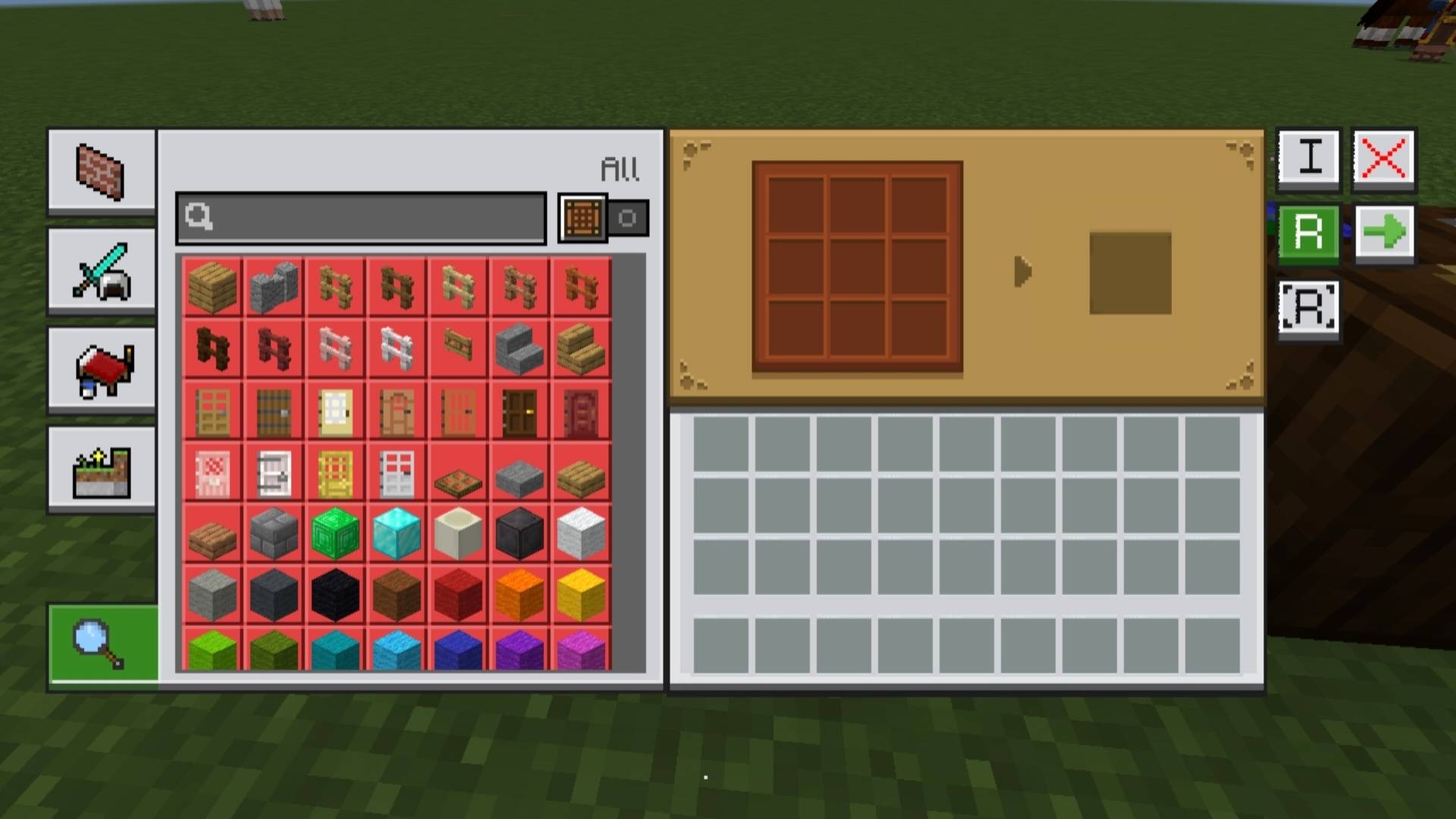
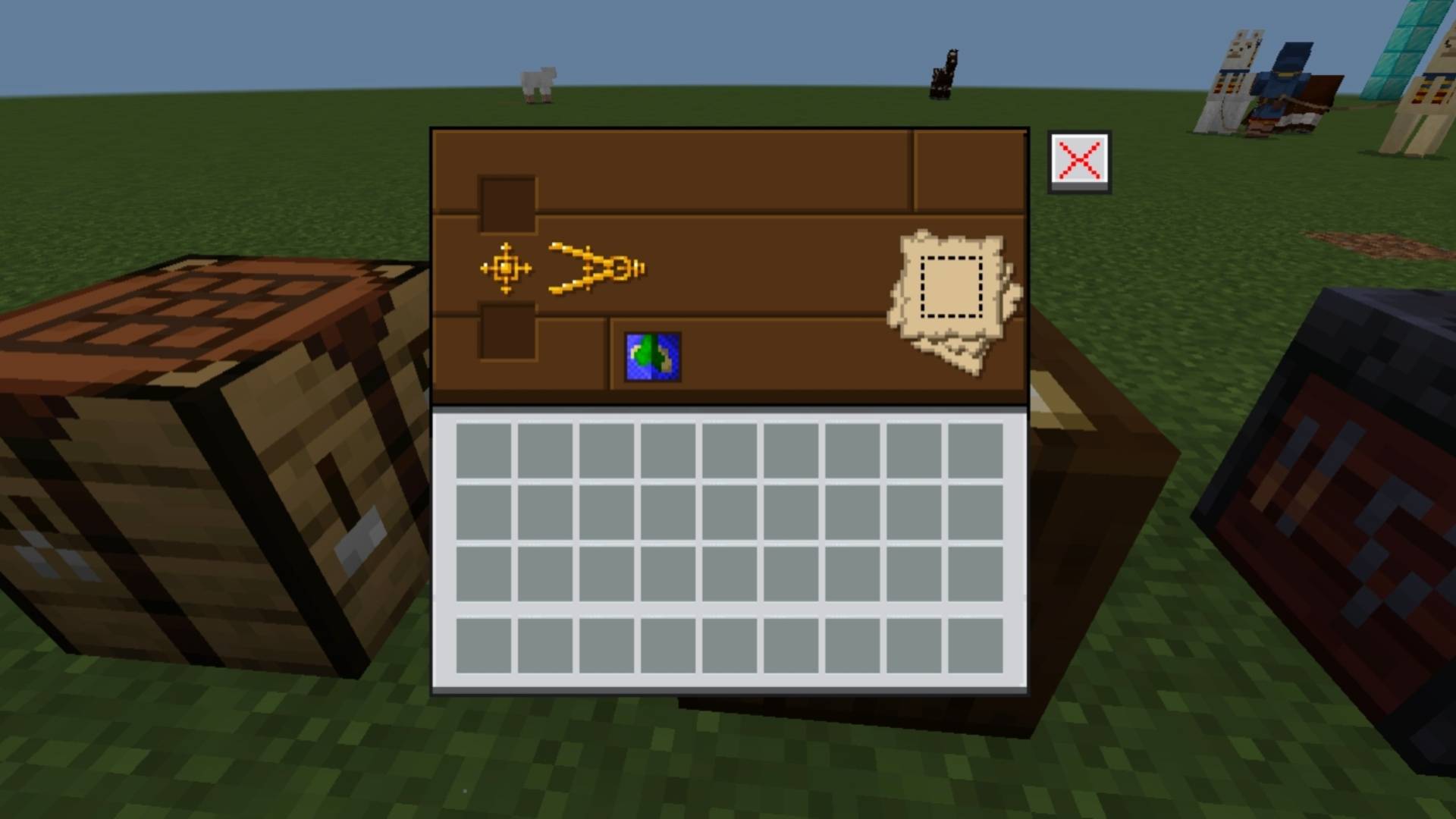
NeBux GUI dodaje czysty, tematyczny interfejs do każdego użytecznego bloku w Minecraft Bedrock, nadając każdemu blokowi własne pasujące GUI dla spójnego i immersyjnego wyglądu.
NeBux GUI
NeBux GUI is a Minecraft Bedrock resource pack that gives every usable block its own themed interface. Each block has a matching GUI for a clean and consistent look, enhancing the visual experience.
This pack is a standalone version of my NeBux UI.
If you want this GUI along with additional features like Guides, Quick Loot, Drop One Item, Drop All Items, and Quick Move, check:
- Pocket GUI pack on CurseForge
- Pocket GUI on MCPEDL
NeBux GUI Dark Mode
Features
- Themed GUIs for all usable blocks (crafting table, furnace, anvil, etc.)
- Clean and consistent design for immersive gameplay
Support My Work
If you find my packs helpful and would like to support my work, you can do so here:
Support me on Ko-fi
Jak zainstalować NeBux GUI
With Millida Launcher
Install Millida Launcher
The launcher is free: download it at millida.net/launcher and sign in with any nickname.
Click “Install” on this page
The launcher opens and installs the resource pack for Minecraft 1.21.130 automatically.
Launch the game
A profile with it appears in the launcher: click “Play”.
Manually
Download the archive
Pick the file NeBuxGUI_v1.1.2.mcpack (3.2 MB) for your game version. No need to unpack it.
Put it in the resourcepacks folder
The easiest way: “Options”, then “Resource Packs”, then “Open Pack Folder”, and drag the archive there.
Enable the pack
In the same window, move the pack to the right-hand “Selected” column and click “Done”.
Wersje
Z zależnościami
| Minecraft | Loader | Plik | Data | Akcje |
|---|---|---|---|---|
| 1.21.130 | — | NeBuxGUI_v1.1.2.mcpack3.2 MB |
Opinie
Oceń NeBux GUI jako pierwszy



