
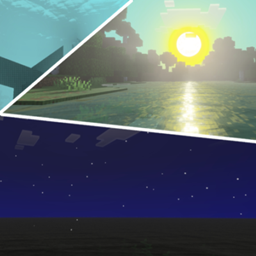
O pakiecie zasobów Luminara Visual
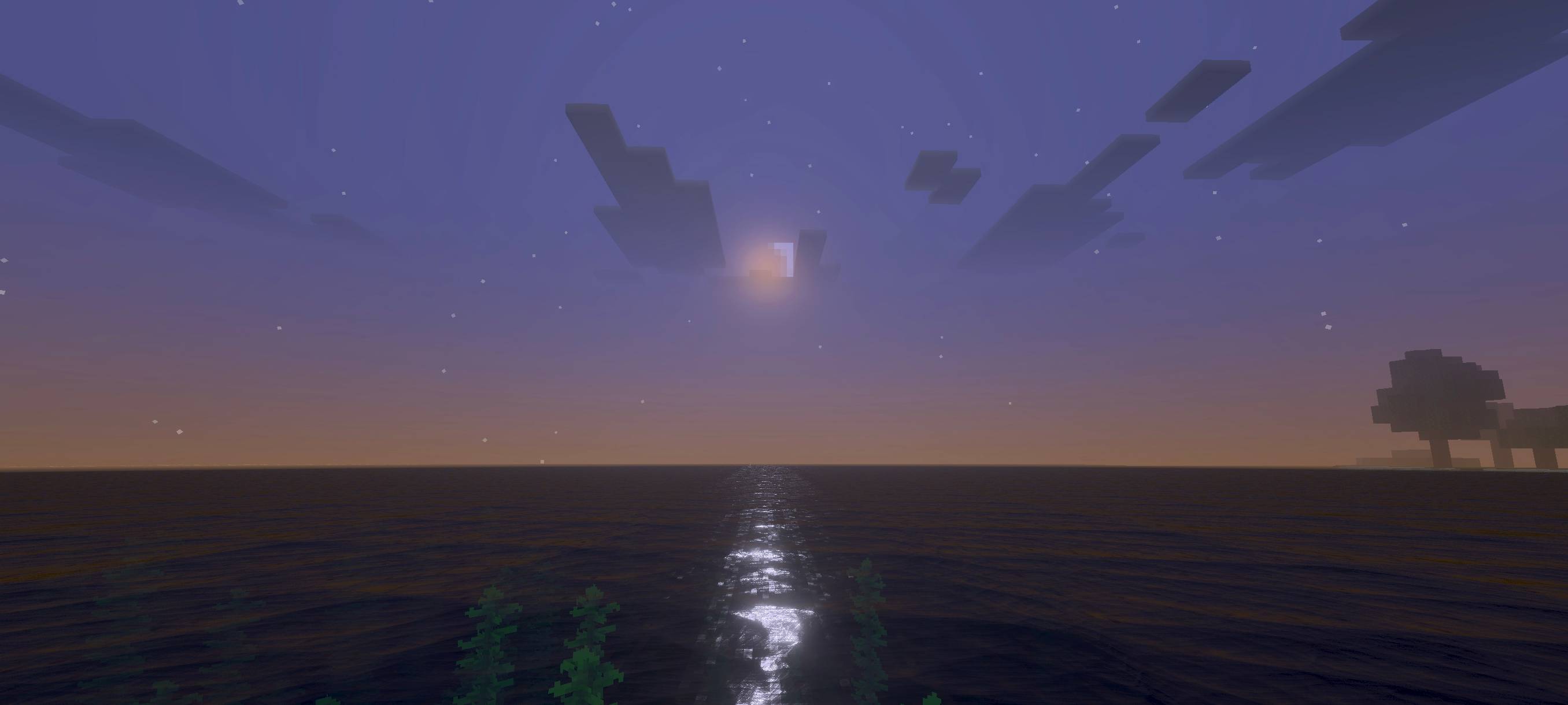
✨ Luminara Visual (Zephyr) delivers a classic combination of vibrant blue skies and warm, natural sunlight, creating a balanced and visually pleasing atmosphere. It also features a more realistic sun with enhanced lighting effects, making your world feel more immersive, lively, and realistic than ever before. Perfect for players who enjoy a natural visual experience with a touch of realism.
(turn on vibrant visual to activate this shader)
REQUEST ADDON ON DISCORD (See the in-game screenshots below)
Jak zainstalować Luminara Visual
With Millida Launcher
Install Millida Launcher
The launcher is free: download it at millida.net/launcher and sign in with any nickname.
Click “Install” on this page
The launcher opens and installs the resource pack for Minecraft 26.40 automatically.
Launch the game
A profile with it appears in the launcher: click “Play”.
Manually
Download the archive
Pick the file Luminara Visual 1.3.mcpack (713 KB) for your game version. No need to unpack it.
Put it in the resourcepacks folder
The easiest way: “Options”, then “Resource Packs”, then “Open Pack Folder”, and drag the archive there.
Enable the pack
In the same window, move the pack to the right-hand “Selected” column and click “Done”.
Wersje
Z zależnościami
| Minecraft | Loader | Plik | Data | Akcje |
|---|---|---|---|---|
| 26.40 | — | Luminara Visual 1.3713 KB |
FAQ
Which Minecraft versions does Luminara Visual work on?
Only Minecraft 26.40: there are no files for other versions.
Where can I download Luminara Visual safely?
On this page: the file Luminara Visual 1.3.mcpack (713 KB) is stored on Millida’s server, with no link shorteners. SHA-1 checksum: bf4fc167cd9e87fd261d663ae83cdee93b43b6e2.
Opinie
Oceń Luminara Visual jako pierwszy


