
Low fire Paczka zasobów do Minecraft 26.40
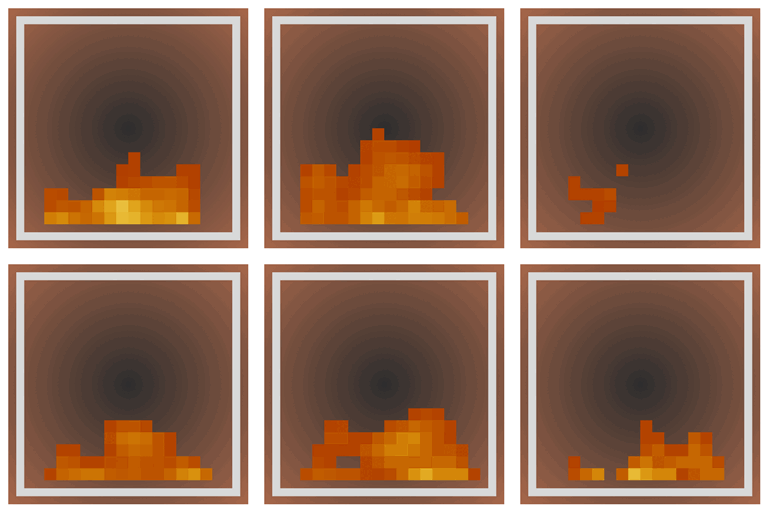
Obniża teksturę ognia dla pvp i survivalu.
Low Fire
Lowers the fire texture for better visibility. Compatible with vibrant visuals.
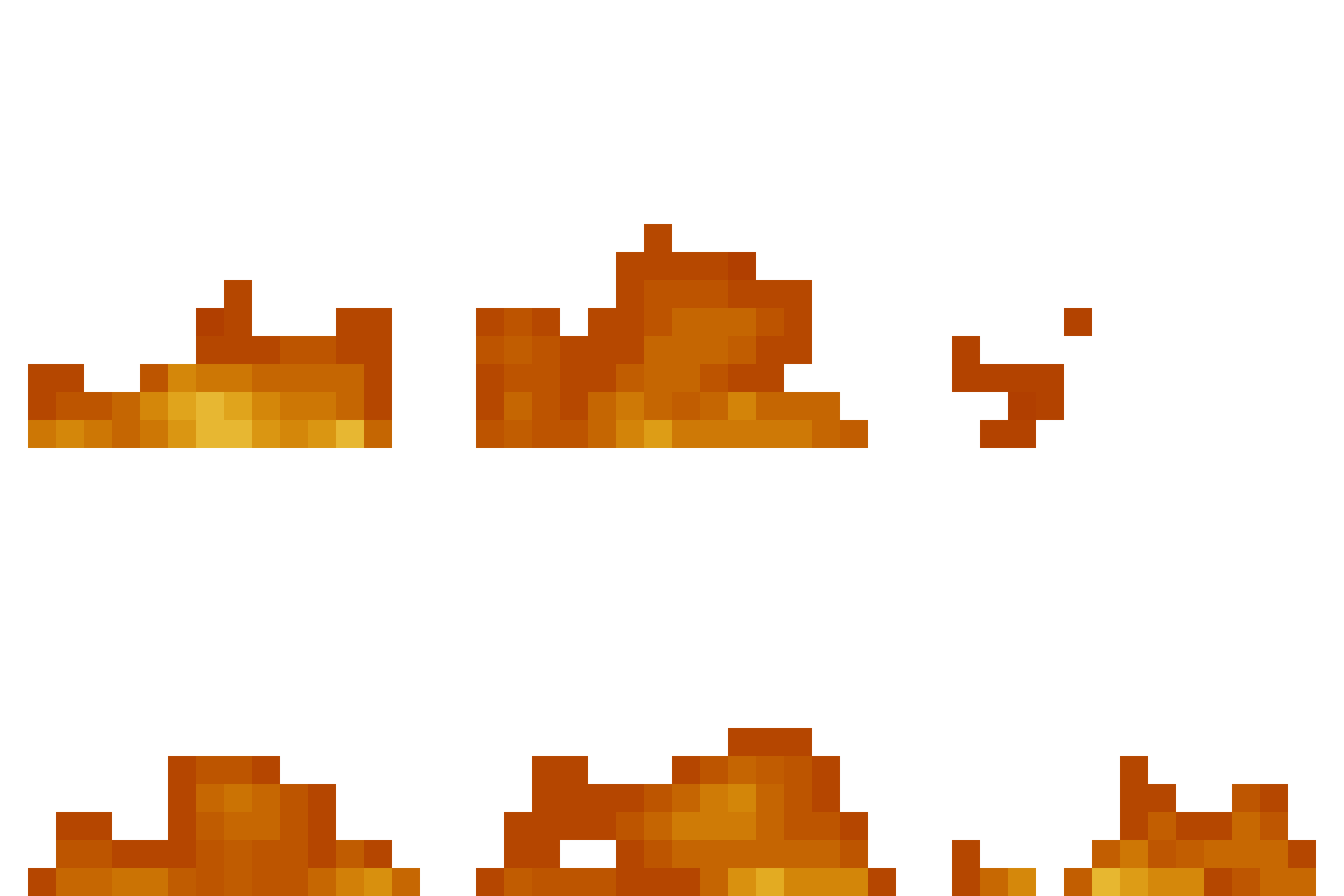
Customize the fire height
You can customize the fire height as you see fit by clicking the settings icon next to the resource pack.

Over here you can set the desired fire height using the slider.

Jak zainstalować Low fire
With Millida Launcher
Install Millida Launcher
The launcher is free: download it at millida.net/launcher and sign in with any nickname.
Click “Install” on this page
The launcher opens and installs the resource pack for Minecraft 26.40 automatically.
Launch the game
A profile with it appears in the launcher: click “Play”.
Manually
Download the archive
Pick the file Low Fire V1.0.9.mcaddon (543 KB) for your game version. No need to unpack it.
Put it in the resourcepacks folder
The easiest way: “Options”, then “Resource Packs”, then “Open Pack Folder”, and drag the archive there.
Enable the pack
In the same window, move the pack to the right-hand “Selected” column and click “Done”.
Wersje
Z zależnościami
| Minecraft | Loader | Plik | Data | Akcje |
|---|---|---|---|---|
| 26.40 | — | Low Fire V1.0.9.mcaddon543 KB 12 |
Opinie
Oceń Low fire jako pierwszy



