
FOXAY SHADER
Only works on Minecraft patch
Transform your MCPE world with Foxay Shader! Experience breathtaking aurora night skies, vibrant glowing ores, and stunning lighting effects. Download now to upgrade your Minecraft graphics and explore a truly immersive universe!
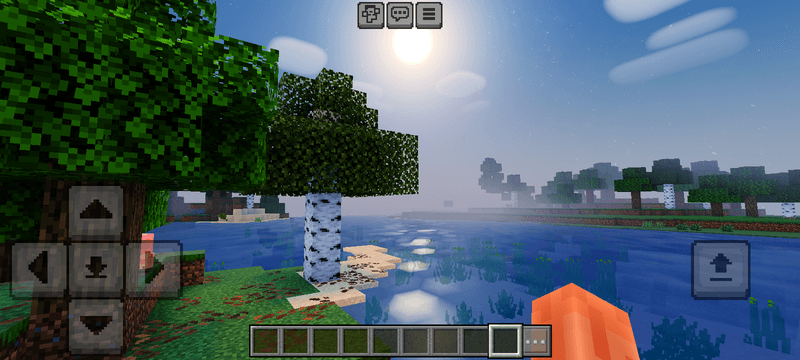
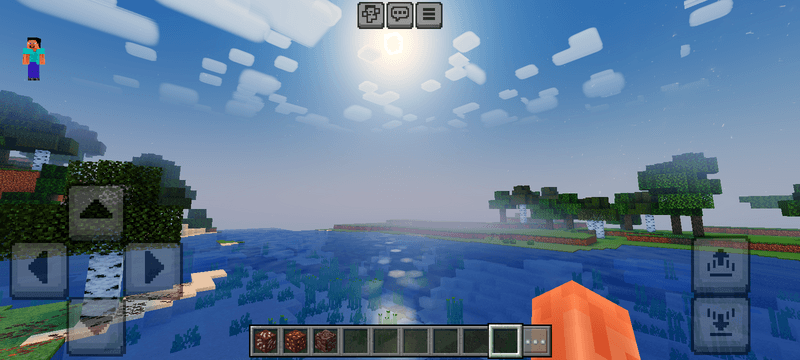
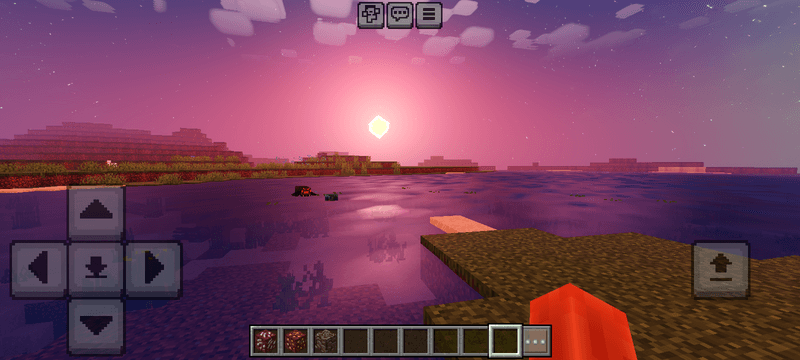
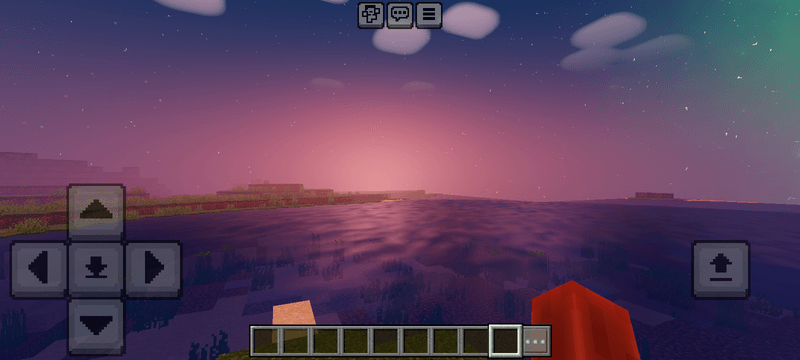
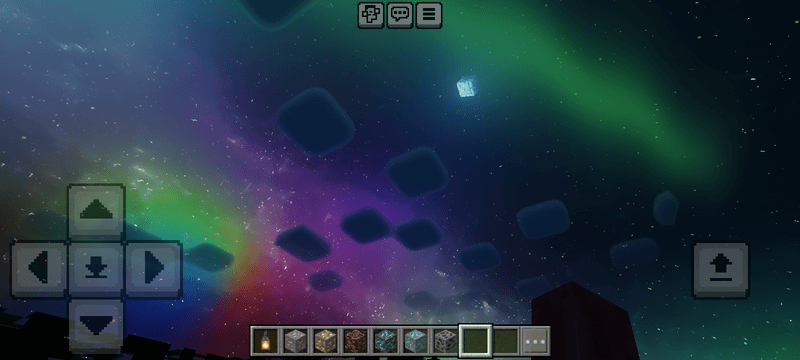
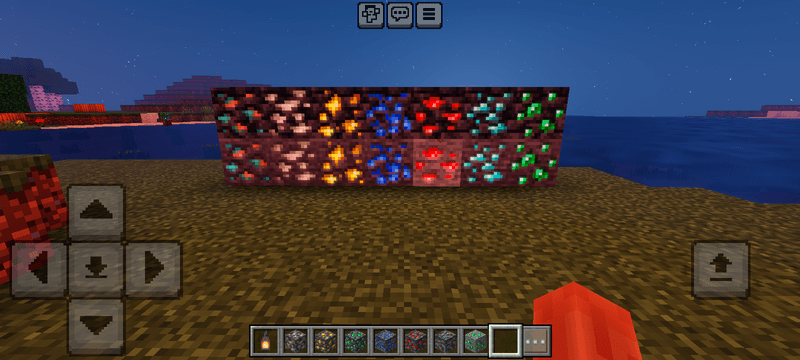
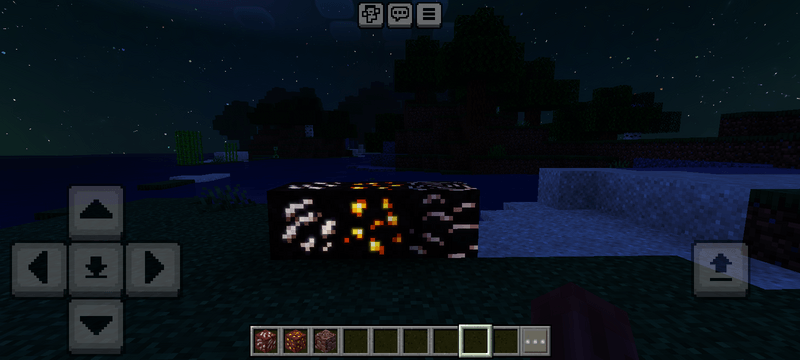
Jak zainstalować Foxay shader
With Millida Launcher
Install Millida Launcher
The launcher is free: download it at millida.net/launcher and sign in with any nickname.
Click “Install” on this page
The launcher opens and installs the resource pack for Minecraft 26.20–26.40 automatically.
Launch the game
A profile with it appears in the launcher: click “Play”.
Manually
Download the archive
Pick the file ytaun_foxayshader_v3.mcpack (1.1 MB) for your game version. No need to unpack it.
Put it in the resourcepacks folder
The easiest way: “Options”, then “Resource Packs”, then “Open Pack Folder”, and drag the archive there.
Enable the pack
In the same window, move the pack to the right-hand “Selected” column and click “Done”.
Wersje
Z zależnościami
| Minecraft | Loader | Plik | Data | Akcje |
|---|---|---|---|---|
| 26.20 | — | ytaun_foxayshader_v3.mcpack1.1 MB |
Opinie
Oceń Foxay shader jako pierwszy


