
Eclipse Paczka zasobów do Minecraft 1.21, 26.0
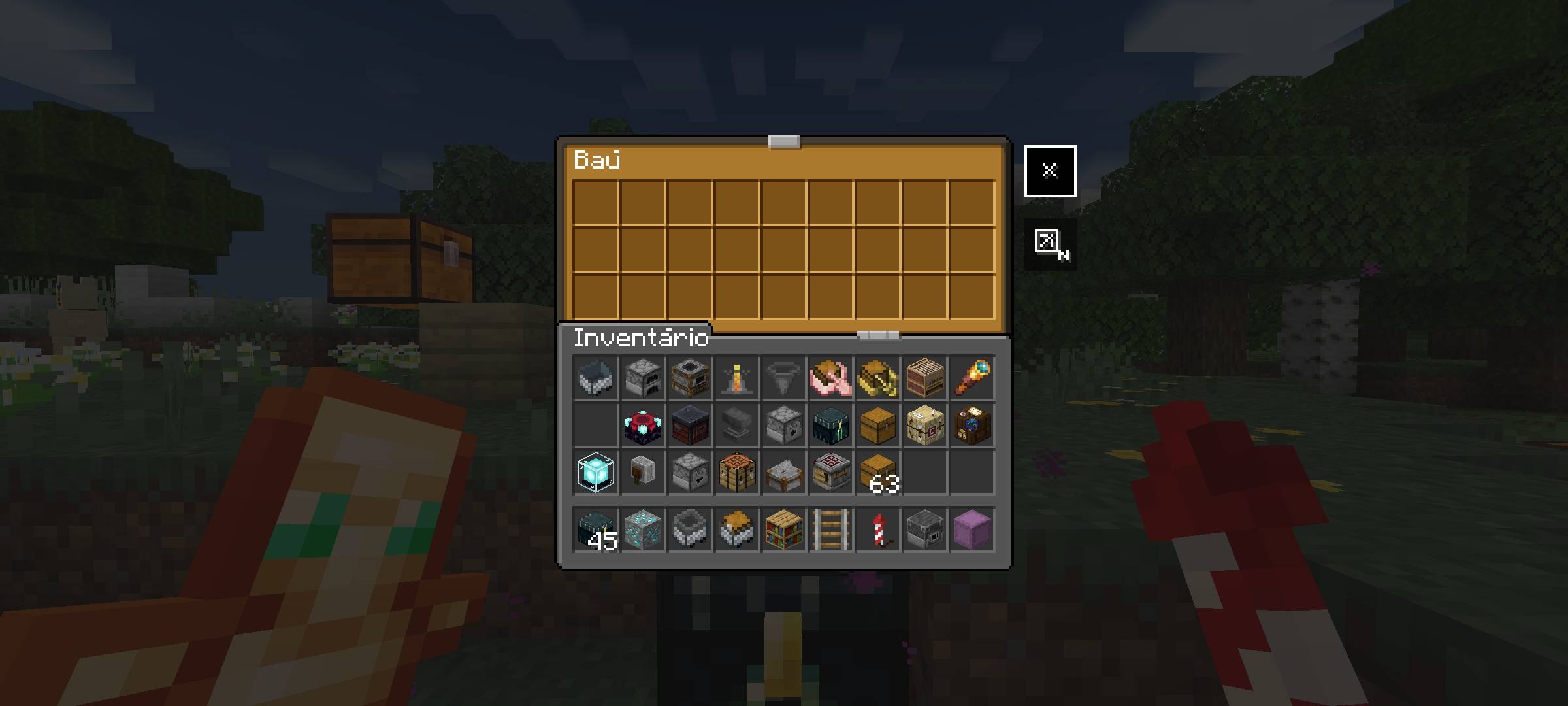
Eclipse - Dark Mode UI. Resource pack tylko dla UI, który zmienia wszystkie menu Minecrafta na ciemne. Działa z dowolnym texture packiem.
O pakiecie zasobów Eclipse
Eclipse is a UI-only resource pack that works with other texture packs! In dark mode, all UI menus turn a dark color! Perfect for nighttime gaming or a dark look for Minecraft!
Combine other texture packs with dark mode!
- Additional mode: all dark!
Jak zainstalować Eclipse
With Millida Launcher
Install Millida Launcher
The launcher is free: download it at millida.net/launcher and sign in with any nickname.
Click “Install” on this page
The launcher opens and installs the resource pack for Minecraft 1.21–26.0 automatically.
Launch the game
A profile with it appears in the launcher: click “Play”.
Manually
Download the archive
Pick the file Eclipse.mcpack (8.4 MB) for your game version. No need to unpack it.
Put it in the resourcepacks folder
The easiest way: “Options”, then “Resource Packs”, then “Open Pack Folder”, and drag the archive there.
Enable the pack
In the same window, move the pack to the right-hand “Selected” column and click “Done”.
Wersje
Z zależnościami
| Minecraft | Loader | Plik | Data | Akcje |
|---|---|---|---|---|
| 1.21 | — | Eclipse.mcpack8.4 MB |
FAQ
Which Minecraft versions does Eclipse work on?
There are files for 26.0, 1.21. The newest is 26.0.
Where can I download Eclipse safely?
On this page: the file Eclipse.mcpack (8.4 MB) is stored on Millida’s server, with no link shorteners. SHA-1 checksum: afe19f634dc775da0ea134de264518b62b152d42.
Opinie
Oceń Eclipse jako pierwszy



