
Durability Display Paczka zasobów do Minecraft 1.21, 26.50
Pokazuje wytrzymałość przedmiotów na HUD, w ekwipunku, w tekście po najechaniu, na zbroi i w drugiej ręce. Liczby z kolorami, ostrzeżenie o niskiej wytrzymałości, nie wymaga behavior packa. Czysty resource pack.
O pakiecie zasobów Durability Display

Durability Display shows durability information everywhere you need it, on your HUD, in your inventory, in item tooltips, and for all your armor pieces.
Features
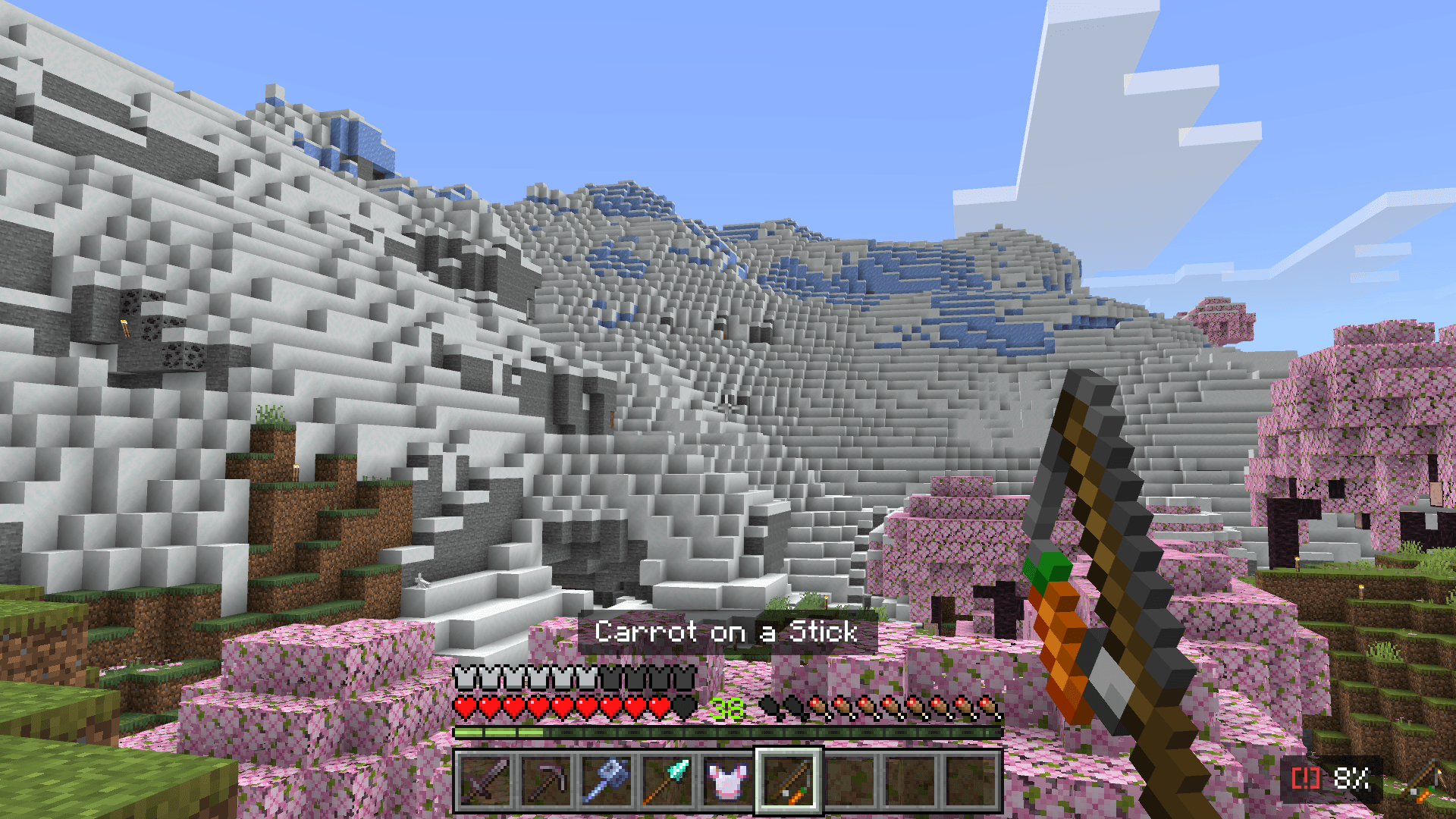
- HUD Display - See your selected hotbar item's durability with an item icon in the corner of your screen
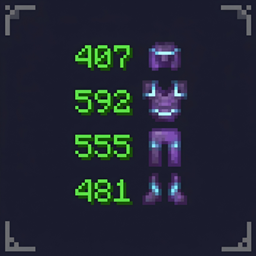
- Armor & Offhand - All 4 armor slots + shield durability shown in the corner of your inventory
- Hover Text - Durability added to item tooltips when you hover over a slot
- Low Durability Warning - Blinking [!] alert on the HUD when your item drops below 25%
- Color Coded - Armor and offhand numbers shift from red to green based on remaining durability (20-level gradient)
- Animated Counting - Smooth number transitions when durability changes
- Container Support - Works inside chests, ender chests, and large chests
- Mobile Friendly - Full pocket/touch UI support
No behavior pack required. Works as a pure resource pack on all platforms.
Subpack Options
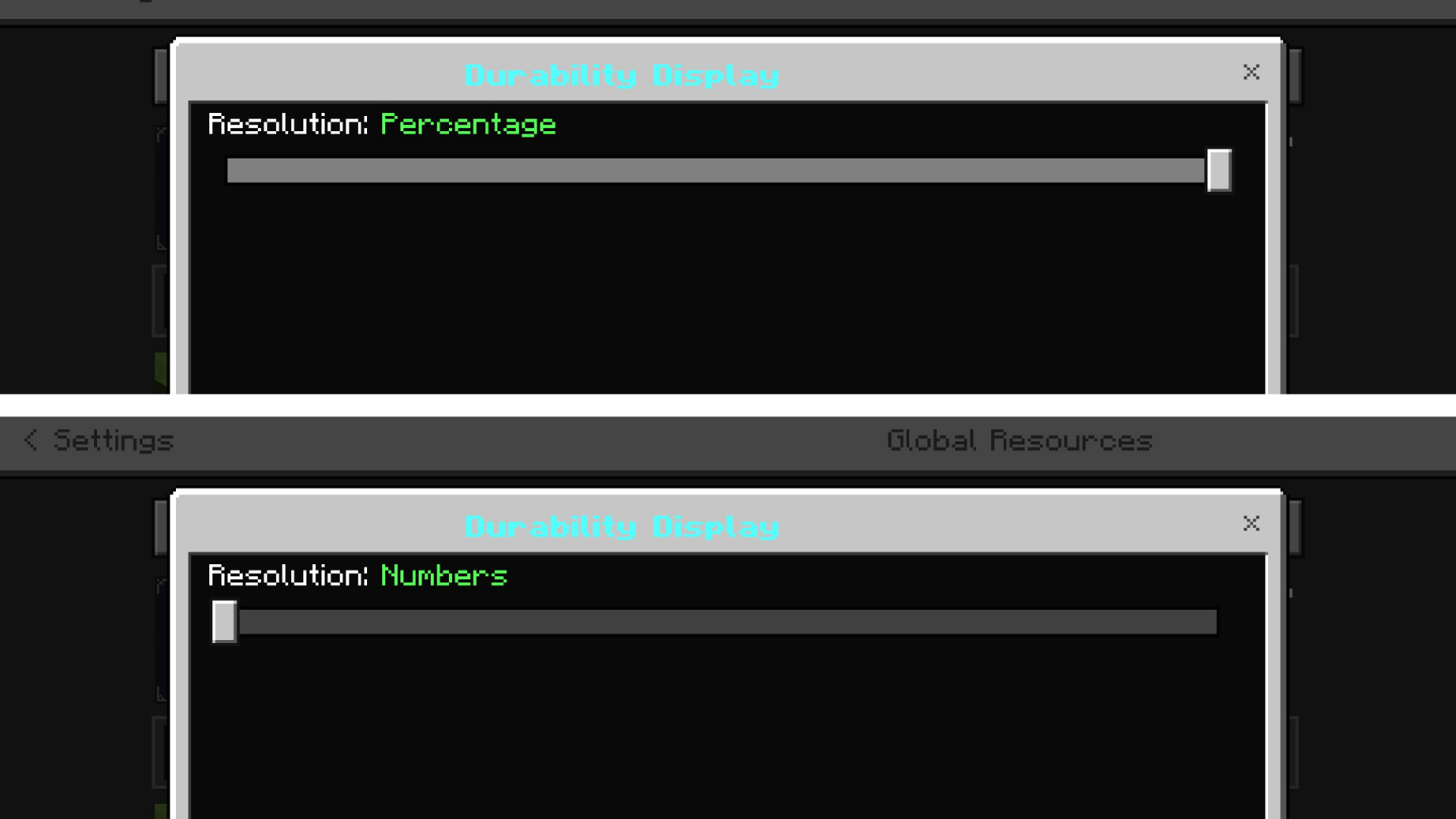
Choose your preferred display style in the subpack settings. Each option sets both the number format and which side of the screen the HUD and armor readout sit on:
- Numbers (Right) - Colored numbers like 150/250, anchored bottom-right (default)
- Numbers (Left) - Colored numbers like 150/250, anchored bottom-left
- Percentage (Right) - Colored percentage like 60%, anchored bottom-right
- Percentage (Left) - Colored percentage like 60%, anchored bottom-left
Compatibility
- Minecraft Bedrock Edition 1.21.0+
- Windows, Mobile, Console
- No experimental features required
Jak zainstalować Durability Display
With Millida Launcher
Install Millida Launcher
The launcher is free: download it at millida.net/launcher and sign in with any nickname.
Click “Install” on this page
The launcher opens and installs the resource pack for Minecraft 1.21–26.50 automatically.
Launch the game
A profile with it appears in the launcher: click “Play”.
Manually
Download the archive
Pick the file Durability Display v1.7.3.mcpack (62 KB) for your game version. No need to unpack it.
Put it in the resourcepacks folder
The easiest way: “Options”, then “Resource Packs”, then “Open Pack Folder”, and drag the archive there.
Enable the pack
In the same window, move the pack to the right-hand “Selected” column and click “Done”.
Wersje
Z zależnościami
| Minecraft | Loader | Plik | Data | Akcje |
|---|---|---|---|---|
| 1.21.30 | — | Durability Display v1.7.3.mcpack61.8 KB 25 |
FAQ
Which Minecraft versions does Durability Display work on?
There are files for 1.21–26.50, 23 versions in total. The newest is 26.50.
Where can I download Durability Display safely?
On this page: the file Durability Display v1.7.3.mcpack (62 KB) is stored on Millida’s server, with no link shorteners. SHA-1 checksum: 079dc9ff7b9e76c82888b0f5c3276a206127fa60.
Opinie
Oceń Durability Display jako pierwszy



