
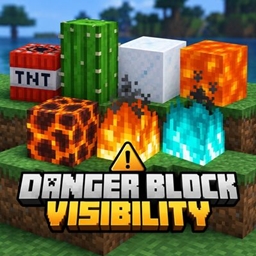
Danger Block Visibility Paczka zasobów do Minecraft 26.40
Danger Block Visibility poprawia widoczność niebezpiecznych bloków, takich jak TNT, lawa, magma, kaktus, ogień, soul fire i proszkowy śnieg, zachowując oryginalny waniliowy styl Minecraft. Stworzone przez Gavti.
⚠️ Danger Block Visibility
Spot danger faster. Keep Minecraft vanilla.
⚡ Clear Hazards • 🎮 Vanilla Feel • 🪶 Lightweight • 🚫 No Scripts
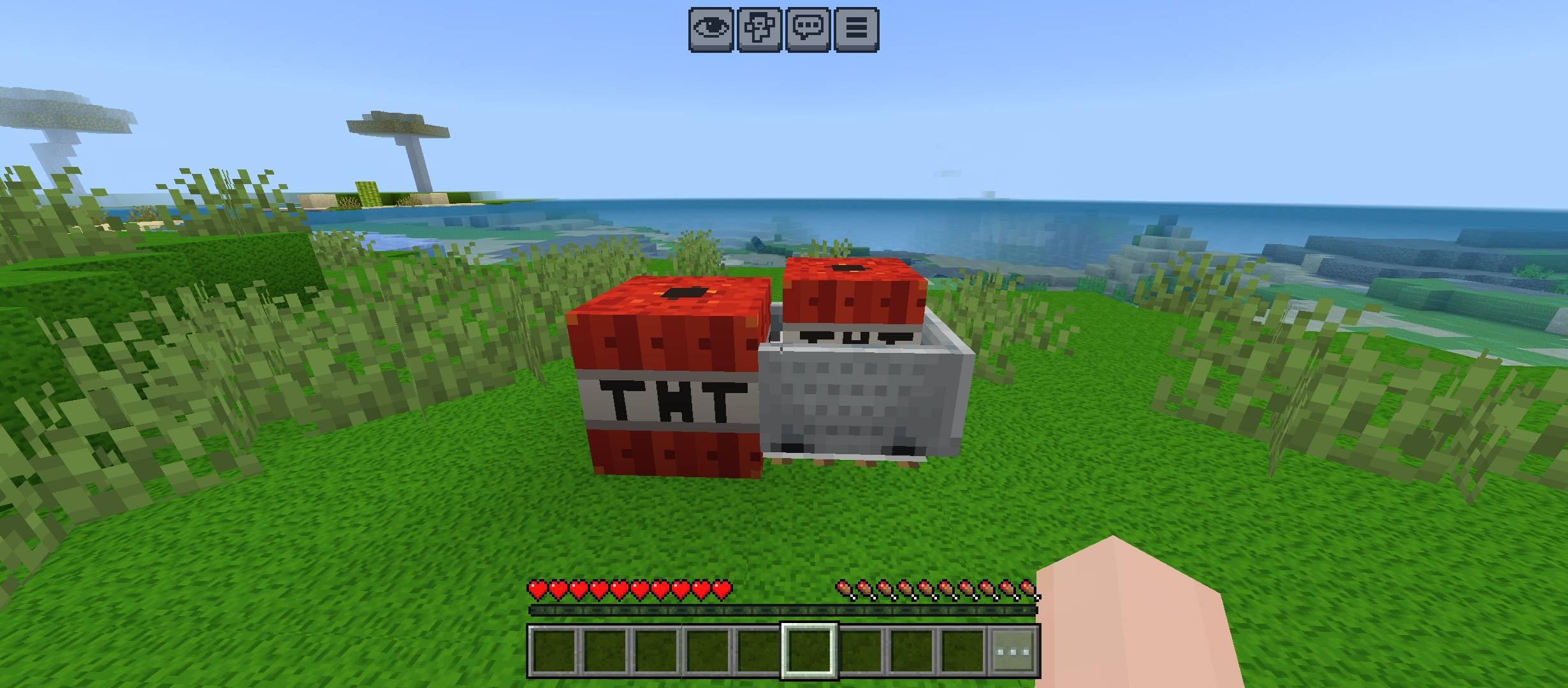
🔥 What It Improves
💣 TNT • 🌋 Magma • ❄️ Powder Snow • 🌵 Cactus
🌊 Lava • 🔥 Fire • 🔷 Soul Fire
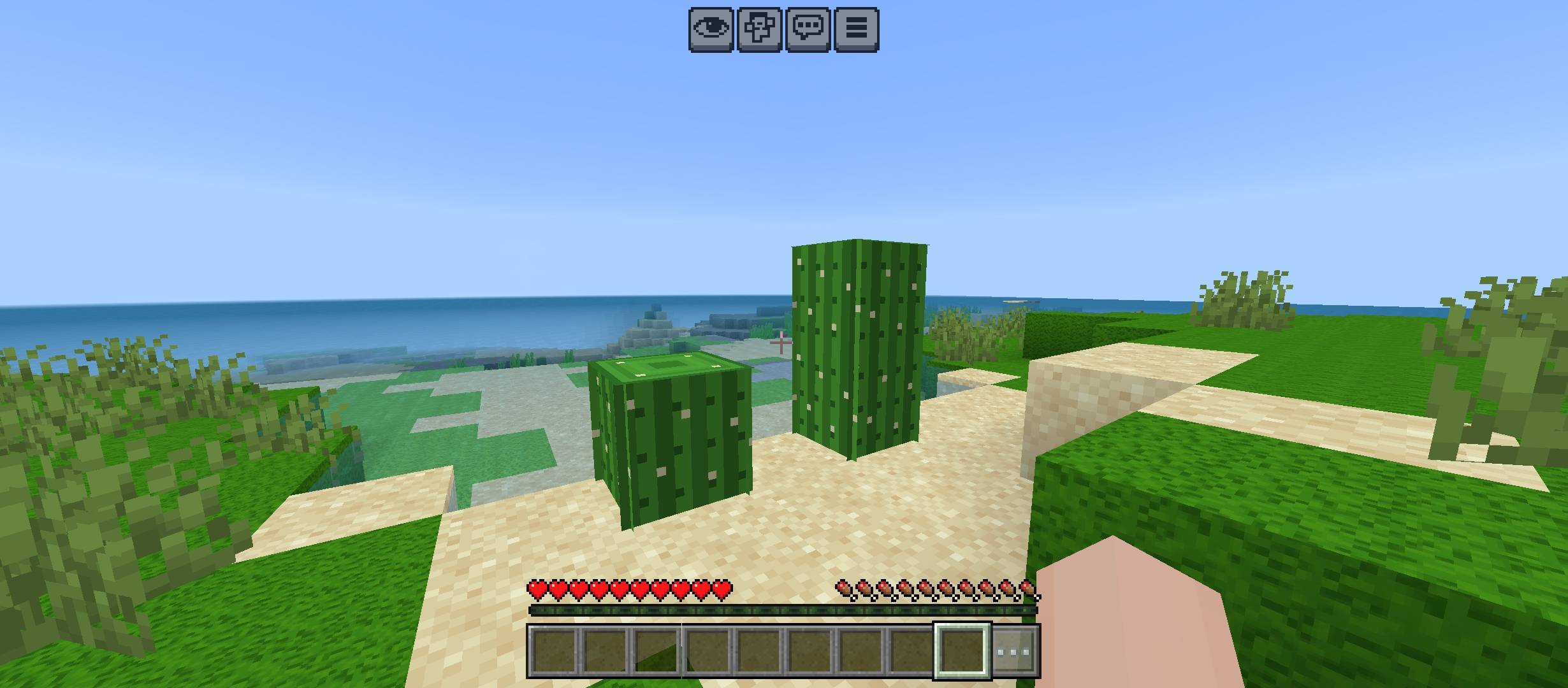
✨ Pack Highlights
👀 Faster hazard recognition • 🧱 Original block style preserved • 🎯 Cleaner visibility
🌿 Survival friendly • 📦 Resource Pack only • ⚙️ No gameplay changes
🛡️ Vanilla-Friendly Design
✅ No major redesigns • ✅ No unnecessary effects • ✅ Simple visual upgrades
✅ Easy to understand • ✅ Useful in normal gameplay • ✅ Clean Minecraft look
💡 Best For
⛏️ Survival • 🗺️ Exploration • 🔥 Nether Trips • 🎥 Gameplay Videos
👑 Credits
Created by Gavti All rights and credits belong to Gavti.
Jak zainstalować Danger Block Visibility
With Millida Launcher
Install Millida Launcher
The launcher is free: download it at millida.net/launcher and sign in with any nickname.
Click “Install” on this page
The launcher opens and installs the resource pack for Minecraft 26.20–26.40 automatically.
Launch the game
A profile with it appears in the launcher: click “Play”.
Manually
Download the archive
Pick the file Danger_Block_Visibility.mcpack (379 KB) for your game version. No need to unpack it.
Put it in the resourcepacks folder
The easiest way: “Options”, then “Resource Packs”, then “Open Pack Folder”, and drag the archive there.
Enable the pack
In the same window, move the pack to the right-hand “Selected” column and click “Done”.
Wersje
Z zależnościami
| Minecraft | Loader | Plik | Data | Akcje |
|---|---|---|---|---|
| 26.20 | — | Danger_Block_Visibility.mcpack379 KB |
Opinie
Oceń Danger Block Visibility jako pierwszy


