

Custom Background HD Paczka zasobów do Minecraft 26.2
Zmień tło menu Minecraft na dowolny wybrany przez siebie obraz
- pobrań
- 23 pobrań
- wyświetleń
- 189 wyświetleń
- Zaktualizowano
- Zaktualizowano 05.05.2026
- 1.21.6 — 26.2
 Gra vanilla
- Klient
O pakiecie zasobów Custom Background HD


Summary
Custom Main Menu background resource pack created for use on my DarkRPG modpack. Now released as a standalone.
Description
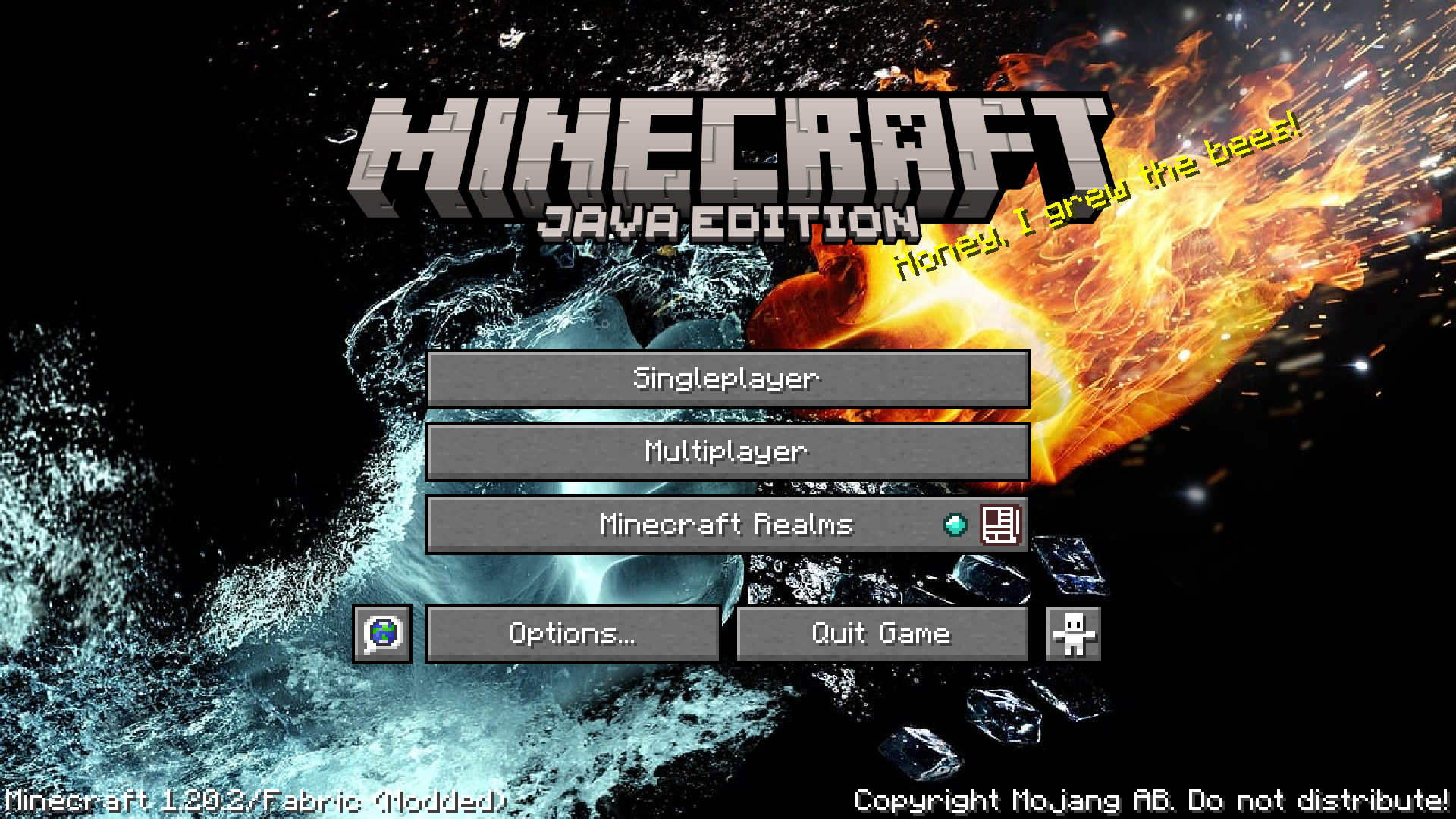
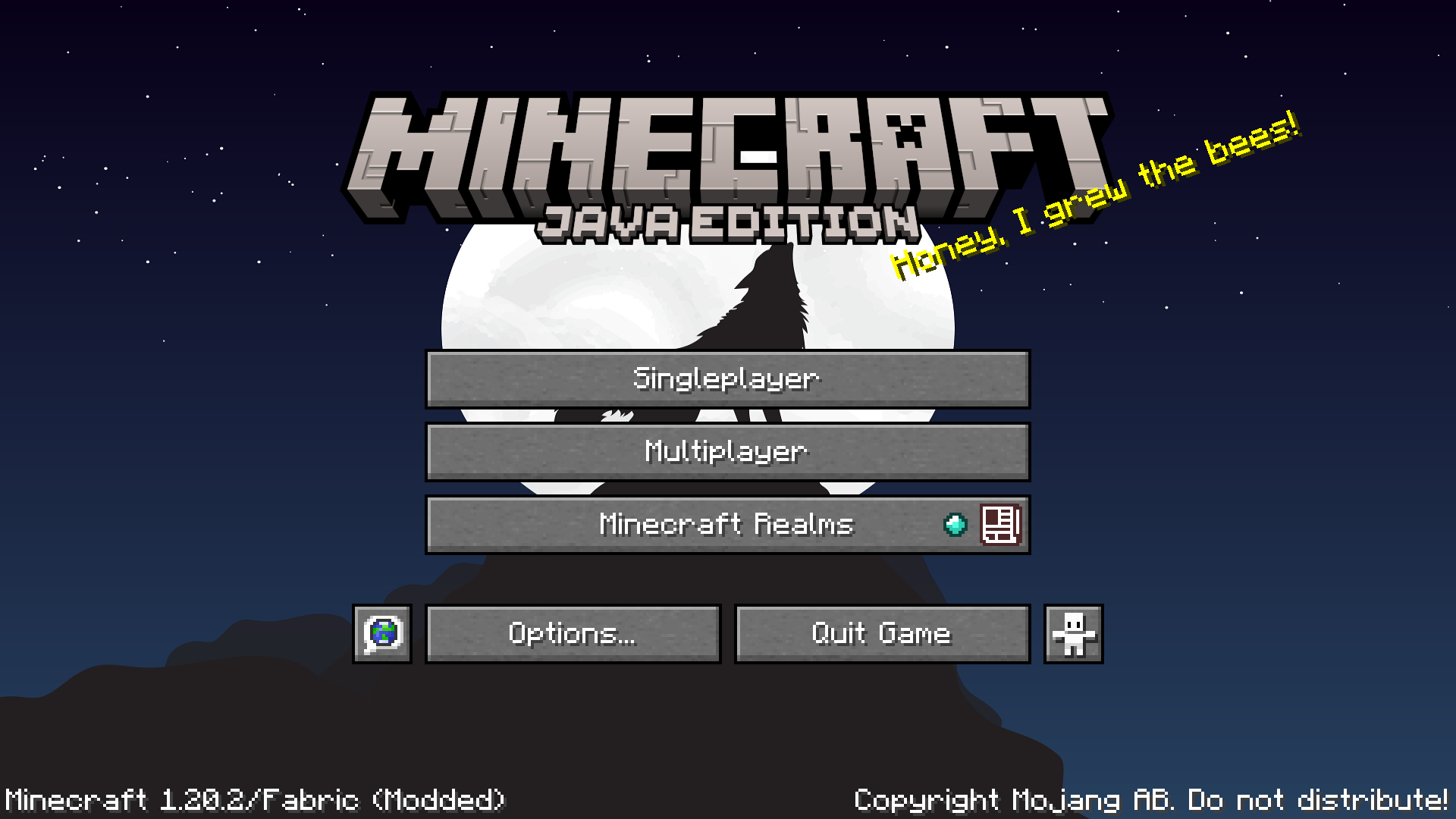
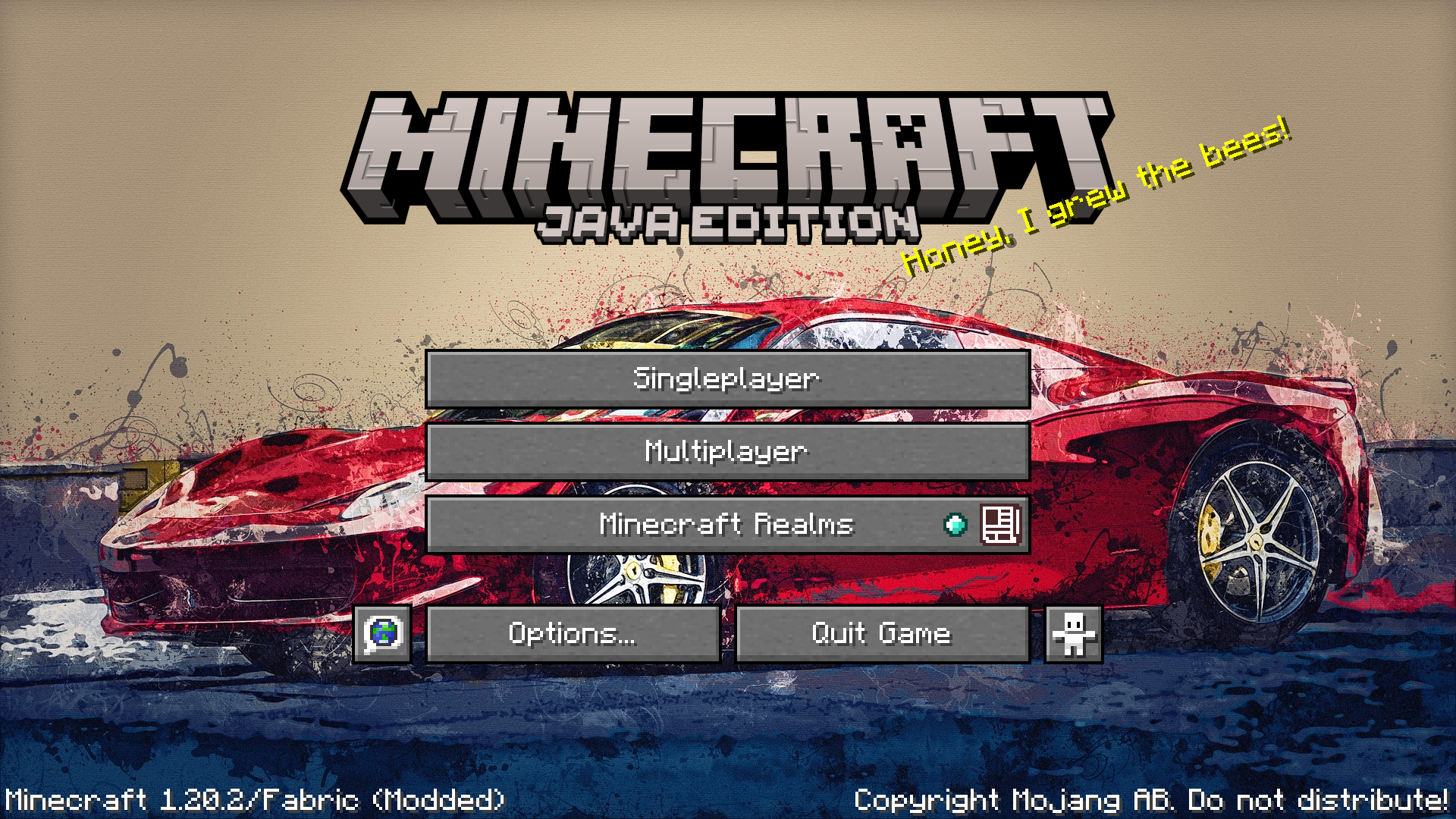
This will further improve your vanilla experience by allowing you to change your Main Menu background to anything of your choice.
Simply download this resource pack and apply it for a custom main menu background.
To change the background
- Get a PNG screenshot or HD image from anywhere and overwrite the following file inside the zip file. Custom Background HD.zip / assets / minecraft / textures / gui / title / background / panorama_overlay.png
- Make sure your background image is renamed to 'panorama_overlay.png'
- Apply the resource pack and you can enjoy a custom main menu background
Image background source - https://pixabay.com/illustrations/fire-and-water-hands-fight-fire-2354583/

Jak zainstalować Custom Background HD
With Millida Launcher
Install Millida Launcher
The launcher is free: download it at millida.net/launcher and sign in with any nickname.
Click “Install” on this page
The launcher opens and installs the resource pack for Minecraft 1.21.6–26.2 automatically.
Launch the game
A profile with it appears in the launcher: click “Play”.
Manually
Download the archive
Pick the file Custom Background HD.zip (1.4 MB) for your game version. No need to unpack it.
Put it in the resourcepacks folder
The easiest way: “Options”, then “Resource Packs”, then “Open Pack Folder”, and drag the archive there.
Enable the pack
In the same window, move the pack to the right-hand “Selected” column and click “Done”.
Wersje
Z zależnościami
| Minecraft | Loader | Plik | Data | Akcje |
|---|---|---|---|---|
| 26.2 | — | 26.21.4 MB 14 |
FAQ
Which Minecraft versions does Custom Background HD work on?
There are files for 1.21.6–26.2, 10 versions in total. The newest is 26.2.
Does Custom Background HD need mods?
No, the resource pack works in the plain game without loaders: put it into the resourcepacks folder and enable it in the options.
Where can I download Custom Background HD safely?
On this page: the file Custom Background HD.zip (1.4 MB) is stored on Millida’s server, with no link shorteners. SHA-1 checksum: ed24af8e561bc4f2ed68df725b308ddd6d2a2045.
Opinie
Oceń Custom Background HD jako pierwszy



