
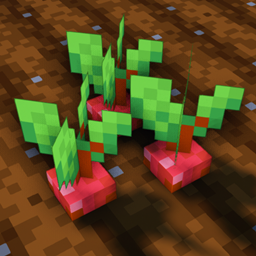
Crops 3D Paczka zasobów do Minecraft 1.19.2, 1.19.3
Sprawia, że wszystkie uprawy są 3D w domyślnym stylu Minecraft.
O pakiecie zasobów Crops 3D
Check out Crops 3D - Faithful x32 Variant
Description
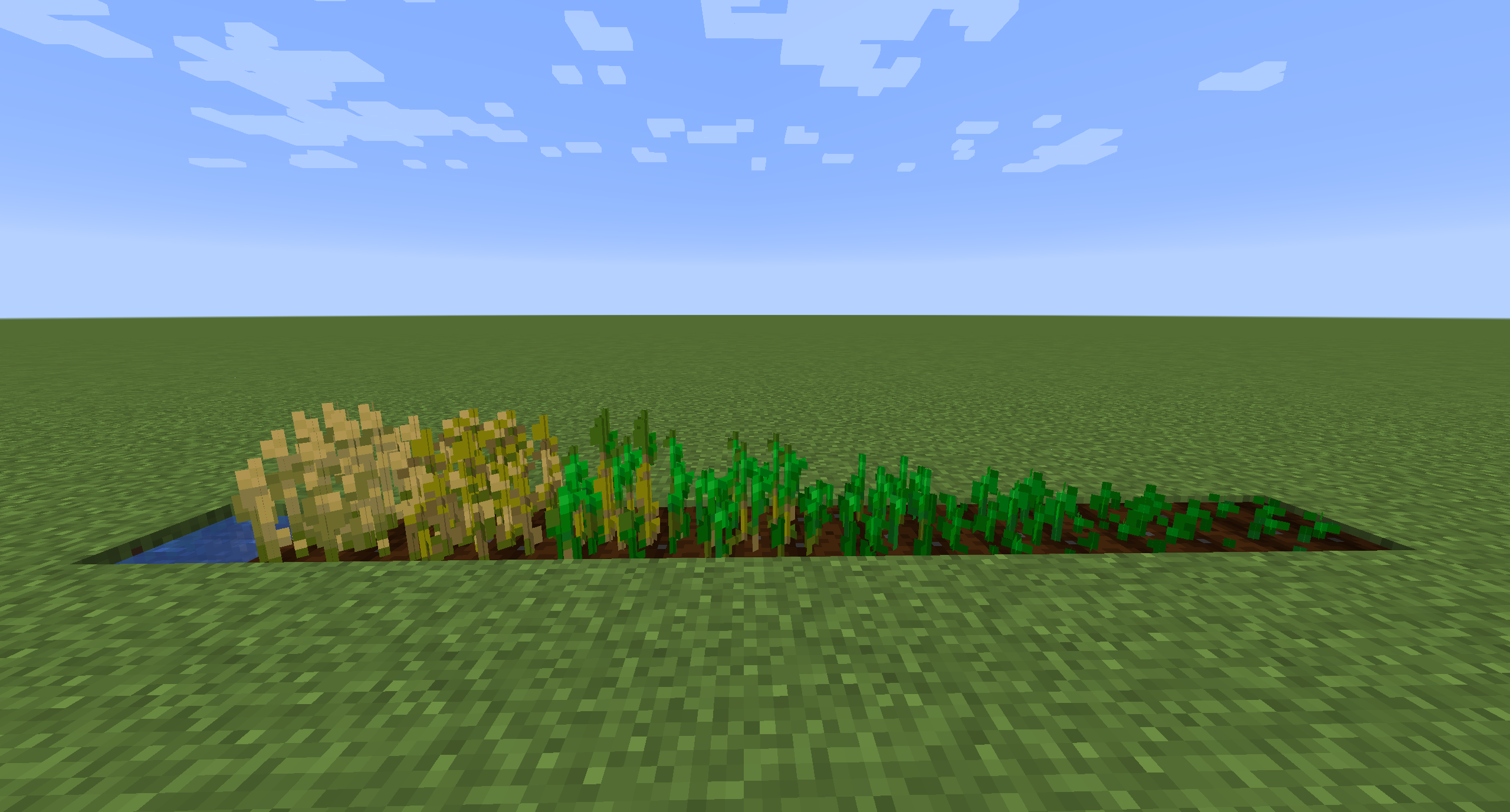
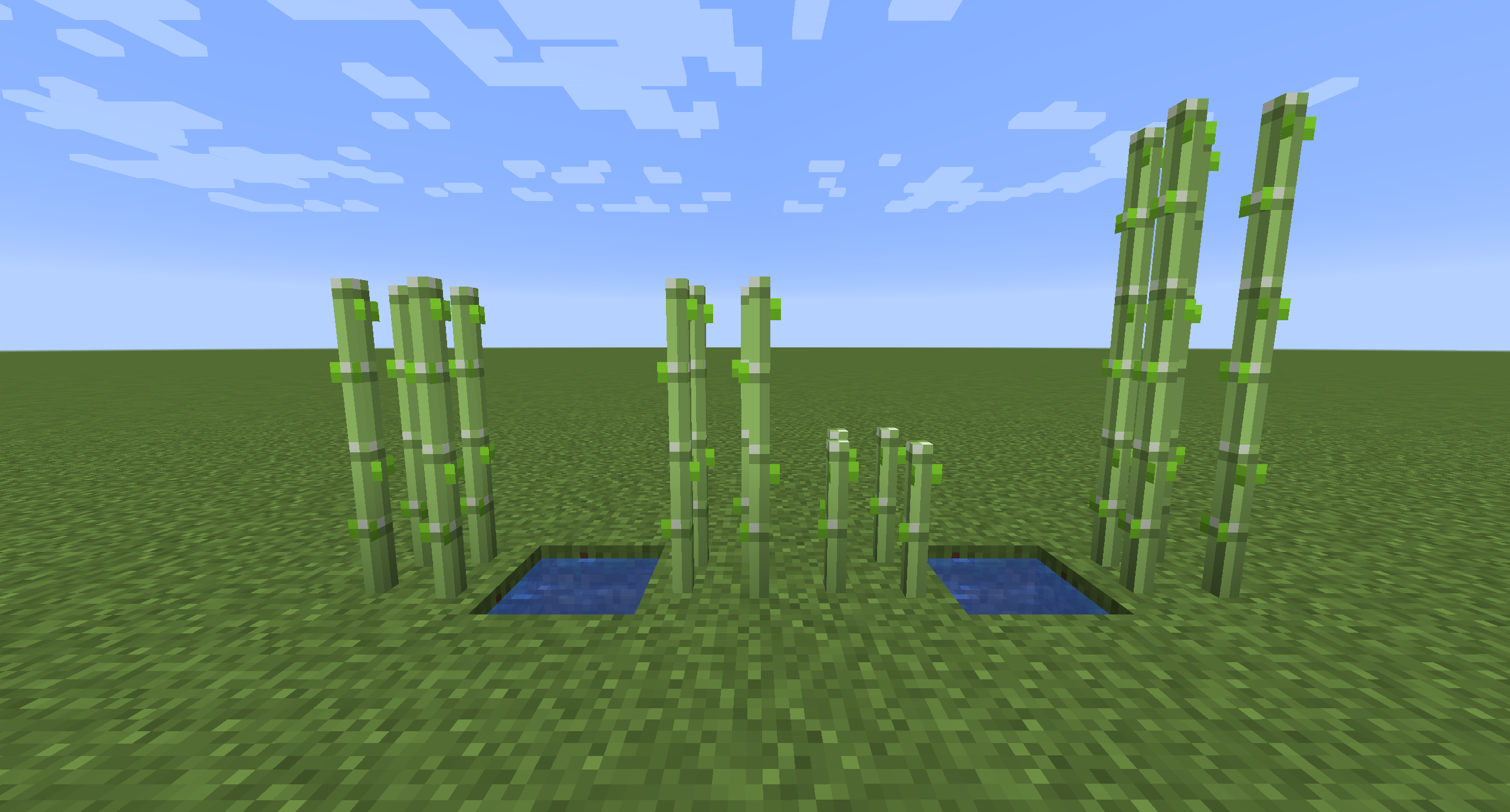
Crops 3D is a resource pack which focuses on improving the look and feel of Minecraft farming with better 3D models for certain crops and plants in the game. The models in this pack use a mixture of 3D cubes and flat planes to achieve a more default vanilla look. In addition, the textures of the models are directly created from their default vanilla equivalent so as to not stray to far from the look of the base game.
The pack currently includes models for the following blocks:
Carrots, Beetroots, Potatoes, Wheat, Melon/Pumpkin Stem, Netherwart, Sugarcane, Sweet Berry Bush, Red/Brown Mushroom, Crimson/Warped Fungus, Bamboo Sapling, All Vanilla Saplings, All Vanilla Flowers, All Flower/Sapling potted variants.
Credits
- Inspired by "3D crops!" Reddit post by u/MushirMickeyJoe
- All models created with Blockbench
- All textures created from default Minecraft textures
Jak zainstalować Crops 3D
With Millida Launcher
Install Millida Launcher
The launcher is free: download it at millida.net/launcher and sign in with any nickname.
Click “Install” on this page
The launcher opens and installs the resource pack for Minecraft 1.19–1.19.3 automatically.
Launch the game
A profile with it appears in the launcher: click “Play”.
Manually
Download the archive
Pick the file Crops-3D_MC1.19_v1.2.0.zip (514 KB) for your game version. No need to unpack it.
Put it in the resourcepacks folder
The easiest way: “Options”, then “Resource Packs”, then “Open Pack Folder”, and drag the archive there.
Enable the pack
In the same window, move the pack to the right-hand “Selected” column and click “Done”.
Wersje
Z zależnościami
| Minecraft | Loader | Plik | Data | Akcje |
|---|---|---|---|---|
| 1.19.3 | — | Crops-3D_MC1.19_v1.2.0.zip514 KB 15 |
FAQ
Which Minecraft versions does Crops 3D work on?
There are files for 1.19.3, 1.19.2, 1.19.1, 1.19. The newest is 1.19.3.
Where can I download Crops 3D safely?
On this page: the file Crops-3D_MC1.19_v1.2.0.zip (514 KB) is stored on Millida’s server, with no link shorteners. SHA-1 checksum: 98a55eed3fae61aad12807c023907ccbf4a568f3.
Opinie
Oceń Crops 3D jako pierwszy



