
Connected Texture+ do Minecraft 1.20.1, 1.21.1
Denerwują Cię niepołączone i powtarzalne tekstury bloków? Connected Texture+ rozwiązuje ten problem!!
Connected Texture+: Enhanced Visuals for Minecraft
Do you feel frustrated by disconnected and repetitive block textures? Connected Texture+ solves this problem by delivering a seamless, immersive texture experience for all survivalists and adventurers!
✨ Key Features
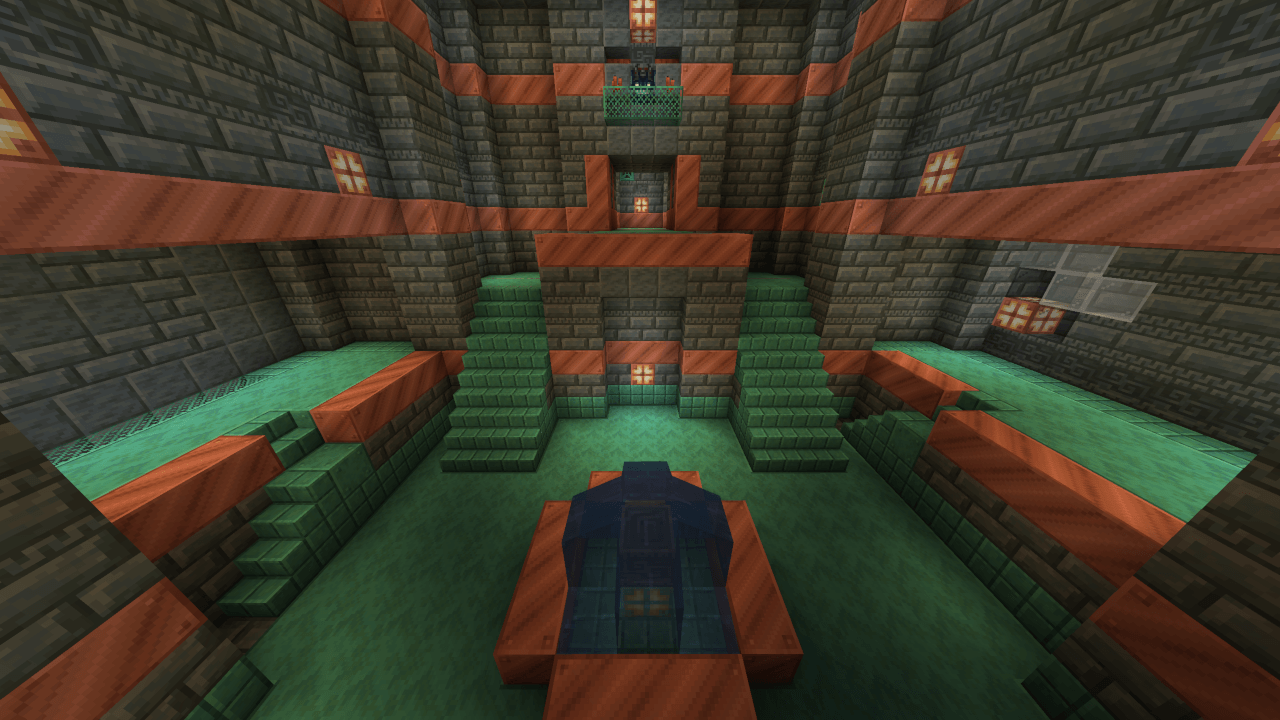
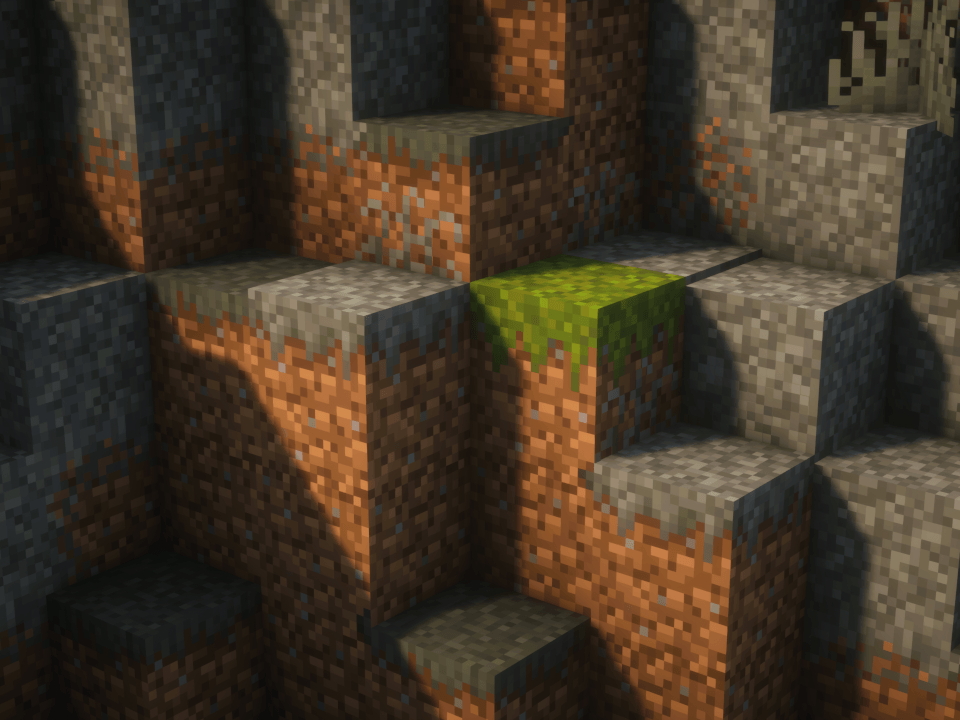
- Connected Textures for Vanilla Blocks: Enjoy smooth, connected textures for glass, sandstone, stones, bookshelves, wools, and more!
- Custom Pattern Textures: Experience unique designs for glass panes, stained glass, and iron bars.
- Performance-Friendly: Optimized lightweight textures to ensure smooth and lag-free gameplay.
- Stylish and Minimalistic: Compatible with modern or classic build styles, making it perfect for any world.
📋 Compatibility
⚙️ Required Mods
To use Connected Texture+, you need at least one of the following mods installed:
Option 1: Continuity
- If you are using Sodium, make sure to pair it with Indium for Continuity support.
Option 2: Optifine
- The least preferred option for connected textures, but it is not recommended if you are already using Fabric.
📝 Important Notes:
- This pack is INCOMPATIBLE with Fusion!
🌟 Feedback & Support
Love the pack? Show your support by buying me a coffee! Your feedback and support motivate me to continue updating and improving Connected Texture+.
📞 Contact
Have questions, feedback, or suggestions? Get in touch with me!
- CurseForge Comments: Leave your feedback on this page.
- Discord: Connected Texture+
I’m always open to ideas and improvements to make this pack even better!
Available on:
Download now and start playing with seamless textures!
Jak zainstalować Connected Texture+
Install Millida Launcher
The launcher is free: download it at millida.net/launcher and sign in with any nickname.
Click “Install” on this page
The launcher opens and installs the resource pack for Minecraft 1.18–1.21.11 automatically.
Launch the game
A profile with it appears in the launcher: click “Play”.
Wersje
Z zależnościami
| Minecraft | Loader | Plik | Data | Akcje |
|---|---|---|---|---|
| 1.21 | — | Connected Texture+ V62.8 MB |
Opinie
Oceń Connected Texture+ jako pierwszy



