
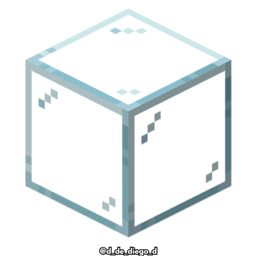
Connected Glasses Paczka zasobów do Minecraft 1.20.1, 1.21.1
Ten texture pack łączy tekstury szkła, dzięki czemu nie widać, że to inny blok.
O pakiecie zasobów Connected Glasses
# CONNECTED GLASSES
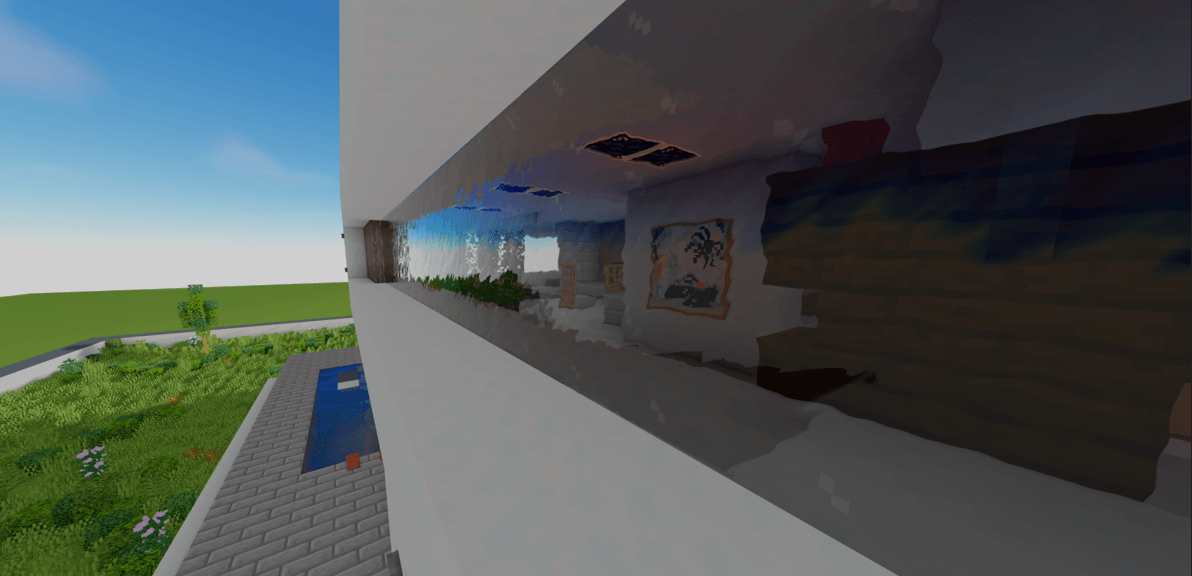
EN
This texture pack connects the textures of the glass, so that it is not noticeable that it is a different block. Connects all textures of all types of glass.
By @d_de_diego_d
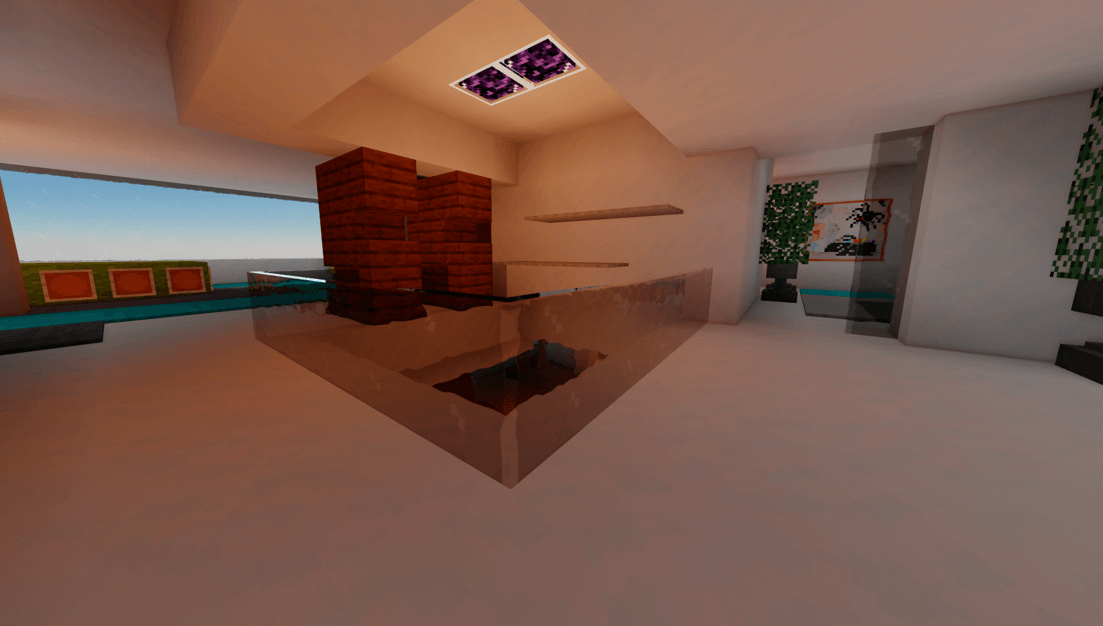
ES
Este texture pack conecta las texturas del vidrio, para que no se note que es otro bloque diferente. Conecta todas las texturas de todo tipo de vidrios
By @d_de_diego_d
❤️ Support Me ❤️



⭐ Our Projects⭐




(c) TRIDEX 2025 - All Rights Reserved
Jak zainstalować Connected Glasses
With Millida Launcher
Install Millida Launcher
The launcher is free: download it at millida.net/launcher and sign in with any nickname.
Click “Install” on this page
The launcher opens and installs the resource pack for Minecraft 1.8–26.1.2 automatically.
Launch the game
A profile with it appears in the launcher: click “Play”.
Manually
Download the archive
Pick the file Connected Glases v5.zip (222 KB) for your game version. No need to unpack it.
Put it in the resourcepacks folder
The easiest way: “Options”, then “Resource Packs”, then “Open Pack Folder”, and drag the archive there.
Enable the pack
In the same window, move the pack to the right-hand “Selected” column and click “Done”.
Wersje
Z zależnościami
| Minecraft | Loader | Plik | Data | Akcje |
|---|---|---|---|---|
| 1.16.3 | — | Connected Glases v5222 KB 14 |
FAQ
Which Minecraft versions does Connected Glasses work on?
There are files for 1.8–26.1.2, 73 versions in total. The newest is 26.1.2.
Where can I download Connected Glasses safely?
On this page: the file Connected Glases v5.zip (222 KB) is stored on Millida’s server, with no link shorteners. SHA-1 checksum: 0c04af6fe475e0959ff9fdca1d8760179c8f1869.
Opinie
Oceń Connected Glasses jako pierwszy



