
Better Dark UI Paczka zasobów do Minecraft 26.30
Better Dark UI to najlepszy pakiet tekstur "Quality of Life" dla graczy ceniących wydajność i estetykę. Łączy premium ciemny motyw z funkcjonalnymi ulepszeniami układu, takimi jak Quick Chat i Quick Craft.
O pakiecie zasobów Better Dark UI
Better Dark UI: Focus on the Game, Not the Glare
Tired of the blinding white menus during your late-night sessions? Better Dark UI is a streamlined utility pack designed to modernize your interface while stripping away the clutter. It transforms the standard aesthetic into a sleek, high-contrast dark mode that’s easier on the eyes and faster under the fingers.
Key Features
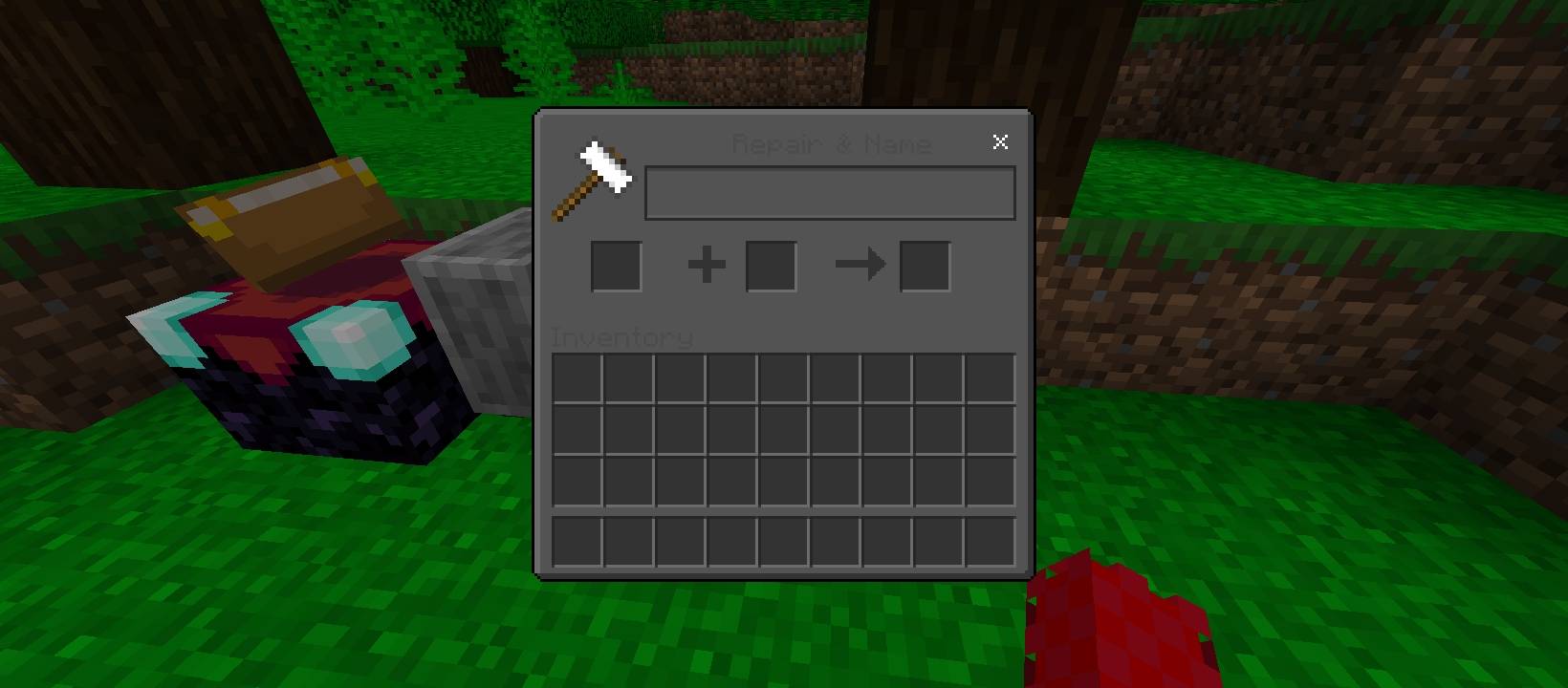
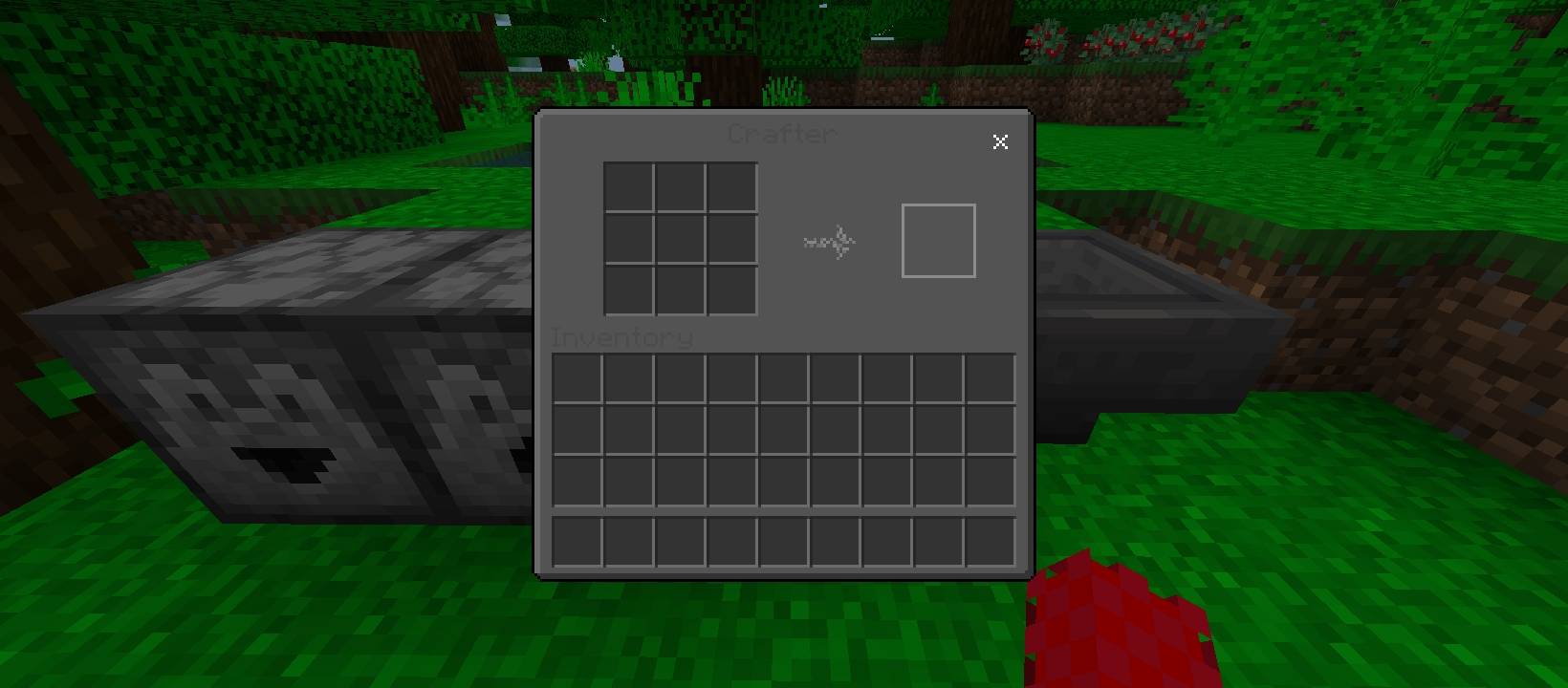
True Dark Mode: Replaces all containers, inventory screens, and menu backgrounds with a refined, charcoal-grey palette. It’s professional, immersive, and saves your eyes from "light mode" fatigue.
Quick Chat Integration: Communicate faster with a redesigned chat interface that prioritizes speed and visibility, helping you stay focused on the action.
Quick Crafting Overhaul: Optimized crafting menus allow for more intuitive navigation, reducing the time you spend clicking through recipes.
Decluttered Menus: We’ve removed the "How to Play" button from the inventory screen to provide a cleaner, more minimalist layout-perfect for veteran players who already know the ropes.
Jak zainstalować Better Dark UI
With Millida Launcher
Install Millida Launcher
The launcher is free: download it at millida.net/launcher and sign in with any nickname.
Click “Install” on this page
The launcher opens and installs the resource pack for Minecraft 26.0–26.30 automatically.
Launch the game
A profile with it appears in the launcher: click “Play”.
Manually
Download the archive
Pick the file Better Dark UI+.mcpack (269 KB) for your game version. No need to unpack it.
Put it in the resourcepacks folder
The easiest way: “Options”, then “Resource Packs”, then “Open Pack Folder”, and drag the archive there.
Enable the pack
In the same window, move the pack to the right-hand “Selected” column and click “Done”.
Wersje
Z zależnościami
| Minecraft | Loader | Plik | Data | Akcje |
|---|---|---|---|---|
| 26.0.02 | — | Better Dark UI+.mcpack269 KB 1 |
FAQ
Which Minecraft versions does Better Dark UI work on?
There are files for 26.0–26.30, 9 versions in total. The newest is 26.30.
Where can I download Better Dark UI safely?
On this page: the file Better Dark UI+.mcpack (269 KB) is stored on Millida’s server, with no link shorteners. SHA-1 checksum: 6f1fed202b25dda1226341d177a26dba2c9ae7ae.
Opinie
Oceń Better Dark UI jako pierwszy



