
O pakiecie zasobów Bedrock Refined
Made with care in my free time, this modpack is built to refine the Bedrock Edition experience without breaking the vanilla charm.
It brings together custom UI, quality-of-life tweaks, helpful utilities, and visual upgrades through textures - all designed to feel intuitive and smooth.
Whether you're a casual builder, a Redstone tinkerer, or an explorer, Bedrock Refined enhances your gameplay without feeling bloated or confusing.
🛠️ Features
UI:
New Minecraft ui style with dark mode by Enchanted Games (with transparent settings):

Classic panorama with shaders by ThreeSeven0zero and bedrock edition title:

IMPORTANT NOTE: IT DOESN'T INCLUDE SHADERS IN THE PACK ITSELF, ONLY THE PANORAMA
Clear chat screen by Bruhh69:

With notes,

And a built-in calculator

Clear coordinates, days played, and chat:

Translucent missing health, armor and hunger:

Clear item tooltips:

Durability viewer on HUD screen by EchoRif:

And also on inventory and others containers
With enchantments icons by cromite:


Quick craft button in all suitable containners:

Quick craft button also in trading screen with the ability to see the locked trades and their names/enchantments:

Textures:
Items:
Aligned buckets:

Hoes now use the right wood colors (u might not even notice it):

The XP bottle uses the trhowable texture (b'cuz u actually throw it)

HD shields:

invisible item frames/glow frames:
Blocks:
Enchantment table:

Compass lodestone:
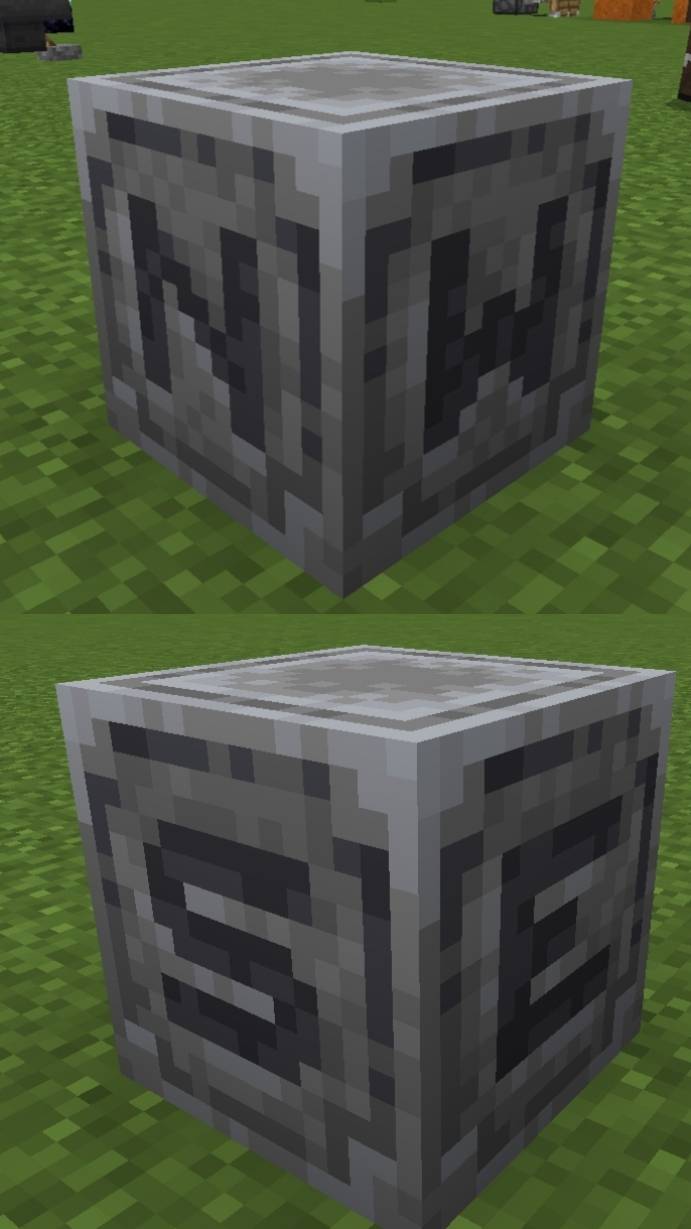
Full grown amethyst indicator:

Shiner dragon egg:

Rounded logs:

Loggier signs:

Sus sand:

3D funguses:

Taller grass variants:

Better Redstone:

Directional hoppers by Suvile77:

Miscellaneous:
Removed the nether fog so you can see all the chunks your device handles:

Transparent pumpkin overlay:

It also makes the portals travels faster by removing the loading screen overlay (it's a little weird b'cuz the world is literally loading in front of u):
Fast portals showcase youtube
It makes the portals quieter also.
📦 Compatibility
✔️ Compatible with newer Minecraft Bedrock versions
Works on mobile, Windows 10, and most platforms that support local packs
Credits:
Many textures are from bedrock community tweaks, that is a bedrock port of vannilla tweaks
Whant u can't do:
Claim as yours (because it's not),
Modify the pack for personal or public use (because I waste time making it, and most of this pack is from others creators that i asked permission to use).
Jak zainstalować Bedrock Refined
With Millida Launcher
Install Millida Launcher
The launcher is free: download it at millida.net/launcher and sign in with any nickname.
Click “Install” on this page
The launcher opens and installs the resource pack for Minecraft 1.21.100 automatically.
Launch the game
A profile with it appears in the launcher: click “Play”.
Manually
Download the archive
Pick the file Bedrock_Refined_1.0.5.mcpack (25 MB) for your game version. No need to unpack it.
Put it in the resourcepacks folder
The easiest way: “Options”, then “Resource Packs”, then “Open Pack Folder”, and drag the archive there.
Enable the pack
In the same window, move the pack to the right-hand “Selected” column and click “Done”.
Wersje
Z zależnościami
| Minecraft | Loader | Plik | Data | Akcje |
|---|---|---|---|---|
| 1.21.100 | — | Bedrock_Refined_1.0.5.mcpack24.7 MB |
FAQ
Which Minecraft versions does Bedrock Refined work on?
Only Minecraft 1.21.100: there are no files for other versions.
Where can I download Bedrock Refined safely?
On this page: the file Bedrock_Refined_1.0.5.mcpack (25 MB) is stored on Millida’s server, with no link shorteners. SHA-1 checksum: a3e30c805daec3405588dcc64a4c8bec4d14a688.
Opinie
Oceń Bedrock Refined jako pierwszy


