
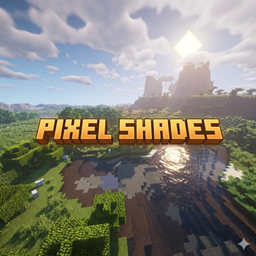
Pixel Shades Shadery do Minecraft 1.20.1, 1.21.1
Doświadcz najbardziej kinowej, czystej i wyraźnej grafiki
O shaderach Pixel Shades
PixelShades - Cinematic Shader Pack
by Dark_PixelForge | v1.0.0
"Where every sunrise feels like a painting, and every shadow tells a story."
✨ What Makes PixelShades Stand Out
PixelShades isn't just a shader - it's a complete visual overhaul built around one goal: making Minecraft feel cinematic. Every system was crafted from scratch with atmosphere and drama in mind.
🌅 Sky & Atmosphere
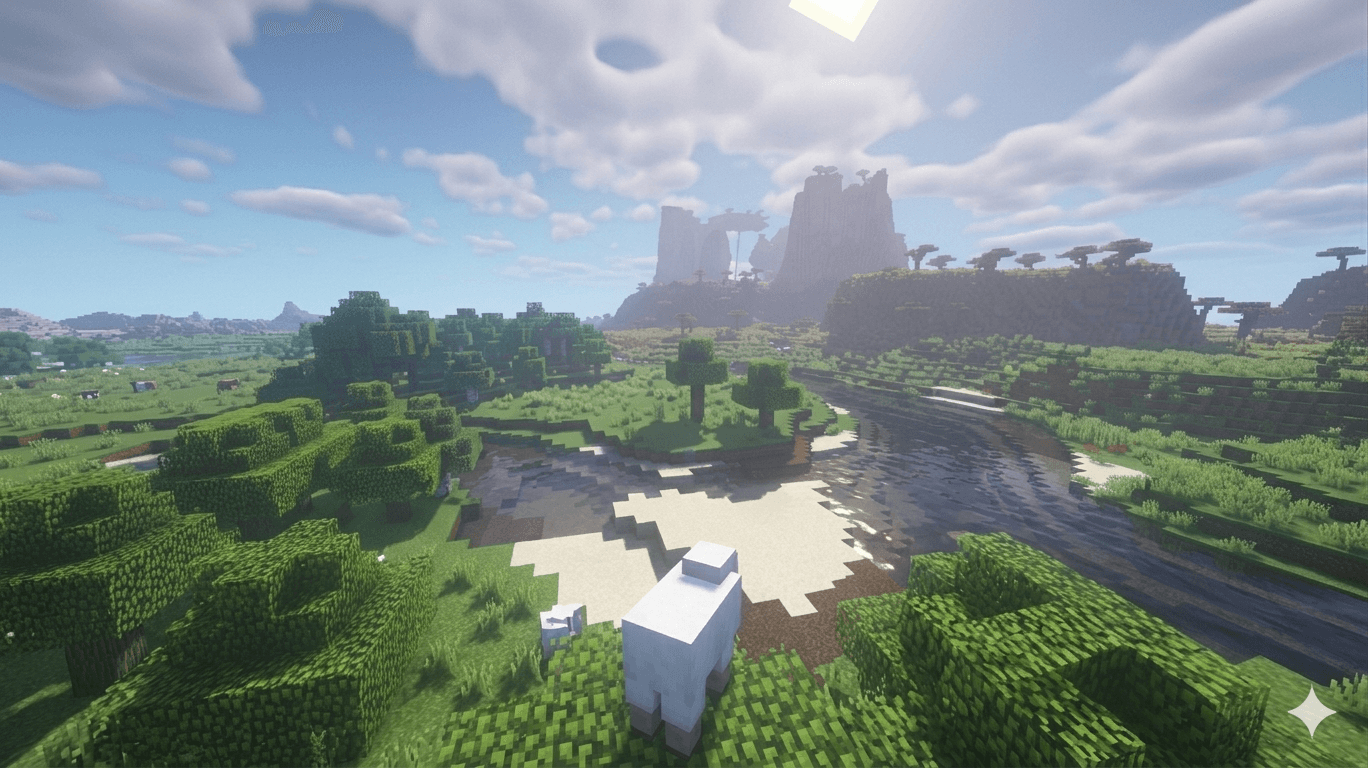
A multi-layered sky that breathes with the time of day. Watch warm amber bleed into violet at dusk, deep navy swallow the horizon at midnight, and a crisp golden haze announce the dawn. A procedural star field with twinkle animation and a faint Milky Way band make nights genuinely beautiful.
☁️ Cloud System
Choose between stylized flat clouds or full volumetric raymarched clouds with real self-shadowing. They drift, darken in rain, and catch the sunset light in deep orange and rose.
💧 Water
Animated Gerstner wave geometry, multi-layer FBM surface normals, physically-based Fresnel reflections, depth-based color absorption, caustics, and shore foam - the most visually rich system in the pack.
🌒 Lighting & Shadows
PCF soft shadows with a rotated Poisson disc, smooth SSAO for ambient depth, GGX specular highlights, and a dual sun/moon light model that shifts color temperature from cool blue moonlight to deep orange dusk.
🍃 Foliage & Life
Leaves and grass wave in the wind with layered Gerstner animation. Thin foliage gets subsurface scattering - backlit leaves glow with that soft green translucency you'd see in a real forest.
🎞️ Post-Processing
A full cinematic pipeline: ACES Filmic tonemapping, contrast, saturation, bloom, sharpening, vignette, chromatic aberration, and animated film grain - all individually toggleable.
⚙️ Performance Profiles
Old or integrated GPUs
🟢 LOW:- Budget dedicated GPUs
🟡 MEDIUM:- Mid-range GPUs
🔵 HIGH (default):- Modern dedicated GPUs
🔴 ULTRA:- Flagship GPUs
Works in the Overworld, Nether, and The End. Install like any OptiFine/Iris shader pack.
Jak zainstalować Pixel Shades
Install Millida Launcher
The launcher is free: download it at millida.net/launcher and sign in with any nickname.
Click “Install” on this page
The launcher opens and installs the shaders for Minecraft 1.20–26.1.2 automatically.
Launch the game
A profile with it appears in the launcher: click “Play”.
Wersje
Z zależnościami
| Minecraft | Loader | Plik | Data | Akcje |
|---|---|---|---|---|
| 1.21 | — | Aurora Shades57.2 KB 21 |
FAQ
Which Minecraft versions does Pixel Shades work on?
There are files for 1.20–26.1.2, 22 versions in total. The newest is 26.1.2.
How do I download Pixel Shades?
With Millida Launcher: it installs Pixel Shades into a modpack by itself, for the right game version and loader. The launcher is free.
Opinie
Oceń Pixel Shades jako pierwszy


