
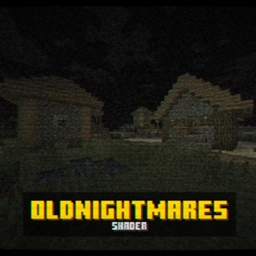
OldNightmares Shader do Minecraft 1.20.1, 1.21.1
W pełni konfigurowalny nostalgiczny/horrorowy shader VHS z liniami skanowania, glitchami i kinowym niepokojem.
📼 OldNightmares Shader
"Some memories are better left forgotten."
OldNightmares transforms Minecraft into a VHS experience - whether you're going for a deep horror atmosphere or just that warm, nostalgic glow of an old tape, this shader adapts to your vision.
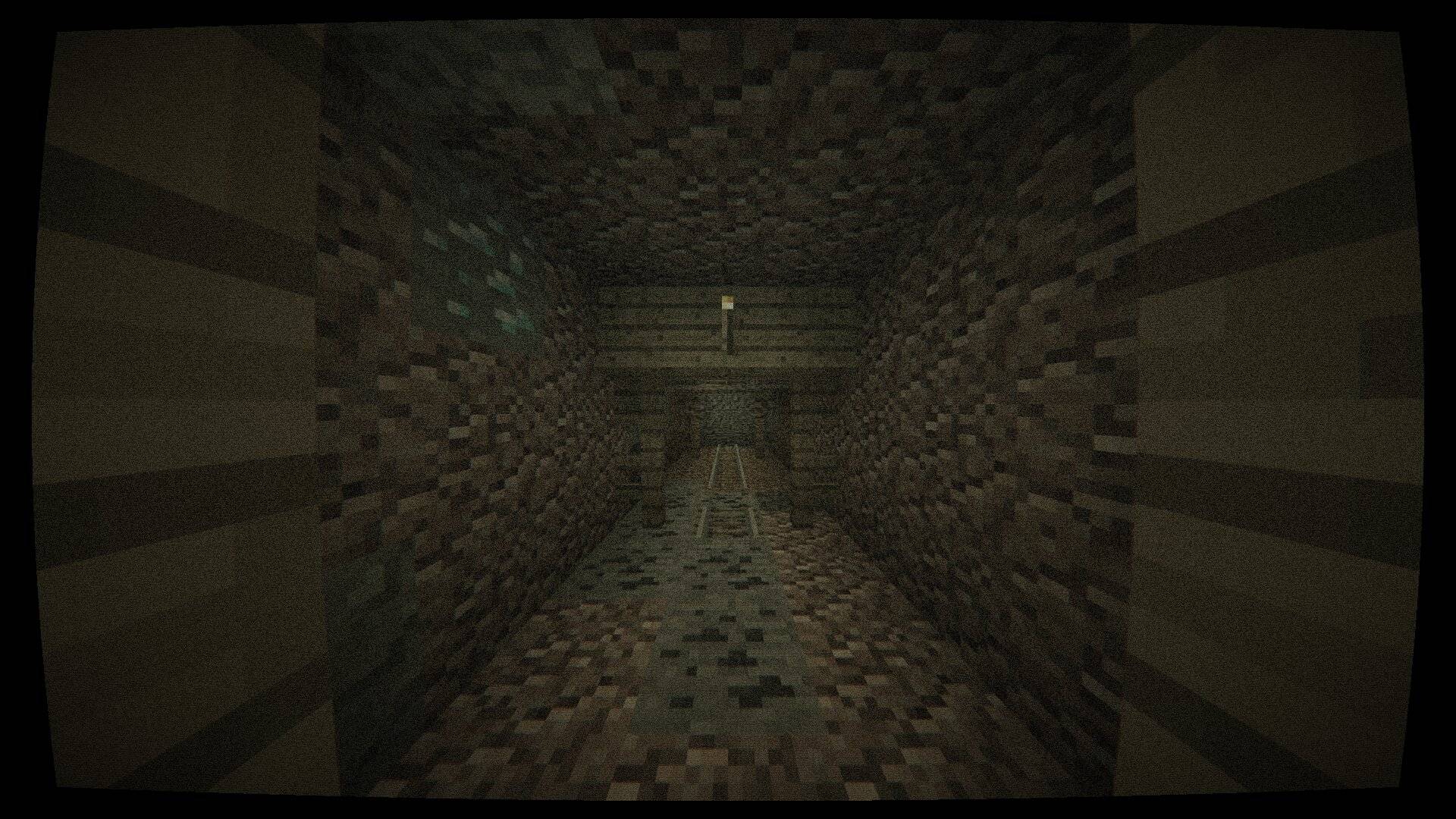
Effects
- VHS Scanlines - authentic horizontal scan lines for that old-tape feel.
- Film Grain & Noise - dynamic noise that makes every frame feel recorded.
- Chromatic Aberration - color fringing on the edges of the screen.
- Horror Vignette - deep black borders that close in around you.
- Blood Vignette - pulsing red vignette.
- VHS Glitch - random tape glitches that break the image.
- Barrel Distortion - wide-angle lens distortion.
- Screen Warp - subtle warping that makes the world feel unstable.
- Horror Color Grade - desaturated, green-tinted atmosphere.
- Motion Blur - smooth, cinematic movement blur.
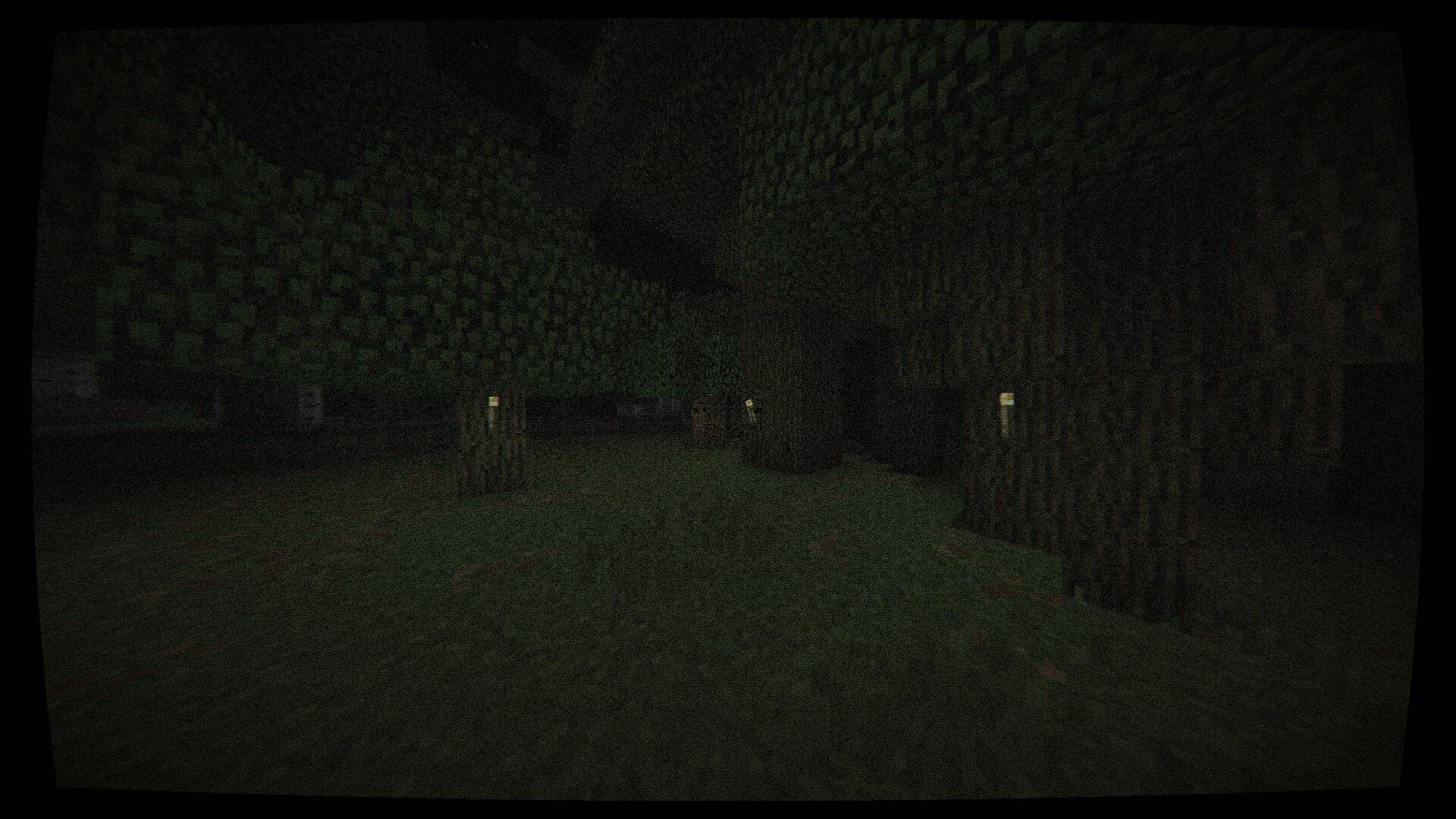
Fully Customizable
Every single effect can be toggled on/off and tuned with sliders directly from the OptiFine shader menu. Crank everything up for a terrifying found-footage experience, or dial it back for a subtle nostalgic VHS look. The choice is yours.
Compatibility
- Tested on OptiFine
- Other shader loaders (Iris, etc.) not officially tested
- Java Edition only
Jak zainstalować OldNightmares Shader
With Millida Launcher
Install Millida Launcher
The launcher is free: download it at millida.net/launcher and sign in with any nickname.
Click “Install” on this page
The launcher opens and installs the shaders for Minecraft 1.19.2–1.21.11 automatically.
Launch the game
A profile with it appears in the launcher: click “Play”.
Manually
Install Iris or OptiFine
Without a shader mod the game cannot see shaders. Install it for the same Minecraft version.
Download the shader archive
Pick the file OldNightmares.zip (8 KB) and do not unpack it.
Put it in the shaderpacks folder
“Options”, then “Video Settings”, then “Shader Packs”, then “Open Shader Pack Folder”, and drag the archive there.
Select the shaders
In the same window, click the pack name and “Apply”.
Wersje
Z zależnościami
| Minecraft | Loader | Plik | Data | Akcje |
|---|---|---|---|---|
| 1.21 | — | OldNightmares Shader8.5 KB 4 |
Opinie
Oceń OldNightmares Shader jako pierwszy


