
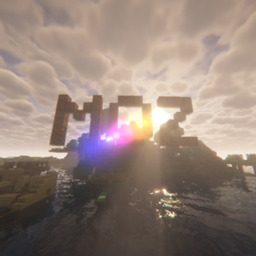
MINOPZ Shadery do Minecraft 1.20.1, 1.21.1
Shader MOZ oferuje ogromną liczbę ustawień grafiki, efektów i otoczenia, oparty na BSL x DERCODE
O shaderach MINOPZ
RECODERS: DureXXX / M1zore / Takeo
RECODE focus to improve all effects e.t.c Everything related to RECODE will be documented in the changelogs
My Discord server link
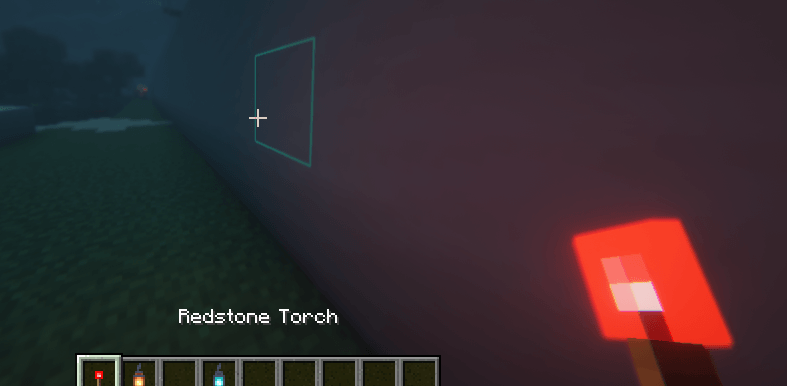
there will be news, polls, etc and also feel free to report bugs there : DERCODE
Links :
MinOPZ Discord
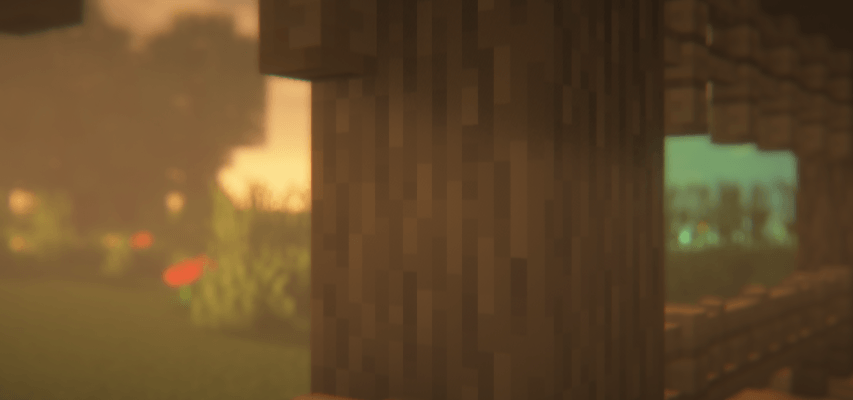
Jak zainstalować MINOPZ
With Millida Launcher
Install Millida Launcher
The launcher is free: download it at millida.net/launcher and sign in with any nickname.
Click “Install” on this page
The launcher opens and installs the shaders for Minecraft 1.19.2–26.1.1 automatically.
Launch the game
A profile with it appears in the launcher: click “Play”.
Manually
Install Iris or OptiFine
Without a shader mod the game cannot see shaders. Install it for the same Minecraft version.
Download the shader archive
Pick the file MOZ [2.5].zip (2.1 MB) and do not unpack it.
Put it in the shaderpacks folder
“Options”, then “Video Settings”, then “Shader Packs”, then “Open Shader Pack Folder”, and drag the archive there.
Select the shaders
In the same window, click the pack name and “Apply”.
Wersje
Z zależnościami
| Minecraft | Loader | Plik | Data | Akcje |
|---|---|---|---|---|
| 1.21 | — | MOZ [2.5].zip2.1 MB 1 |
FAQ
Which Minecraft versions does MINOPZ work on?
There are files for 1.19.2–26.1.1, 24 versions in total. The newest is 26.1.1.
Where can I download MINOPZ safely?
On this page: the file MOZ [2.5].zip (2.1 MB) is stored on Millida’s server, with no link shorteners. SHA-1 checksum: ce924fad576c8425b7d0afa49f04557006f061df.
Opinie
Oceń MINOPZ jako pierwszy


