

CH Motion Shadery do Minecraft 1.20.1, 1.21.1
Prosty, ale bardzo dobry pack motion blur o niskich wymaganiach, który ulepsza doświadczenie vanilla!
 Fabric
 OptiFine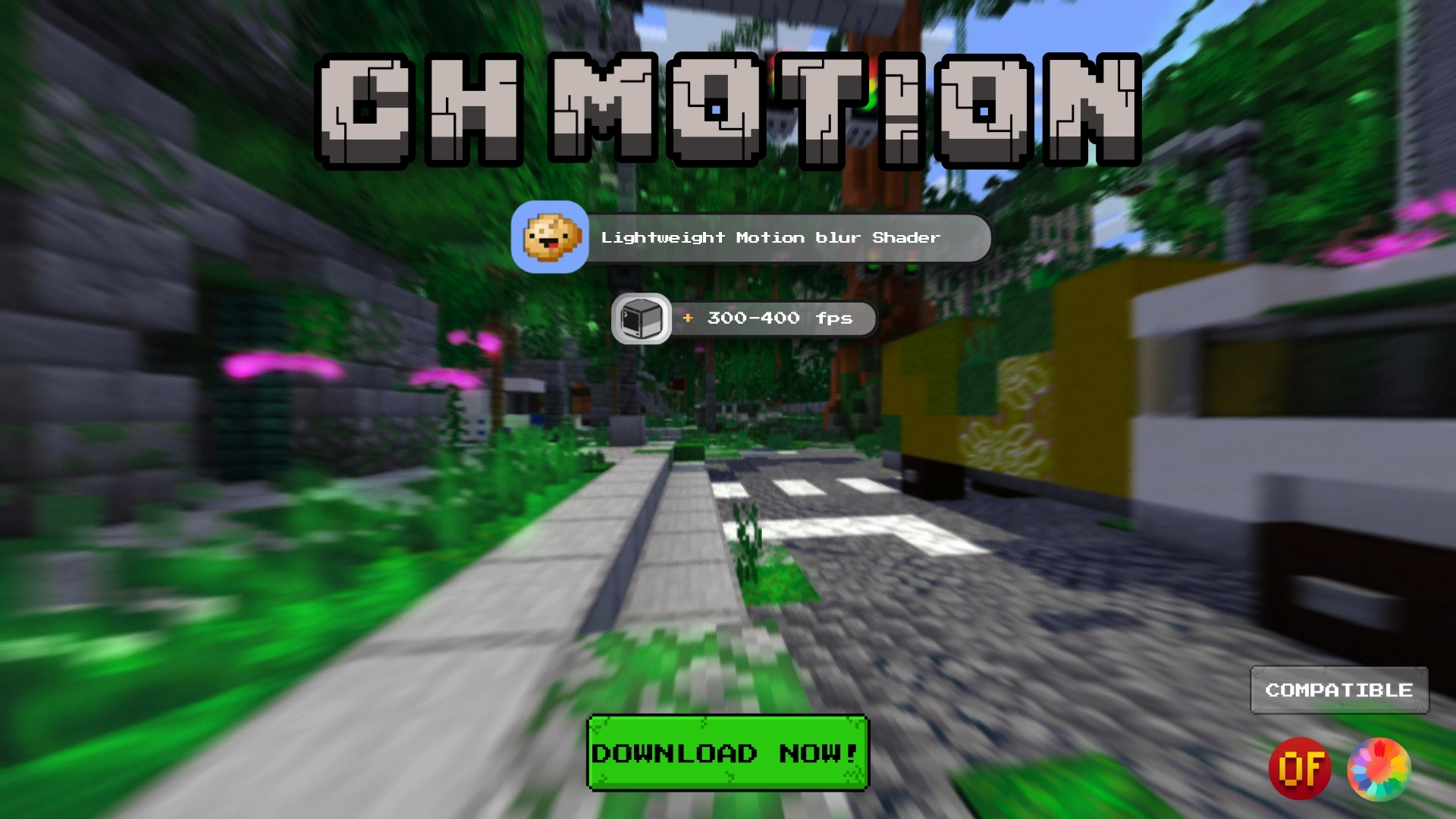
CH Motion
CH Motion is a simple, lightweight motion blur pack that adds smooth motion blur to the vanilla experience without getting in the way.
It adds a subtle screen-space blur when you move or turn, giving the game a smoother feel while keeping the vanilla look and feel pretty much the same.

Features
- Smooth camera motion blur - gives movement that nice, smooth FPS-game feel
- Vanilla-faithful - keeps the original vanilla look, with just a bit of blur added
- Extremely lightweight - it's just a post-processing effect, so the performance impact is very small
- Fully configurable - adjust the blur settings in the shader options to get it looking the way you want
Settings
Option - Description
Motion Blur - Turns the motion blur effect on or off Motion Blur Strength - Controls how strong the blur is Motion Blur Samples - Controls how smooth the blur looks — higher values look smoother but use a little more performance Motion Blur Noise - Adds a small amount of dithering to help prevent visible banding in the blur
Compatibility
- Made for Iris & OptiFine
Recommendations
- Keep Motion Blur Samples around the default value for a good balance between smoothness and performance
- Increase Strength if you want a more noticeable, cinematic look, or lower it if you prefer something more subtle
Jak zainstalować CH Motion
With Millida Launcher
Install Millida Launcher
The launcher is free: download it at millida.net/launcher and sign in with any nickname.
Click “Install” on this page
The launcher opens and installs the shaders for Minecraft 1.0–26.2 automatically.
Launch the game
A profile with it appears in the launcher: click “Play”.
Manually
Install Iris or OptiFine
Without a shader mod the game cannot see shaders. Install it for the same Minecraft version.
Download the shader archive
Pick the file CH_MotionV4.zip (9 KB) and do not unpack it.
Put it in the shaderpacks folder
“Options”, then “Video Settings”, then “Shader Packs”, then “Open Shader Pack Folder”, and drag the archive there.
Select the shaders
In the same window, click the pack name and “Apply”.
Wersje
Z zależnościami
| Minecraft | Loader | Plik | Data | Akcje |
|---|---|---|---|---|
| 1.17.1 | Iris, OptiFine | 1.17.18.6 KB 2 | ||
| 1.15.2 | Iris, OptiFine | 1.15.28.6 KB 2 | ||
| 1.14.4 | Iris, OptiFine | 1.14.48.6 KB | ||
| 1.7.10 | Iris, OptiFine | 1.7.108.6 KB | ||
| 26.2 | Iris, OptiFine | 26.28.6 KB | — | |
| 26.1 | Iris, OptiFine | 26.18.6 KB | — | |
| 1.21.11 | Iris, OptiFine | 1.21.118.6 KB | — | |
| 1.21 | Iris, OptiFine | 1.218.6 KB | — |
Opinie
Oceń CH Motion jako pierwszy


