

Bloody Shaders do Minecraft 1.20.1, 1.21.1
"W zasadzie shader do Minecrafta tworzący mroczniejszy, krwawszy klimat na tegoroczny 31 października z okazji Halloween. Ciesz się nim i Wesołego Halloween.
 Fabric
 OptiFine
Bloody Shaders
Description
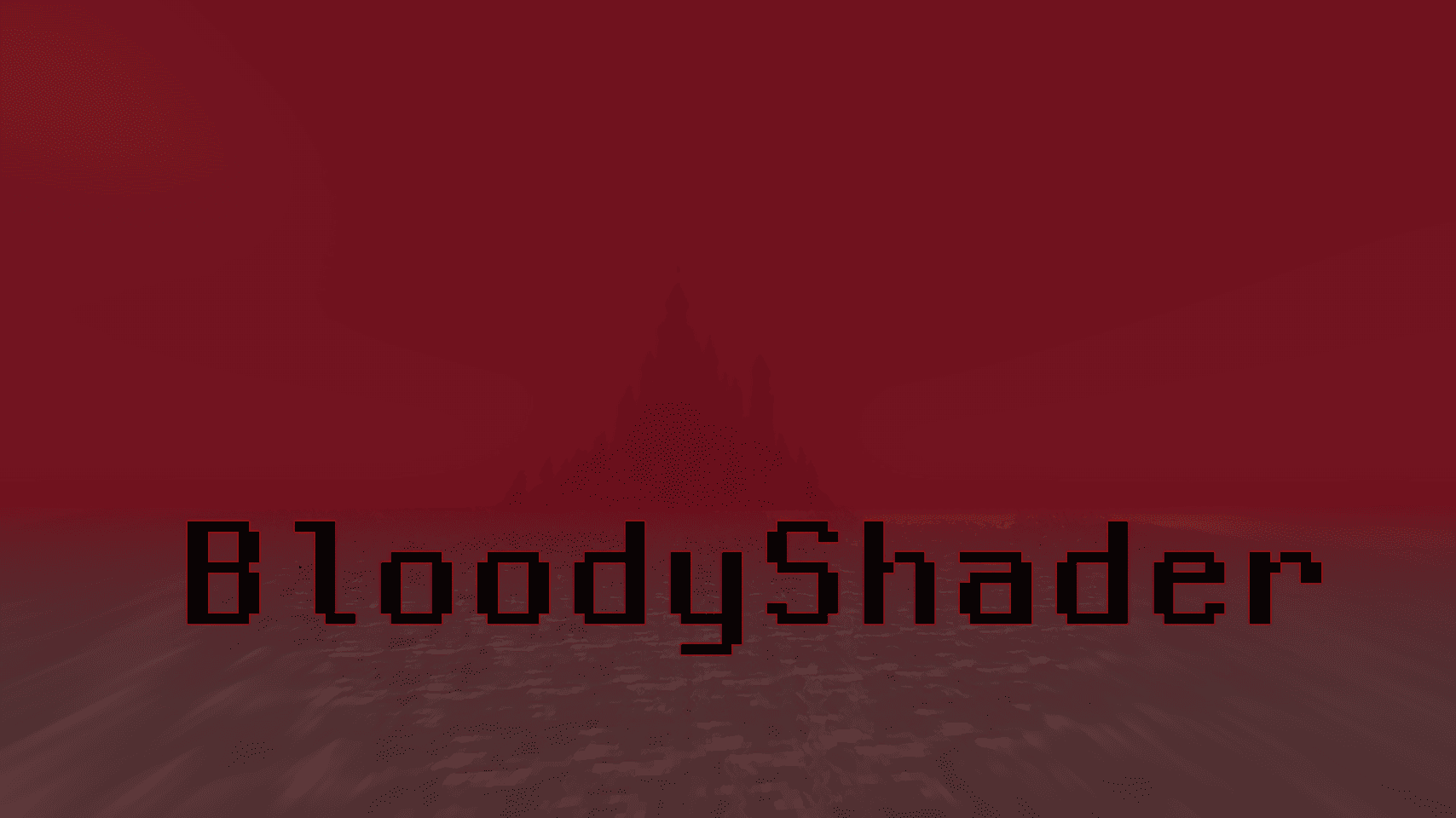
Bloody Shaders is designed to give Minecraft a darker, more apocalyptic atmosphere. By adding a red-tinted fog, this shader brings a gloomy, somber touch to the game, perfect for those who want an eerie and unsettling experience.
Realistic Water: Replaces vanilla water with a highly optimized, realistic water effect, adding a more immersive experience.

Pixelated Shadows: New pixelated shadows for a more atmospheric and unsettling vibe.
Red Fog Effect: The shader adds a red fog that creates a haunting, end-of-the-world vibe across landscapes, making the game feel eerie and melancholic.
Future Features: Stay tuned for upcoming updates, which will include:
Additional lighting and shadow improvements. New fog colors and effects to further enhance the atmosphere.
Note: Feedback and suggestions are very welcome! Let me know what you’d like to see improved or added in future updates.

Jak zainstalować Bloody Shaders
With Millida Launcher
Install Millida Launcher
The launcher is free: download it at millida.net/launcher and sign in with any nickname.
Click “Install” on this page
The launcher opens and installs the shaders for Minecraft 1.16–1.21.1 automatically, together with its dependencies: Iris Shaders.
Launch the game
A profile with it appears in the launcher: click “Play”.
Manually
Install Iris or OptiFine
Without a shader mod the game cannot see shaders. Install it for the same Minecraft version.
Download the shader archive
Pick the file BloodyShader1.3.zip (23 KB) and do not unpack it.
Put it in the shaderpacks folder
“Options”, then “Video Settings”, then “Shader Packs”, then “Open Shader Pack Folder”, and drag the archive there.
Select the shaders
In the same window, click the pack name and “Apply”.
Wersje
Z zależnościami
| Minecraft | Loader | Plik | Akcje |
|---|---|---|---|
| 1.21 | Iris, OptiFine | 1.2122.8 KB | |
| 1.20.1 | Iris, OptiFine | 1.20.122.8 KB | |
| 1.19.2 | Iris, OptiFine | 1.19.218.7 KB |
Co jest potrzebne do działania
- Iris Shaderswymagane
Opinie
Oceń Bloody Shaders jako pierwszy


