
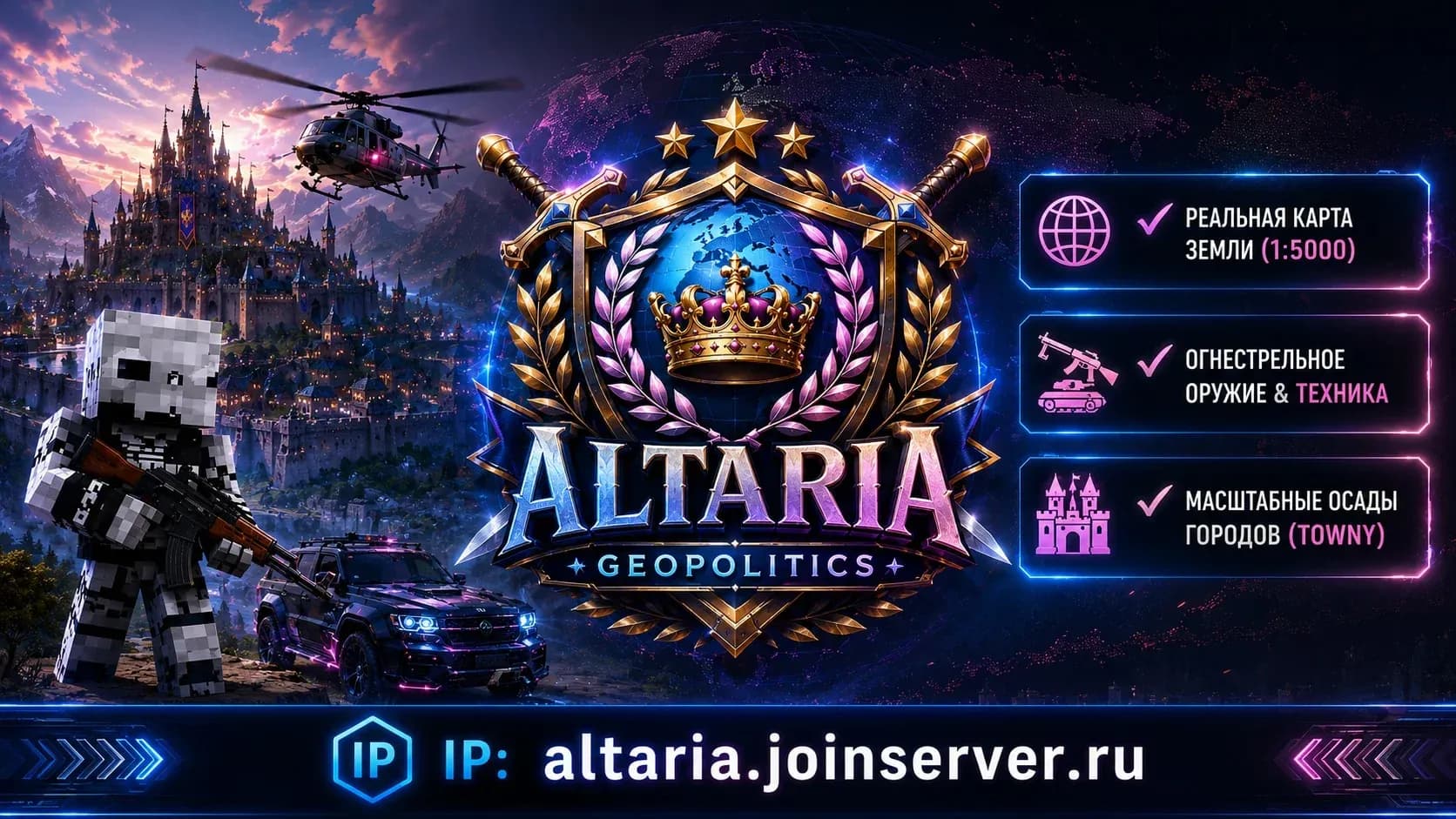

ALTARIA [BETA]
Serwer Minecraft Java, tryb gry: Preživljavanje: Adres IP i online
- Miejsce w topie
- Joined in 7 days
- 2
- Wersje
- 1.19 – 1.21
- Platforma
- Java
- Licencjonowany
- Logowanie nickiem
- Jak dołączyć
- Straight by IP
- Głosy w listopadzie
- 0
- Głosy ogółem
- 5
- Miesięczny wynik
- 9
Related lists
O serwerze
Welcome to ALTARIA - a large-scale military-political server of a new generation on version 1.20.1! Here you don't just survive in a cubic world, but build the history of humanity on a real map of Earth. The server combines deep diplomacy, economic strategies, modern technology and tactical battles. ⚔ OUR MAIN FEATURES AND HIGHLIGHTS: Epic geopolitics (Towny): Found your own cities, unite into mighty nations and form alliances [1]. Declare economic boycotts, hold peace negotiations or expand your borders at the expense of your neighbors. Sieges and wars (FlagWar): Real politics is never without conflicts. Take part in well-designed city sieges and large-scale wars for world domination [1]. Firearms and vehicles: Forget boring classic PvP. The server has integrated a huge arsenal of firearms (assault rifles, sniper rifles, shotguns, rocket launchers) and vehicles (cars, helicopters) [2]. Battles now require real tactics and teamwork! Well-developed economy: Take up jobs (miner, farmer, lumberjack) with a unique leveling and reward system [1]. Put resources up on the global auction or trade directly between states. Atmospheric design: We have completely reworked the entire server interface — stylish animated menus, a pleasant pastel color scheme for chat and a beautiful tab list without visual clutter await you. 📅 LIVE EVENTS AND ACTIVITY: Our team regularly holds global geopolitical events, trials between nations, fairs and military maneuvers. The server always maintains stable TPS and has reliable protection against cheaters (GrimAC, Vulcan). ALTARIA Geopolitics is a place where you can go from an ordinary peasant to the emperor of the entire planet. Write your own story!
Serwer jest teraz offline
zaktualizowano 2 min temuJak dołączyć do serwera ALTARIA [BETA]
Jak dołączyć do serwera ALTARIA [BETA]
Jak dołączyć z PC
- 1Uruchom Minecraft Java Edition w odpowiedniej wersji.
- 2Na głównym ekranie kliknij Multiplayer.
- 3Kliknij Dodaj serwer i wklej adres.
- 4Wklej IP: altaria.joinserver.ru
- 5Zapisz, wybierz serwer z listy i kliknij Dołącz do serwera.
Jak dołączyć z telefonu
- 1Tylko PC: serwer działa na Java Edition.
ALTARIA [BETA] na Minecraft 1.21
Aby dołączyć do ALTARIA [BETA] z Minecraft 1.21, uruchom grę w tej wersji, dodaj IP altaria.joinserver.ru do listy serwerów i połącz się. Jeśli serwer działa na innej wersji, użyj zgodnego klienta.
ALTARIA [BETA] na Minecraft 1.20
Aby dołączyć do ALTARIA [BETA] z Minecraft 1.20, uruchom grę w tej wersji, dodaj IP altaria.joinserver.ru do listy serwerów i połącz się. Jeśli serwer działa na innej wersji, użyj zgodnego klienta.
ALTARIA [BETA] na Minecraft 1.19
Aby dołączyć do ALTARIA [BETA] z Minecraft 1.19, uruchom grę w tej wersji, dodaj IP altaria.joinserver.ru do listy serwerów i połącz się. Jeśli serwer działa na innej wersji, użyj zgodnego klienta.
ALTARIA [BETA] na Minecraft 1.18
Aby dołączyć do ALTARIA [BETA] z Minecraft 1.18, uruchom grę w tej wersji, dodaj IP altaria.joinserver.ru do listy serwerów i połącz się. Jeśli serwer działa na innej wersji, użyj zgodnego klienta.
ALTARIA [BETA] na Minecraft 1.17
Aby dołączyć do ALTARIA [BETA] z Minecraft 1.17, uruchom grę w tej wersji, dodaj IP altaria.joinserver.ru do listy serwerów i połącz się. Jeśli serwer działa na innej wersji, użyj zgodnego klienta.
ALTARIA [BETA] na Minecraft 1.16.5
Aby dołączyć do ALTARIA [BETA] z Minecraft 1.16.5, uruchom grę w tej wersji, dodaj IP altaria.joinserver.ru do listy serwerów i połącz się. Jeśli serwer działa na innej wersji, użyj zgodnego klienta.
Wipy serwera
Śledzenie social mediów 24/7Opinie · 0
Opinie · 0
Częste pytania
Częste pytania
What is the IP address of ALTARIA [BETA]?
The IP address of ALTARIA [BETA] is altaria.joinserver.ru. Copy it from this page and paste it into your Minecraft client when you add the server.
How do I join ALTARIA [BETA]?
Open Minecraft → Multiplayer → Add Server, paste the IP altaria.joinserver.ru and press Done. Then pick the server from the list and hit Join Server.
Which Minecraft version does ALTARIA [BETA] run?
ALTARIA [BETA] runs version 1.21 (Java). Connect with a matching client version.
Do I need a premium Minecraft account for ALTARIA [BETA]?
No, ALTARIA [BETA] is a nickname login server: you can join with an offline account by entering a nickname.
Can I join ALTARIA [BETA] from a phone?
ALTARIA [BETA] is a Java server, made for the PC edition of Minecraft. You cannot join it from Bedrock on a phone directly.
What does ALTARIA [BETA] have?
ALTARIA [BETA] has: Economy, Tech, Not pay-to-win, Clans, PvP, Custom items, Events, Auction house, Political, Military, Transport, Firearms, Farming, Sieges. The full list of modes and features is in the server tags block on this page.
How do I vote for ALTARIA [BETA], and why bother?
Open the ALTARIA [BETA] page and press Vote (once a day). Votes move the server up the Millida server list.
What is the official website of ALTARIA [BETA]?
The official website of ALTARIA [BETA]: http://212.80.7.203:20004/.
When is the next wipe on ALTARIA [BETA]?
Wipe dates for ALTARIA [BETA] live on a separate schedule page — we take them from the project's own channel and show a countdown. If nothing is announced, the server has not named a date.

Głosy na serwer
Aktywność
Kod do osadzenia na stronie

Link do nas na stronie serwera: +1 punkt oceny, dopóki będzie aktywny.
Podobne serwery


