

VCMC - Voice Chat for MC BE & Java Pluggin Plugin do Minecraft 1.21, 26.1.2
Czat głosowy dla Minecraft Bedrock i Java, kompatybilny z Geyser
O pluginie VCMC - Voice Chat for MC BE & Java Pluggin
The VCMC companion app is required. Minecraft does not allow a server addon or plugin to access a player’s microphone natively; this restriction is especially strict on Bedrock. The plugin synchronizes player positions and voice states, while the VCMC app captures and plays voice audio. Download VCMC for Android, iOS, Windows, or use the web app.
Is the latest version not available here yet? CurseForge may take some time to process an update. You can also find published versions in the official GitHub repository.
VCMC — Proximity Voice Chat for Java and Geyser
VCMC turns a Java server with Geyser into a proximity voice room for both Java and Bedrock players. No client-side voice mod is required: every player uses the VCMC companion app and links their Minecraft account from inside the game.
Main setup: /vcmc:verify
- The administrator places the .jar file in the server’s plugins folder and restarts the server.
- The plugin automatically creates or restores the server’s secure VCMC room.
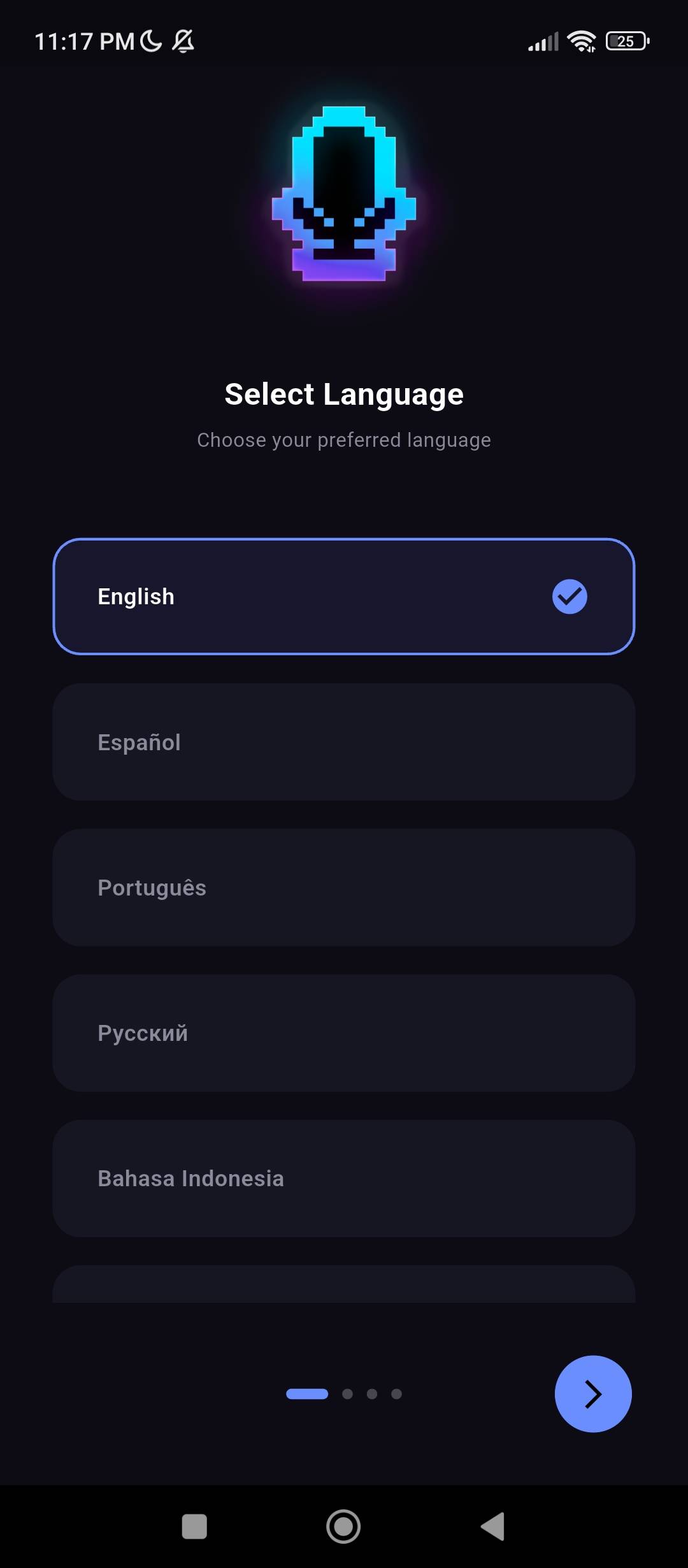
- Each player opens VCMC, selects Server mode, and adds a room using any name. This name is only a local label inside their app.
- The app displays a personal command such as /vcmc:verify "code". The player pastes it exactly into Minecraft chat while using the same Minecraft name or Gamertag.
- After verification, VCMC links the app to that player and automatically adjusts voice connections according to distance, dimension, groups, and server settings.
Verification is individual. A player may need to verify again after switching devices or browsers, or after reinstalling the app.
Main features
- Distance-based proximity voice and spatial audio.
- Java and Bedrock player support through Geyser.
- Private groups, global groups, and individual player volume.
- Voice effects, custom SFX, and environmental audio effects.
- Global megaphone, moderation, and administrator controls.
- Voice states for PlaceholderAPI, TAB, and NametagEdit.
- Native and web apps with recording and a recording library.
Player commands
- /vcmc:verify "<code>" — links Minecraft to the personal code displayed by the app.
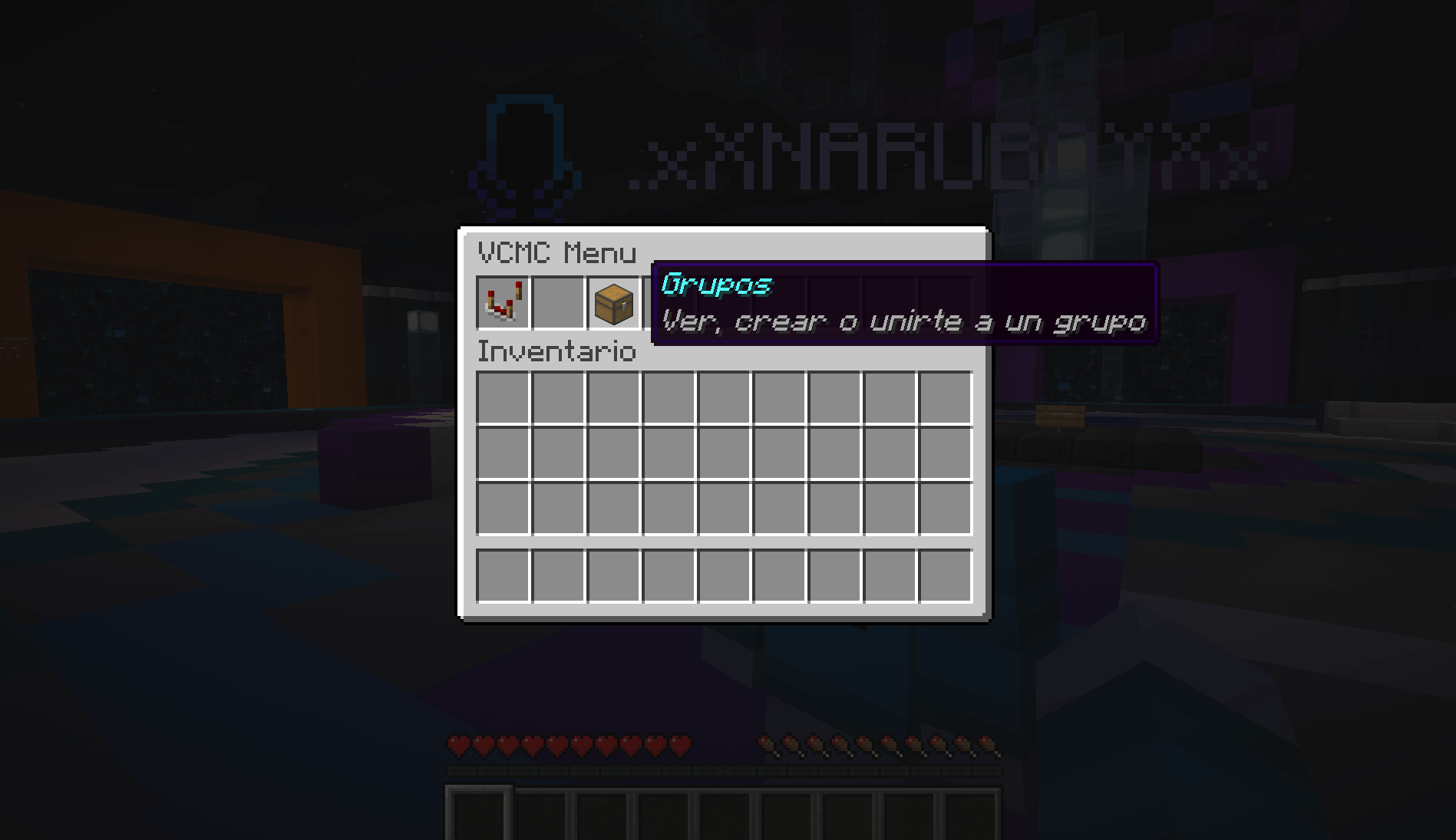
- /vcmc:menu — opens voice settings, groups, and individual player volume.
- /vcmc:m [true|false] — mutes or enables your own microphone; without an argument it toggles the current state.
- /vcmc:groups — opens the group menu.
- /vcmc:groups create "<name>" ["<password>"] — creates a voice group.
- /vcmc:groups join <#|name> ["<password>"] — joins a group.
- /vcmc:groups leave — leaves the current group.
- /vcmc:groups list — lists public groups.
- /vcmc:groups delete [#|name] — deletes a group you own.
- /vcmc:groups-settings <group> <global|external|environmental> <true|false> — changes group behavior.
Administrator commands
- /vcmc:admin — opens the administrator panel; requires operator status or vcmc.admin.
- /vcmc:mute <player|selector> <true|false> — applies an administrative mute with true and removes it with false.
- /vcmc:groups-admin create <1-255> — creates a hidden administrative group.
- /vcmc:groups-admin move <group> <player|selector> — moves players into a group.
- /vcmc:groups-admin leave <player|selector> — removes players from their group.
- /vcmc:groups-admin list and /vcmc:groups-admin delete <group> — lists or deletes administrative groups.
- /vcmc:megaphone <player|selector> <true|false> — enables or disables global voice.
- /vcmc:sfx add <name> <json>, /vcmc:sfx delete <name>, and /vcmc:sfx list — manage custom SFX.
- /vcmc:sfx-player set <target> <normal|cave|water|echo|radio|nether|custom> [effect] and /vcmc:sfx-player clear <target> — assign or remove voice effects.
Installation and help
The plugin stores its secure room in plugins/VCMC/config.yml. You normally do not need to edit it. The plugin also serves a voice-status resource pack to Java players; if it cannot be downloaded, check rp-port and rp-host.
- Download the VCMC companion app
- Official installation, verification, command, and troubleshooting documentation
- Source code and releases on GitHub
VCMC is an independent project by Naru / Antoic Projects and is not affiliated with Mojang or Microsoft.
Jak zainstalować VCMC - Voice Chat for MC BE & Java Pluggin
A server on Paper or Spigot
The plugin runs on the server core for Minecraft 1.20–26.1.2; players do not need to install anything.
File goes into the plugins folder
Download the file vcmc-v2.2.3.jar (487 KB) and put it into the server’s plugins folder.
Restart the server
On startup the plugin creates its own settings folder in plugins.
Use the “To server” button
On Millida Hosting, the button at the top of the page uploads the file to your server and restarts it for you.
Wersje
Z zależnościami
| Minecraft | Loader | Plik | Data | Akcje |
|---|---|---|---|---|
| 1.21.2 | — | VCMC Plugin 2.2.3487 KB |
Opinie
Oceń VCMC - Voice Chat for MC BE & Java Pluggin jako pierwszy



