

Raft Modpack do Minecraft 1.12.2
Świat to nic innego jak rozległy i zabójczy ocean, a ty masz tylko tratwę, generator bruku i wędkę.
- pobrań
- 2 pobrań
- wyświetleń
- 40 wyświetleń
- Zaktualizowano
- Zaktualizowano 22.10.2026
- 1.12.2
 Forge
Forge
O modpacku Raft
Fair warning, this modpack was made as an experimental branch of another modpack and is not very good. I still think a raft modpack is a cool idea, but you should look elsewhere if you want one that is well executed.
The world's nothing but a vast and deadly ocean, and all you have is a raft, cobblestone generator, and fishing rod.
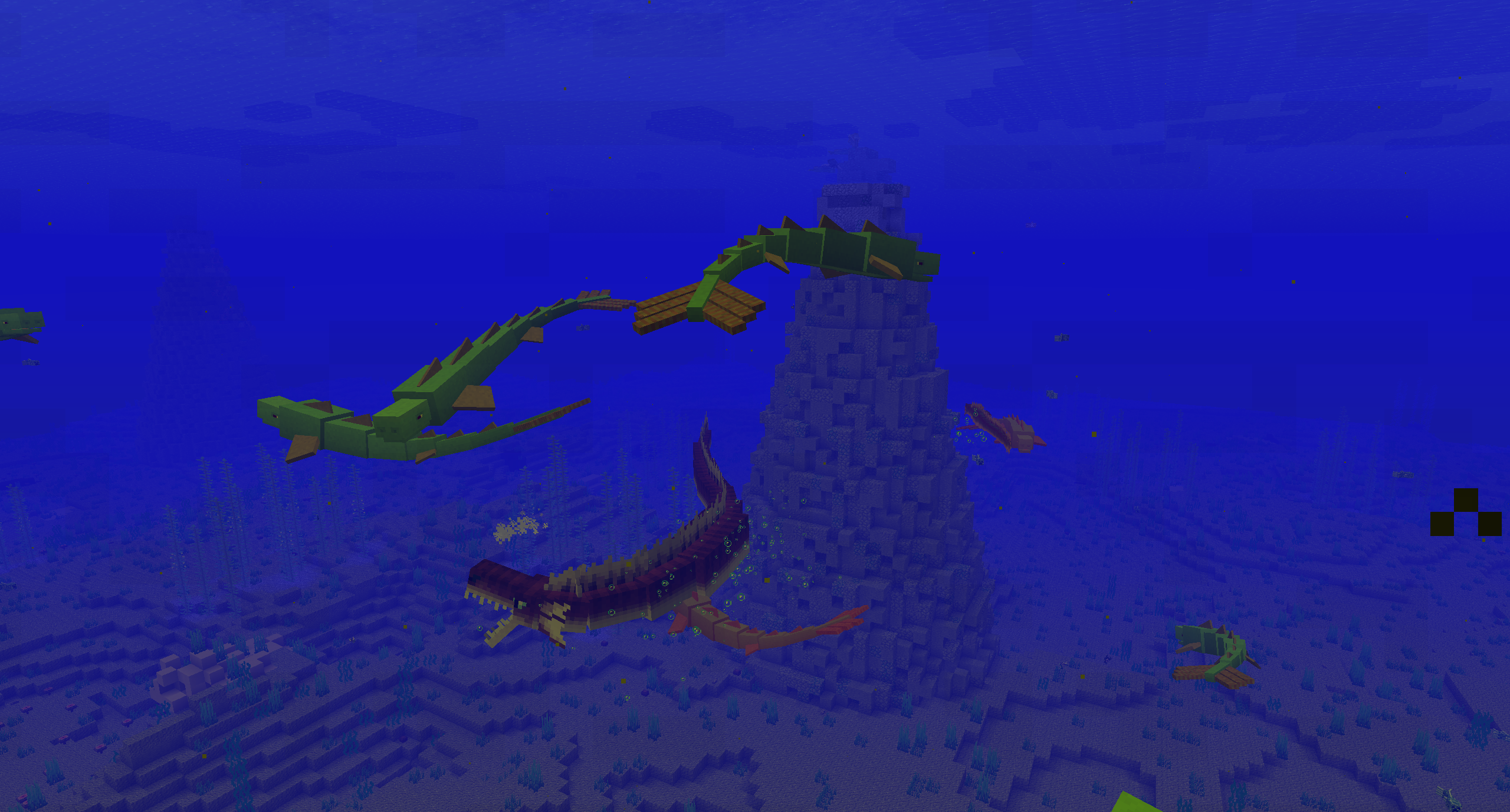
This modpack is heavily inspired by the game, Raft. Here's a link to the steam page if you'd like to check it out:
https://store.steampowered.com/app/648800/Raft/
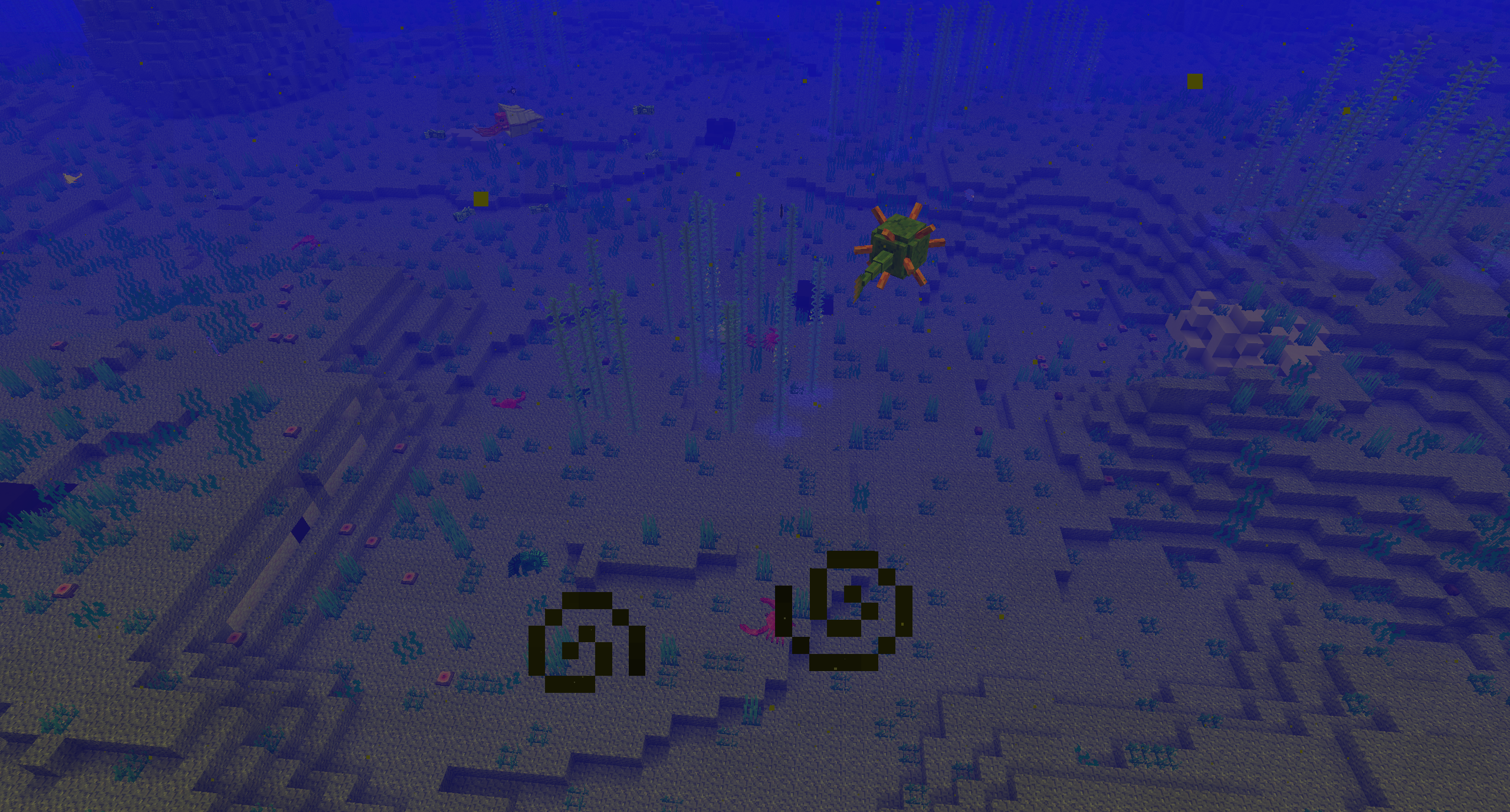
In this pack, you spawn in a world of nothing but ocean (there can also be islands or drowned cities depending on which world you play). You start with a wooden sword, a fishing rod, a shield, some leather armor, some bread, and a boat that can be built upon. When in most packs, it starts with you mining a tree or gravel patch. In this, the first thing you want to do is go fishing. You may be able to get driftwood, which can be crafted into planks. Yes, you could dive down into the depths and get resources or find land if the world has it, but that way, you have a far greater chance of getting eaten by something. Good luck!
You start off with three saves, all of which spawn you in a small room floating above the water with a rideable and expandable raft outside. The Stranded save spawns you in a world of nothing but water. The Islands save is like Stranded but with islands scattered around. This sounds like it would give easy access to resources, but land is usually guarded by nagas. The Lost City save is probably the hardest one. You are surrounded by buildings half-submerged underwater. Sure, you have plenty of shelter, but there are also a lot of nagas. If you want to start a new world, make sure you make it custom with the ocean level at 80 if you don't want islands, and have the biomes set to only ocean or deep ocean. Remember that by doing this, you won't spawn with a pre-built raft.
Mod List:
- [SMB] Merpig - https://www.curseforge.com/minecraft/mc-mods/sbm-merpig
- Abyssal Depths - https://www.curseforge.com/minecraft/mc-mods/abyssal-depths
- AppleSkin - https://www.curseforge.com/minecraft/mc-mods/appleskin
- Aqua Creepers! - https://www.curseforge.com/minecraft/mc-mods/aqua-creepers
- Aquaculture 2 - https://www.curseforge.com/minecraft/mc-mods/aquaculture
- AutoRegLib - https://www.curseforge.com/minecraft/mc-mods/autoreglib
- Better Animal Models - https://www.curseforge.com/minecraft/mc-mods/better-animal-models
- Better Animals Plus - https://www.curseforge.com/minecraft/mc-mods/betteranimalsplus
- Better Diving - https://www.curseforge.com/minecraft/mc-mods/better-diving
- Better Foliage - https://www.curseforge.com/minecraft/mc-mods/better-foliage
- Better Survival - https://www.curseforge.com/minecraft/mc-mods/better-survival-mod
- Chisel - https://www.curseforge.com/minecraft/mc-mods/chisel
- Common Recipes - https://www.curseforge.com/minecraft/mc-mods/common-recipes
- Connected Textures - https://www.curseforge.com/minecraft/mc-mods/ctm
- CoralReef - https://www.curseforge.com/minecraft/mc-mods/coralreef
- CoroUtil - https://www.curseforge.com/minecraft/mc-mods/coroutil
- Crafttweaker - https://www.curseforge.com/minecraft/mc-mods/crafttweaker
- CyclopsTek - https://www.curseforge.com/minecraft/mc-mods/cyclopstek
- Davincis Vessels - https://www.curseforge.com/minecraft/mc-mods/davincis-vessels
- Epic Siege - https://www.curseforge.com/minecraft/mc-mods/epic-siege-mod
- Extra Mob Drops - https://www.curseforge.com/minecraft/mc-mods/extra-mob-drops
- FoamFix - https://www.curseforge.com/minecraft/mc-mods/foamfix-optimization-mod
- Food Funk - https://www.curseforge.com/minecraft/mc-mods/food-funk
- Giacomo's Fishing Net - https://www.curseforge.com/minecraft/mc-mods/giacomos-fishing-net
- Hardcore Darkness - https://www.curseforge.com/minecraft/mc-mods/hardcore-darkness
- Ice and Fire: Dragons in a whole new light! - https://www.curseforge.com/minecraft/mc-mods/ice-and-fire-dragons
- Ido - https://www.curseforge.com/minecraft/mc-mods/ido
- Illuminations - https://www.curseforge.com/minecraft/mc-mods/illuminations
- Insomniac (removed in v2.0.0) - https://www.curseforge.com/minecraft/mc-mods/insomniac
- Inventory Tweaks - https://www.curseforge.com/minecraft/mc-mods/inventory-tweaks
- JourneyMaps - https://www.curseforge.com/minecraft/mc-mods/journeymap
- Just a Few Fish - https://www.curseforge.com/minecraft/mc-mods/just-a-few-fish
- Just Enough Items (JEI) - https://www.curseforge.com/minecraft/mc-mods/jei
- LLibrary - https://www.curseforge.com/minecraft/mc-mods/llibrary
- Loot Bags - https://www.curseforge.com/minecraft/mc-mods/lootbags
- Loot Tweaker - https://www.curseforge.com/minecraft/mc-mods/loottweaker
- Lycanites Mobs - https://www.curseforge.com/minecraft/mc-mods/lycanites-mobs
- Memer's Modpack Utilities - https://www.curseforge.com/minecraft/mc-mods/memers-modpack-utilities
- More Charcoal - https://www.curseforge.com/minecraft/mc-mods/more-charcoal
- Mouse Tweaks - https://www.curseforge.com/minecraft/mc-mods/mouse-tweaks
- MovingWorld - https://www.curseforge.com/minecraft/mc-mods/movingworld
- Mowzie's Mobs - https://www.curseforge.com/minecraft/mc-mods/mowzies-mobs
- p455w0rd's Library - https://www.curseforge.com/minecraft/mc-mods/p455w0rds-library
- Potion Core - https://www.curseforge.com/minecraft/mc-mods/potion-core
- Quality Tools - https://www.curseforge.com/minecraft/mc-mods/quality-tools
- Quark - https://www.curseforge.com/minecraft/mc-mods/quark
- Realistic Item Drops - https://www.curseforge.com/minecraft/mc-mods/realistic-item-drops
- Redstone Flux - https://www.curseforge.com/minecraft/mc-mods/redstone-flux
- Ruins - https://www.curseforge.com/minecraft/mc-mods/ruins-structure-spawning-system
- Shadowfacts' Forgelin - https://www.curseforge.com/minecraft/mc-mods/shadowfacts-forgelin
Jak zainstalować Raft
With Millida Launcher
Install Millida Launcher
The launcher is free: download it at millida.net/launcher and sign in with any nickname.
Click “Install” on this page
The launcher opens and installs the modpack for Minecraft 1.12.2 on Forge automatically.
Launch the game
A profile with it appears in the launcher: click “Play”.
Manually
Download the modpack archive
In the version list above, pick the file Raft-2.1.0.zip (54 MB).
Import it into a launcher
A launcher that supports modpacks (Millida Launcher, Prism) takes the archive via “Add modpack”, then “From file”. No need to unpack it yourself.
Allocate memory
Modpacks need more memory than the plain game: set 4–6 GB in the profile settings.
On a server
Use the “To server” button
On Millida Hosting, the button at the top of the page uploads the file to your server and restarts it for you.
Invite friends: they install the same modpack
To join the server, every player needs the same modpack version.
Minecraft 1.12.2 runs on Java 8: with a different Java version the game may close right after launch.
Wersje
Z zależnościami
| Minecraft | Loader | Plik | Data | Akcje |
|---|---|---|---|---|
| 1.12.2 | Forge | Raft-v2.1.054 MB 2 | ||
| 1.12.2 | — | Raft-v2.0.015.6 MB |
FAQ
Which Minecraft versions does Raft work on?
Only Minecraft 1.12.2: there are no files for other versions.
Is Raft for Forge or Fabric?
Only for Forge: 1.12.2.
Which Java does Raft need?
Minecraft 1.12.2 runs on Java 8. If the game closes right after launch, the usual cause is the wrong Java version in the profile settings.
Where can I download Raft safely?
On this page: the file Raft-2.1.0.zip (54 MB) is stored on Millida’s server, with no link shorteners. SHA-1 checksum: 56c4008182392901868ddeb2d7b9c158d7ba5ea8.
Opinie
Oceń Raft jako pierwszy


