

- pobrań
- 26 pobrań
- wyświetleń
- 157 wyświetleń
- Zaktualizowano
- Zaktualizowano 21.10.2026
- 26.2 — 26.3
 Fabric
✨ OptiFabric
OptiFabric is a modern Fabric replacement for OptiFine, bringing OptiFine-like features, shader support, resource pack compatibility, and better optimization for higher FPS and smoother gameplay.
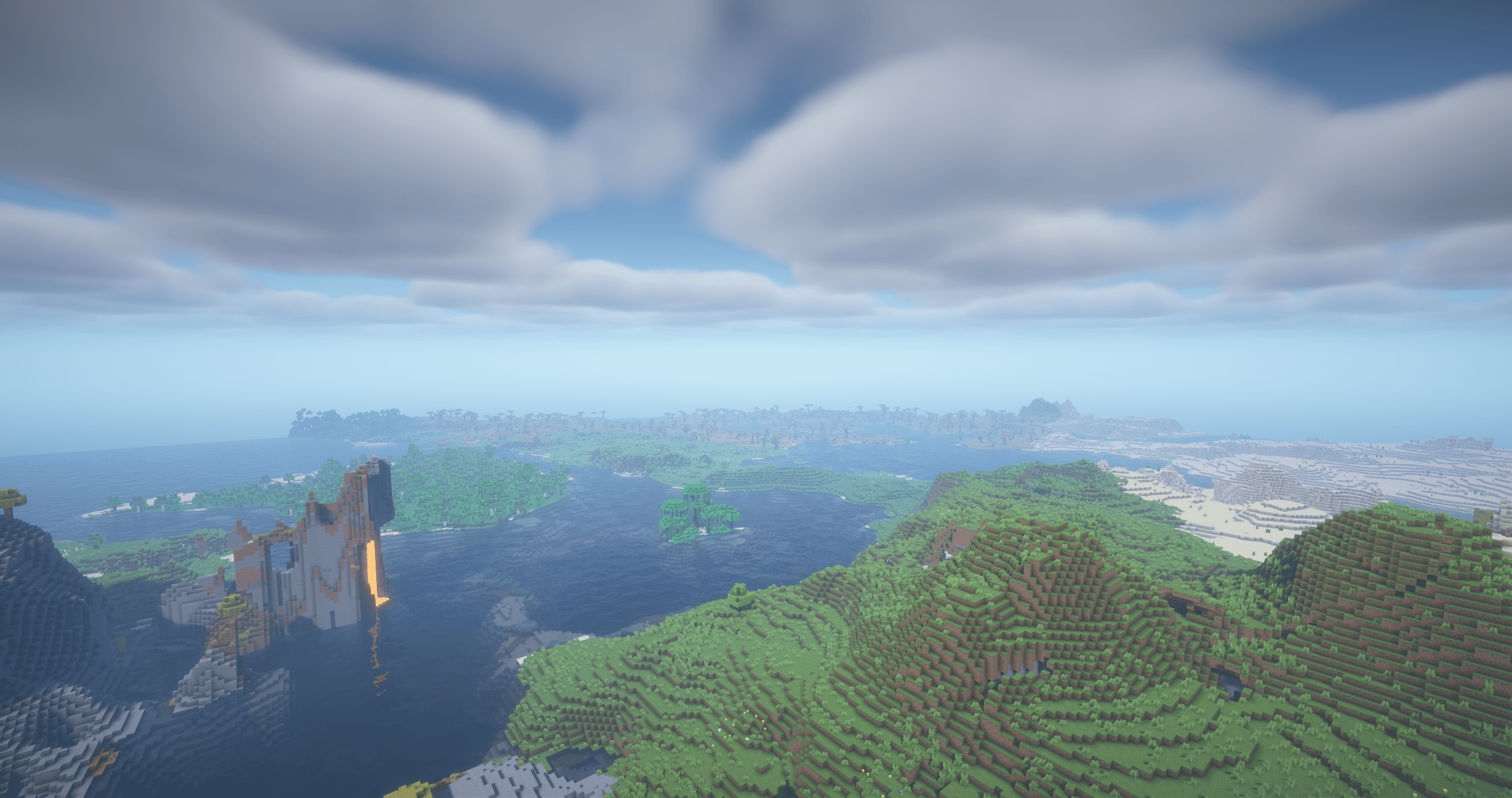
🚀 Main Benefits
⚡ Higher FPS - Improves overall game performance and responsiveness. - 💾 Lower RAM Usage - Reduces memory usage and unnecessary system load. - 🌅 Shader Support - Allows using shaders on Fabric. - 🧱 Rendering Optimization - Optimizes blocks, entities, chunks, and visual effects. - 👀 Smart Culling - Stops rendering blocks and entities that are not visible to the player. - 🌐 Server Ping Optimization - Improves multiplayer server list pinging and makes refreshing servers faster and smoother. - 🛡️ Background Optimization - Lowers resource usage when Minecraft is minimized.
❓ What Does It Replace From OptiFine?
🔍 Zoom - ✅ Included - 🌅 Shaders - ✅ Included - 💡 Dynamic Lights - ✅ Included - 🍃 Smart Leaves - ✅ Included - 🦸 Capes - ✅ Included - ⚙️ Advanced Video Settings - ✅ Included - 📸 HD Screenshots - ✅ Included
🎨 Resource Pack Features
🖼️ Animated Textures - 🔗 Connected Textures - 🔳 Custom GUI - 🪙 Custom Items - ☁️ Custom Sky - 🅰️ HD Fonts - 🎲 Random Entities - 📐 Custom Entity Models - 🌈 Custom Colors - 🚀 Splash Screen Support - 🔍 Anisotropic Filtering - 📷 HD Screenshots
💬 Community & Support
Need help, want to report a bug, or follow updates? Join the Discord community.
Jak zainstalować OptiFabric
With Millida Launcher
Install Millida Launcher
The launcher is free: download it at millida.net/launcher and sign in with any nickname.
Click “Install” on this page
The launcher opens and installs the modpack for Minecraft 26.2–26.3 on Fabric automatically.
Launch the game
A profile with it appears in the launcher: click “Play”.
Manually
Download the modpack archive
In the version list above, pick the file OptiFabric 26.3-9.0.0 beta 3.zip (243 KB).
Import it into a launcher
A launcher that supports modpacks (Millida Launcher, Prism) takes the archive via “Add modpack”, then “From file”. No need to unpack it yourself.
Allocate memory
Modpacks need more memory than the plain game: set 4–6 GB in the profile settings.
On a server
Or use the “To hosting” button
On Millida Hosting, the button at the top of the page uploads the file to your server and restarts it for you.
Players install the same modpack
To join the server, every player needs the same modpack version.
Wersje
Z zależnościami
| Minecraft | Loader | Plik | Data | Akcje |
|---|---|---|---|---|
| 26.3 | Fabric | 9.0.0 beta 3243 KB 26 | ||
| 26.2 | Fabric | 8.0.2244 KB |
Opinie
Oceń OptiFabric jako pierwszy


