

JurassicraftWorld Modpack do Minecraft 1.12.2
Pakiet skoncentrowany na Jurassicraft dla wersji 1.12.2!
O modpacku JurassicraftWorld
Need a server to play with friends? Don't know how to setup one? Just rent an already configured server!
BisectHosting is the Official Sponsor of the JurassicraftWorld Modpack!
Click on the picture above, select plan (8GB is recommended), use my code PartTimePirate to get 25% off your first month and enjoy playing with your friends!
A server pack for this modpack will be released soon!
This pack is built around Jurassicraft for 1.12.2! With technology, worldgen, Loot Table updates and more, this mod tries to be a fun and exciting dive into the world of Dinosaurs!
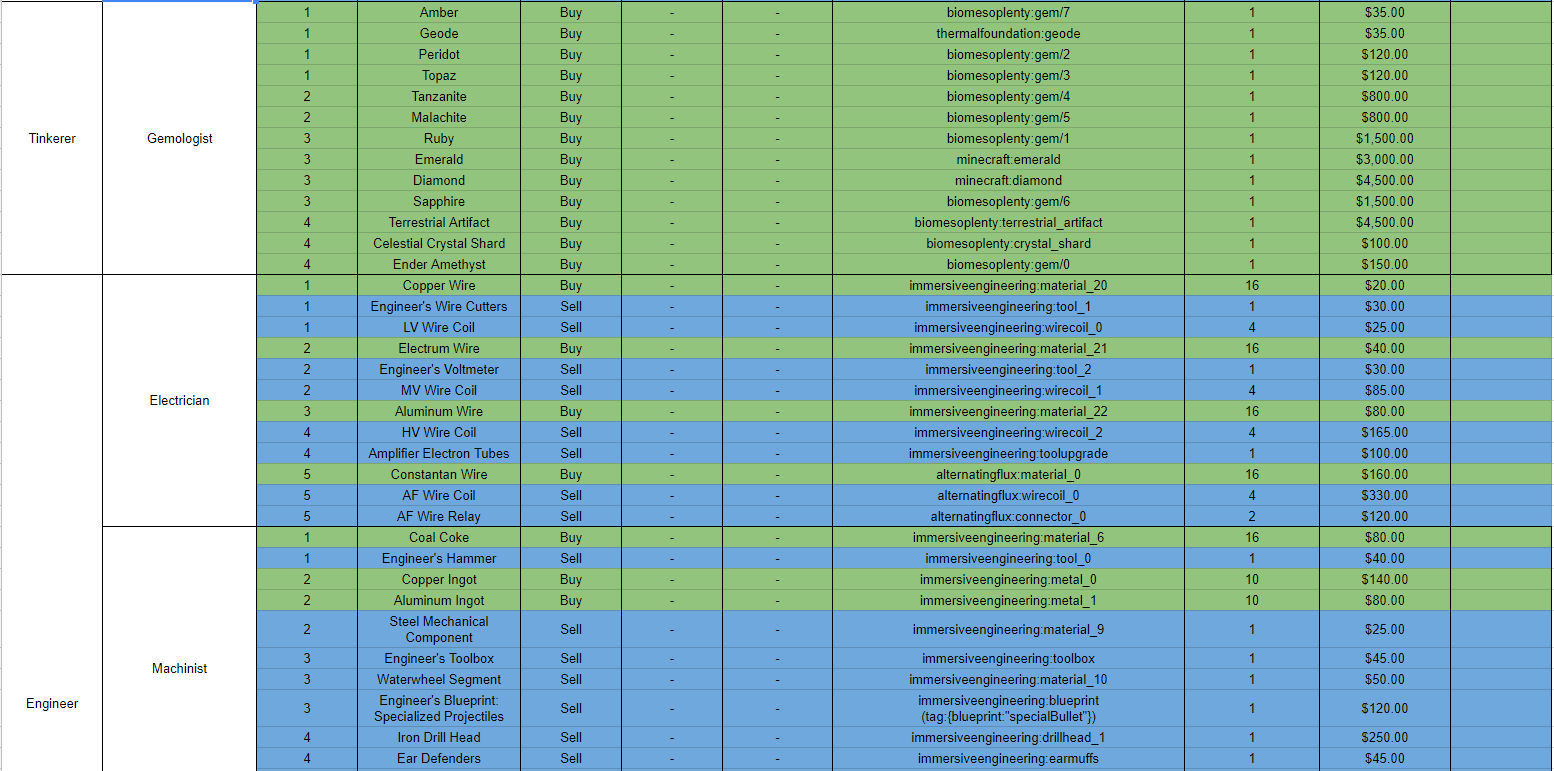
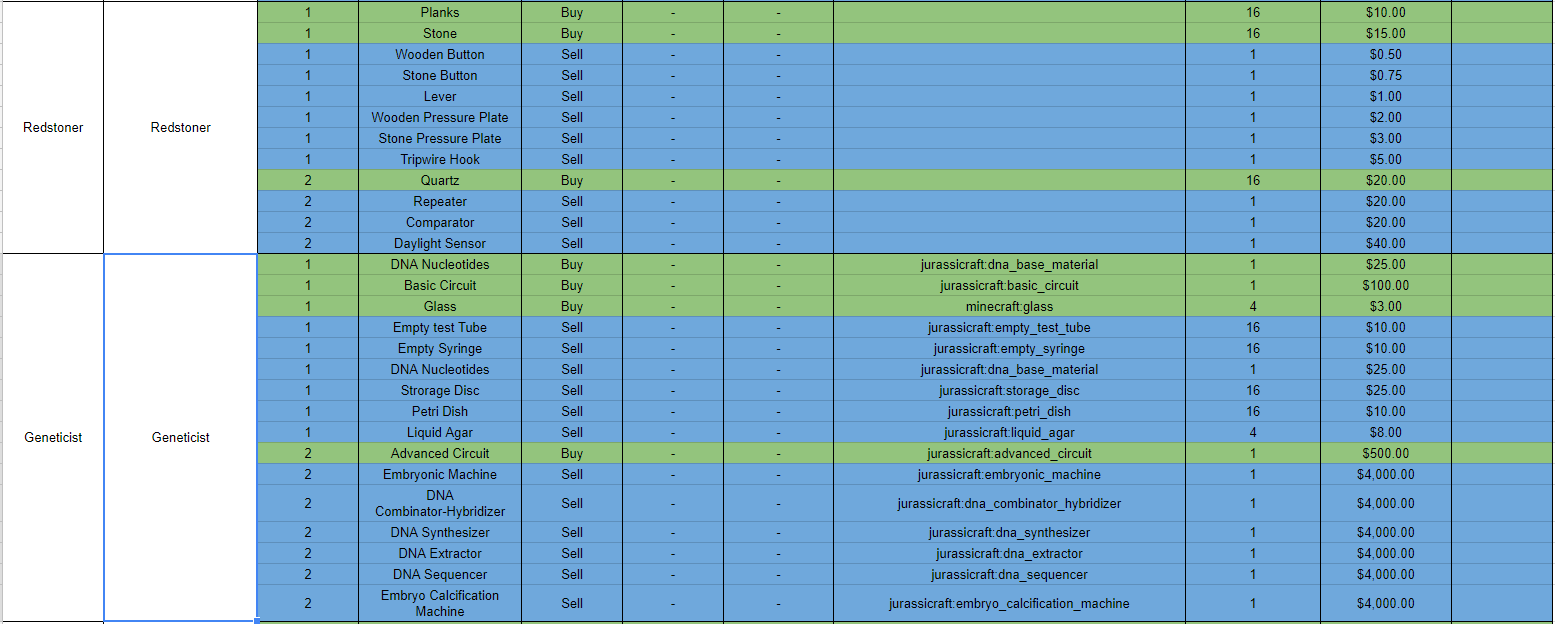
The worlds economy has been revamped to use cash from the CTD:Currency mod, with every villager's trades being updated. I will continue updating the mod for the foreseeable future, so feedback and constructive criticism is always welcomed!
All Overworld Hostile Monsters have been disabled, with new ways to obtain their drops, (you have enough to worry about without creeper's blowing up your Paddock fences!)
Enjoy the pack!
Visible Mod List
- Alternating Flux
- Animania
- AppleSkin
- Baubles
- Better Animal Models
- Better Foliage
- Better Questing (Quests are WIP)
- Biome's O' Plenty
- Bonsai Trees
- Chisel
- Chisels and Bits
- Cooking for Blockheads
- CTD Currency
- Dark Utilities
- DecoCraft 2
- Extreme Reactors
- Fast Leaf Decay
- Giacomo's Experience Seedling
- Immersive Engineering
- Immersive Tech
- Improved Backpacks
- Inventory Tweaks
- JourneyMap
- Jurassicraft
- Just Enough Items (JEI)
- Malisis Doors
- Malisis Switches
- Mouse Tweaks
- Not Enough Roofs
- Pam's Harvest Craft
- Redstone Flux
- Refined Storage
- Simply Jetpacks 2
- Sparks Hammers
- The One Probe
- Thermal Dynamics
- Thermal Expansion
- Thermal Foundation
- Tomb Many Graves
- VeinMiner
- Zoo & Wild Animals Rebuilt
Jak zainstalować JurassicraftWorld
With Millida Launcher
Install Millida Launcher
The launcher is free: download it at millida.net/launcher and sign in with any nickname.
Click “Install” on this page
The launcher opens and installs the modpack for Minecraft 1.12–1.12.2 automatically.
Launch the game
A profile with it appears in the launcher: click “Play”.
Manually
Download the modpack archive
In the version list above, pick the file Jurassicraft World-1.2.2.zip (19 MB).
Import it into a launcher
A launcher that supports modpacks (Millida Launcher, Prism) takes the archive via “Add modpack”, then “From file”. No need to unpack it yourself.
Allocate memory
Modpacks need more memory than the plain game: set 4–6 GB in the profile settings.
On a server
Use the “To server” button
On Millida Hosting, the button at the top of the page uploads the file to your server and restarts it for you.
Invite friends: they install the same modpack
To join the server, every player needs the same modpack version.
Minecraft 1.12.2 runs on Java 8: with a different Java version the game may close right after launch.
Wersje
Z zależnościami
| Minecraft | Loader | Plik | Data | Akcje |
|---|---|---|---|---|
| 1.12.1 | — | JurassicraftWorld V.2.0.1a20.3 MB 1 | ||
| 1.12.2 | — | JurassicraftWorld v.1.2.218.9 MB |
FAQ
Which Minecraft versions does JurassicraftWorld work on?
There are files for 1.12.2, 1.12.1, 1.12. The newest is 1.12.2.
Which Java does JurassicraftWorld need?
Minecraft 1.12.2 runs on Java 8. If the game closes right after launch, the usual cause is the wrong Java version in the profile settings.
How do I download JurassicraftWorld?
With Millida Launcher: it installs JurassicraftWorld into a modpack by itself, for the right game version and loader. The launcher is free.
Opinie
Oceń JurassicraftWorld jako pierwszy


