

Beyond Depth Modpack do Minecraft 1.20.1
Wymagający pakiet eksploracyjny | Nowe wymiary | Trudni bossowie | Ulepszona walka | Niekończąca się eksploracja.
- pobrań
- 22 pobrań
- wyświetleń
- 125 wyświetleń
- Zaktualizowano
- Zaktualizowano 23.10.2026
- 1.20.1
 Forge
Forge
O modpacku Beyond Depth
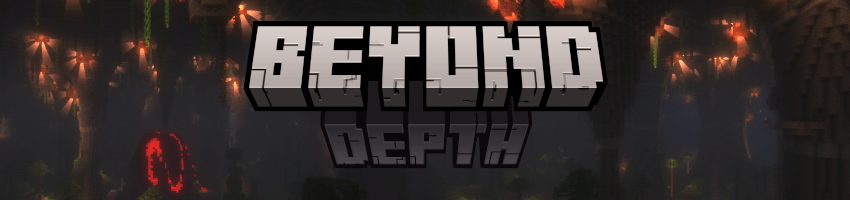
Beyond Depth is an exploration modpack fully optimized with 400+ mods designed for players seeking new challenges. It features unique progression, expanded biomes, tougher bosses, and new mechanics, focusing on survival and discovery. Without relying too much on quests. With unique structures, enhanced combat, pet systems and Building contraptions, the pack caters to various playstyles.

World Overhaul: New biomes, structures as well as revamped Nether and End dimensions.

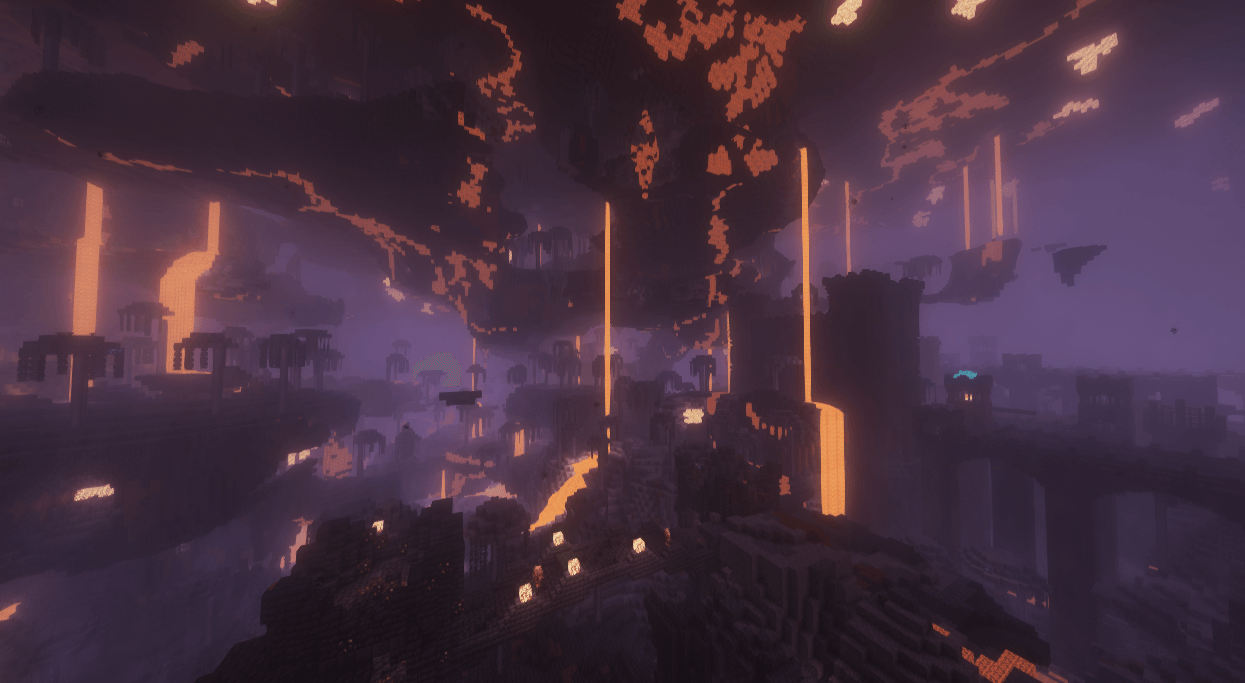
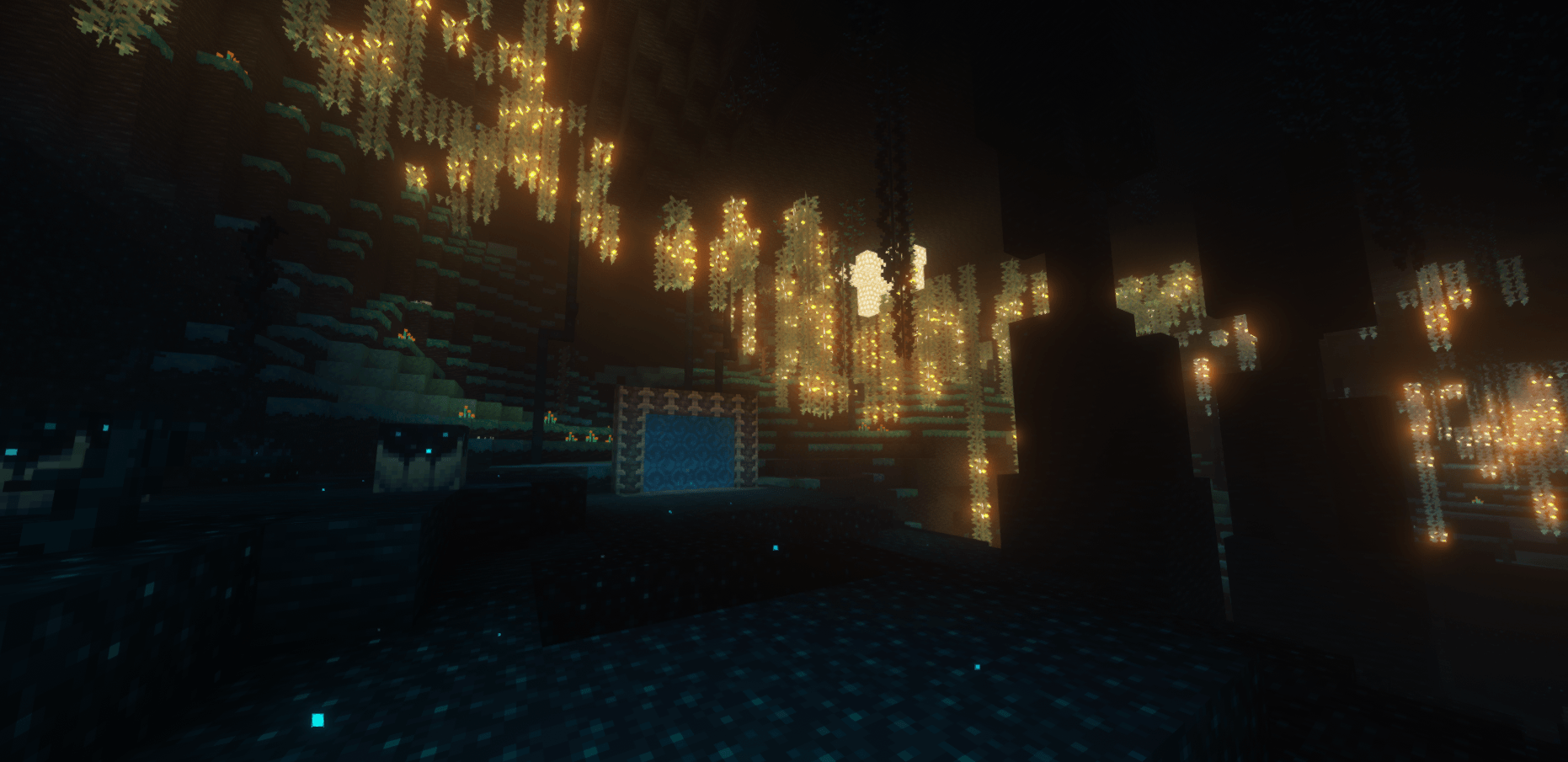
Dimensions: The Undergarden a dark subterranean world with unique flora and fauna, where Rotspawn and other creatures thrive in the absence of light. The Deeper and Darker dimension features diverse biomes, alongside ancient structures and mysterious blocks. The Voidscape is a corrupted world with floating islands and treacherous landscapes, shrouded in mystery.

Combat & Progression: Challenging mobs and bosses from mods like Mowzie’s Mobs, L_ender’s Cataclysm as well as enhanced gear and combat mechanics.

Quality of Life: Features like Waystones for fast travel, Xaero’s Minimap, Create for automation. Visual tweaks and inventory improvements are also included. Multiplayer: FTB Teams, and Quests for multiplayer adventures.

Play With Friends 35+ High Quality Bosses 400+ mods 300+ New Mobs 500+ New Structures Fully optimized with shader support Better Combat With Parrying Mechanics [with shields] Overhauled Vanilla Structures Overhauled Vanilla Bosses Overhauled Vanilla Features Custom recipes Quests VR support Controller support Much more

- Client Side Requirements -
Recommended 8GB RAM allocated
Minimum 4GB RAM allocated lower render distance and disable fresh animations along side all it's extensions.
- Some Keybinds -
Press ] to open quests Hold C to zoom scroll to zoom in and out Press F5 for third person Press F6 to disable first person model if you don't like it Press R while having mouse cursor on item to know the craft recipe Press U while having mouse cursor on item to know the uses Press A while having mouse cursor on item to pin it on the left Press J to open side quest journal Press M to open map Press B to open backpack Press P to make a waypoint Press K to enable / disable the shaders Press T to enable / disable trashslot more keybinds are mentioned ingame in general information quest
- Some info -
just wait for modpack updates. If the modpack gets stuck while loading just restart it. Music is off by default.
READ!
If you're looking for a good host i recommend Kinetic
Join the Discord server to Report bugs and get help or find friends and servers.
Don't Update any mods Don't add optifine! Remove spark if you're a mac user! Disable the "Skip Mojang Launcher" option if you're using curseforge because it causes issues
Quick guide showing how to add certain mods
Essential [Version1.4.1.1] to play with friends ViveCraft for vr support [Disable "enhanced visuals" mod and press f6 if your hands are too big] Controllable for controller support [Controllable 0.21.7] [Change controls to your liking before playing]

### -Server Pack Guide-
step 1 : install forge 47.4.22 installer for 1.20.1 - link
make sure you have java 17 installed link and open the forge installer then select install server
step 2 : copy config , kubejs , default config and mods folders from client to the installed server
step 3 : remove these mods from server side
Mods to Remove BadOptimizations betterbiomereblend BetterF3 betterfpsdist blur-forge cinematiczoom colorwheel CraftPresence CrashAssistant-forge createbetterfps Ding drippyloadingscreen_forge dynamiccrosshair EnhancedVisuals_FORGE enhanced_boss_bars entity_model_features_forge entity_texture_features_forge entityculling-forge EuphoriaPatcher extrasounds fancymenu gpumemleakfix ImmediatelyFast-Forge ItemPhysicLite_FORGE make_bubbles_pop melody_forge oculus-flywheel-compat-Forge oculus-mc particle_core Perception-FORGE radium-mc rubidium-extra ShoulderSurfing-Forge simplemenu skinlayers3d-forge sodiumdynamiclights-forge sodiumextras-forge sodiumoptionsapi-forge visual_keybinder visuality-forge YungsMenuTweaks some rare issues may require you add this mod to server side
step 4 : open server properties and enable flight , disable server tick time (set it to -1) and to change render distance you need to change it there and in servercore config file in the config folder. (optional)
step 5 : just press run.bat and that should be it as for the port forwarding look that up.
if you're using a hosting service you're on your own or contact that host to fix any issues you have


-Vanilla Changes-
[not everything is mentioned]
-No more stone tools; copper tools are required to mine iron.
-Grindstone repairs weapons up to 33% durability., shift and right click with the item.
-hay bale negates most of the fall damage up to ~30 blocks.
-Fletching table has a use now. if you right click it with feather it gives "Arrow Fletching" used to craft more arrows with less feather , also can turn spectral arrow and other special arrow types back to normal arrows if you right click the fletching table while holding them.
-Anvils no longer show the "too expensive" message.
-Crafting table - items now stay inside it , this feature is also included in anvils and enchanting tables.

-Beacons will look better and have few more power ups.
-Pets can now have special abilities with enchantements, you will need a Collar tag to do that. [also works with pets from other mods]
-jumping on crops no longer breaks them, you can right click to harvest now.
-The Wither, Ender Dragon, and Warden are stronger than vanilla version.
Enchanting System Overview:
Enchanting Table:
Now offers rerolls.
Enchanting Infuser:
Offers high-quality enchantments of your choice for an XP cost. Advanced Infuser provides cheaper XP costs and can repair tools for XP.
Precision Dissipator:
Remove specific enchants and curses from items.
Altar: Offers inconsistent higher-level enchants with random curses.
Create's Enchantment Industry:
Allows you to print enchanted books and use Hyper Experience to get higher-level enchants
New Bookshelfs
Archiver’s Bookshelves: Provide 1.5 power to the Enchanting Table. Enchanted Bookshelves: Provide 2.0 power to the Enchanting Table.
There is alot more.
-credits-
check relations for the creators in curseforge, for creators outside curseforge
Astraliyte's animated textures : https://www.planetminecraft.com/texture-pack/astraliyte-s-animated-textures/ Sparkles: Stardust Labs Resourcepack : https://modrinth.com/resourcepack/sparkles
-License for [Beyond Depth]-
All Rights Reserved
This modpack is the property of its creator and is protected under copyright laws. By downloading or using this modpack, you agree to the following terms:
Usage Permissions: You may share this modpack with your friends. You may use this modpack to host a server. You may not distribute, modify, or reupload this modpack in any form without explicit permission the modpack author. You may make content about the pack, if you modified it in any way mention it in the same video :D
Restrictions: Unauthorized redistribution of this modpack isn't allowed. Any modification or repackaging of this modpack for public release isn't allowed.
Contact and Permissions: For permissions, inquiries or support join the official Discord server
Featured Videos
--Trailer--
--February 2025--
--March 2025--
--April 2025--
--May 2025--
Jak zainstalować Beyond Depth
With Millida Launcher
Install Millida Launcher
The launcher is free: download it at millida.net/launcher and sign in with any nickname.
Click “Install” on this page
The launcher opens and installs the modpack for Minecraft 1.20.1 on Forge automatically.
Launch the game
A profile with it appears in the launcher: click “Play”.
Manually
Download the modpack archive
In the version list above, pick the file Beyond Depth-Ver12.8.3.zip (28 MB).
Import it into a launcher
A launcher that supports modpacks (Millida Launcher, Prism) takes the archive via “Add modpack”, then “From file”. No need to unpack it yourself.
Allocate memory
Modpacks need more memory than the plain game: set 4–6 GB in the profile settings.
On a server
Or use the “To hosting” button
On Millida Hosting, the button at the top of the page uploads the file to your server and restarts it for you.
Players install the same modpack
To join the server, every player needs the same modpack version.
Minecraft 1.20.1 runs on Java 17: with a different Java version the game may close right after launch.
Wersje
Z zależnościami
| Minecraft | Loader | Plik | Data | Akcje |
|---|---|---|---|---|
| 1.20.1 | Forge | Beyond Depth-Ver12.8.327.5 MB 22 | ||
| 1.20.1 | Forge | Beyond Depth-Ver12.1.118.7 MB |
FAQ
Which Minecraft versions does Beyond Depth work on?
Only Minecraft 1.20.1: there are no files for other versions.
Is Beyond Depth for Forge or Fabric?
Only for Forge: 1.20.1.
Which Java does Beyond Depth need?
Minecraft 1.20.1 runs on Java 17. If the game closes right after launch, the usual cause is the wrong Java version in the profile settings.
Where can I download Beyond Depth safely?
On this page: the file Beyond Depth-Ver12.8.3.zip (28 MB) is stored on Millida’s server, with no link shorteners. SHA-1 checksum: eaf5ab5b3b98d7daeb3312ea5fa18f2d17673b0c.
Opinie
Oceń Beyond Depth jako pierwszy


