
Working minecraft in Minecraft Mapa do Minecraft 1.21.132
Działający Minecraft w Minecraft!
O mapie Working minecraft in Minecraft
Working Minecraft PE Computer for Minecraft is an unusual map that offers you to go on an exciting adventure around the Minecraft world. This time, you will be able to explore the map that locates an incredibly huge display.
Working Minecraft PE Computer screenshot 2
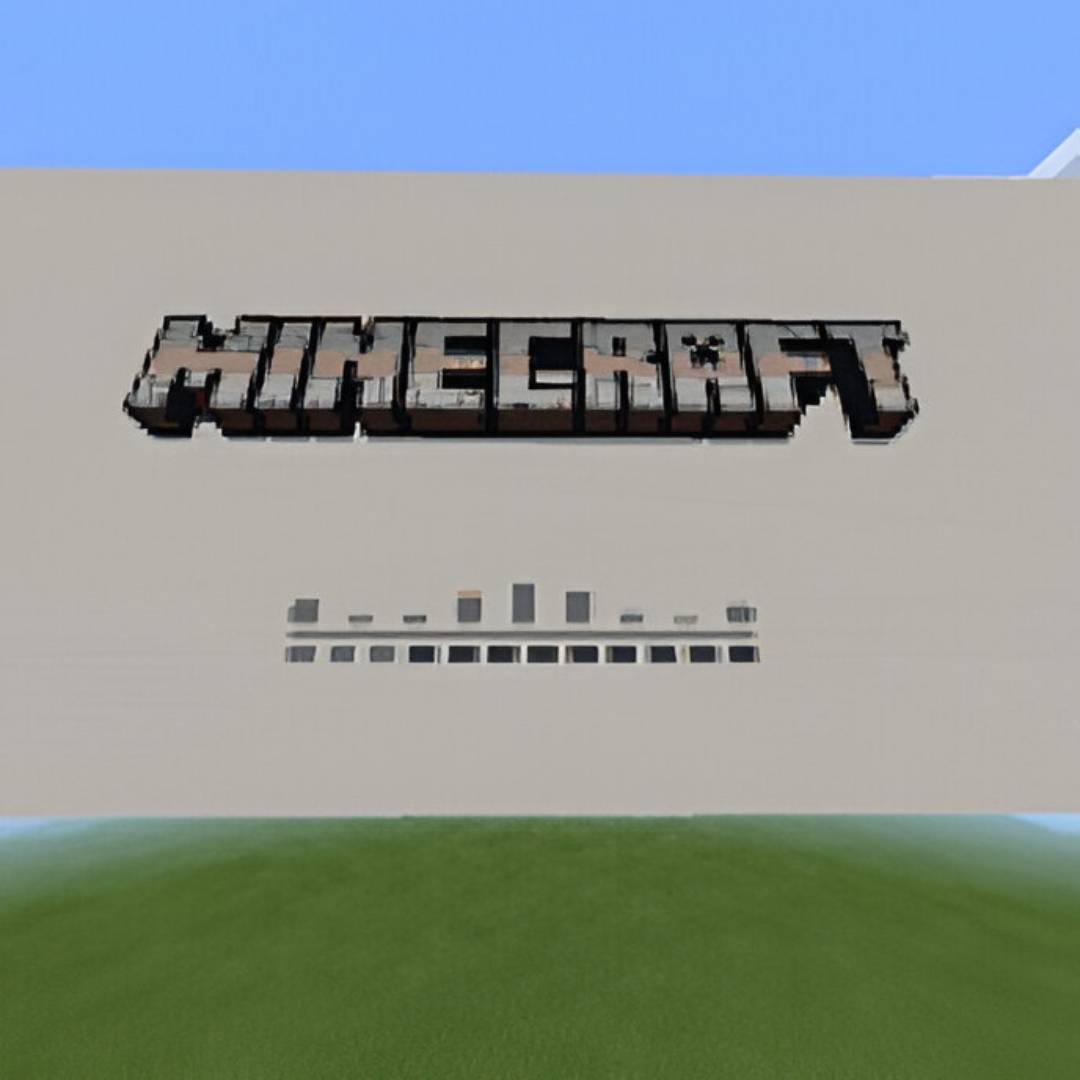
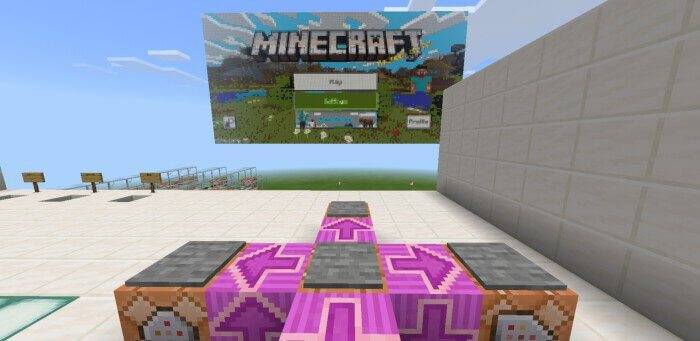
Moreover, it will be connected to special buttons that can be used to control it and even bring certain changes to the environment. We are sure that the new map will appeal to you and will be a great occasion for new entertainment. Do not lose the presence of mind and, in the first place, time because now you will have the opportunity to enjoy every available moment!
Working Minecraft PE Computer screenshot 3
How to install the map:
The first step: Download the package with the map (Unpack if the file is in the archive).
The second step: Copy the folder with the Minecraft Working Minecraft PE Computer map to the /games/com.mojang/minecraftworlds (if this folder does not exist, create it yourself)
Step three: Run the game and select the downloaded map.
Now play minecraft in Minecraft
Jak zainstalować Working minecraft in Minecraft
With Millida Launcher
Install Millida Launcher
The launcher is free: download it at millida.net/launcher and sign in with any nickname.
Click “Install” on this page
The launcher opens and installs the map for Minecraft 1.21.132 automatically.
Launch the game
A profile with it appears in the launcher: click “Play”.
Manually
Download the map archive
Pick the file Working Minecraft PE Computer.mcworld (265 KB).
Unpack it into the saves folder
The world folder (with level.dat inside) must sit directly in .minecraft/saves.
Open the world
“Singleplayer”: the map will be in your world list.
On a server
Replace the world folder
Stop the server and put the map folder in place of world (or set its name in level-name).
Use the “To server” button
On Millida Hosting, the button at the top of the page uploads the file to your server and restarts it for you.
Wersje
Z zależnościami
| Minecraft | Loader | Plik | Data | Akcje |
|---|---|---|---|---|
| 1.21.132 | — | Working Minecraft PE Computer.mcworld265 KB |
FAQ
Which Minecraft versions does Working minecraft in Minecraft work on?
Only Minecraft 1.21.132: there are no files for other versions.
Where can I download Working minecraft in Minecraft safely?
On this page: the file Working Minecraft PE Computer.mcworld (265 KB) is stored on Millida’s server, with no link shorteners. SHA-1 checksum: 1e7ba983e5ef2be6200bacd8bbcd2db526b87e24.
Opinie
Oceń Working minecraft in Minecraft jako pierwszy



