
The Labyrinth Survival Mapa do Minecraft 1.16.3
Wyjątkowe połączenie survivalu i przygody!
O mapie The Labyrinth Survival
The Labyrinth
by Benjam438
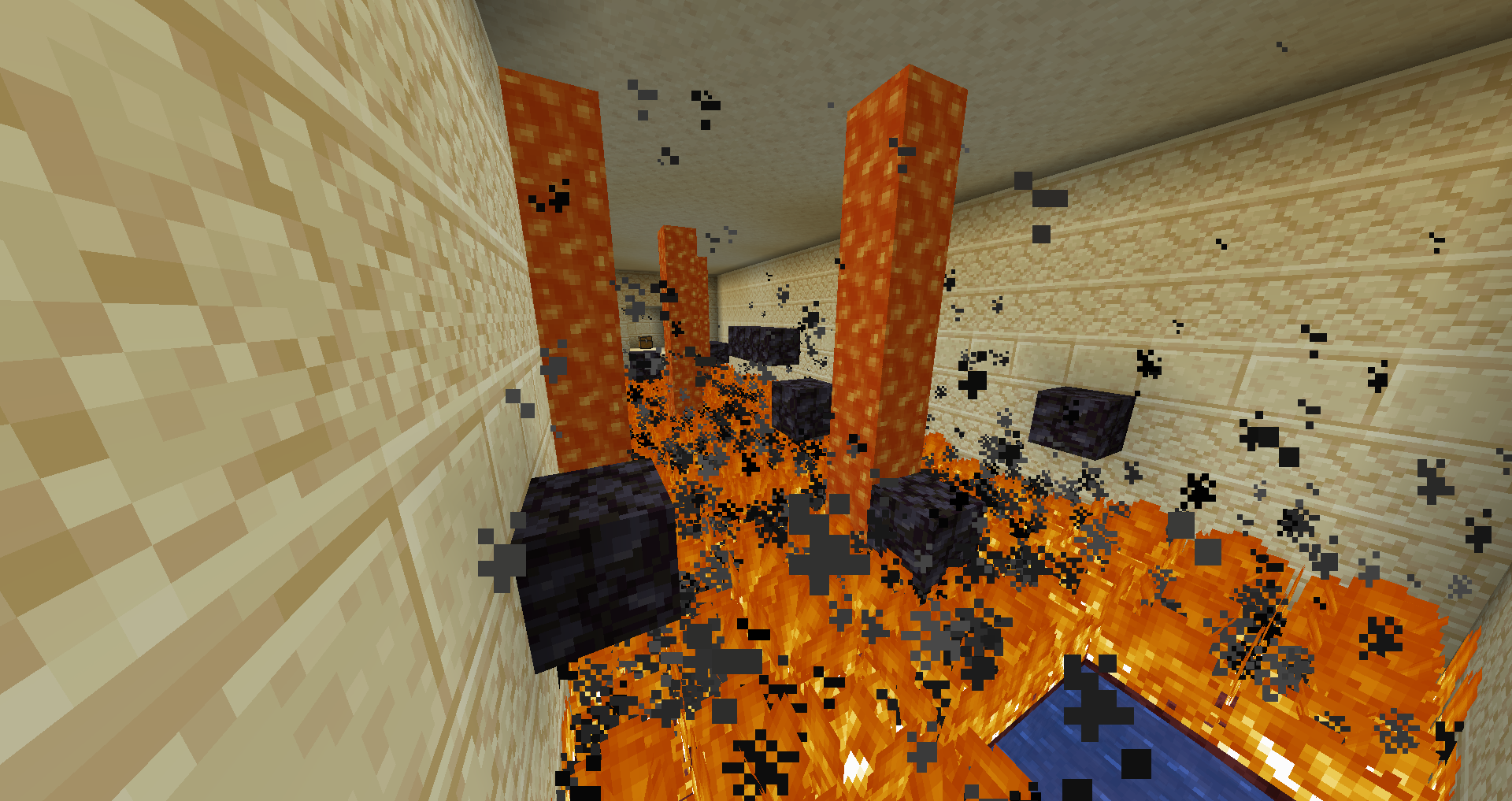
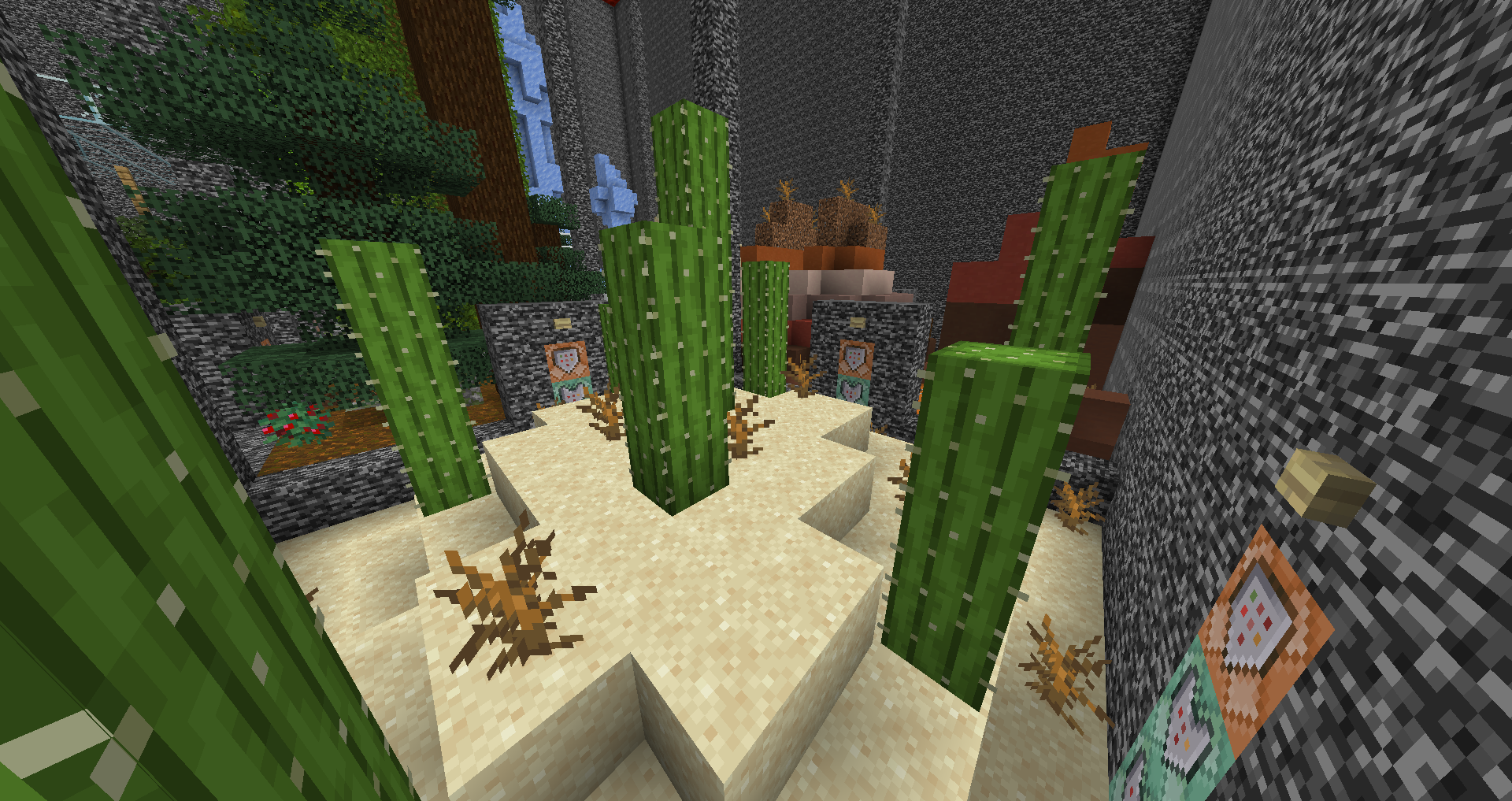
The Labyrinth is a survival map like no other. You are stuck in a maze of 25 different chambers, each with a unique biome theme and unique items to find. You goal is to reach the stronghold in the far northeast and defeat the Ender Dragon. To pass between chambers you will need to open doors that block your way, but each door has a different requirement to open. Most will need specific items in exchange for your passage, others will need you to complete dungeons that can only be tackled in Adventure Mode. Powerful rewards await you if you are able to complete this task and beyond...
As well as this main quest there are also many optional things to do. Just like any survival map your number one priority is to survive by maintaining food and building shelter. The Labyrinth is also full of optional treasure rooms that can be opened just like any other chamber, usually with steeper requirements but also better rewards, and one legendary reward for opening them all. Read the books at the start of the map for more detailed info and tips.
Features
- 25 main chambers, each with a different biome and items
- 6 expansive dungeons
- 12 treasure rooms
- 1 endgame chamber (your reward for beating the Ender Dragon)
- 1 legendary treasure room for completing an endgame quest
This is my first major Minecraft project so I hope you enjoy it! I plan on keeping the map up to date so if you want to share any bugs or feedback leave a comment or contact me on Twitter!
Jak zainstalować The Labyrinth Survival
With Millida Launcher
Install Millida Launcher
The launcher is free: download it at millida.net/launcher and sign in with any nickname.
Click “Install” on this page
The launcher opens and installs the map for Minecraft 1.16–1.16.3 automatically.
Launch the game
A profile with it appears in the launcher: click “Play”.
Manually
Download the map archive
Pick the file The Labyrinth by Benjam438 v1.0.zip (9.9 MB).
Unpack it into the saves folder
The world folder (with level.dat inside) must sit directly in .minecraft/saves.
Open the world
“Singleplayer”: the map will be in your world list.
On a server
Replace the world folder
Stop the server and put the map folder in place of world (or set its name in level-name).
Use the “To server” button
On Millida Hosting, the button at the top of the page uploads the file to your server and restarts it for you.
Wersje
Z zależnościami
| Minecraft | Loader | Plik | Data | Akcje |
|---|---|---|---|---|
| 1.16.3 | — | The Labyrinth by Benjam438 v1.0.zip9.9 MB |
FAQ
Which Minecraft versions does The Labyrinth Survival work on?
There are files for 1.16.3, 1.16.2, 1.16.1, 1.16. The newest is 1.16.3.
Where can I download The Labyrinth Survival safely?
On this page: the file The Labyrinth by Benjam438 v1.0.zip (9.9 MB) is stored on Millida’s server, with no link shorteners. SHA-1 checksum: 3ab7b570f519c49764e556f127d4813f92e2f7ac.
Opinie
Oceń The Labyrinth Survival jako pierwszy



