
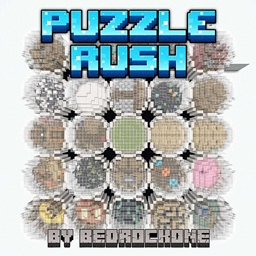
PuzzleRush Mapa do Minecraft 26.20
PuzzleRush to mapa zagadek z 25 poziomami zawierającymi wyzwania logiczne, mechaniki redstone, precyzyjne mini-gry i testy spostrzegawczości
PuzzleRush
PuzzleRush is a puzzle map in which you must complete 25 levels designed with different types of challenges. Each level presents a different challenge, combining logic puzzles, redstone mechanics, precision mini-games, and observation tests. The difficulty increases progressively, forcing you to adapt to new mechanics and pay attention to the details of the environment. It's not just about moving forward, but understanding each level in order to overcome it. The map is designed to be played individually or with your friends and offers a continuous experience, without jumps or filler, focused solely on solving the challenges until you complete the last level. Good luck!
NOTE: We apologize for not having fixed the parkour bug. We fixed other issues in previous updates, but we hadn’t considered the parkour to be a bug since it was possible but very complicated and took away from the fun, as it was very likely to result in a death loop. We regret the inconvenience. This was not done to upload the map over and over again; it will not happen again, and we at BedrockOne once again apologize for not having fixed it sooner.
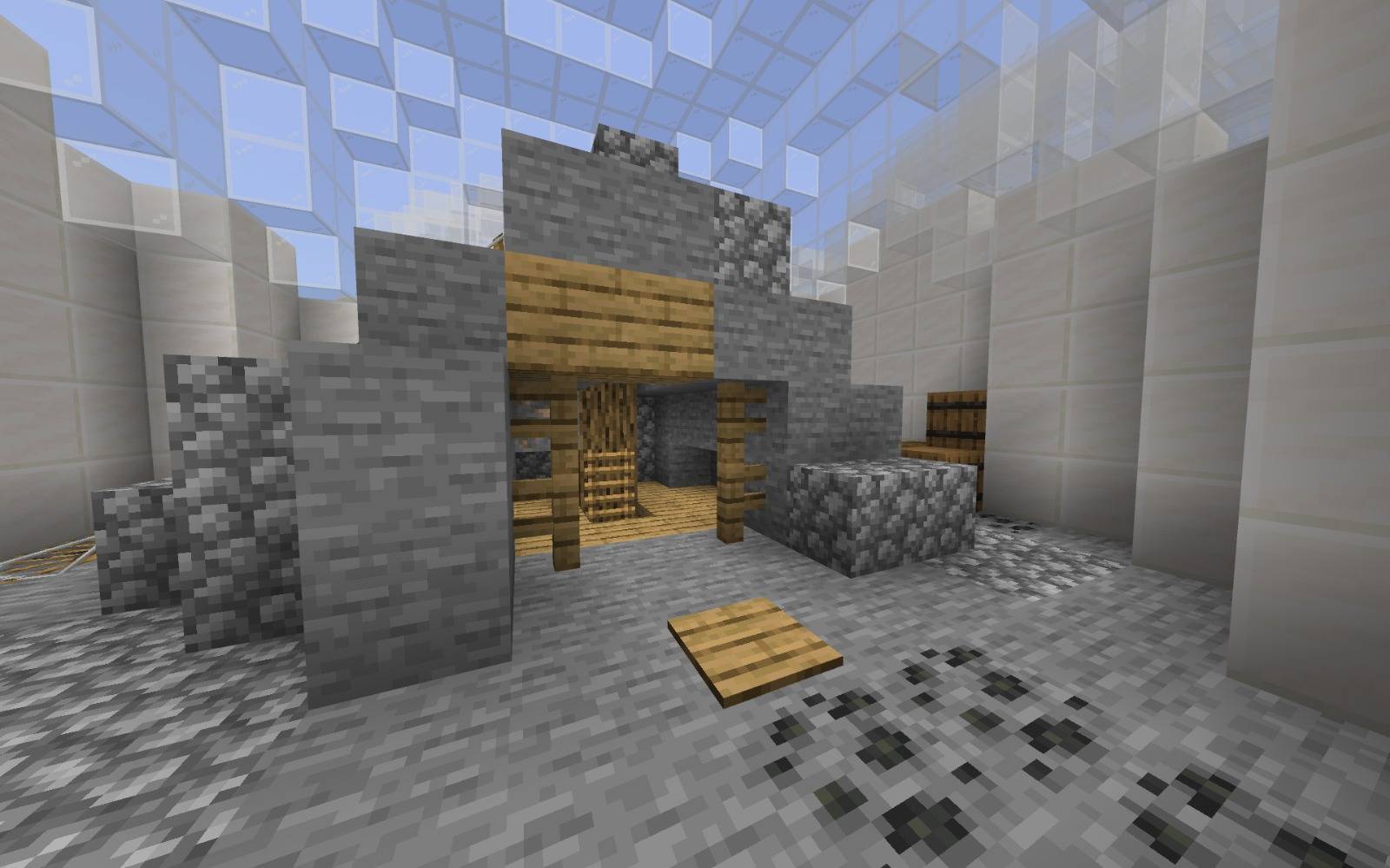
Jak zainstalować PuzzleRush
With Millida Launcher
Install Millida Launcher
The launcher is free: download it at millida.net/launcher and sign in with any nickname.
Click “Install” on this page
The launcher opens and installs the map for Minecraft 26.0–26.20 automatically.
Launch the game
A profile with it appears in the launcher: click “Play”.
Manually
Download the map archive
Pick the file PuzzleRush fix v1.3.mcworld (3.7 MB).
Unpack it into the saves folder
The world folder (with level.dat inside) must sit directly in .minecraft/saves.
Open the world
“Singleplayer”: the map will be in your world list.
On a server
Replace the world folder
Stop the server and put the map folder in place of world (or set its name in level-name).
Or use the “To hosting” button
On Millida Hosting, the button at the top of the page uploads the file to your server and restarts it for you.
Wersje
Z zależnościami
| Minecraft | Loader | Plik | Data | Akcje |
|---|---|---|---|---|
| 26.0.02 | — | PuzzleRush3.7 MB |
Opinie
Oceń PuzzleRush jako pierwszy



