
CUSTOM LAYER ONE CHUNK SURVIVAL . Mapa do Minecraft 1.21.132
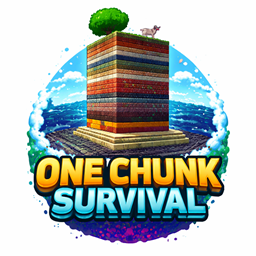
To logo One Chunk Survival przedstawia wysoki, warstwowy chunk Minecrafta wynurzający się z morza, zwieńczony trawą, drzewem i krową. Jasny, pogrubiony tekst i kolorowe warstwy podkreślają przygodę, wyzwanie i kreatywny survival w jednym ograniczonym świecie.
O mapie CUSTOM LAYER ONE CHUNK SURVIVAL .
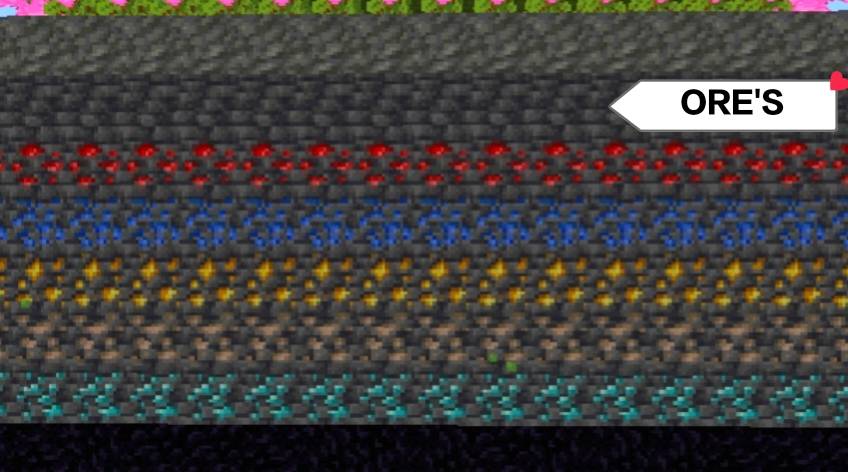
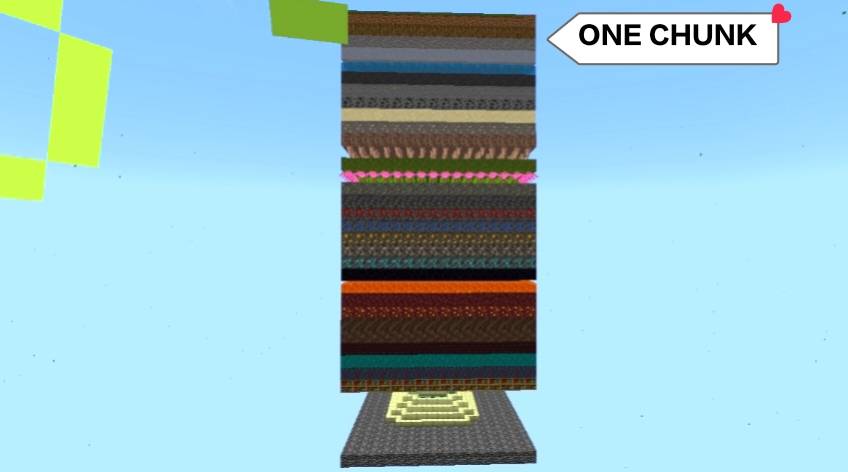
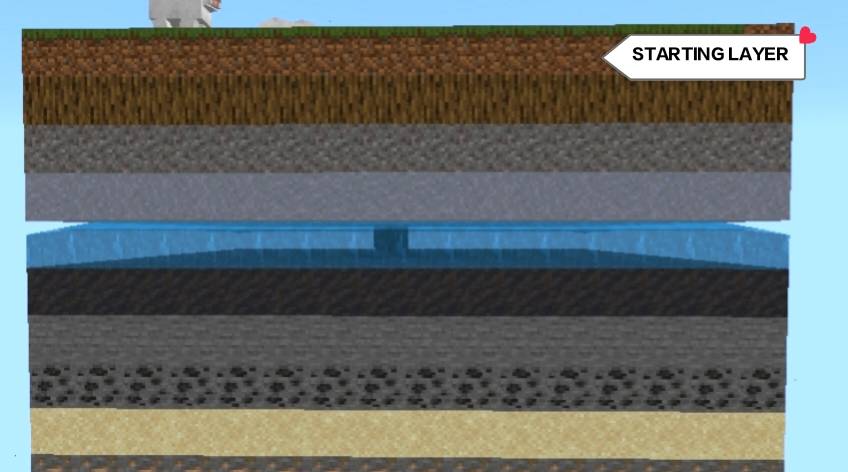
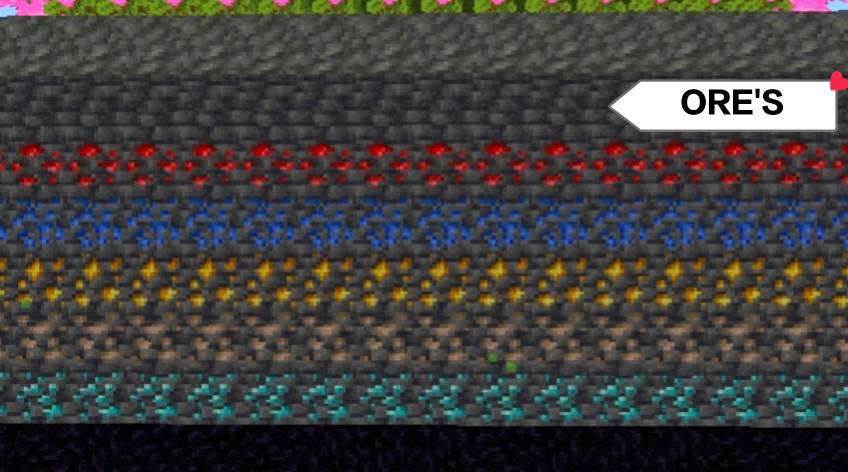
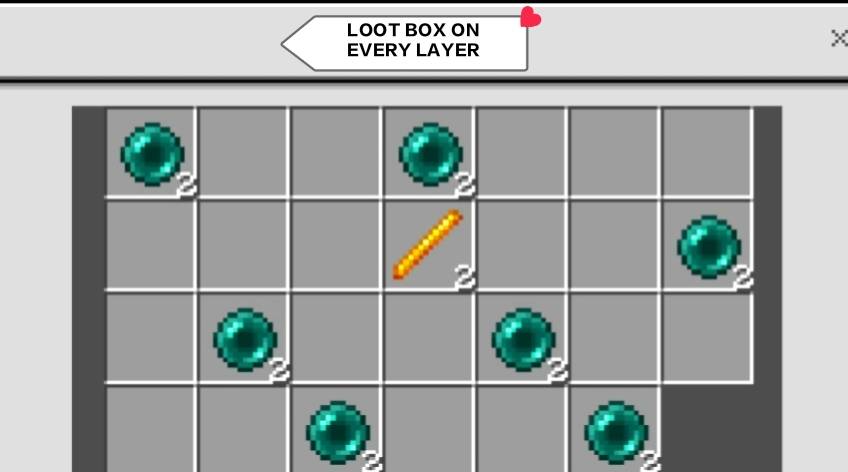
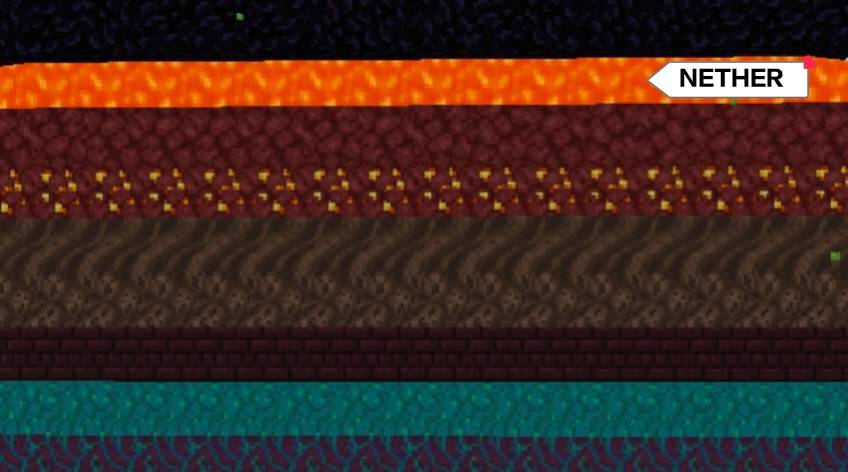
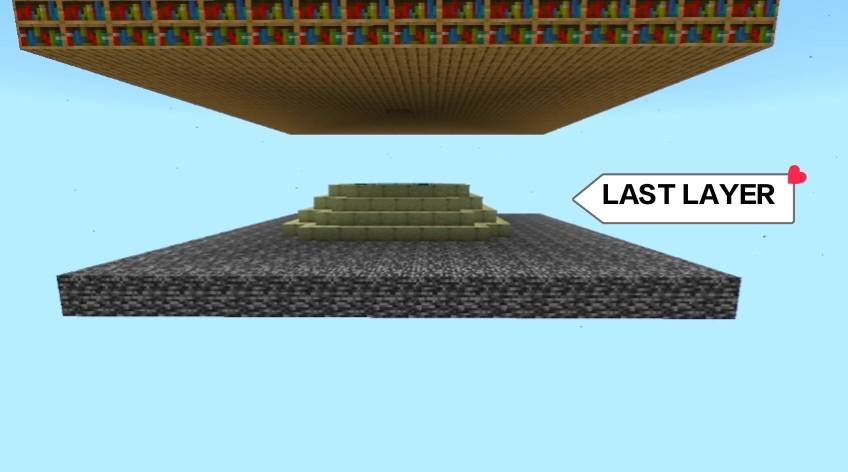
One Chunk Survival concept represents a unique and challenging Minecraft experience where the entire adventure takes place in a single chunk. The world is shown as a tall vertical stack of different layers, each made of different blocks and biomes, symbolizing progression. From grass and dirt at the top to stone, ores, lava, and even Nether-themed layers below, every level offers new resources and dangers.
This type of world highlights creativity and smart survival. Because space is limited, players must carefully manage resources, plan builds, and think strategically. Every block matters, and every layer mined feels like unlocking a new stage of the journey. The bright, bold style of the logo gives a sense of fun and excitement while clearly showing the survival theme.
A One Chunk world is perfect for players who enjoy hardcore challenges, skyblock-style progression, and goal-based gameplay. It encourages exploration in a small space, making simple achievements feel big. Overall, it represents determination, creativity, and survival skills in a compact but adventurous Minecraft world.
Jak zainstalować CUSTOM LAYER ONE CHUNK SURVIVAL .
With Millida Launcher
Install Millida Launcher
The launcher is free: download it at millida.net/launcher and sign in with any nickname.
Click “Install” on this page
The launcher opens and installs the map for Minecraft 1.21.124–1.21.132 automatically.
Launch the game
A profile with it appears in the launcher: click “Play”.
Manually
Download the map archive
Pick the file One chunk survival.mcworld (51 KB).
Unpack it into the saves folder
The world folder (with level.dat inside) must sit directly in .minecraft/saves.
Open the world
“Singleplayer”: the map will be in your world list.
On a server
Replace the world folder
Stop the server and put the map folder in place of world (or set its name in level-name).
Use the “To server” button
On Millida Hosting, the button at the top of the page uploads the file to your server and restarts it for you.
Wersje
Z zależnościami
| Minecraft | Loader | Plik | Data | Akcje |
|---|---|---|---|---|
| 1.21.124 | — | One chunk survival.mcworld50.5 KB |
FAQ
Which Minecraft versions does CUSTOM LAYER ONE CHUNK SURVIVAL . work on?
There are files for 1.21.132, 1.21.131, 1.21.130, 1.21.124. The newest is 1.21.132.
Where can I download CUSTOM LAYER ONE CHUNK SURVIVAL . safely?
On this page: the file One chunk survival.mcworld (51 KB) is stored on Millida’s server, with no link shorteners. SHA-1 checksum: 0710c2adeafb12d0f509c6eeec0a87d52f2717b4.
Opinie
Oceń CUSTOM LAYER ONE CHUNK SURVIVAL . jako pierwszy



