
Modern Multitools Paczka danych do Minecraft 26.3
Multinarzędzia w Minecraft 1.20.5+!
O pakiecie danych Modern Multitools
Once this datapack is loaded, the following recipes are unlocked in the recipe book:
Combine same-material tools (axe + pickaxe + hoe + shovel) in a shapeless recipe to craft a Multitool.
Note: Netherite Multitools must be crafted, not smithed — if you take the wrong route, you now get your materials back.
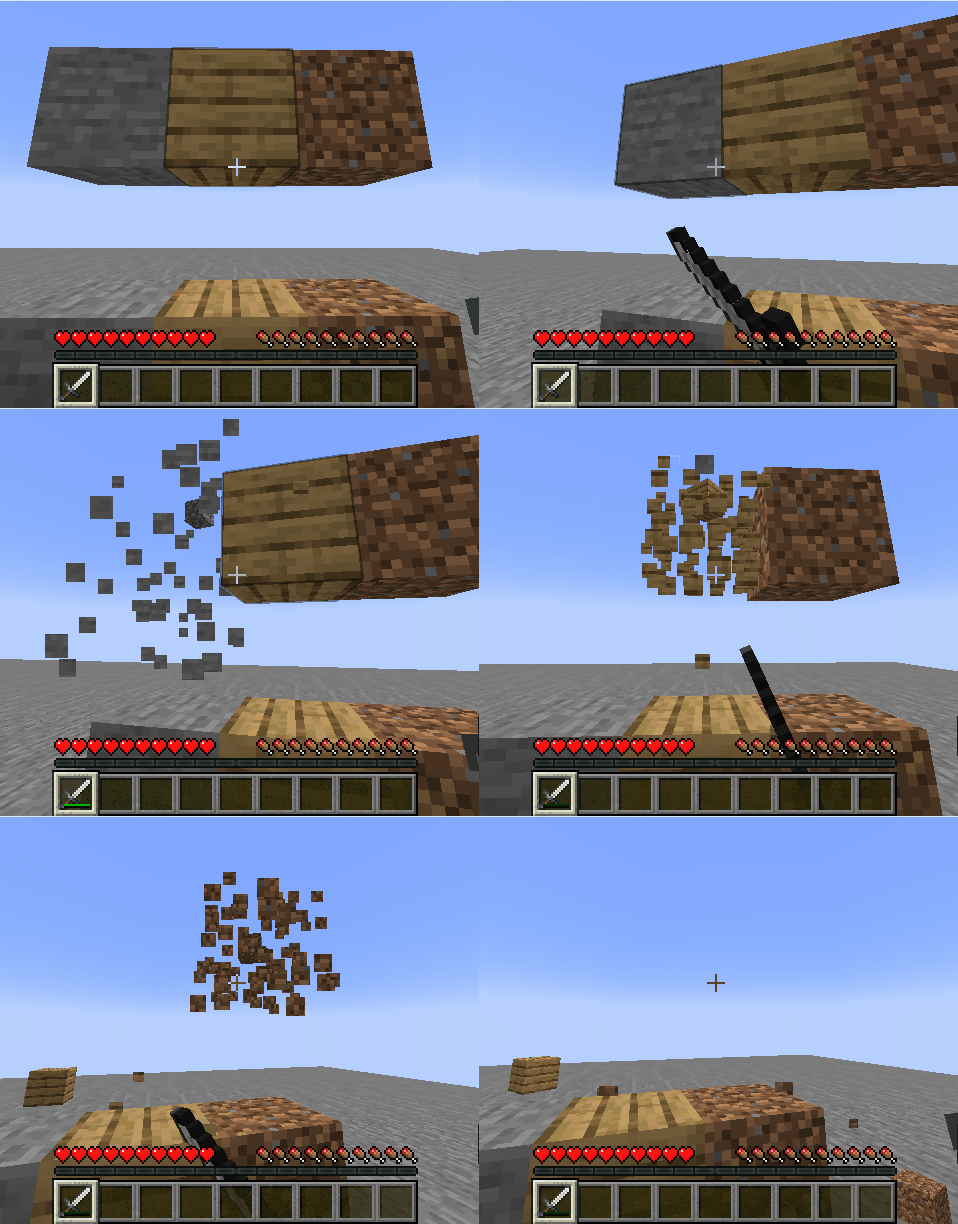
A Multitool has 4× the durability of the tool it was crafted from, and mines Extra Blocks faster.
To use a tool's special function (e.g. flattening dirt into a path with a shovel), hold the Multitool in your main hand and press the swap-offhand key (default: F) to switch modes — sword mode included.
Extra Blocks
Beds, Cake (with Candles), Candles, Wool (Carpets, Slabs and Stairs), Beacon, Glass & Glass Panes (Stained & Tinted), Cactus, Cobwebs, Mob Heads, Glowstone, Honeycomb Blocks, Froglights, Powder Snow, Redstone Lamps, Sea Lanterns, Sniffer Eggs, and Turtle Eggs.
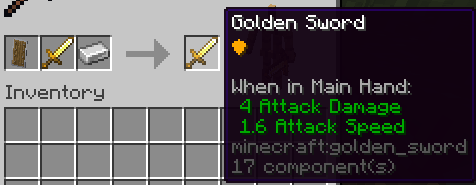
Combine a sword of any material + a shield + an Iron Ingot in a smithing recipe to smith a shield-upgraded sword.
- A Multitool can receive the shield upgrade too, but only after being switched to sword mode.
The shield upgrade does not change the sword's durability.
By JK137
https://github.com/JesKi13567/Modern-Multitools
Jak zainstalować Modern Multitools
With Millida Launcher
Install Millida Launcher
The launcher is free: download it at millida.net/launcher and sign in with any nickname.
Click “Install” on this page
The launcher opens and installs the data pack for Minecraft 26.3 automatically.
Launch the game
A profile with it appears in the launcher: click “Play”.
Manually
Download the archive
Pick the file jkmt v1.4.3 For MC26.3.x.zip (30 KB) for your game version.
New world: “Data Packs”
When creating a world, click “Data Packs”, drag the archive into the window, then move it to “Selected”.
Existing world: the datapacks folder
Put the archive into saves/<world>/datapacks and type /reload in game.
On a server
Archive goes into the server world’s datapacks
The world/datapacks folder on the server; players do not need to install anything.
Reload the data
Type /reload in the server console or restart the server.
Use the “To server” button
On Millida Hosting, the button at the top of the page uploads the file to your server and restarts it for you.
Wersje
Z zależnościami
| Minecraft | Loader | Plik | Data | Akcje |
|---|---|---|---|---|
| 26.3 | — | jkmt v1.4.3 For MC26.3.x.zip30.1 KB |
FAQ
Which Minecraft versions does Modern Multitools work on?
Only Minecraft 26.3: there are no files for other versions.
Does Modern Multitools work on a server?
Yes: the data pack goes into the datapacks folder of the server world, and players do not need to install anything.
Where can I download Modern Multitools safely?
On this page: the file jkmt v1.4.3 For MC26.3.x.zip (30 KB) is stored on Millida’s server, with no link shorteners. SHA-1 checksum: 99a0de953c074224770685a1c4bd618ecde19959.
Opinie
Oceń Modern Multitools jako pierwszy


