

Construction Wan(d)'s Dodatek do Minecraft 26.20
Potężne narzędzie budowania: buduj szybko, inteligentnie i precyzyjnie!
✅ Compatibility
Achievements stay enabled in your worlds - the addon is fully compatible!
🚀 Overview
Build faster, smarter, and with precision.
Wan’s Construction Wands allow players to place blocks using advanced patterns and modes, making large-scale construction quick and efficient. Features change depending on whether you play in Survival or Creative.
How it works:
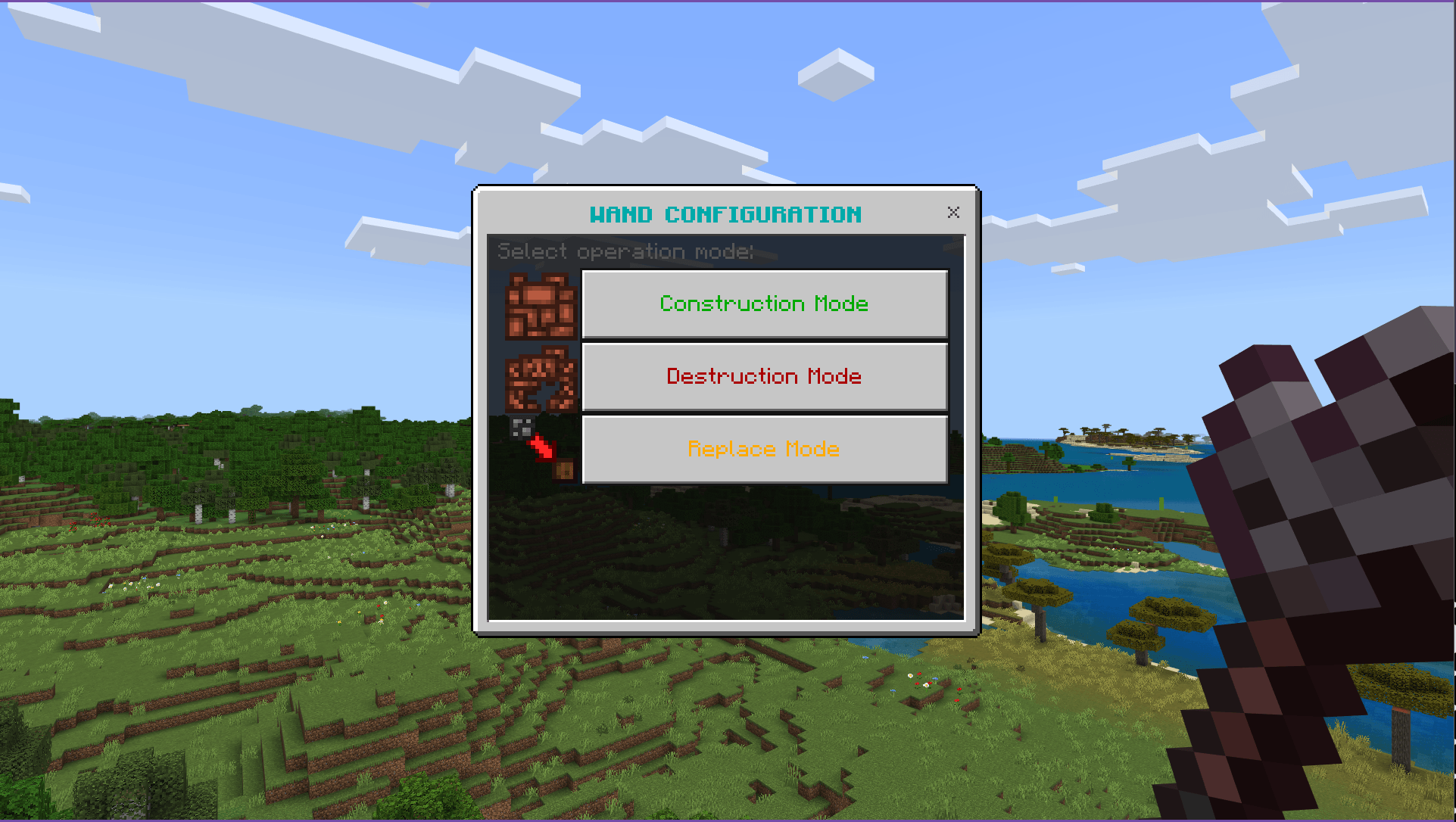
- Select a mode
- Choose a pattern
- Pick your blocks
- Watch your structure take shape in seconds
The number of blocks and available patterns depends on the wand tier - rarer materials mean more power.
Perfect for builders, redstoners, and anyone tired of repetitive block placing.
🎬 See It in Action
Wand Menu
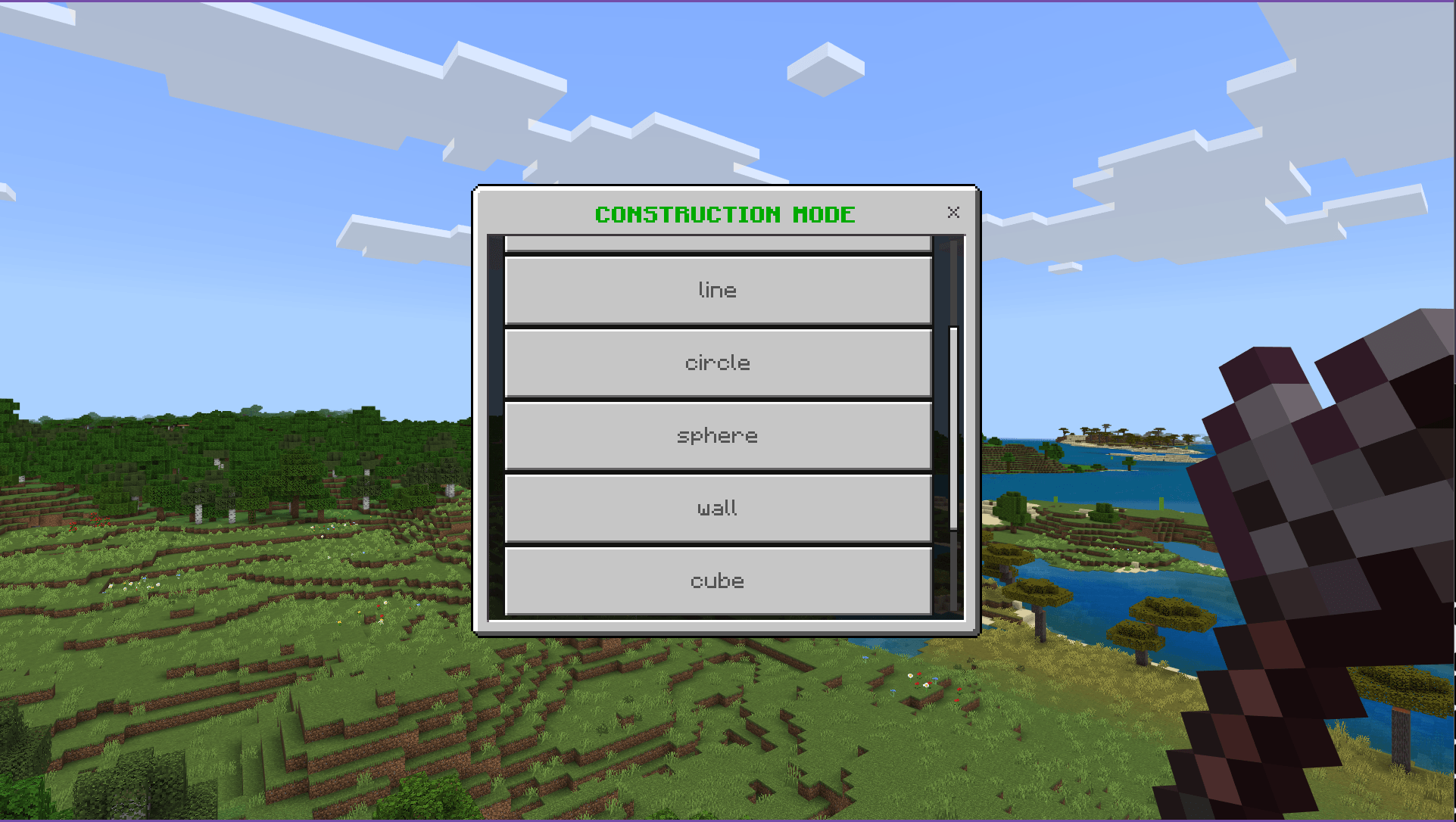
🔨 Construction Menu
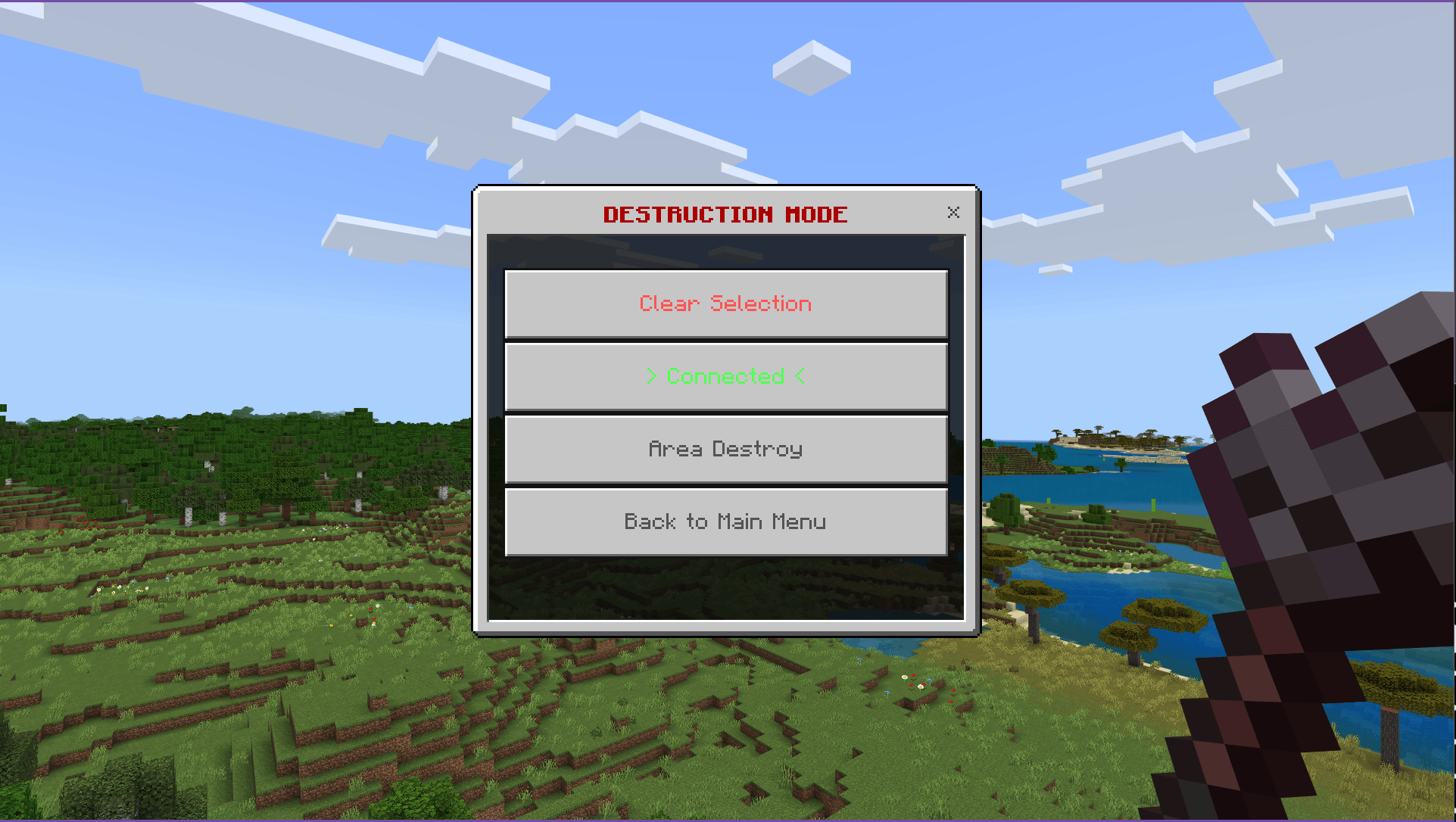
💥Destruction Menu
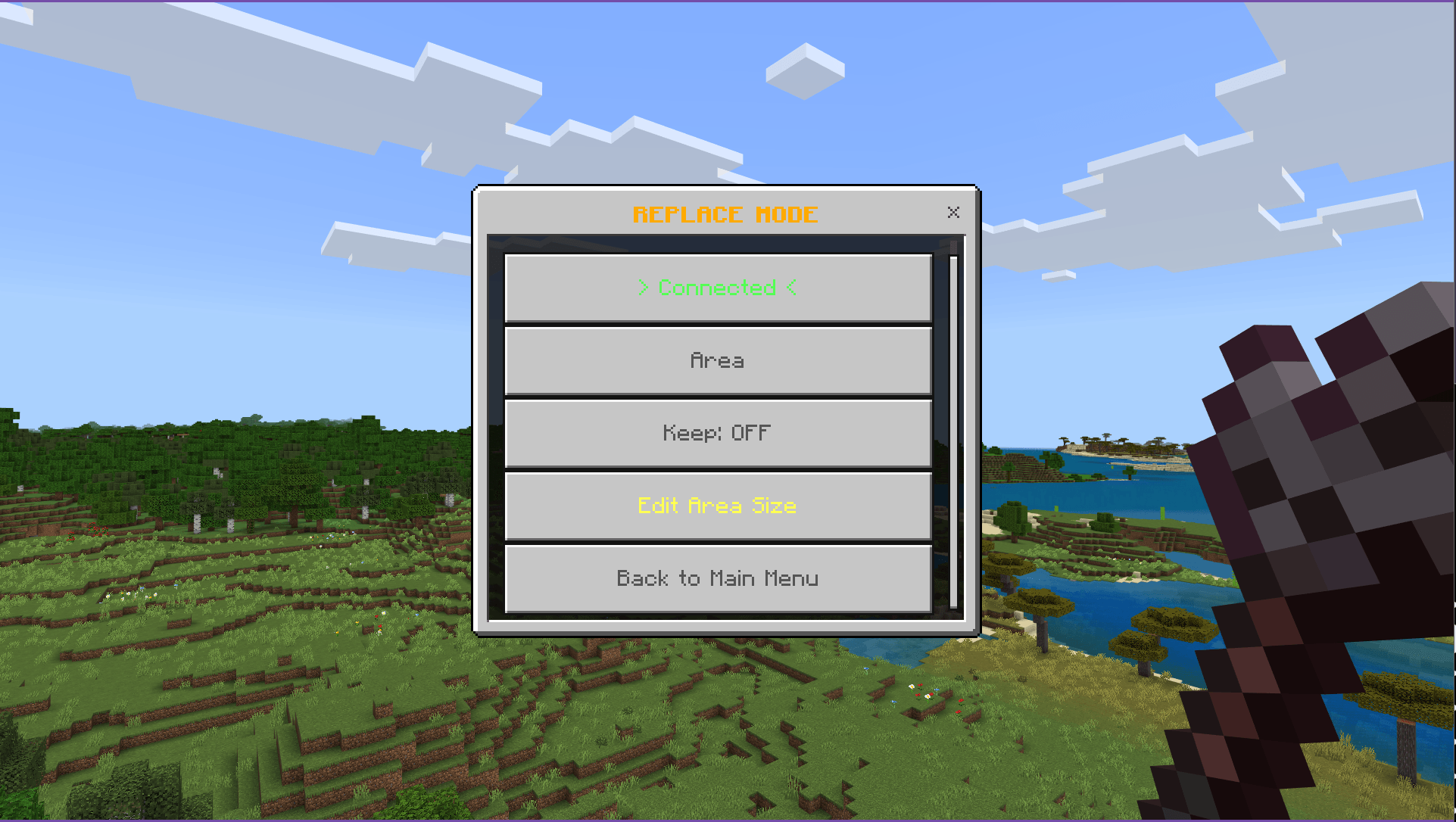
🔄 Replace Mode
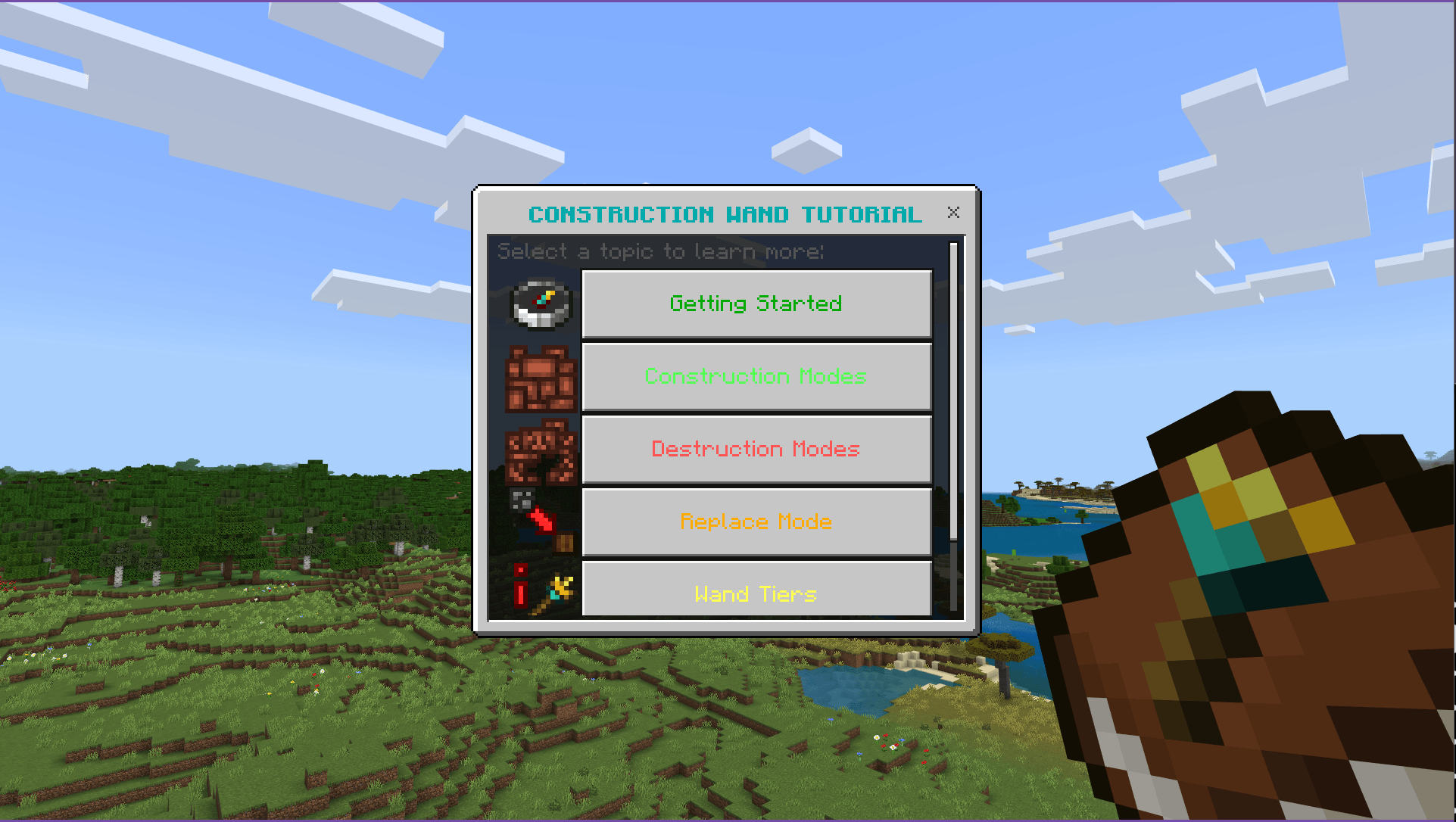
📚 In-Game Tutorial System
- Tutorial Book
- Interactive menu
- Step-by-step in-game guide
📖 Usage
🎮 Quick Start
- Sneak + Use -> Open configuration menu
- Use Tutorial Book -> Learn all features in-game
- Click a block -> Select block type
- Use the wand -> Execute the selected pattern
- Sneak + Use -> Always opens Main Menu
- Hotbar shows preview count (->N) before confirming
🔨 Construction Mode Patterns
- Line - Straight line in view direction
- Connected - Fill connected blocks of the same type
- Circle (Iron+) - Horizontal or vertical circles
- Wall (Iron+) - Flat walls with adjustable size
- Sphere (Diamond+) - Hollow or filled 3D spheres
- Cube (Diamond+) - Hollow or filled 3D cubes
- All geometric patterns support Repeat and Mirror via Advanced Settings
- Block Randomizer - build a palette of up to 4 block types; each block placed is chosen randomly
💥 Destruction Mode Patterns
- Connected - Remove connected blocks of the same type
- Area Destroy - Remove blocks in a area
🔄 Replace Mode
- Click the block to find
- Click the block to replace with
- Click the find block again to execute the replacement
⏪ Undo System
- Undo your last 3 operations directly from the Main Menu.
- Works for construction, destruction, and replace. Large operations restore in batches to prevent lag.
⚒️ Crafting Recipes
Coming soon
🏆 Wand Tiers & Capabilities
- Stone Wand
Max blocks: 20 Patterns: Line, Connected
- Iron Wand
Max blocks: 40 Patterns: + Circle, Wall
- Gold Wand
Max blocks: 30 Patterns: + Circle
- Diamond Wand
Max blocks: 60 Patterns: All (Sphere, Cube unlocked)
- Netherite Wand
Max blocks: 80 Patterns: All unlocked
🎯 Perfect For
- Large builds (walls, floors, foundations)
- Redstone projects
- Terraforming
- Creative building without repetition
- Mass block replacement
- Precise geometric patterns
Transform your building experience and create like never before!
💬 Join Our Community
If you want to leave feedback, feel free to use the comment space below or the dedicated channel in the WanMine Discord server.

Wersje
| Minecraft | Loader | Plik | Data | Akcje |
|---|---|---|---|---|
| 1.21.100 | — | Wan's Construction Wand1.4.1.mcaddon5.8 MB 1 |
FAQ
Which Minecraft versions does Construction Wan(d)'s work on?
There are files for 1.21.100–26.20, 10 versions in total. The newest is 26.20.
How do I download Construction Wan(d)'s?
With Millida Launcher: it installs Construction Wan(d)'s into a modpack by itself, for the right game version and loader. The launcher is free.
Opinie
Oceń Construction Wan(d)'s jako pierwszy
