
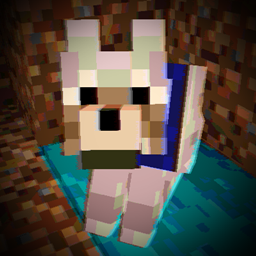
Relive the Analog Era in Minecraft.
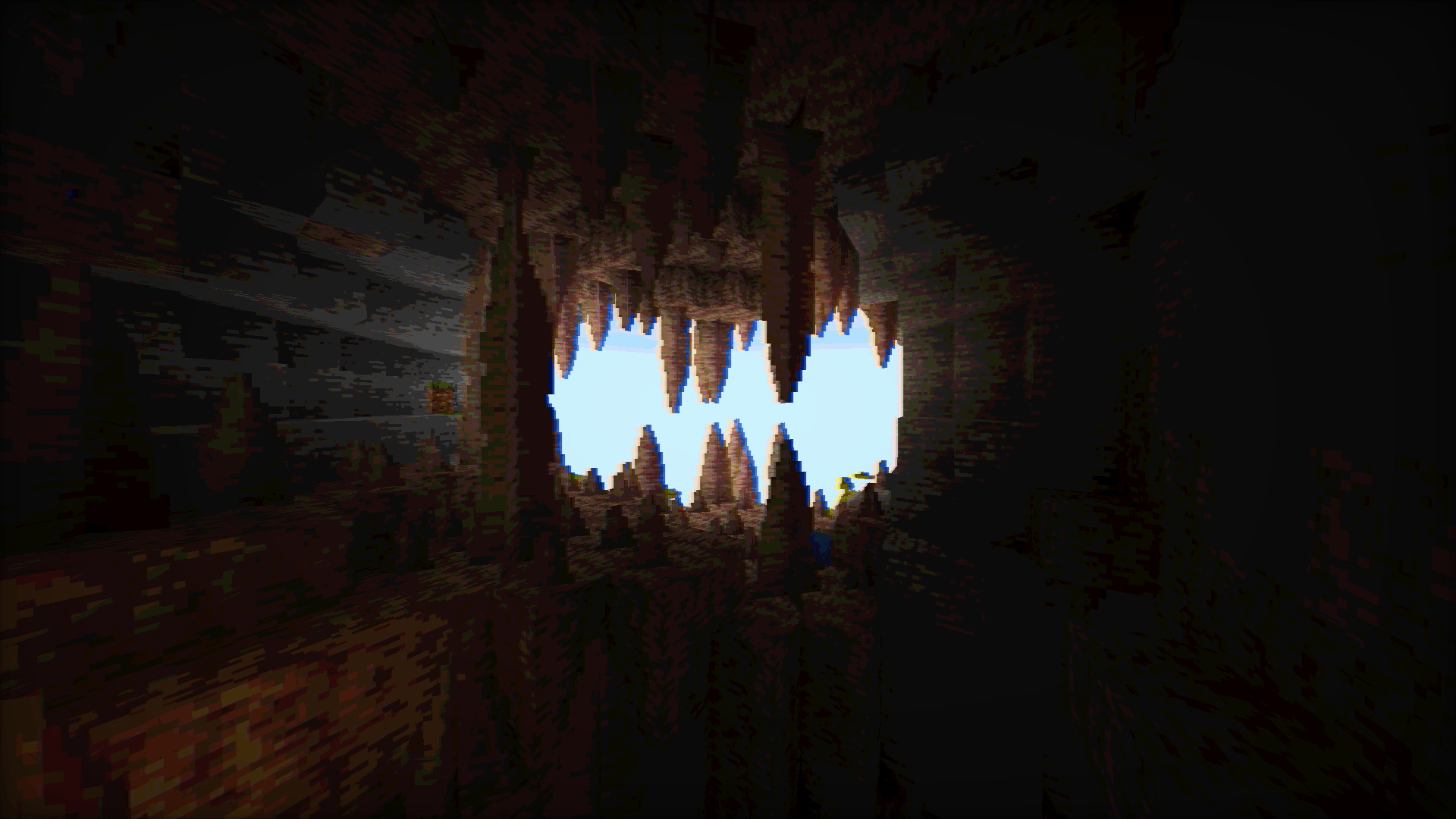
Vintage Shader is a lightweight aesthetic overhaul designed to strip away the "perfect" look of modern graphics. It replaces them with the nostalgic imperfections of 90s hardware, cathode-ray tubes (CRT), and analog signal interference.
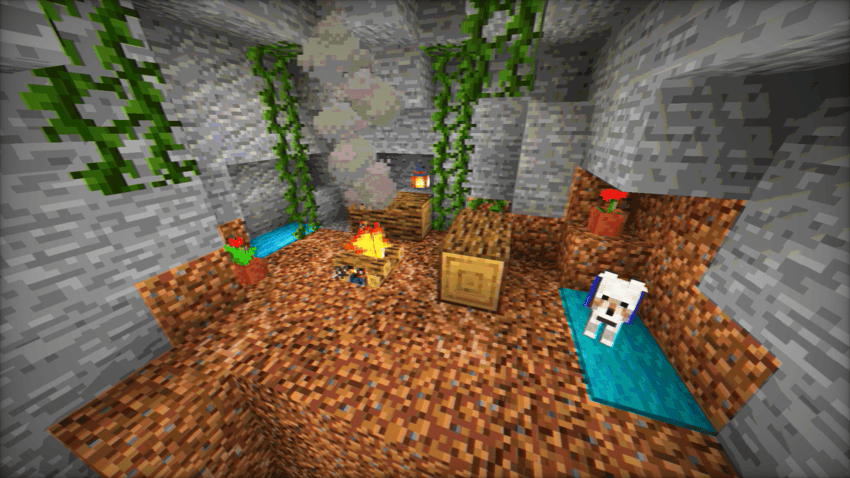
Whether you want to play in a crunchy 8-bit world or a "found footage" VHS style, Vintage Shader gives you the tools to travel back in time.
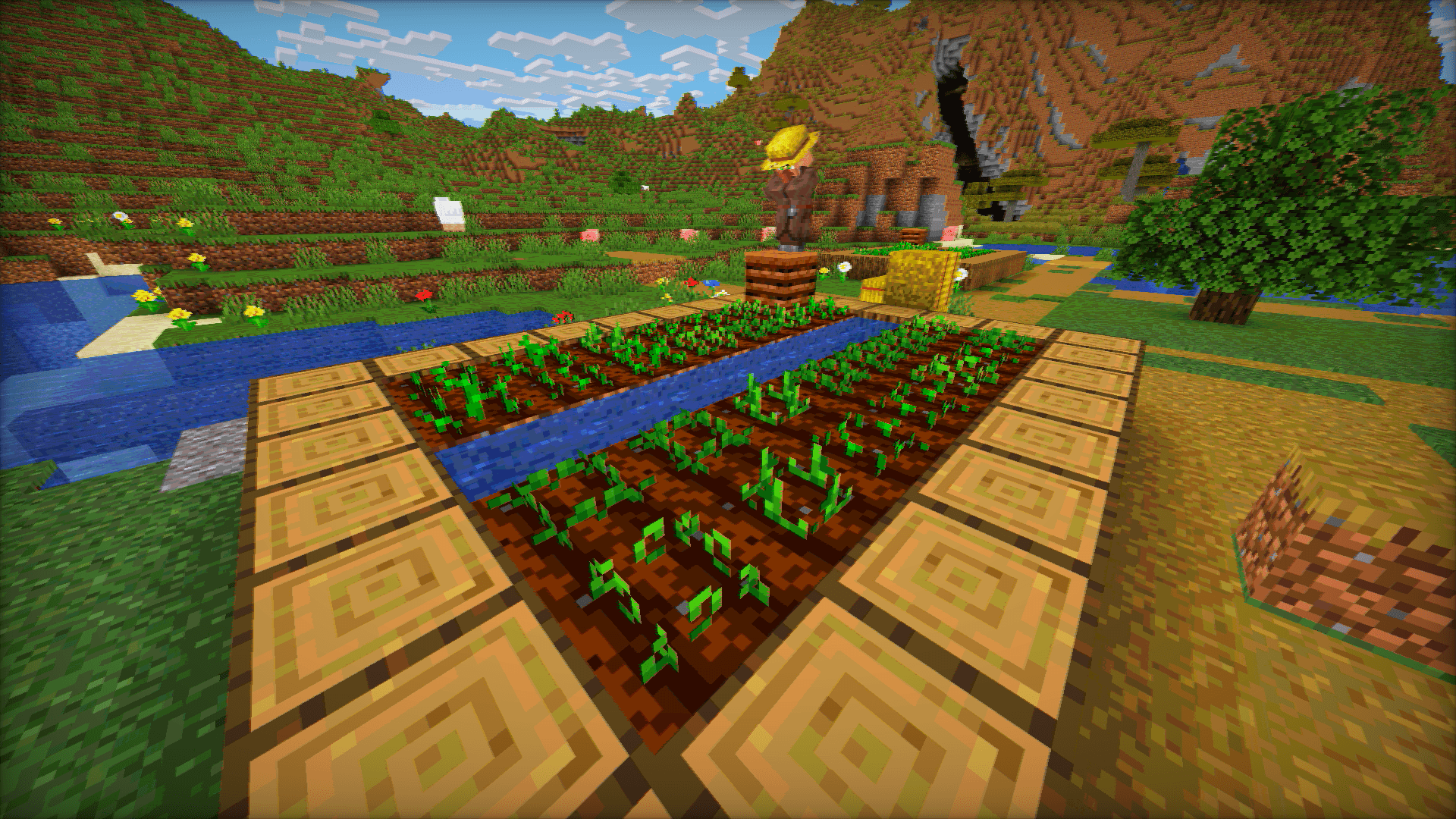
Key Features
- Color Quantization: Limit the color palette to achieve that iconic "Posterized" look from the 8-bit and 16-bit console eras.
- Analog Artifacts: Dial in Chromatic Aberration and Color Offsets to simulate lens distortion and misaligned RGB signals.
- Lo-Fi Visuals: Use the Blur and Saturation sliders to soften the image and create a warm, retro atmosphere.
- High Performance: Optimized to run on almost anything without sacrificing the vibe.
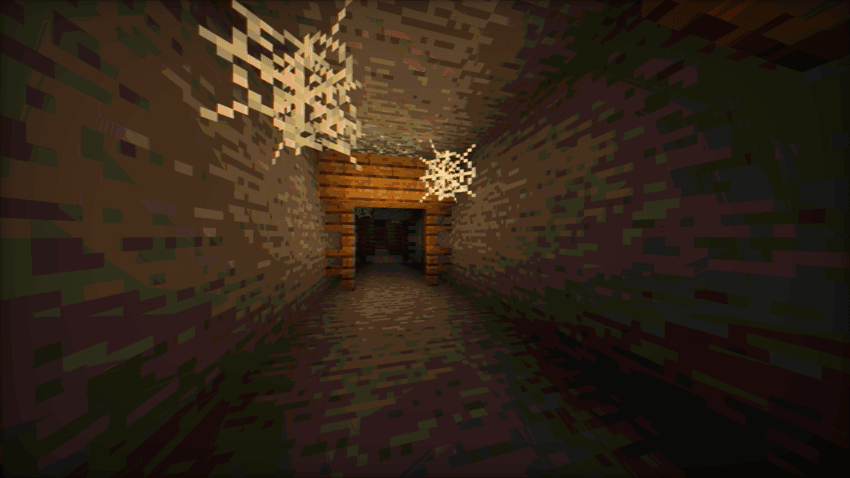
Loader Compatibility
- OptiFine: Fully compatible (All versions supporting shaders).
- Iris / Oculus: Fully compatible (v1.0+).
- Hardware: Runs on any GPU supporting OpenGL 3.0 / GLSL 1.30 or higher. This includes older Intel HD Graphics, AMD Integrated chips, and legacy Nvidia cards.
Requirements
- Minimum Requirement: Hardware supporting OpenGL shader version 130 or higher.
- Performance: Extremely lightweight. Ideal for integrated graphics, older laptops, and "potato" PCs.
Vintage shader 설치 방법
With Millida Launcher
Install Millida Launcher
The launcher is free: download it at millida.net/launcher and sign in with any nickname.
Click “Install” on this page
The launcher opens and installs the shaders for Minecraft 1.16.5–26.2 automatically.
Launch the game
A profile with it appears in the launcher: click “Play”.
Manually
Install Iris or OptiFine
Without a shader mod the game cannot see shaders. Install it for the same Minecraft version.
Download the shader archive
Pick the file VintageShader.zip (23 KB) and do not unpack it.
Put it in the shaderpacks folder
“Options”, then “Video Settings”, then “Shader Packs”, then “Open Shader Pack Folder”, and drag the archive there.
Select the shaders
In the same window, click the pack name and “Apply”.
버전
의존성 포함
| Minecraft | 로더 | 파일 | 날짜 | 작업 |
|---|---|---|---|---|
| 1.17.1 | — | Vintage Shader v1.0.123.1 KB 11 |
FAQ
Which Minecraft versions does Vintage shader work on?
There are files for 1.16.5–26.2, 34 versions in total. The newest is 26.2.
Where can I download Vintage shader safely?
On this page: the file VintageShader.zip (23 KB) is stored on Millida’s server, with no link shorteners. SHA-1 checksum: 0d09ffab95d19cea821947b8908e4622b2ba97ca.
리뷰
Vintage shader의 첫 평가를 남겨 보세요


