
The Skygleam Shaders
The Description
Skygleam Shaders is a shader pack for Minecraft Java Edition with exceptional attention to detail, high standards of quality, and top tier optimisation. It offers a ton of high quality visuals and it's designed to never be obstructive during gameplay. it's designed mainly for low end PC's so that everyone can get the best performance at Shaders. Check the Gallery for it's Look's.
(c) Harmanpreet Singh - Sky gleam Shaders copyright 2023-25 Made by Team Addoners.
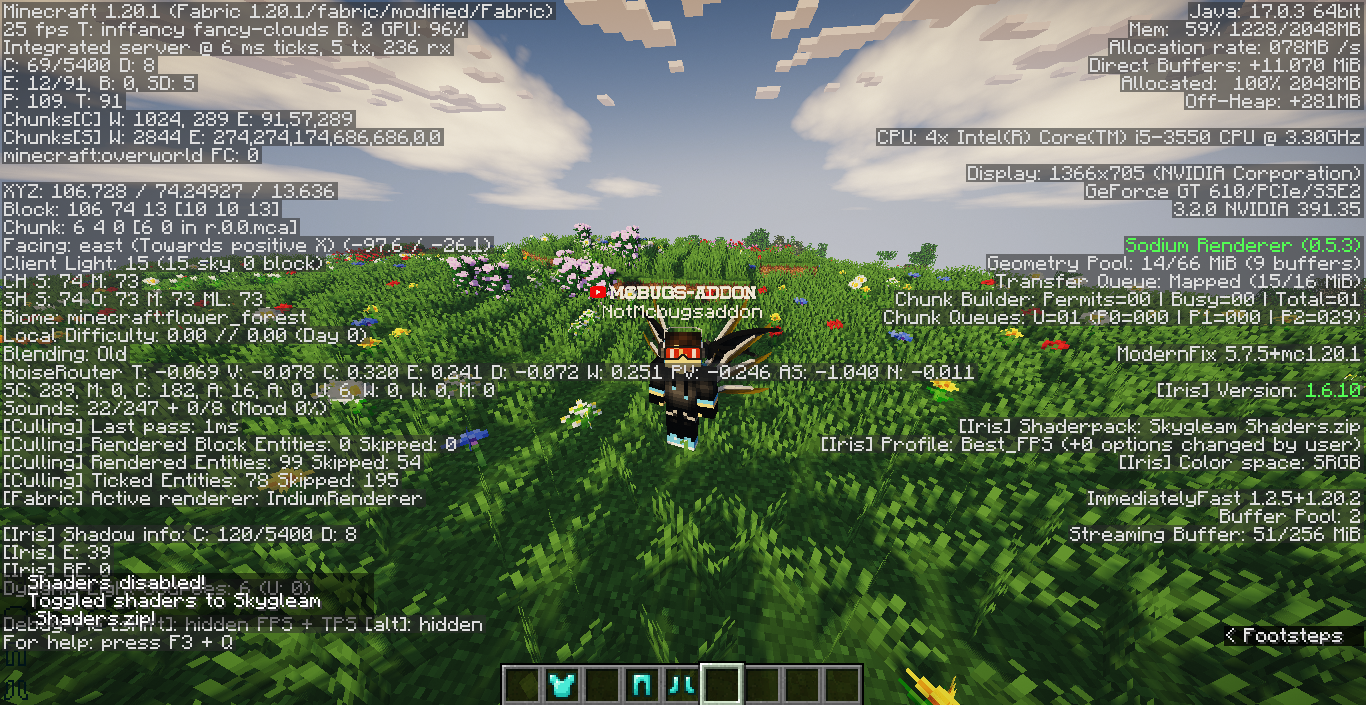
Skygleam Shaders 설치 방법
With Millida Launcher
Install Millida Launcher
The launcher is free: download it at millida.net/launcher and sign in with any nickname.
Click “Install” on this page
The launcher opens and installs the shaders for Minecraft 1.12–26.2 automatically.
Launch the game
A profile with it appears in the launcher: click “Play”.
Manually
Install Iris or OptiFine
Without a shader mod the game cannot see shaders. Install it for the same Minecraft version.
Download the shader archive
Pick the file Skygleam Shaders V3.1.zip (1.0 MB) and do not unpack it.
Put it in the shaderpacks folder
“Options”, then “Video Settings”, then “Shader Packs”, then “Open Shader Pack Folder”, and drag the archive there.
Select the shaders
In the same window, click the pack name and “Apply”.
버전
의존성 포함
| Minecraft | 로더 | 파일 | 날짜 | 작업 |
|---|---|---|---|---|
| 1.16.3 | — | Skygleam Shaders V3.1.zip1 MB 331 |
리뷰
Skygleam Shaders의 첫 평가를 남겨 보세요


