
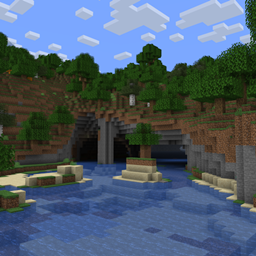
 NeoForge
 Fabric
 Forge
Underground Rivers
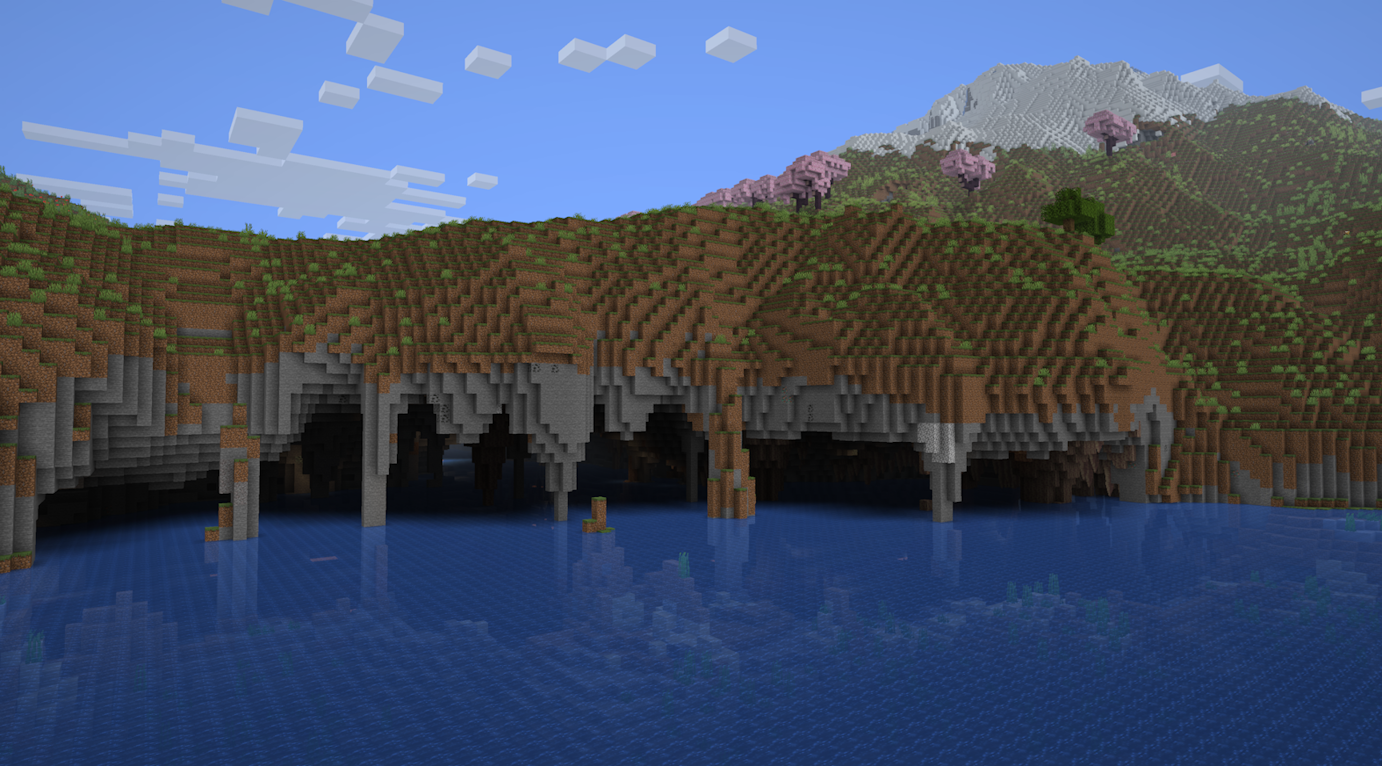
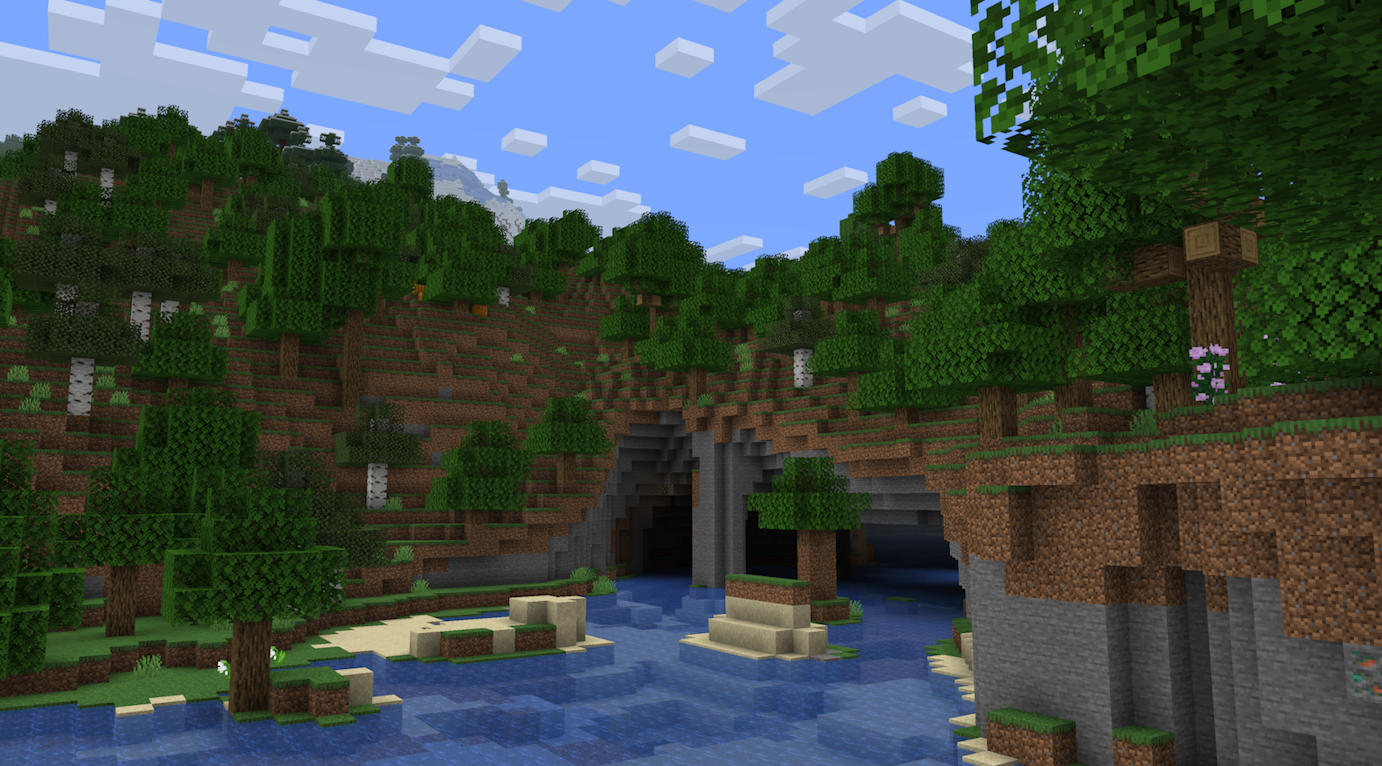
Underground Rivers is a worldgen mod that adds underground rivers to your world.
Description
Tectonic has underground rivers as a feature, but this mod adds them to vanilla terrain with no other changes. They're a complete rewrite from the ground up, meaning there's better entrances and more variation then ever before!
Underground Rivers relies on the Lithostitched mod for compatibility purposes, making the mod work with other worldgen mods like Biomes O Plenty, Nature's Spirit, and even Terralith!
Underground Rivers 설치 방법
With Millida Launcher
Install Millida Launcher
The launcher is free: download it at millida.net/launcher and sign in with any nickname.
Click “Install” on this page
The launcher opens and installs the mod for Minecraft 1.20.1–26.2 on Fabric, Forge or NeoForge automatically.
Launch the game
A profile with it appears in the launcher: click “Play”.
Manually
Install Fabric, Forge or NeoForge
The loader must match the game version of the mod file, for example Minecraft 26.2. After installing it, a separate profile appears in your launcher.
Download the file for your version
In the version list above, pick the file underground-rivers-1.0.3-neoforge-26.2.jar (40 KB) for your game version and loader.
Put it in the mods folder
The folder is inside .minecraft (Windows: %appdata%\.minecraft\mods). If it does not exist, create it.
Launch the loader profile
Open “Mods” in the main menu: Underground Rivers should be in the list.
버전
의존성 포함
| Minecraft | 로더 | 파일 | 날짜 | 작업 |
|---|---|---|---|---|
| 26.2 | NeoForge | v1.0.3 ~ Neoforge 26.239.5 KB | ||
| 26.2 | Fabric | v1.0.3 ~ Fabric 26.240.2 KB | ||
| 1.20.1 | Forge | v1.0.1 ~ Forge 1.20.139.5 KB |
리뷰
Underground Rivers의 첫 평가를 남겨 보세요


