

 NeoForge
 Forge
📖 About:
Oreganized is a mod inspired by the 1.17 inclusion of Copper in minecraft and imagines how would 2 new metals look like if they were added today. Each with their unique niches and themes. Silver and Lead! Silver can be made into Mirrors, Scribe, Gargoyles and make a new alloy called Electrum. Lead can be used for decoration, melted and for Lead Bolts - new projectiles! The world is also filled with an adjacent features to the metals like the new Boulders which you can find in plains that are the source of a new stone type(as well as maybe more if you wash it ;))

THIS MOD REQUIRES BLUEPRINT
💡 Wiki:
planned :<
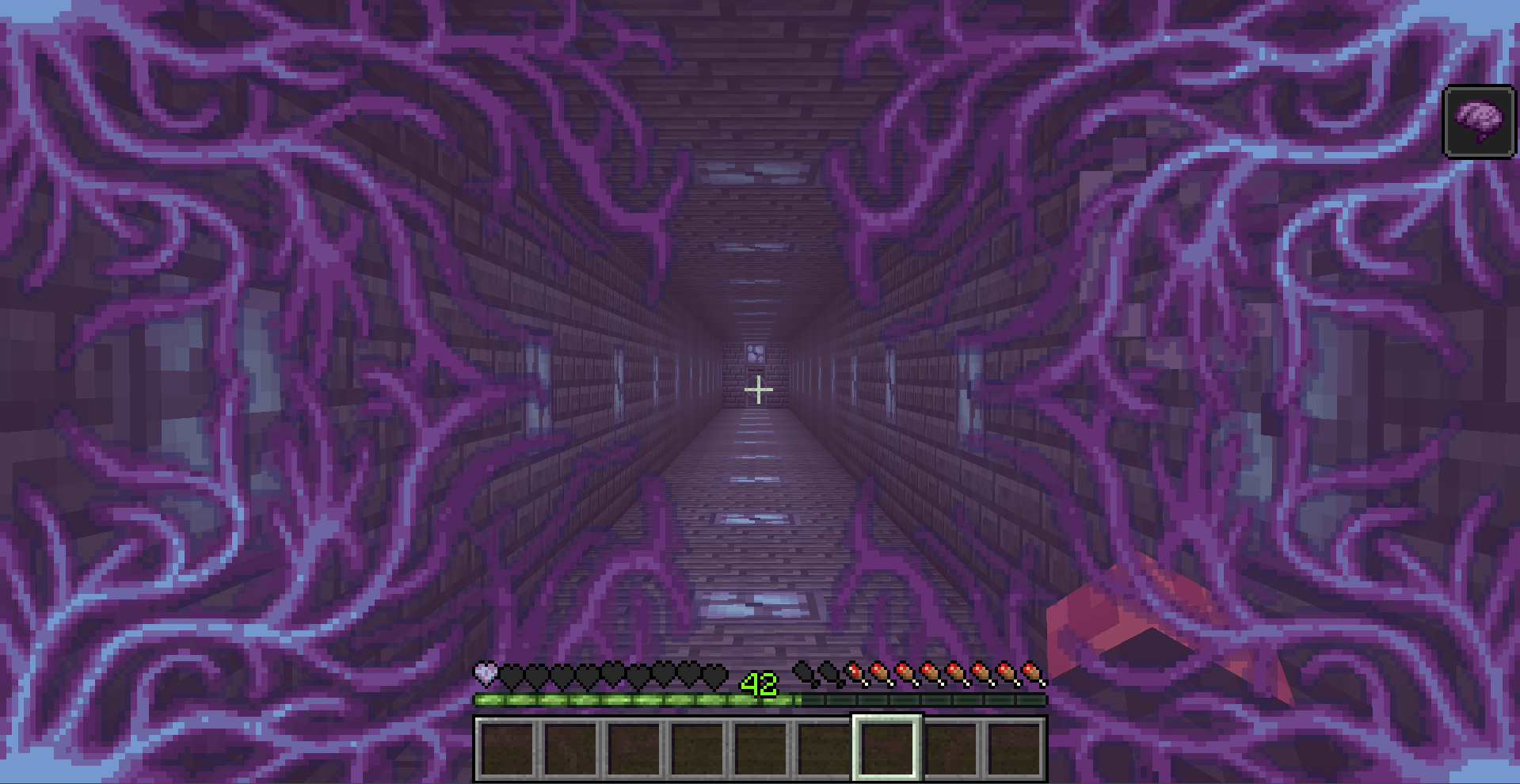
📺 Showcases:
Refreshment Update
Goopy Update
Rebound Update
🎞️ Compatibility:
Supplementaries - Spiky bomb made from shrapnel bomb or sold by Red Merchant
Farmer's Delight - Electrum Knife
Shield Expansion - Electrum Shield
Create - Crushed Silver, Crushed Lead, Molten Lead shenanigans
👥 Where can you find us?:
We are Team Galena, we produce other mods like Windswept, Overweight Farming, Fermion, Copperative and more!
Github
Discord
YouTube
Oreganized 설치 방법
With Millida Launcher
Install Millida Launcher
The launcher is free: download it at millida.net/launcher and sign in with any nickname.
Click “Install” on this page
The launcher opens and installs the mod for Minecraft 1.20.1–1.21.1 on Forge or NeoForge automatically.
Launch the game
A profile with it appears in the launcher: click “Play”.
Manually
Install Forge or NeoForge
The loader must match the game version of the mod file, for example Minecraft 1.21.1. After installing it, a separate profile appears in your launcher.
Download the file for your version
In the version list above, pick the file Oreganized 1.21.1-5.3.0+mc1.21.1.jar (5.4 MB) for your game version and loader.
Put it in the mods folder
The folder is inside .minecraft (Windows: %appdata%\.minecraft\mods). If it does not exist, create it.
Launch the loader profile
Open “Mods” in the main menu: Oreganized should be in the list.
Minecraft 1.21.1 runs on Java 21: with a different Java version the game may close right after launch.
버전
의존성 포함
| Minecraft | 로더 | 파일 | 날짜 | 작업 |
|---|---|---|---|---|
| 1.21.1 | NeoForge | Oreganized 5.3.0+mc1.21.15.4 MB | ||
| 1.20.1 | Forge | Oreganized 4.3.23.5 MB 3 | ||
| 1.21.1 | NeoForge | Oreganized 5.0.12.8 MB |
FAQ
Which Minecraft versions does Oreganized work on?
There are files for 1.21.1, 1.20.1. The newest is 1.21.1.
Is Oreganized for Forge or Fabric?
There are files for Forge: 1.20.1 and for NeoForge: 1.21.1. There are no files for Fabric: a mod for another loader will not start.
Does Oreganized need other mods?
The author lists no required dependencies: the Forge or NeoForge loader is enough.
Which Java does Oreganized need?
Minecraft 1.21.1 runs on Java 21. If the game closes right after launch, the usual cause is the wrong Java version in the profile settings.
Where can I download Oreganized safely?
On this page: the file Oreganized 1.21.1-5.3.0+mc1.21.1.jar (5.4 MB) is stored on Millida’s server, with no link shorteners. SHA-1 checksum: 2618049f163ff9ad095eebaf6605cbfd40e42df7.
리뷰
Oreganized의 첫 평가를 남겨 보세요


