
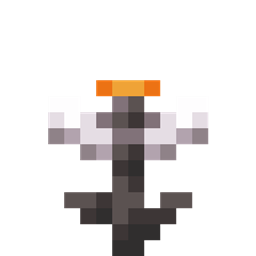
 NeoForge
 Fabric
Glowing Eyeblossom
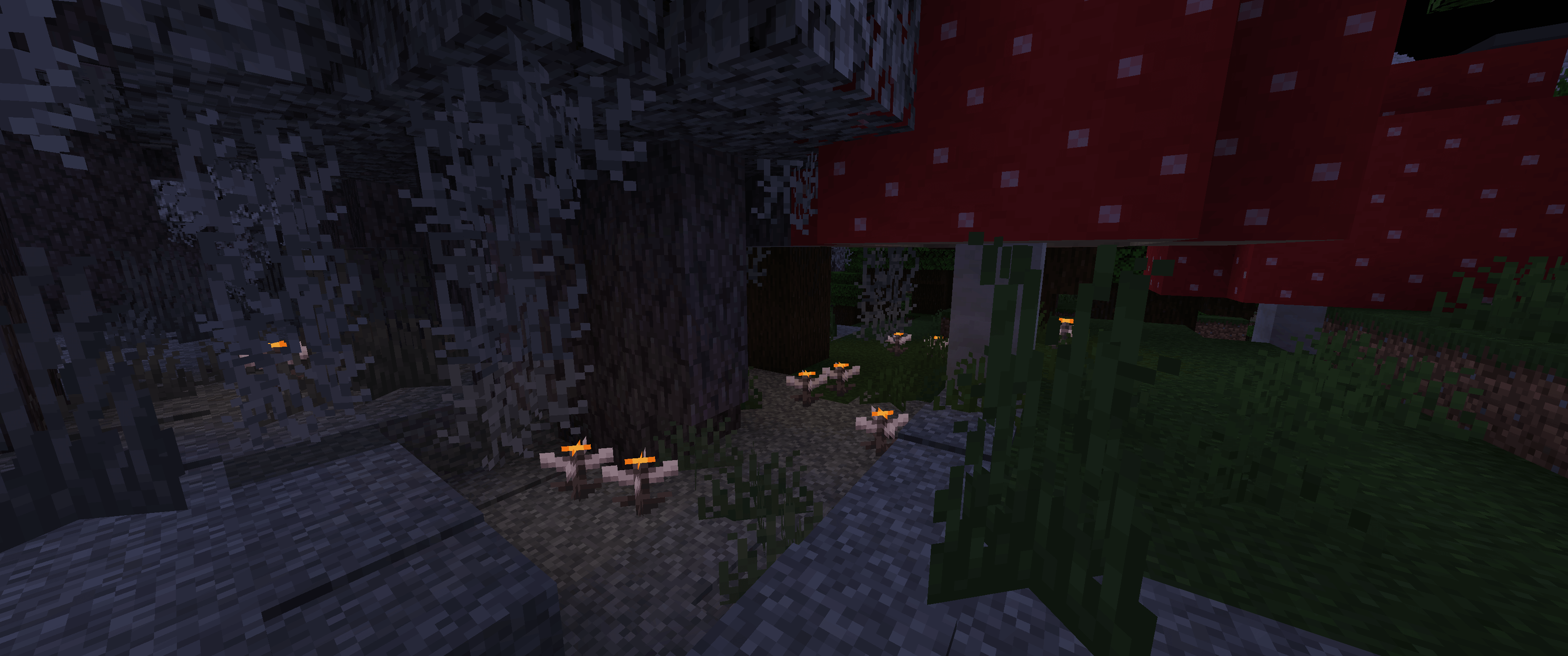
Makes the Eyeblossom emit light.
Works better when installed on both the server and the client
Also check out my Glowing Torchflower mod!
Discord
Light level
- Open Eyeblossom: 4
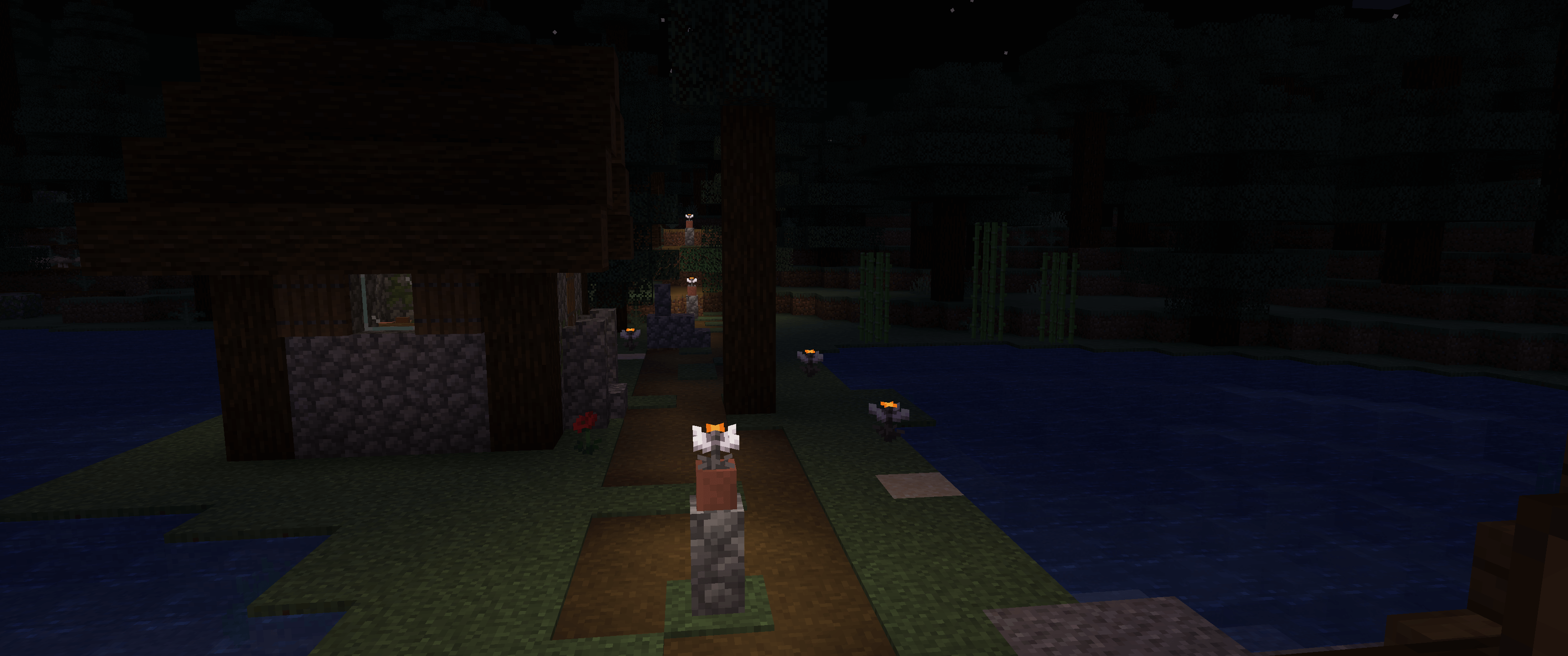
- Open Eyeblossom in the pot: 13
- Closed Eyeblossom: 1
- Closed Eyeblossom in the pot: 3
Config
You can change the light level of the Eyeblossom in the config file. The config file is located in the <game directory>/config/GlowingEyeblossom/main.conf.
Glowing Eyeblossom 설치 방법
With Millida Launcher
Install Millida Launcher
The launcher is free: download it at millida.net/launcher and sign in with any nickname.
Click “Install” on this page
The launcher opens and installs the mod for Minecraft 26.1–26.3 on Fabric or NeoForge automatically.
Launch the game
A profile with it appears in the launcher: click “Play”.
Manually
Install Fabric or NeoForge
The loader must match the game version of the mod file, for example Minecraft 26.3. After installing it, a separate profile appears in your launcher.
Download the file for your version
In the version list above, pick the file glowing-eyeblossom-neoforge-mc26.2-1.4.1.jar (2.1 MB) for your game version and loader.
Put it in the mods folder
The folder is inside .minecraft (Windows: %appdata%\.minecraft\mods). If it does not exist, create it.
Launch the loader profile
Open “Mods” in the main menu: Glowing Eyeblossom should be in the list.
버전
의존성 포함
| Minecraft | 로더 | 파일 | 날짜 | 작업 |
|---|---|---|---|---|
| 26.2 | NeoForge | [26.2+] 1.4.12.1 MB | ||
| 26.1 | Fabric | [26.1] 1.4.1843 KB |
리뷰
Glowing Eyeblossom의 첫 평가를 남겨 보세요


