

 NeoForge
 Forge
Create: Fantasizing Again 모드 정보

A mod that adds some powerful things for Create! Includes:
- Two stress engines that are in perpetual motion!
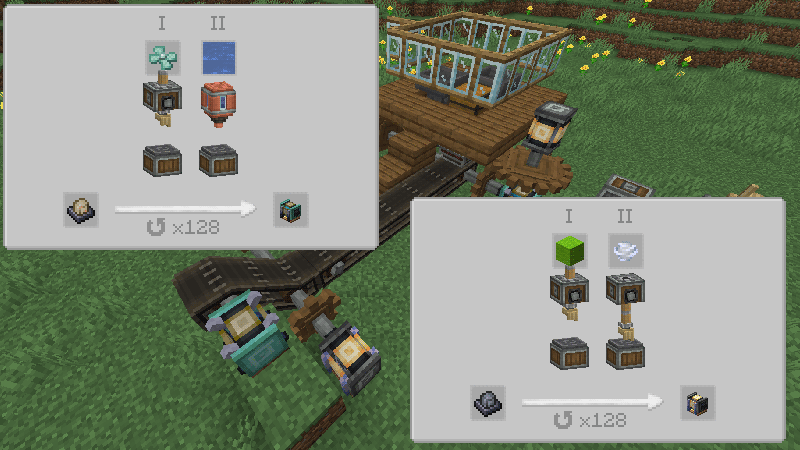
- Tree Cutter: An axe that can chop down an entire tree! (Formerly a Deforester, but it makes blocks fall vertically!)
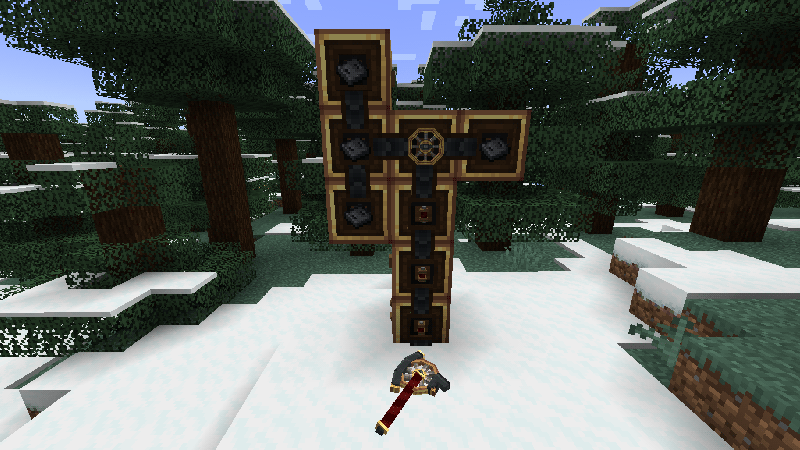
- Block Placer: A tool that can place blocks at extremely long distances and destroy blocks instantly! (Formerly a Handheld Blockzapper, but it has almost all its powers unlocked without upgrading! Special thanks to @LopyLuna, most of the codes of this tool are copied from: https://github.com/LopyLuna/Block-n-Zapping)
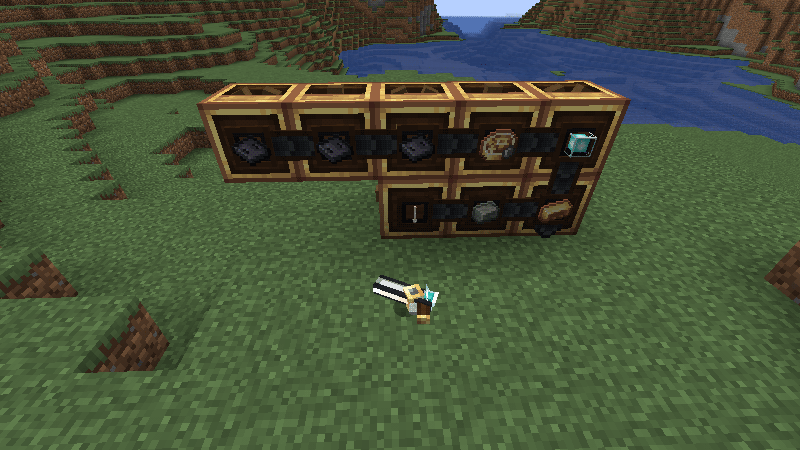
- Transporter: Easily transfer items from one container to another (Formerly a Transposer)!
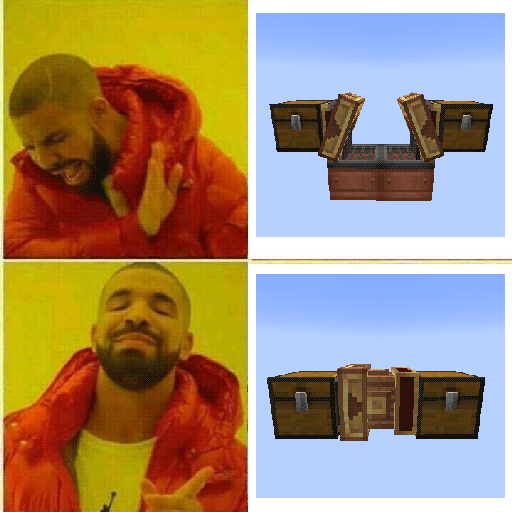
- Crate: A container that can be combined along three axes and has adjustable capacity! Also features several other practical functions... (Formerly an Adjustable Crate)
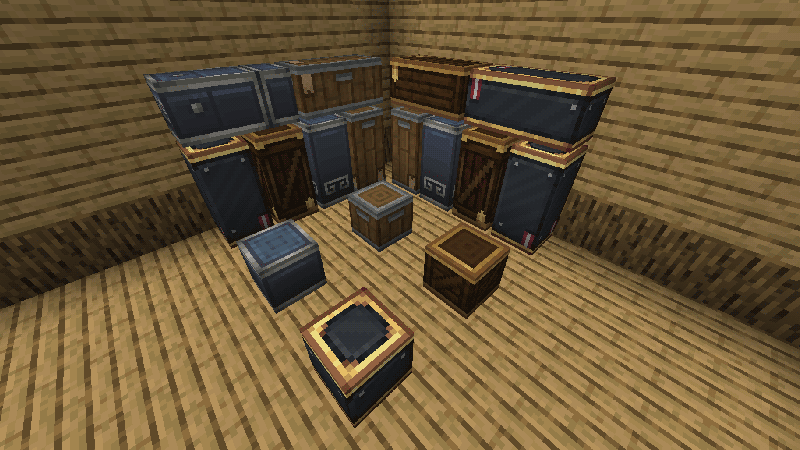
- Chocolate can now be drawn infinitely!
- Chromatic Compound! Maybe useless, or maybe too powerful?
Create: Fantasizing Again 설치 방법
With Millida Launcher
Install Millida Launcher
The launcher is free: download it at millida.net/launcher and sign in with any nickname.
Click “Install” on this page
The launcher opens and installs the mod for Minecraft 1.20.1–1.21.1 on Forge or NeoForge automatically.
Launch the game
A profile with it appears in the launcher: click “Play”.
Manually
Install Forge or NeoForge
The loader must match the game version of the mod file, for example Minecraft 1.21.1. After installing it, a separate profile appears in your launcher.
Download the file for your version
In the version list above, pick the file create_fantasizing-1.21.1-1.2.0-b3.jar (618 KB) for your game version and loader.
Put it in the mods folder
The folder is inside .minecraft (Windows: %appdata%\.minecraft\mods). If it does not exist, create it.
Launch the loader profile
Open “Mods” in the main menu: Create: Fantasizing Again should be in the list.
Minecraft 1.21.1 runs on Java 21: with a different Java version the game may close right after launch.
버전
의존성 포함
| Minecraft | 로더 | 파일 | 날짜 | 작업 |
|---|---|---|---|---|
| 1.21.1 | NeoForge | CreateFantasizing-1.2.0-beta3-neoforge-1.21.1.jar618 KB 34 | ||
| 1.21.1 | NeoForge | CreateFantasizing-1.1.3-neoforge-1.21.1.jar398 KB | ||
| 1.20.1 | Forge | CreateFantasizing-1.1.1-forge-1.20.1.jar381 KB 9 | ||
| 1.20.1 | Forge | CreateFantasizing-1.1.0-beta4-forge-1.20.1.jar370 KB |
FAQ
Which Minecraft versions does Create: Fantasizing Again work on?
There are files for 1.21.1, 1.20.1. The newest is 1.21.1.
Is Create: Fantasizing Again for Forge or Fabric?
There are files for Forge: 1.20.1 and for NeoForge: 1.21.1. There are no files for Fabric: a mod for another loader will not start.
Does Create: Fantasizing Again need other mods?
The author lists no required dependencies: the Forge or NeoForge loader is enough.
Which Java does Create: Fantasizing Again need?
Minecraft 1.21.1 runs on Java 21. If the game closes right after launch, the usual cause is the wrong Java version in the profile settings.
Where can I download Create: Fantasizing Again safely?
On this page: the file create_fantasizing-1.21.1-1.2.0-b3.jar (618 KB) is stored on Millida’s server, with no link shorteners. SHA-1 checksum: aac8f1460d2b5d21019c8b944b26dc0c184952c0.
리뷰
Create: Fantasizing Again의 첫 평가를 남겨 보세요


