

 NeoForge
 Forge
 Fabric
Create: Deepfried 모드 정보

An addon made by the developers of Create: Bitterballen
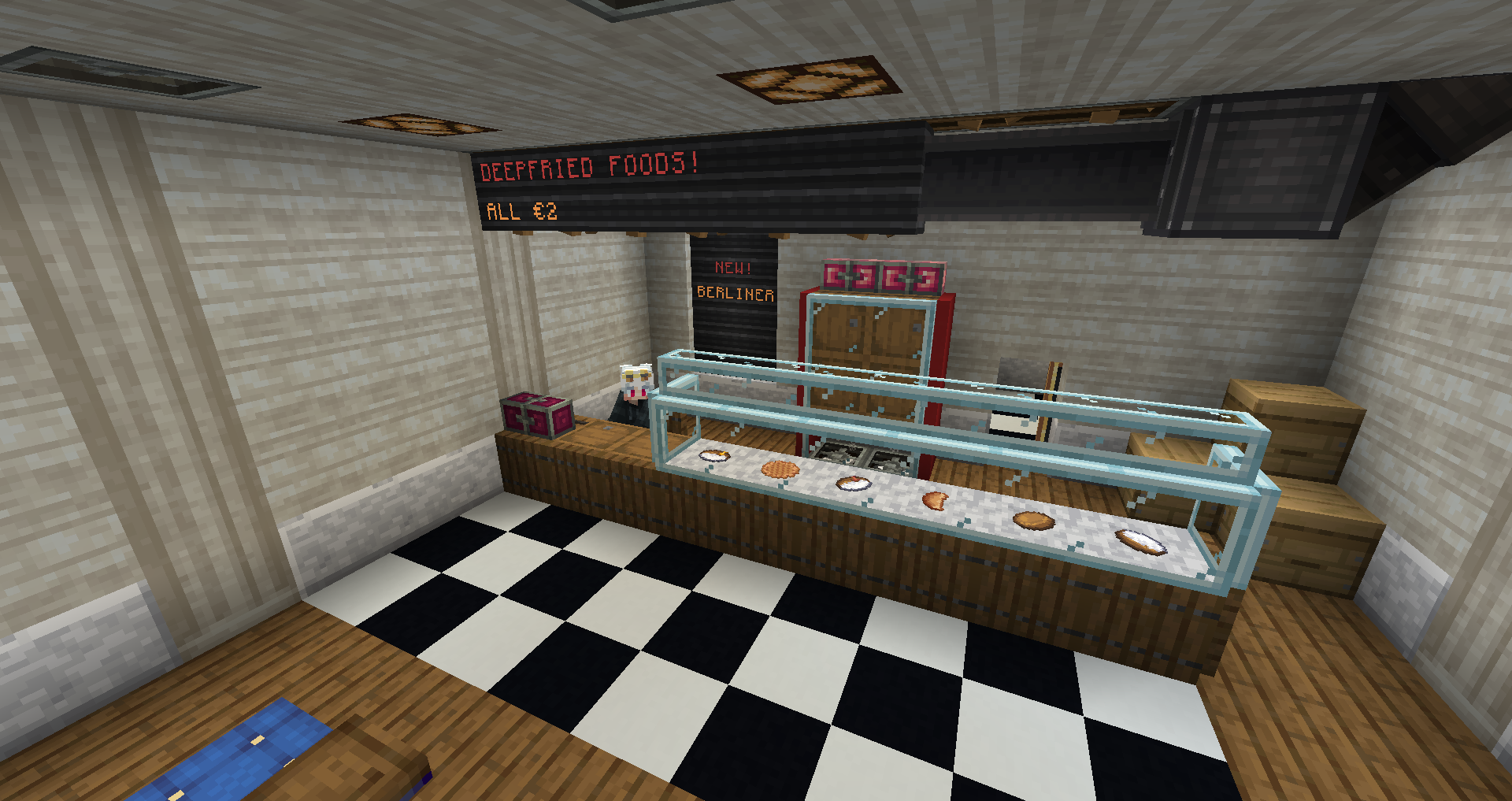
Content:
- Berliner (with different fillings)
- Apfelküchle
- Corndogs
- Chicken Nuggets
- Springrolls
- Tempura
- Calamari
- Fish and Chips
- Fried Chicken
- Yuca Fries
And even more with Farmers Delight installed!
- Onion Rings
- Blooming Onion
- Panzerotto
- There's more to come in the future :D
Planned:
- Snacks from Africa
- Snacks from Oceania
FAQ:
Will this mod get X feature?
If it's a big technical feature it will probably be handed down to C:Bitterballen. If it's a deepfried snack, then it belongs in this mod.
When version 1.xx?
We're only on the versions that C:Bitterballen is on, which for the foreseeable future is 1.20.1 and 1.19.2.
Dependencies:
Create - Adds Kinetics
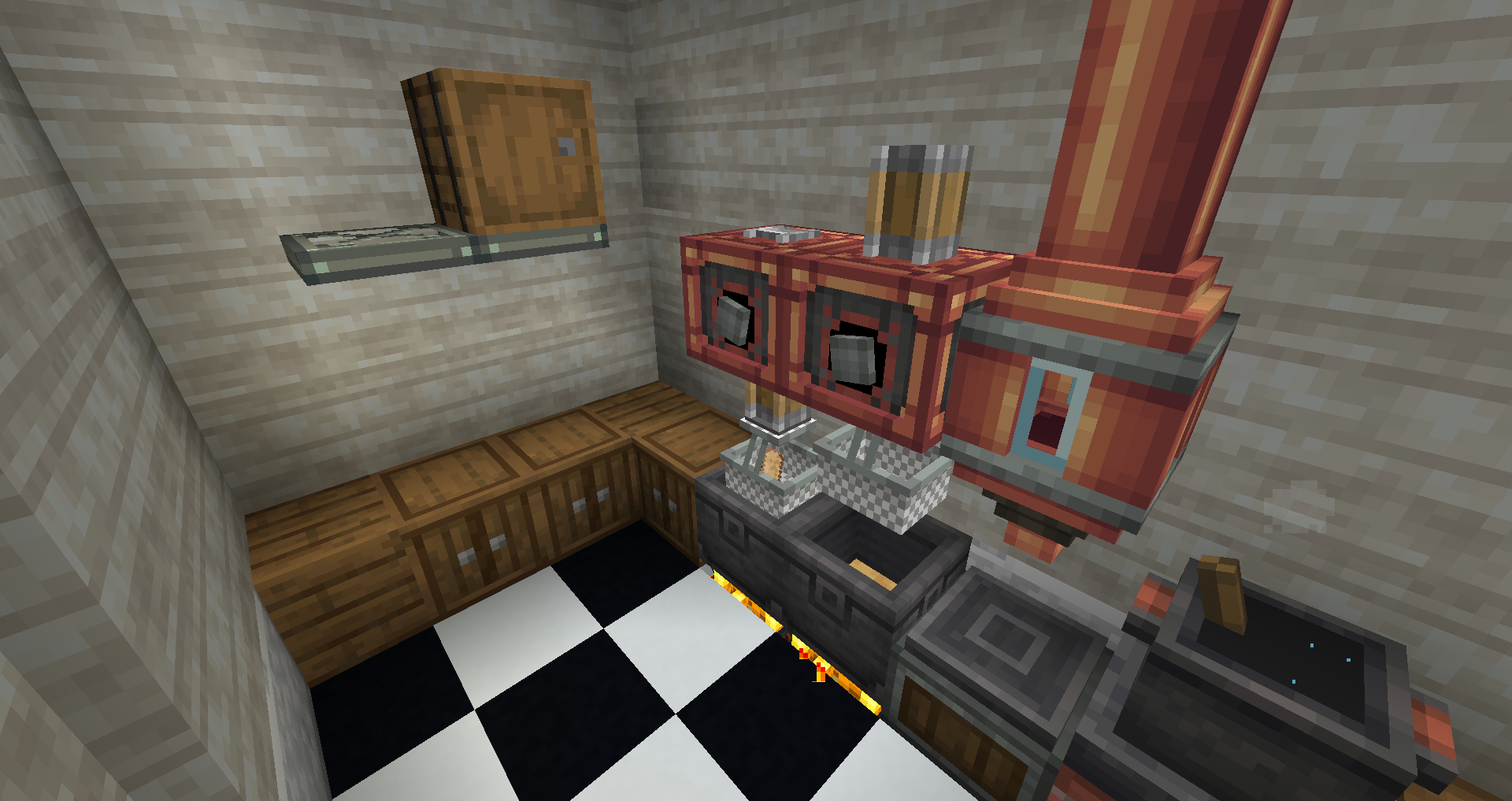
Create: Bitterballen - Adds Mechanical fryer
Optional Dependencies:
Farmers Delight -With this installed you get access to additional snacks
Recommended:
Jade -Shows what block you're looking at
JEI -Shows recipes
AppleSkin -Shows food values
This mod was made with Modified assets from the Create Mod under the MIT License.
Create: Deepfried 설치 방법
With Millida Launcher
Install Millida Launcher
The launcher is free: download it at millida.net/launcher and sign in with any nickname.
Click “Install” on this page
The launcher opens and installs the mod for Minecraft 1.20.1–1.21.1 on Fabric, Forge or NeoForge automatically.
Launch the game
A profile with it appears in the launcher: click “Play”.
Manually
Install Fabric, Forge or NeoForge
The loader must match the game version of the mod file, for example Minecraft 1.21.1. After installing it, a separate profile appears in your launcher.
Download the file for your version
In the version list above, pick the file create_deepfried-forge-1.21.1-0.1.3C.jar (94 KB) for your game version and loader.
Put it in the mods folder
The folder is inside .minecraft (Windows: %appdata%\.minecraft\mods). If it does not exist, create it.
Launch the loader profile
Open “Mods” in the main menu: Create: Deepfried should be in the list.
Minecraft 1.21.1 runs on Java 21: with a different Java version the game may close right after launch.
버전
의존성 포함
| Minecraft | 로더 | 파일 | 날짜 | 작업 |
|---|---|---|---|---|
| 1.21.1 | NeoForge | Create: Deepfried-1.21.1-0.1.3C93.5 KB 6 | ||
| 1.20.1 | Forge | Create: Deepfried-1.20.1-0.1.3C97.1 KB 1 | ||
| 1.20.1 | Fabric | Create: Deepfried-1.20.1-0.1.1B Fabric72.5 KB |
FAQ
Which Minecraft versions does Create: Deepfried work on?
There are files for 1.21.1, 1.20.1. The newest is 1.21.1.
Is Create: Deepfried for Forge or Fabric?
There are files for Fabric: 1.20.1, for Forge: 1.20.1 and for NeoForge: 1.21.1.
Does Create: Deepfried need other mods?
The author lists no required dependencies: the Fabric, Forge or NeoForge loader is enough.
Which Java does Create: Deepfried need?
Minecraft 1.21.1 runs on Java 21. If the game closes right after launch, the usual cause is the wrong Java version in the profile settings.
Where can I download Create: Deepfried safely?
On this page: the file create_deepfried-forge-1.21.1-0.1.3C.jar (94 KB) is stored on Millida’s server, with no link shorteners. SHA-1 checksum: 641e980cff2b7ca4b65c8ce98e41d25413650bd6.
리뷰
Create: Deepfried의 첫 평가를 남겨 보세요


