

InsaneVanilla++ B(ee)!
The pack has been updated to 1.15 with lots of new vanilla style mods. Bee aware of the Outerlands, explore the Autumn Fields or make a Pickarang. Also what about getting something better than Diamond or brand new Treasure Enchantments? But bee also aware of new Curses.
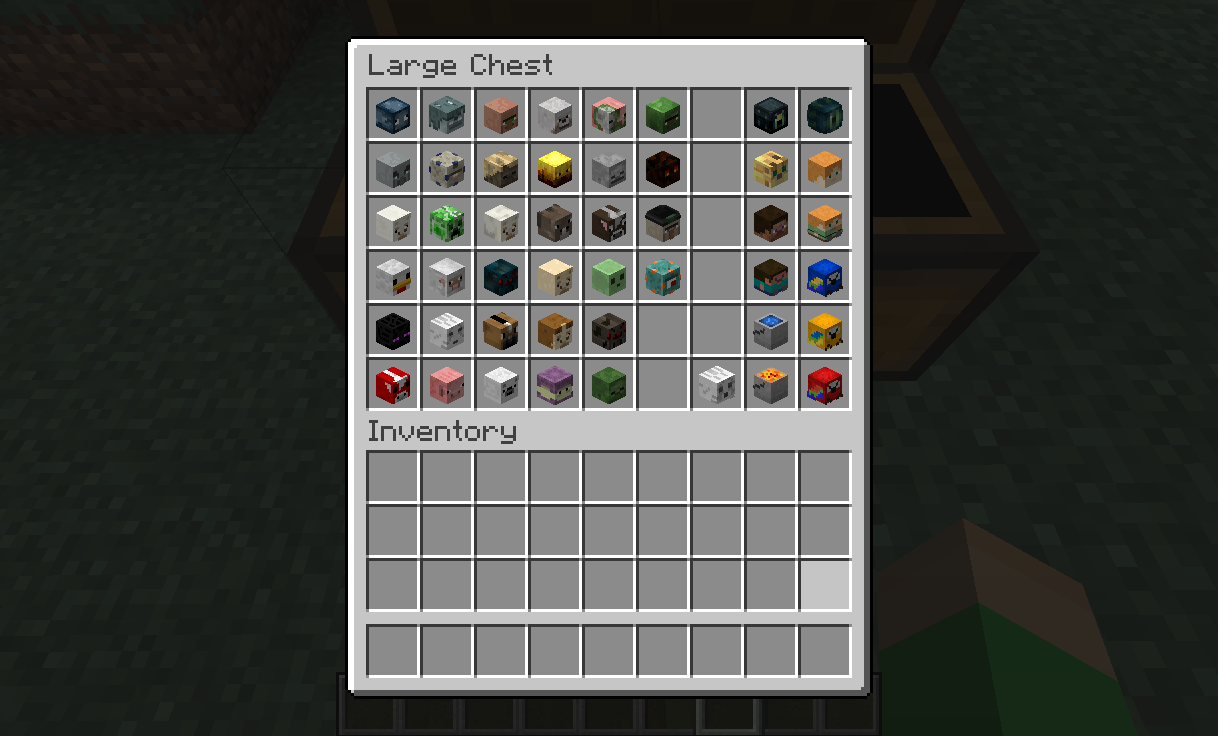
Patreon Server
Click the link to join Patreon below to play on the brand new server!
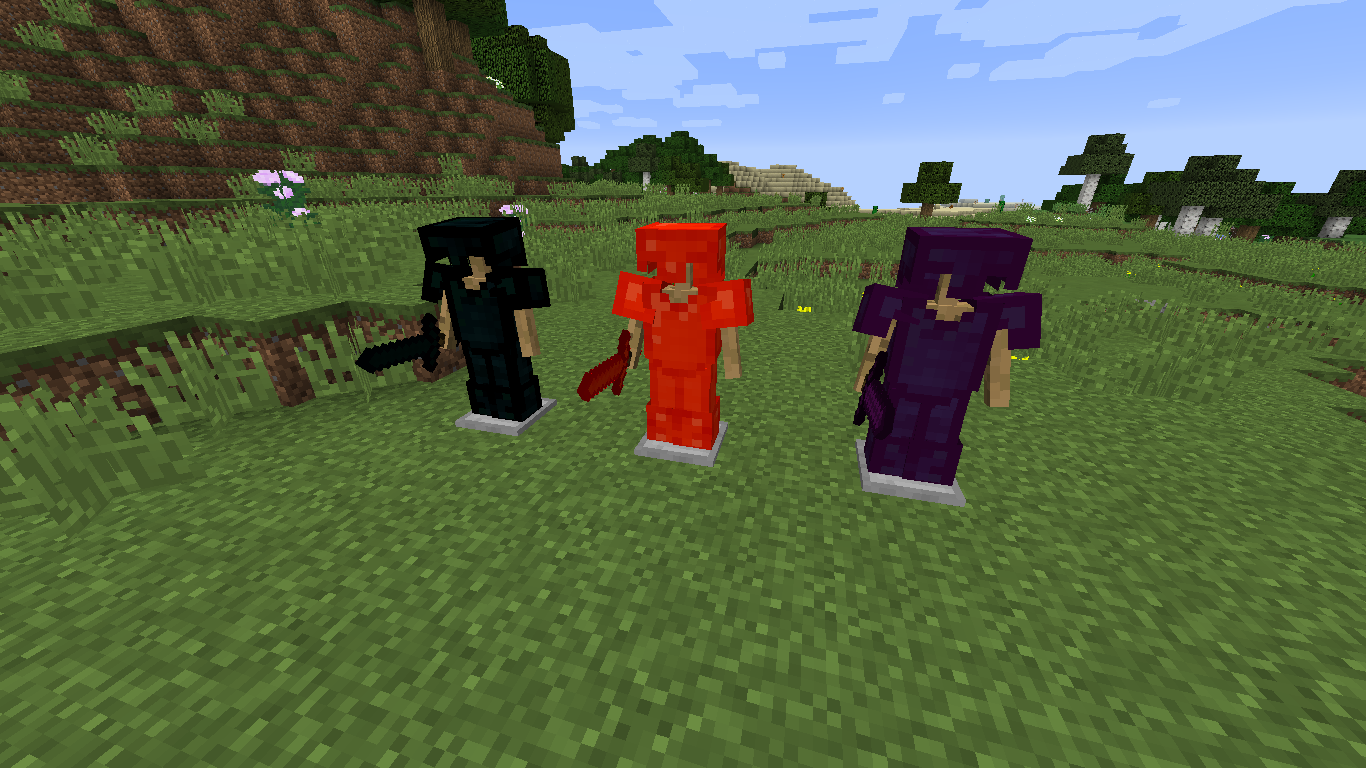
Just as Vanilla, but expanded
This pack is meant to enjoy vanilla as much as I do, but add many more possibilities, from Building, to Exploration, to Challenges
Support me on Patreon! Get access to early updates of mods plus a Patreon only Minecraft server!
Resource Packs
VanillaTweaks
I highly recommend checking out XisumaVoid Vanilla Tweaks. It's a project with tons of small resource packs that enhance the vanilla experience, you can choose your own and just click download!
Vanilla Tweaks by Xisumavoid: https://www.xisumavoid.com/vanillatweaks
Pixel Reality: Atmosphere
Adds a beautiful sky and you only need Optifine
https://www.curseforge.com/minecraft/texture-packs/pixel-reality-atmosphere
Mods List
Recommended mods
- Optifine - Makes the game run smoothly, plus ZOOM
Requirements
- Low-Mid Spec Computer
- About 2.5 Gb of Ram
Server Requirements
- About 3 Gb of Ram with few players
InsaneVanilla++ B 설치 방법
With Millida Launcher
Install Millida Launcher
The launcher is free: download it at millida.net/launcher and sign in with any nickname.
Click “Install” on this page
The launcher opens and installs the modpack for Minecraft 1.11.2–1.15.2 automatically.
Launch the game
A profile with it appears in the launcher: click “Play”.
Manually
Download the modpack archive
In the version list above, pick the file InsaneVanilla++ B-4.0.5.zip (199 KB).
Import it into a launcher
A launcher that supports modpacks (Millida Launcher, Prism) takes the archive via “Add modpack”, then “From file”. No need to unpack it yourself.
Allocate memory
Modpacks need more memory than the plain game: set 4–6 GB in the profile settings.
On a server
Use the “To server” button
On Millida Hosting, the button at the top of the page uploads the file to your server and restarts it for you.
Invite friends: they install the same modpack
To join the server, every player needs the same modpack version.
Minecraft 1.15.2 runs on Java 8: with a different Java version the game may close right after launch.
버전
의존성 포함
| Minecraft | 로더 | 파일 | 날짜 | 작업 |
|---|---|---|---|---|
| 1.15 | — | InsaneVanilla++ 4.0.5199 KB 3 | ||
| 1.12.1 | — | InsaneVanilla++ v3.3.7366 KB | ||
| 1.11.2 | — | InsaneVanilla++ Alpha v0.174.8 KB |
리뷰
InsaneVanilla++ B의 첫 평가를 남겨 보세요


