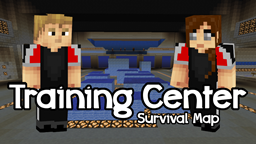
Training Center (Survival Map) 맵 정보
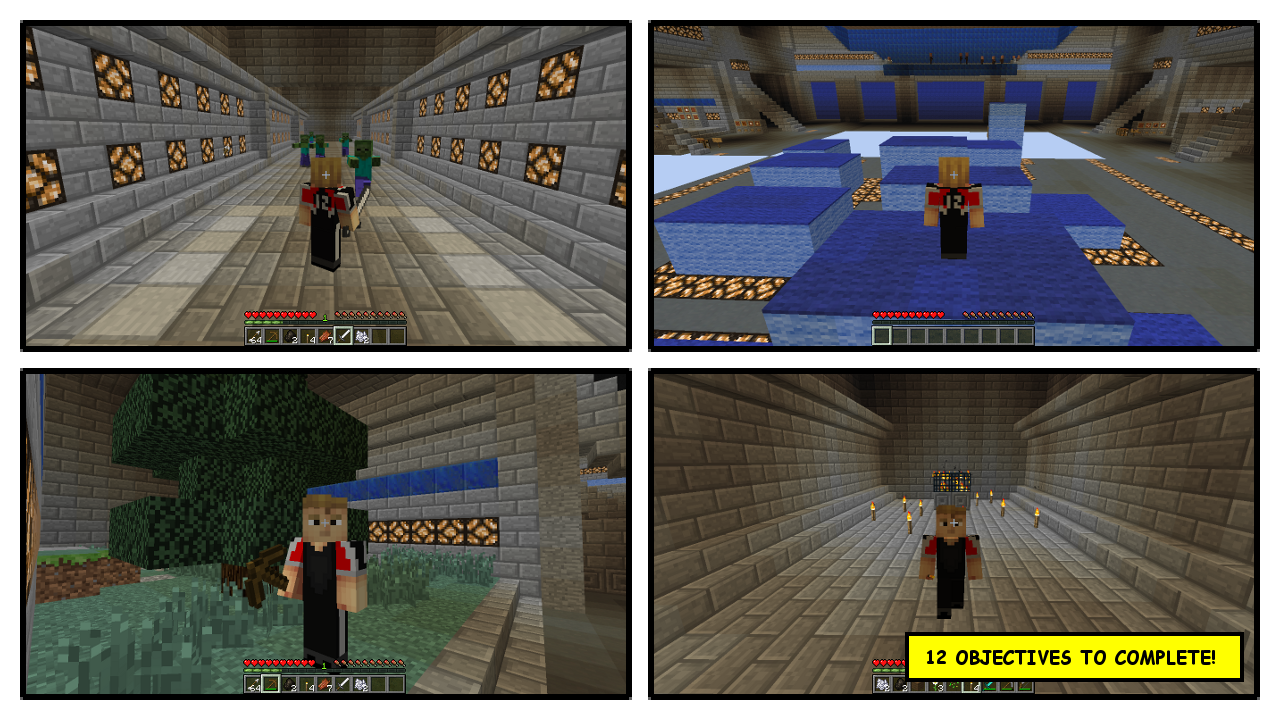
This is a training center to learn some survival skills useful to play my maps. If you want to play my maps check my channel: youtube.com/user/ErminCaft
Training Center (Survival Map) 설치 방법
With Millida Launcher
Install Millida Launcher
The launcher is free: download it at millida.net/launcher and sign in with any nickname.
Click “Install” on this page
The launcher opens and installs the map for Minecraft 1.7.4 automatically.
Launch the game
A profile with it appears in the launcher: click “Play”.
Manually
Download the map archive
Pick the file TrainingCenter.zip (272 KB).
Unpack it into the saves folder
The world folder (with level.dat inside) must sit directly in .minecraft/saves.
Open the world
“Singleplayer”: the map will be in your world list.
On a server
Replace the world folder
Stop the server and put the map folder in place of world (or set its name in level-name).
Use the “To server” button
On Millida Hosting, the button at the top of the page uploads the file to your server and restarts it for you.
버전
의존성 포함
| Minecraft | 로더 | 파일 | 날짜 | 작업 |
|---|---|---|---|---|
| 1.7.4 | — | TrainingCenter.zip272 KB 1 |
FAQ
Which Minecraft versions does Training Center (Survival Map) work on?
Only Minecraft 1.7.4: there are no files for other versions.
Where can I download Training Center (Survival Map) safely?
On this page: the file TrainingCenter.zip (272 KB) is stored on Millida’s server, with no link shorteners. SHA-1 checksum: 999c59053c70276973b38c385ee0b17c5443853b.
리뷰
Training Center (Survival Map)의 첫 평가를 남겨 보세요