
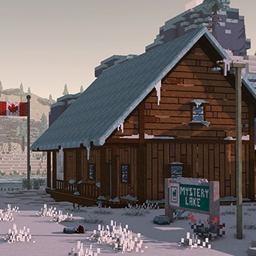
The Long Dark meets Chisel & Bits 맵 정보
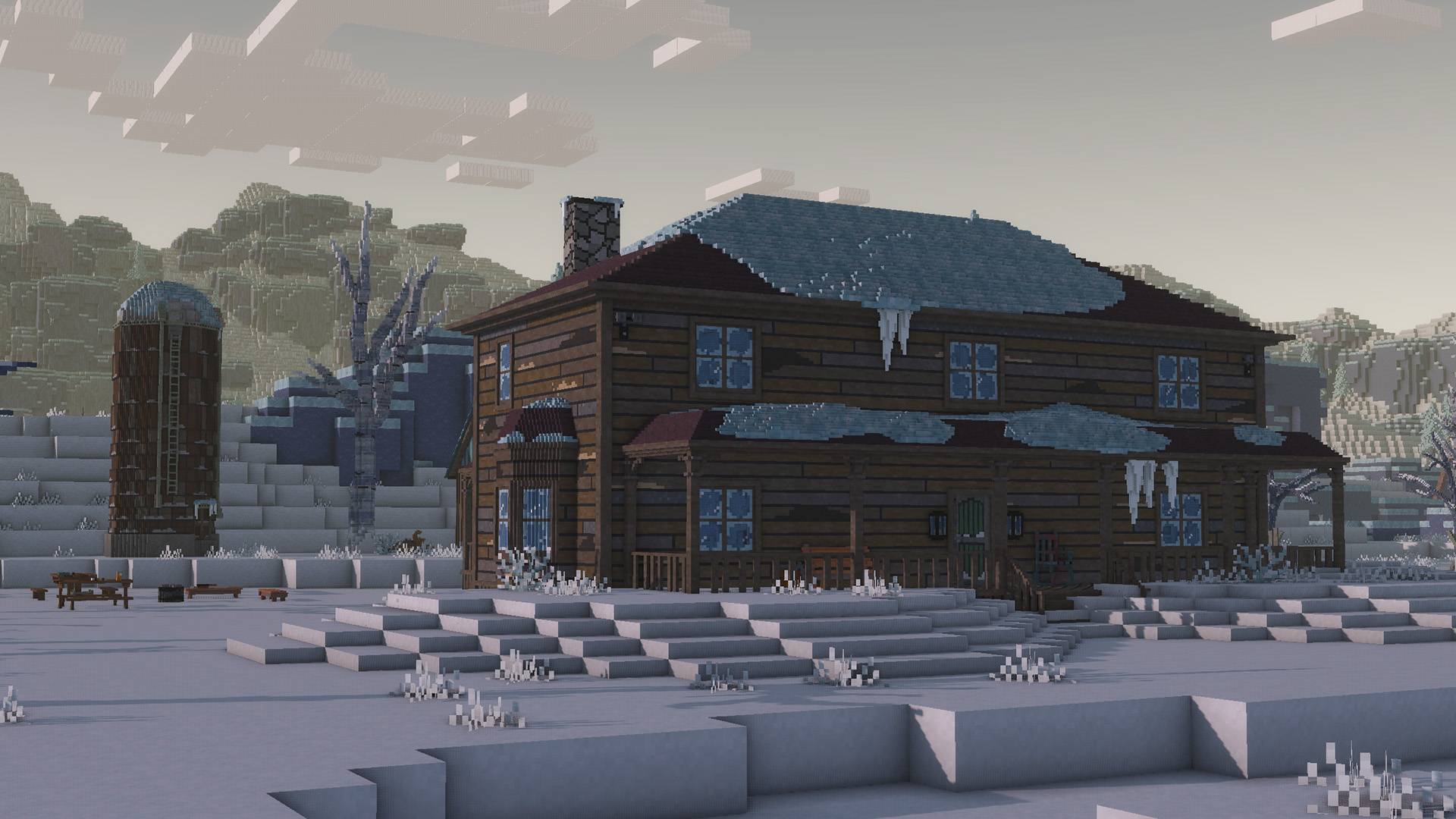
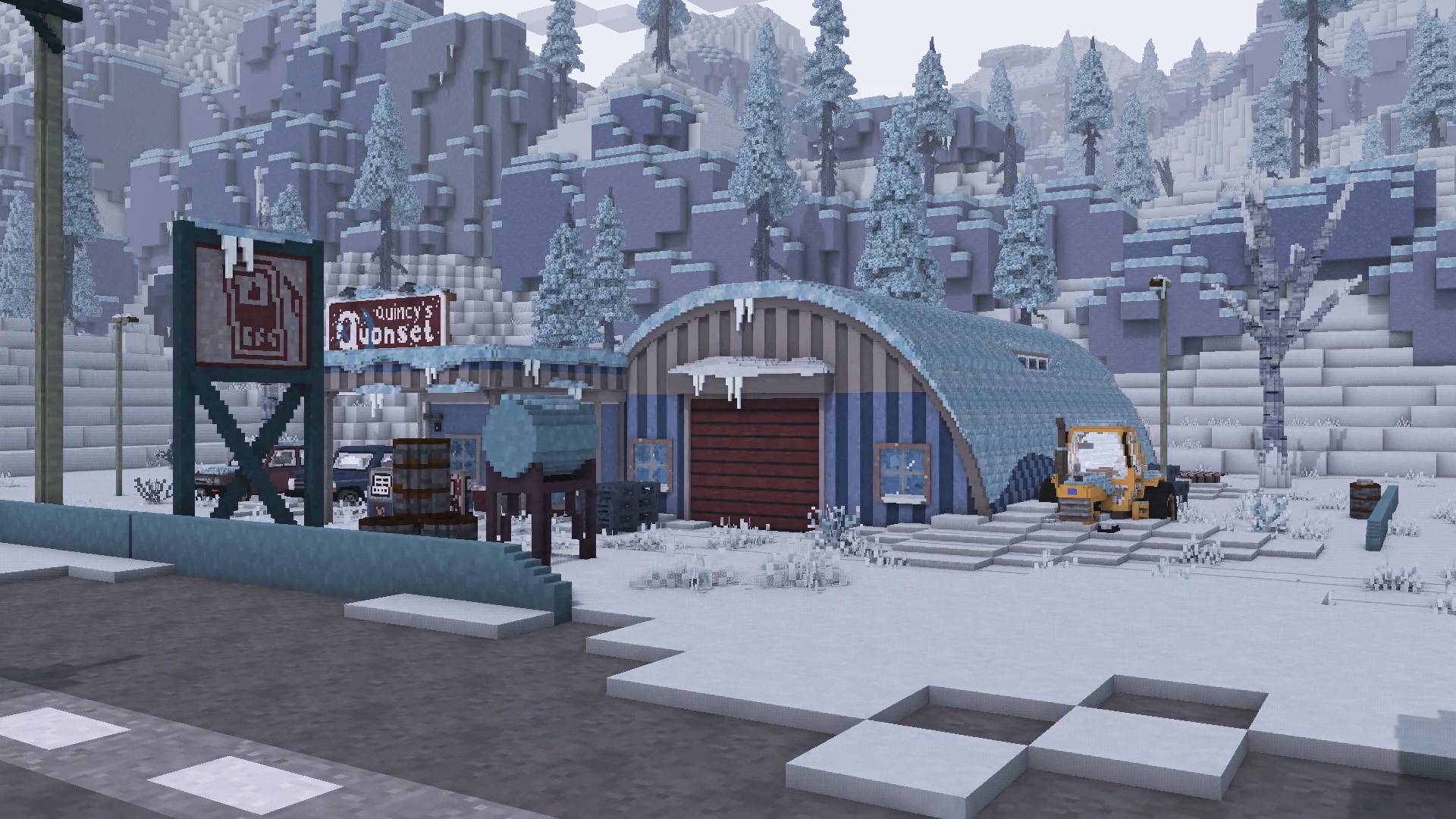
The Long Dark meets Chisel & Bits recreates locations in 'The Long Dark' using the Chisel & Bits addon. Requires the Chisel & Bits mod and Java version 1.12.2. I recommend you play in Peaceful mode. Have fun exploring!
This mod is currently unfinished and is missing features/content. I Will continue working on adding new locations/regions to the mod until I feel it is in a complete state.
Chisel and Bits (also requires Forge & Java version 1.12.2)
Download Links
Forge
Chisel & Bits
- Navigate to your minecraft world saves folder
1.a Press and hold windows key and R to bring up the Run program 1.b Type %appdata% in the Run program 1.c Double click the .minecraft folder
- Make a copy of "The Long Dark Chisel and Bits" into the saves folder
- Drag the archive of "TheLongDarkTexturePackChiselandBits" into the resources folder
- Download Minecraft version 1.12.2 through the launcher
- Install Minecraft Forge for version 1.12.2 of Minecraft
5.a They're plenty of tutorials online of how to do this
- Install the Chisel and Bits mod into the mods folder in the .minecraft directory
6.a If this folder doesn't exist, create a new folder and name it 'mods'
- Load the texture pack once in game and load up the world
If the map is stuttering for you, you can increase the amount of ram/memory Minecraft uses through the launcher
- Open the Minecraft launcher
- Click Installations
- Click the version with (1.12.2-forge)
- Click more options
- Go to the JVM Arguments and look for "-Xmx#G" (# will be a number)
- Change the number in "-Xmx#G" to something higher than what it curently is (this changes the amount of ram in gigabytes minecraft uses)
I personally use 8, so my JVM Argument looks like this:-Xmx8G -XX:+UnlockExperimentalVMOptions -XX:+UseG1GC -XX:G1NewSizePercent=20 -XX:G1ReservePercent=20 -XX:MaxGCPauseMillis=50 -XX:G1HeapRegionSize=32M
1 = 1024mb 2 = 2048mb 4 = 4096mb 8 = 8192mb 16 = 16384mb
Render distance can also significantly effect memory usage aswell, I don't recommend going above 16 (far), buts that's up to you and your PC specs.
This mod map is very demanding regardless and there is only so much that you can do without simply having a more powerful PC
Each region has 5 unmarked graves hidden around the region along with a couple other secrets to find.
You can refer to the Region Maps that are also included in the download to help you with navigating.
I've used Kuda's Shader in both the images and videos and modified it quite a bit, so it looks alot different to the default.
Bluesky
ModDB
My Website
Nexus Mods
Steam Workshop
The Long Dark meets Chisel & Bits 설치 방법
With Millida Launcher
Install Millida Launcher
The launcher is free: download it at millida.net/launcher and sign in with any nickname.
Click “Install” on this page
The launcher opens and installs the map for Minecraft 1.12.2 automatically.
Launch the game
A profile with it appears in the launcher: click “Play”.
Manually
Download the map archive
Pick the file The Long Dark Meets Minecraft World V1_3.zip (148 MB).
Unpack it into the saves folder
The world folder (with level.dat inside) must sit directly in .minecraft/saves.
Open the world
“Singleplayer”: the map will be in your world list.
On a server
Replace the world folder
Stop the server and put the map folder in place of world (or set its name in level-name).
Use the “To server” button
On Millida Hosting, the button at the top of the page uploads the file to your server and restarts it for you.
버전
의존성 포함
| Minecraft | 로더 | 파일 | 날짜 | 작업 |
|---|---|---|---|---|
| 1.12.2 | — | The Long Dark Meets Minecraft World V1_3.zip148 MB 3 |
FAQ
Which Minecraft versions does The Long Dark meets Chisel & Bits work on?
Only Minecraft 1.12.2: there are no files for other versions.
Where can I download The Long Dark meets Chisel & Bits safely?
On this page: the file The Long Dark Meets Minecraft World V1_3.zip (148 MB) is stored on Millida’s server, with no link shorteners. SHA-1 checksum: 28ee5b2928e2914691987ee0ad06b0eb40c53b39.
리뷰
The Long Dark meets Chisel & Bits의 첫 평가를 남겨 보세요



