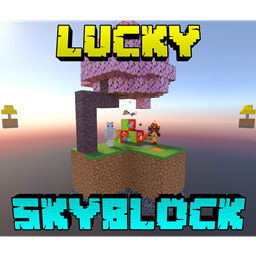
다른 섬으로 이어지는 조약돌 생성기를 만들어 아이템을 얻고
농사로 상점에서 이익을 얻어 아이템을 사고팔고 마법 부여하세요. 친구를
잡다한 모험에 데려가 즐거운 시간을 보내세요!
상인을 죽이지 마세요
팁:
-아이템을 잃지 않으려면 아무 Void Totem이나 구매하세요
-다른 생물 군계와 섬을 보려면 렌더 거리를 10청크 이상으로 설정하세요
-풀 아래를 찾아보세요
-더 많은 정보를 원하면 "Map Info" 책을 읽어보세요
제작 협력: Xyla
(Discord: xylabun)
참고:
이 프로젝트는 향후 대규모 업데이트에서 일시적으로 제외되었습니다
(협력이 종료되었으며, 최신 Beta-API 버전을 지원하기 위한 업데이트만 진행됩니다)
영상을 확인하세요!
상점↴
마법 부여↴
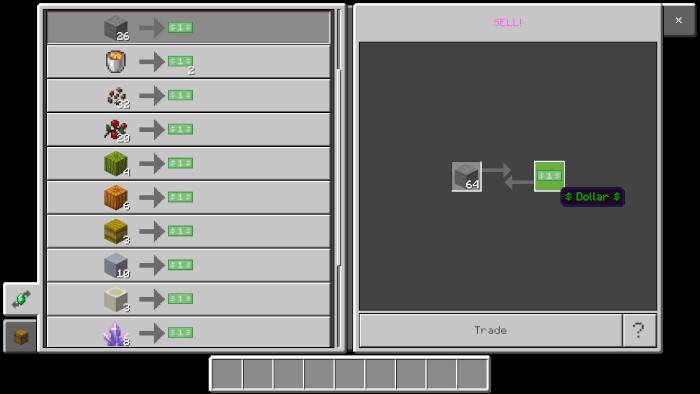
판매↴
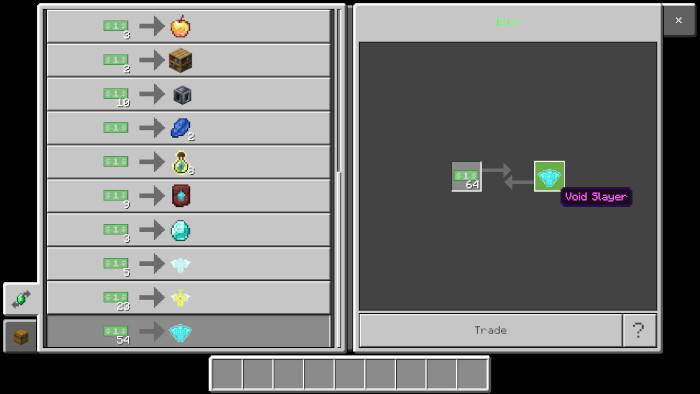
구매↴
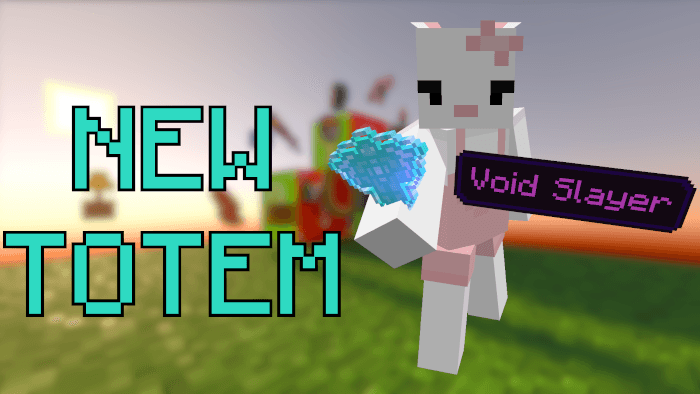
최고의 수호자가 도착했습니다(그리고 기여자의 새로운 모습)↴
행운의 나무↴
생물 군계↴
다른 섬↴
스포너↴
전체 모습↴
여기에서 저를 후원할 수 있습니다:

추가 안내: 제시된 이미지들은 이 월드에 포함되지 않은 특정 텍스처 팩을 필요로 합니다
Lucky Skyblock V5 설치 방법
With Millida Launcher
Install Millida Launcher
The launcher is free: download it at millida.net/launcher and sign in with any nickname.
Click “Install” on this page
The launcher opens and installs the map for Minecraft 26.40–26.50 automatically.
Launch the game
A profile with it appears in the launcher: click “Play”.
Manually
Download the map archive
Pick the file Lucky_Skyblock_V5.16_ft_XylaBun.mcworld (1.1 MB).
Unpack it into the saves folder
The world folder (with level.dat inside) must sit directly in .minecraft/saves.
Open the world
“Singleplayer”: the map will be in your world list.
On a server
Replace the world folder
Stop the server and put the map folder in place of world (or set its name in level-name).
Use the “To server” button
On Millida Hosting, the button at the top of the page uploads the file to your server and restarts it for you.
버전
의존성 포함
| Minecraft | 로더 | 파일 | 날짜 | 작업 |
|---|---|---|---|---|
| 26.50 | — | Lucky Skyblock V5.161.1 MB 501 | ||
| 26.40 | — | Lucky Skyblock V5.151.1 MB |
FAQ
Which Minecraft versions does Lucky Skyblock V5 work on?
There are files for 26.50, 26.40. The newest is 26.50.
Where can I download Lucky Skyblock V5 safely?
On this page: the file Lucky_Skyblock_V5.16_ft_XylaBun.mcworld (1.1 MB) is stored on Millida’s server, with no link shorteners. SHA-1 checksum: bcdd5a2ddaffe3ab96e84d9a8708f1e2f7e7f7bc.
리뷰
Lucky Skyblock V5의 첫 평가를 남겨 보세요