
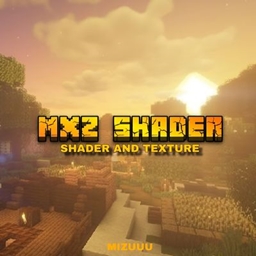
MXZ SHADER V1 リソースパックについて
This shader created so even players with low-end or "potato" devices can experience realistic visuals in Minecraft without sacrificing performance. This pack is optimized to give you smooth gameplay while still delivering beautiful lighting, textures, and atmosphere.
Whether you're using a weak phone or a powerful device, this shader has multiple settings that allow you to adjust performance based on your device.
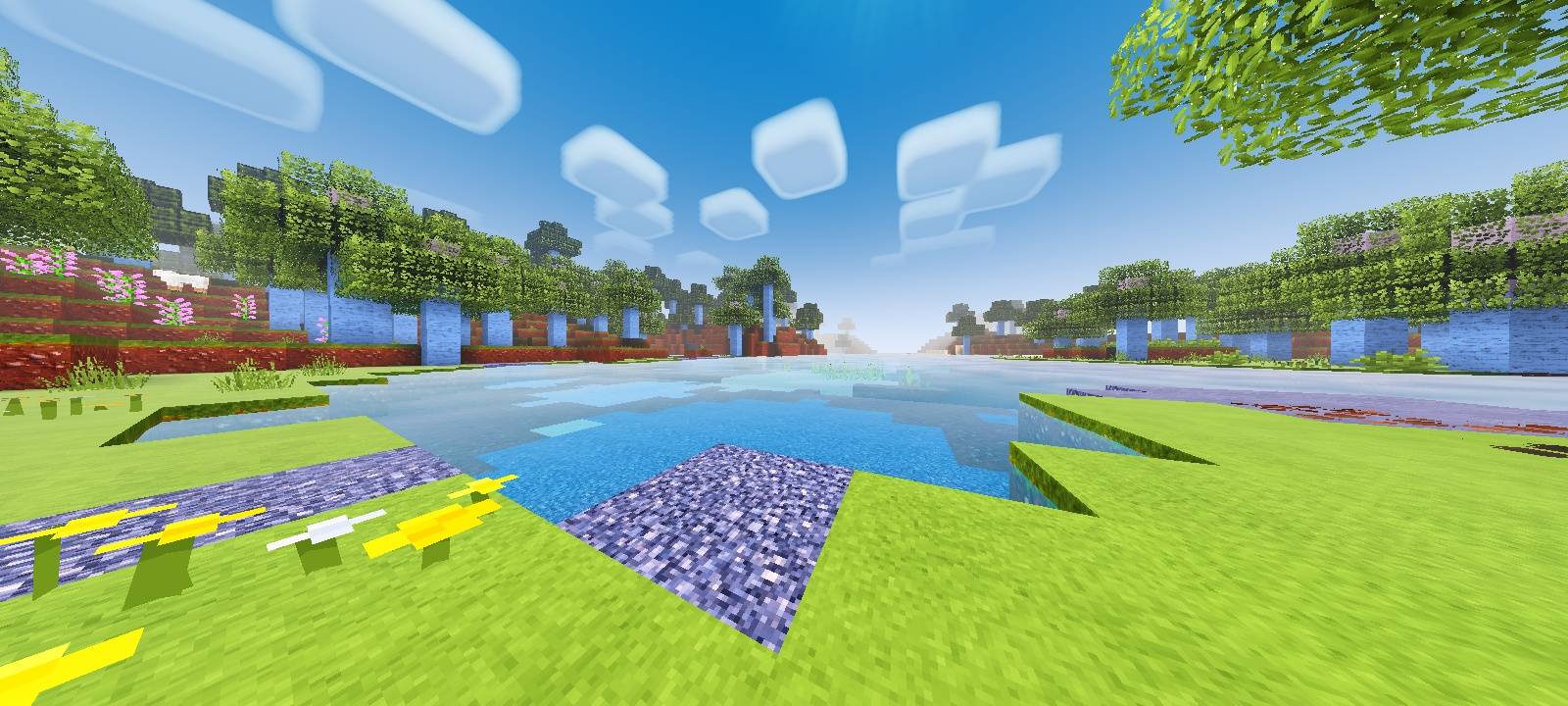
FEATURES:
• Optimized Graphics System (Lite to Full Settings)
• Built-in Performance Settings (With / Without Texture Pack)
• Custom UI & Title Design
• Custom Font Style
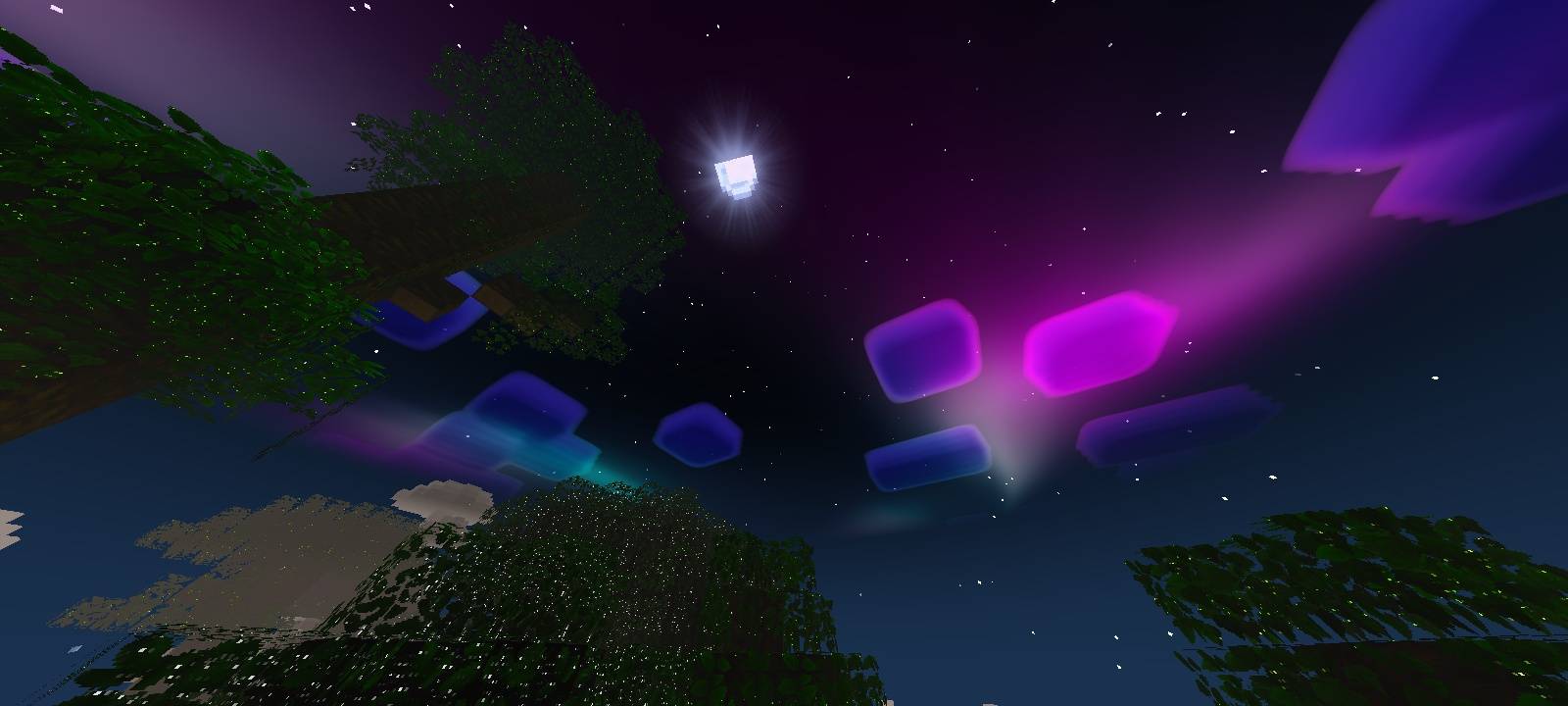
• Realistic Lighting & Atmosphere
• Smooth Performance for Low-End Devices
• High Quality 64x Texture Support
• Water & Visual Enhancements
RECOMMENDED SETTINGS:
• Low-End Devices → LITE MODE (No CLOUDS, Maximum FPS)
• Mid/HIGH-End Devices → FULL
NOTES: • If you experience lag, simply switch to a lower setting for better performance.
• This shader is designed to be flexible, so you can choose the best experience for your device.
Compatible with Bedrock 1.20.x - 1.21
Shader Pack by: MIZUUU (c) 2026
MXZ SHADER V1のインストール方法
With Millida Launcher
Install Millida Launcher
The launcher is free: download it at millida.net/launcher and sign in with any nickname.
Click “Install” on this page
The launcher opens and installs the resource pack for Minecraft 1.21.80–26.10 automatically.
Launch the game
A profile with it appears in the launcher: click “Play”.
Manually
Download the archive
Pick the file MXZ Shader V1.mcpack (59 MB) for your game version. No need to unpack it.
Put it in the resourcepacks folder
The easiest way: “Options”, then “Resource Packs”, then “Open Pack Folder”, and drag the archive there.
Enable the pack
In the same window, move the pack to the right-hand “Selected” column and click “Done”.
バージョン
依存関係あり
| Minecraft | ローダー | ファイル | 日付 | 操作 |
|---|---|---|---|---|
| 1.21.81 | — | MXZ Shader V1.mcpack59.1 MB |
FAQ
Which Minecraft versions does MXZ SHADER V1 work on?
There are files for 1.21.80–26.10, 23 versions in total. The newest is 26.10.
Where can I download MXZ SHADER V1 safely?
On this page: the file MXZ Shader V1.mcpack (59 MB) is stored on Millida’s server, with no link shorteners. SHA-1 checksum: 5ed5186cdc2fee0e6b09a62a30f73ec432fdcbfe.
レビュー
MXZ SHADER V1の最初の評価を書きませんか


